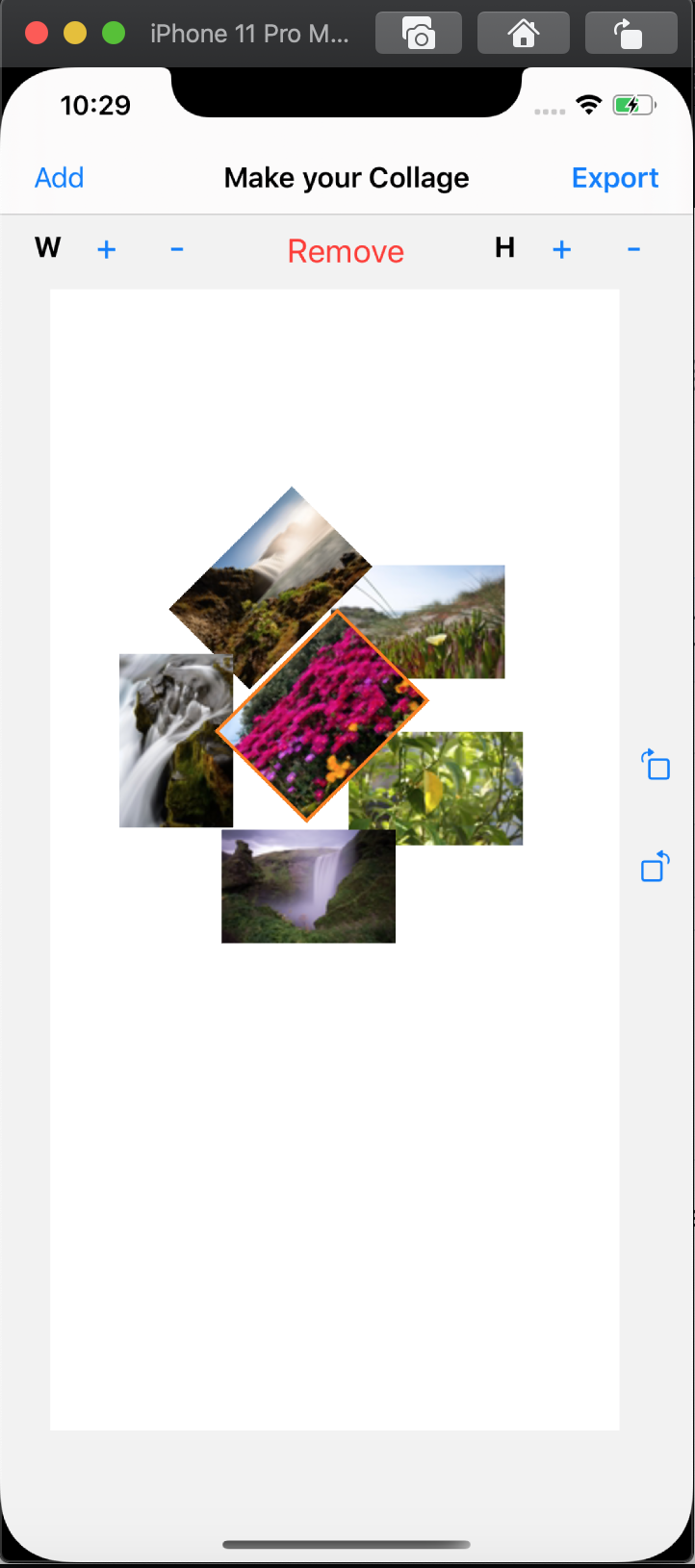
This is a simple collage maker app where you can select multiple photos from photo library, add it to the canvas and export it as an image. You can drag, rotate, scale and even remove a photo from the canvas.
-
Build the application into your iphone.
-
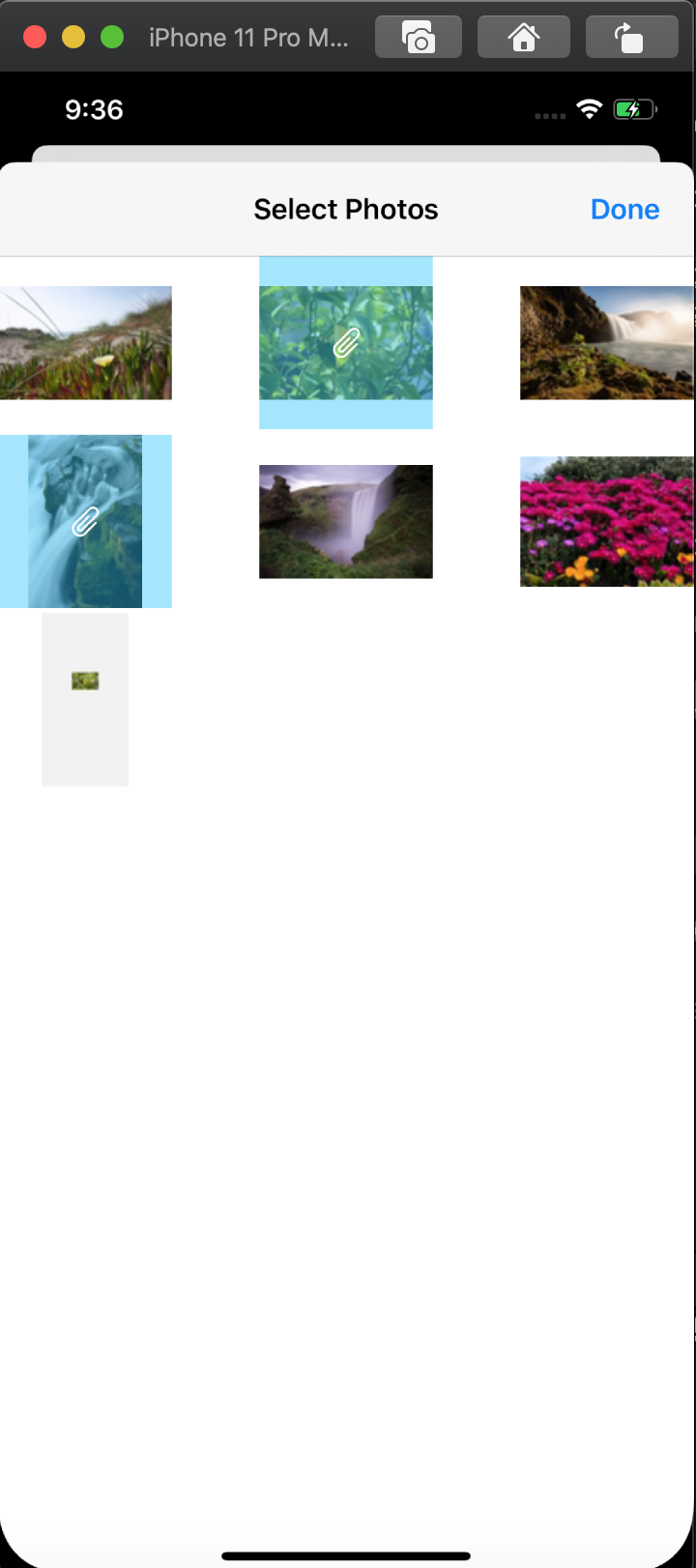
Tap on 'Add' to get photos from PhotoLibrary. Don't forget to give access the first time you launch, you'll have to delete the app and build again otherwise.
-
Select multiple photos from the library and tap on 'Done'. Now, you get your selected photos on the canvas. You can tap drag each photo within the canvas.
-
You can use two fingers to rotate and pinch to scale the image. Also there are manaual buttons to increase/decrease width and height 10 points each time you tap and to rotate right and left.
-
You can remove a photo by a single tap on it and the then tap on 'Remove' button to remove it from the canvas.
-
Now, you can tap on 'Export' button at the top right corner and select tap on 'Save Image' to save it your saved photos album, if you're using email apps in the device you can also send it as an attachment through gmail, skype or mail.