
Replies: 8 comments 8 replies

|
Hello @simonhf,
Thank you |

|
Thanks for this info. Yes, I'm running on Mac and the scrollbar must be always hidden :-( Unfortunately I mostly use the Mac with external peripherals so the touchpad option isn't so useful for me :-( Thanks for addressing this issue in the next release which I'll keep an eye out for! :-) |
|
Horizontal scroll bar fix is released in version 1.3.0 😊 Anthony |
|
Thanks for the update @alagrede! When will version 1.3.0 be released? Releases [1] only shows version 1.2.0 and the Mac app store only shows version 1.1.9... |
|
Yes sorry, I always update first Znote Lab here: https://znote.io/ |

|
@alagrede Thanks for the extra info! :-) I'll give it a try :-) |
|
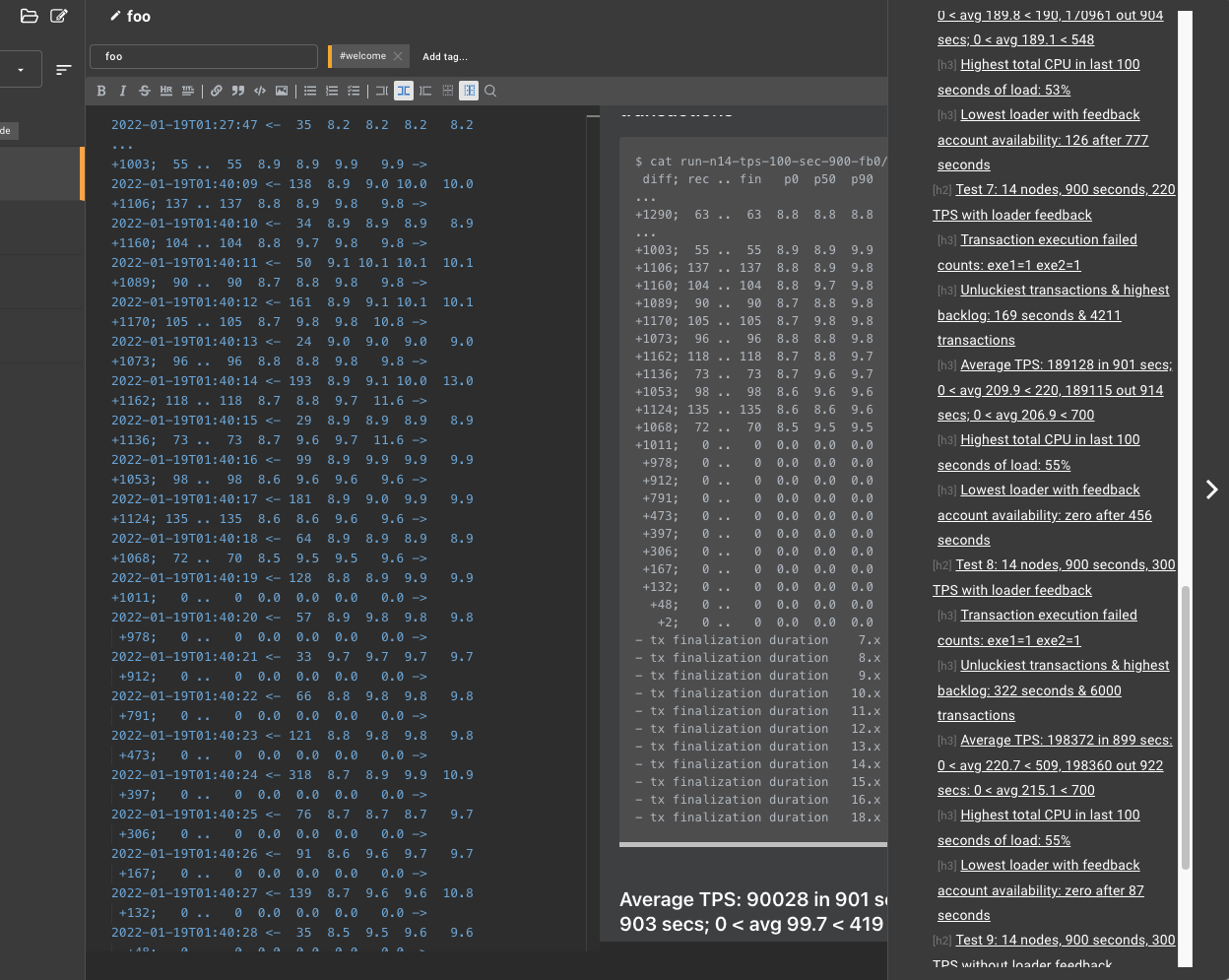
@alagrede I really like the new output panel for navigating the outline, but I have two issues with it:
Here's my wish list for tweaking the outline :-)
Also, is it possible to change the behaviour of the main editing window to enable or disable wrapping of longer lines somehow? As you can see in my screen shot, the lines are being wrapping and it makes the lines more confusing and difficult to navigate and edit. Hope this helps! And thanks again for adding this feature! :-) |

|
Haha it seems I still have lot of work to do 😝. I'm happy you find the new outline panel useful. Thanks to your feedback, I figure out your issue. I will update the panel to be more readable with long titles in my next releases. Anthony |
|
Thanks @alagrede ! I'll keep an eye out for new releases :-) |
|
@alagrede... I was just checking [1] for new releases and happy to see so many new releases :-) I hope the features above will make it in at some point because they are the only thing stopping me from switching to znote-app :-) |
|
Hi @simonhf, thanks for your feedback. We are continuously improving the app 😊
Resizing the outline panel and giving it a static position next to the note content without overlapping is a lot trickier to do. But it will come! Thank you for your understanding. |
|
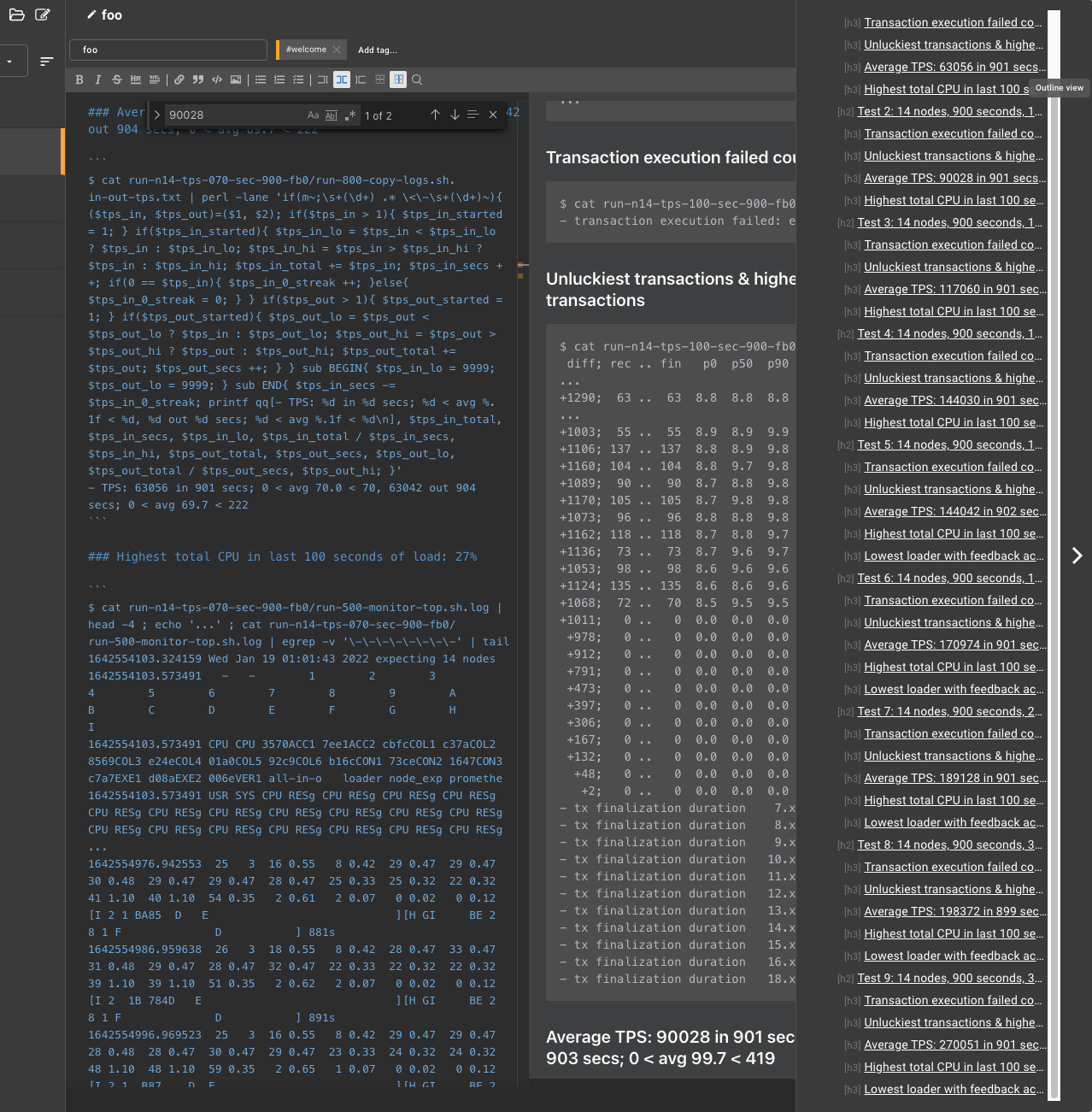
The outline panel looks so much neater now... thanks! :-)
|
|
Thank you 😊 |
BTW this question fell between the cracks somehow :-) Ideally there would be an easy way somehow to toggle between line wrapping and non-wrapping? I'm also not sure if a non-wrapping editing mode exists for the main editing window :-) |


Uh oh!
There was an error while loading. Please reload this page.
If I created a mark down block wider than the preview, e.g.:
How to enable a horizontal scroll bar to view the non-wrapping text off the right edge?
All reactions