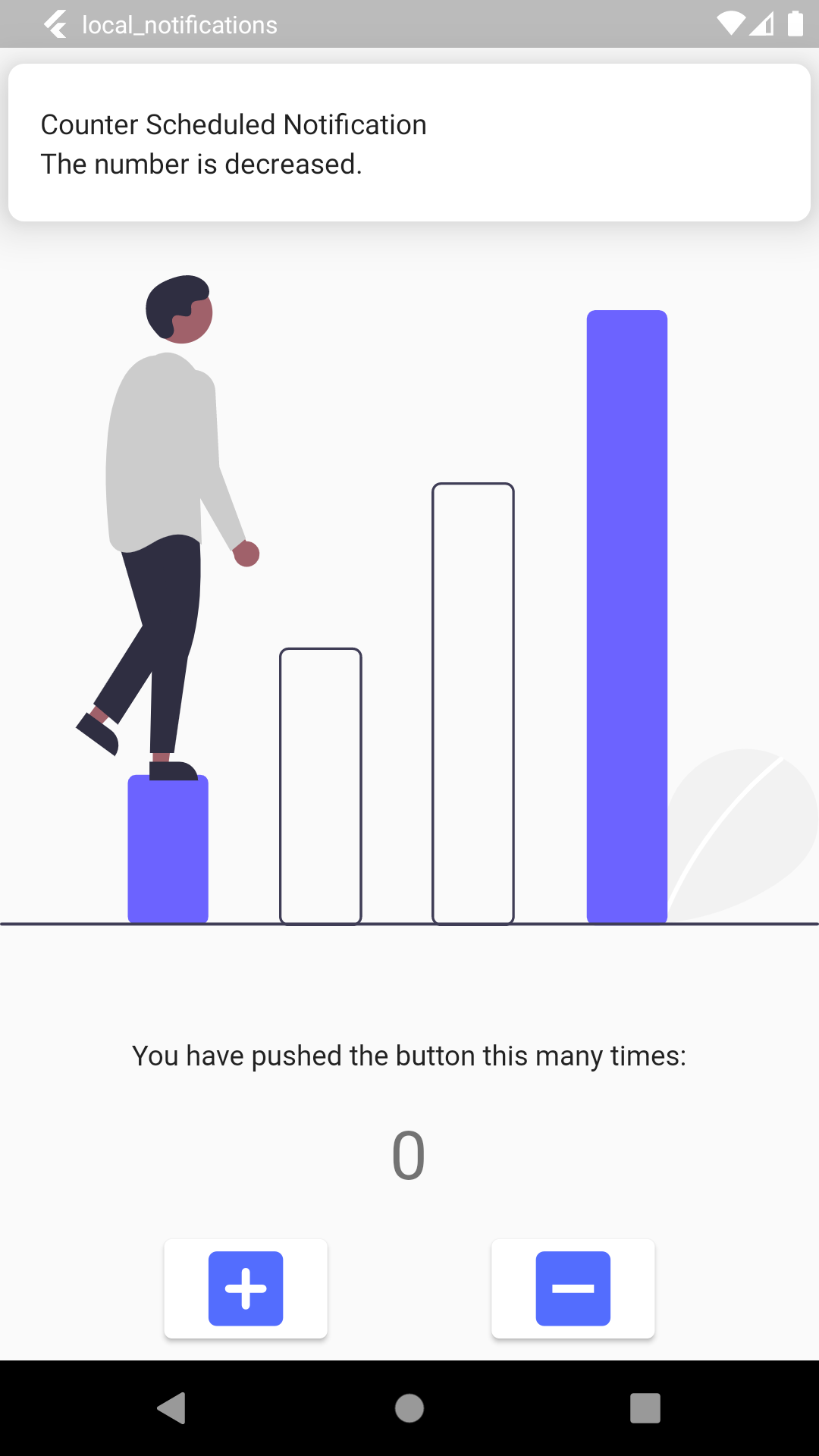
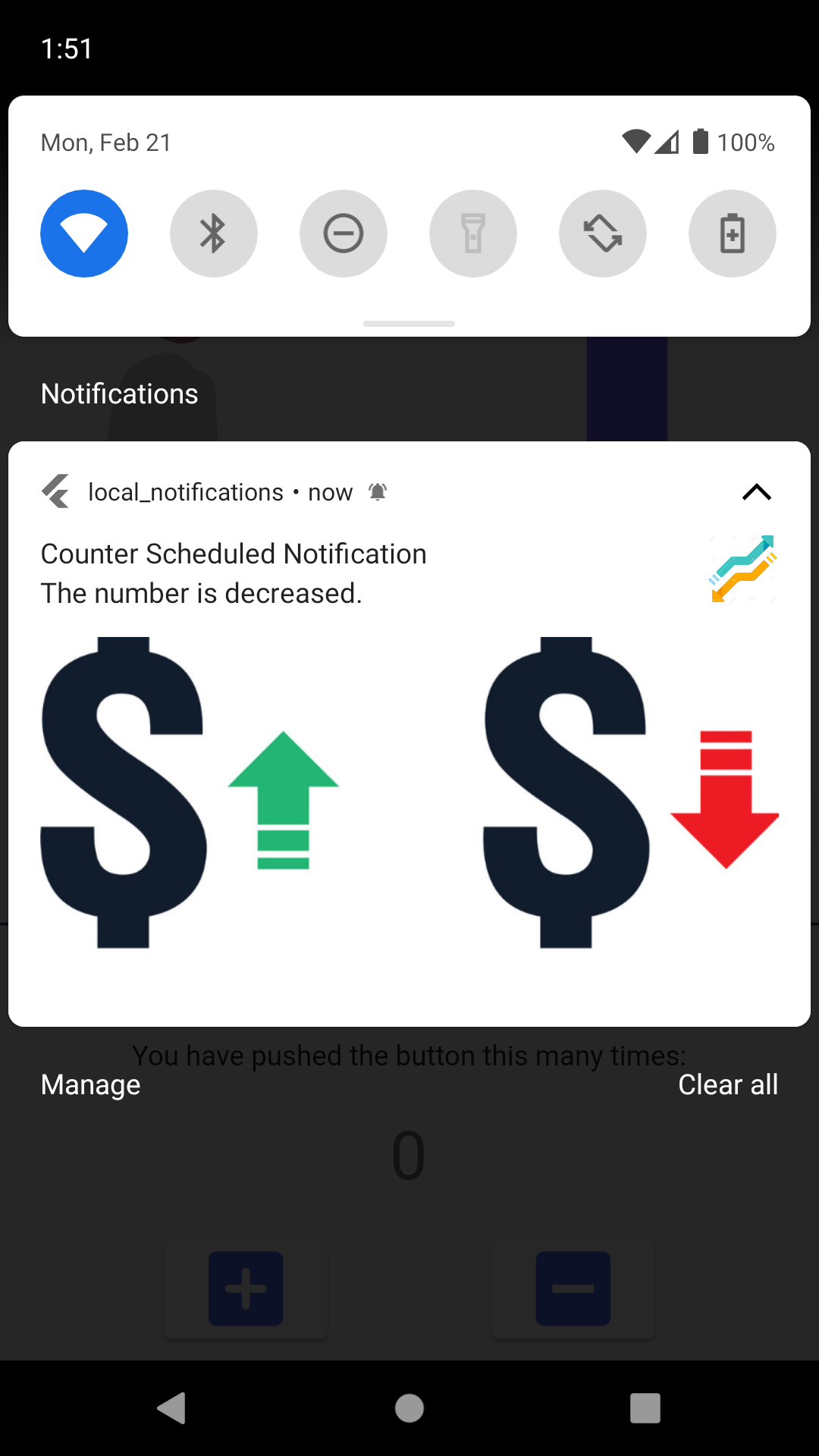
This repo is a tutorial for local and firebase notifications in flutter.
 |
 |
 |
 |
 |
 |
      _notifications.zonedSchedule(
        id,
        title,
        body,
        _scheduleDaily(Time(8)), // 8am morning daily
        await _notificationDetails(),
        payload: payload,
        androidAllowWhileIdle: true,
        uiLocalNotificationDateInterpretation:
            UILocalNotificationDateInterpretation.absoluteTime,
     matchDateTimeComponents: DateTimeComponents.time,
      );

  static tz.TZDateTime _scheduleDaily(Time time) {
    final now = tz.TZDateTime.now(tz.local);
    final scheduledDate = tz.TZDateTime(
      tz.local,
      now.year,
      now.month,
      now.year,
      time.hour,
      time.minute,
      time.second,
    );
    return scheduledDate.isBefore(now)
        ? scheduledDate.add(Duration(days:1))
        : scheduledDate;
  }
      id,
      title,
      body,
      _scheduleWeekly(Time(8), days: [DateTime.monday, DateTime.tuesday]),
      // weekly 8am morning
      // _scheduleDaily(Time(8)), // 8am morning daily
      await _notificationDetails(),
      payload: payload,
      androidAllowWhileIdle: true,
      uiLocalNotificationDateInterpretation:
          UILocalNotificationDateInterpretation.absoluteTime,
      // matchDateTimeComponents: DateTimeComponents.time,
    );

//  Daily Notification for next morning
static tz.TZDateTime _scheduleDaily(Time time) {
  final now = tz.TZDateTime.now(tz.local);
  final scheduledDate = tz.TZDateTime(
    tz.local,
    now.year,
    now.month,
    now.year,
    time.hour,
    time.minute,
    time.second,
  );
  return scheduledDate.isBefore(now)
      ? scheduledDate.add(Duration(days: 1))
      : scheduledDate;
}

// Weekly Notification for next tuesday
static tz.TZDateTime _scheduleWeekly(Time time, {required List<int> days}) {
  tz.TZDateTime scheduledDate = _scheduleDaily(time);

  while (!days.contains(scheduledDate.weekday)) {
    scheduledDate = scheduledDate.add(Duration(days: 1));
  }
  return scheduledDate;
}
- flutter_svg: ^1.0.3
- flutter_local_notifications: ^9.3.2
- rxdart: ^0.27.3
- timezone: ^0.8.0
- flutter_native_timezone: ^2.0.0
- path_provider: ^2.0.9
- http: ^0.13.4
 |
 |
 |
- flutter_svg: ^1.0.3
- flutter_local_notifications: ^9.3.2
- firebase_core: ^1.12.0
- firebase_messaging: ^11.2.6
git clone https://github.com/Aleynaesr/flutter-push-notifications.git
- After cloning install packages using below syntax:
flutter pub get
-
Above command will install all the necessary packages.
-
Add below codes to AndroidManifest.xml
  android:showWhenLocked="true"
  android:turnScreenOn="true"
- Add below codes to AppDelegate.swift
   if #available(iOS 10.0, *) {
      UNUserNotificationCenter.current().delegate = self as? UNUserNotificationCenterDelegate
    }
- Run the app on your mobile emulator using below command:
flutter run
Thank you happy coding 🎈