- Create or convert a music file to .wav file (because java doesn't support any other type of music files.
- After converting that just copy that file and paste it on your package file.
- If you are using Eclipse ID then it would be more easy.
- After pasting that music file into your package file, just go to my repository and copy my code and paste it.
- Then just change the music file where I have given - At line no. 10 'File file = new File("REal.wav"); ', Here you can see here that my file name is REal.wav so change it according to your music file.
- Then Just run the code and enjoy, Have fun !
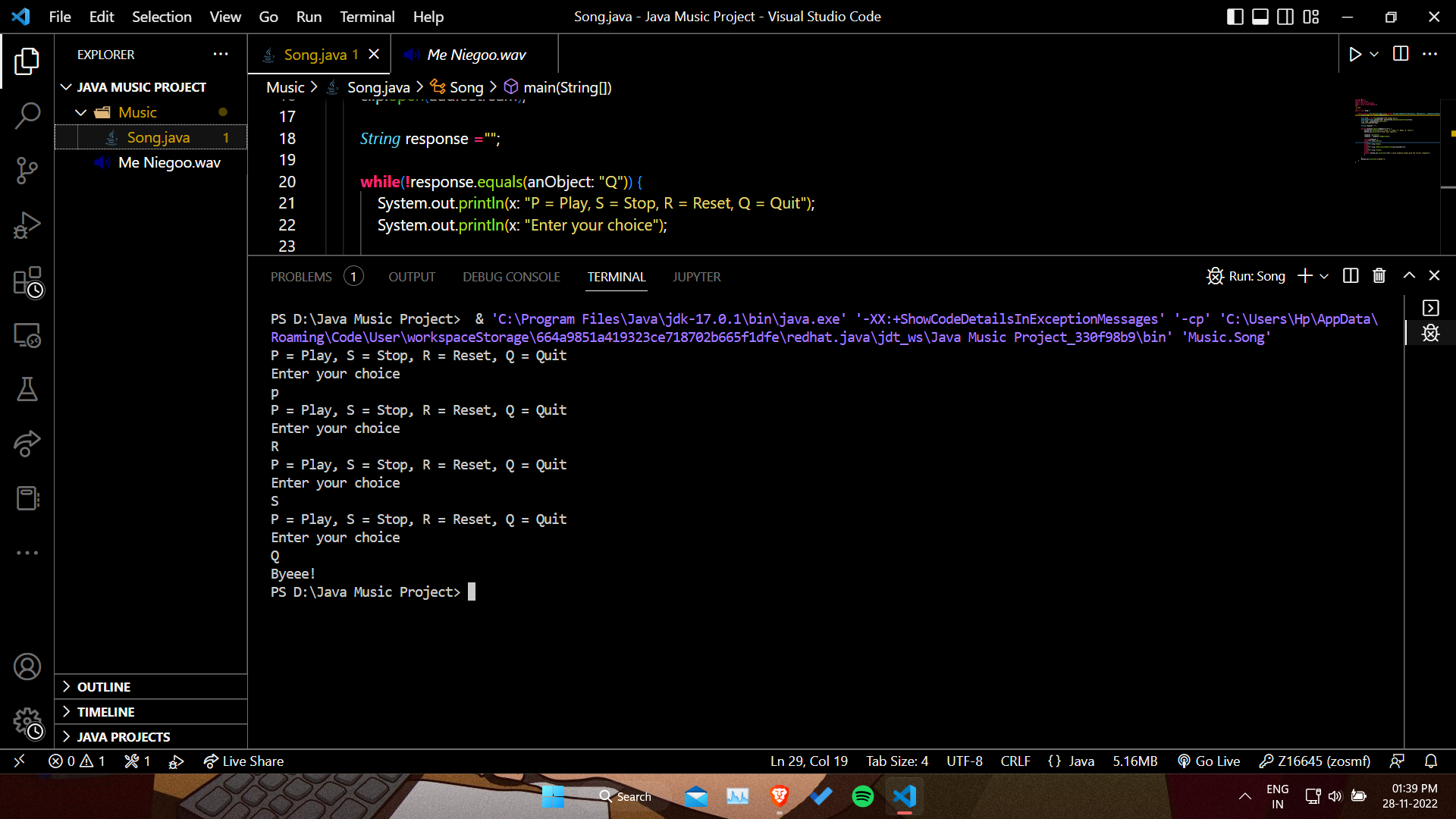
This is how it looks like -
👇🏻👇🏻