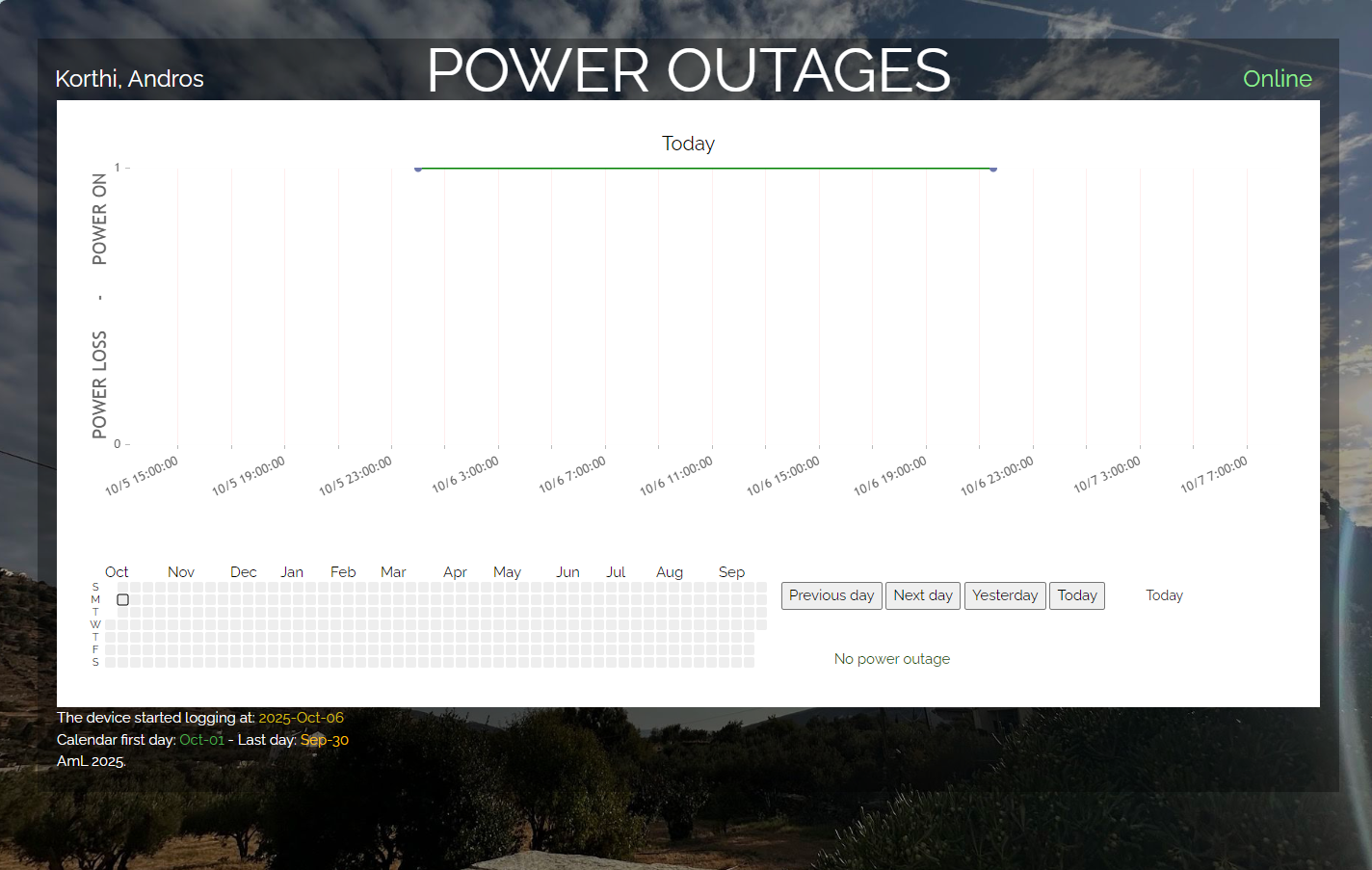
A working site here: https://korthi.andros.aml.one/
- Raspberry Pi
- a relay (preferably low power + power brick)
- a webserver
- and either a UPS or a PowerBank to keep the Raspberry Pi running during blackout
There is two separated folder:
- www - that will go on the webserver
- Raspberry Pi - those will go on the Raspberry Pi
You would need to have PHP8.x and a MariaDB or a MySQL server running on the webserver. Thre is a default database schema for starter in the file called: mysql_empty_database.sql Do not forget to setup your database credentials in the /lib/_config.php file.
Use Raspbian with Python 3 installed on it.
Replace the WEBADDRESS.COM to your domain name in the pm.py and db_reader.py file.
Do not forget to connect Raspberry Pi to a powersource UPS, or PowerBank which can keep it running, during a power outage.
Open crontab_content_pi file, and copy the contents to your pi's crontab. To edit crontab use the command on the pi's terminal: crontab -e
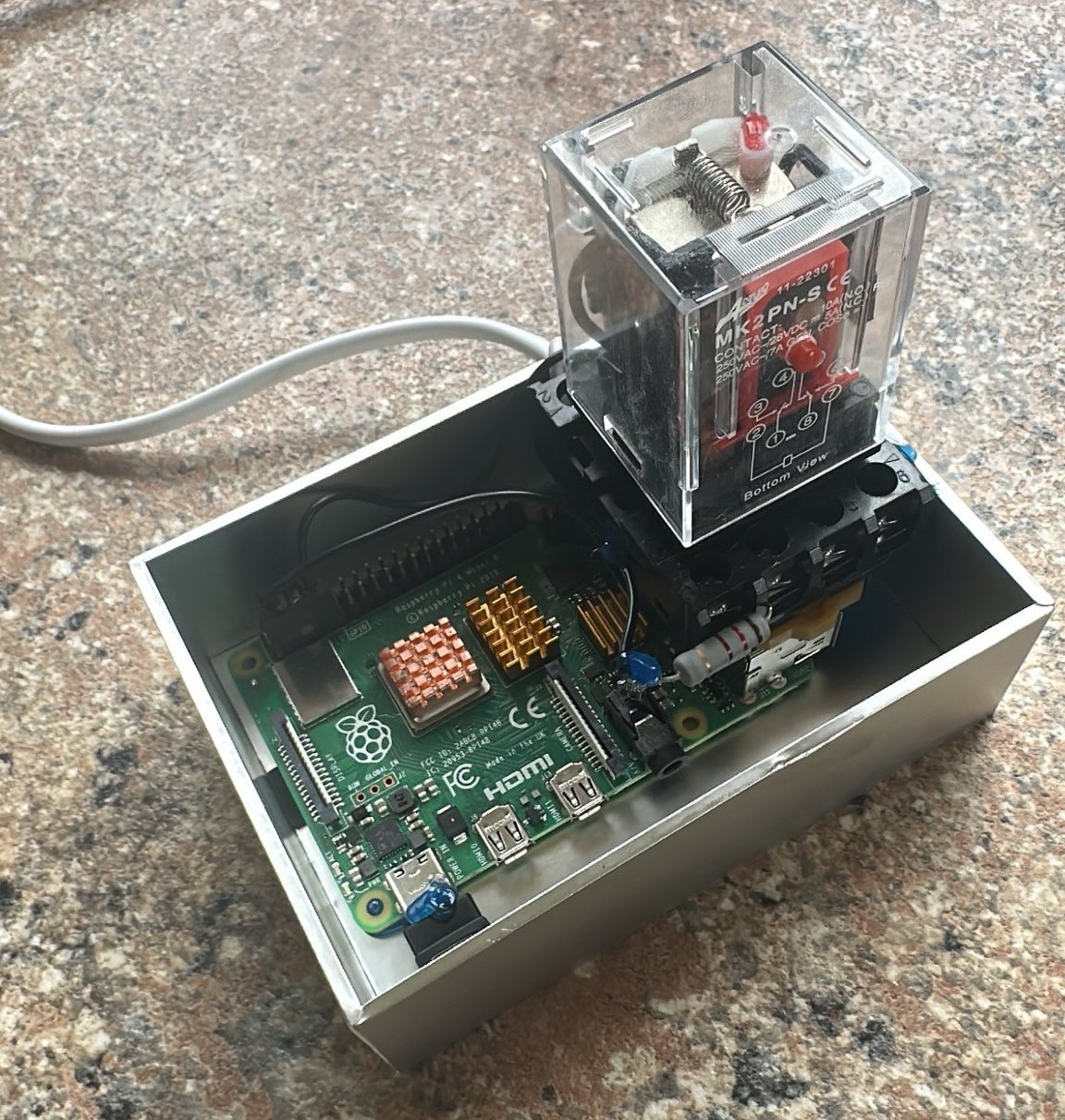
Connect the relay the following way:
-
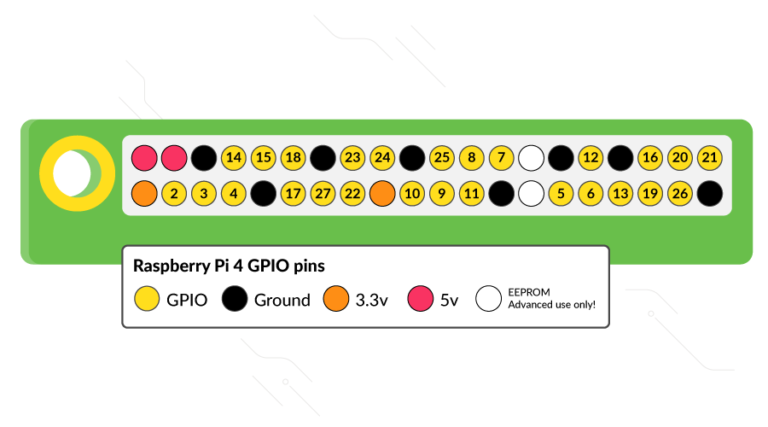
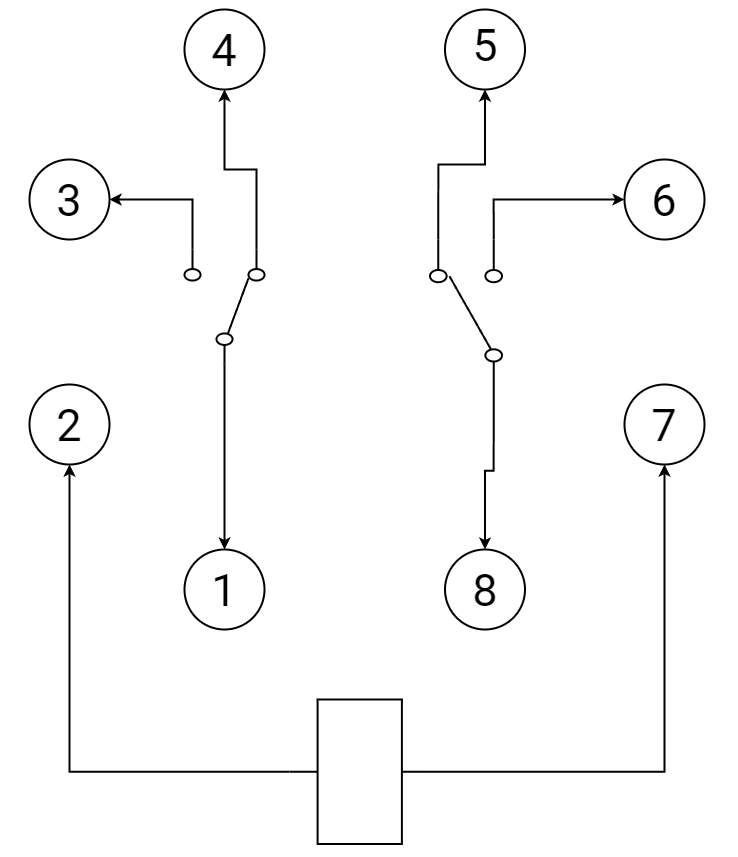
when the relay is not powered, then its connecting the GPIO pins #2 and one of the GROUND (black dot on picture below) pins together.
-
when the relay is powered, there is no connection between the two pins mentioned above.
-
I connected the relay pin 1 to the Raspberry Pi ground pin, and relay pin 4 connected to GPIO pin #2 on the Raspberry Pi
Connect the relay power brick to an outlet which will loose power during power outage.