An Awesome Calculator build using HTML, CSS & JavaScript with light and dark mode feature. Feel free to check out the code and don't forget to star the repo.⭐
Live Demo click 👉 https://calculator-amnesh.netlify.app/ 🔥
This is the 1th project for Front-End Development.
Completed On: 1 Dec 2022 Last Updated: 4 jan 2023
Build an app that is functionally similar to this: https://calculator-amnesh.netlify.app/
Rule #1: Don't look at the example project's code. Figure it out for yourself.
Rule #2: Fulfill the below user stories. Use whichever libraries or APIs you need. Give it your own personal style.
I can add, subtract, multiply and divide two numbers. I can clear the input field with a clear button. I can keep chaining mathematical operations together until I hit the equal button, and the calculator will tell me the correct output. My Work
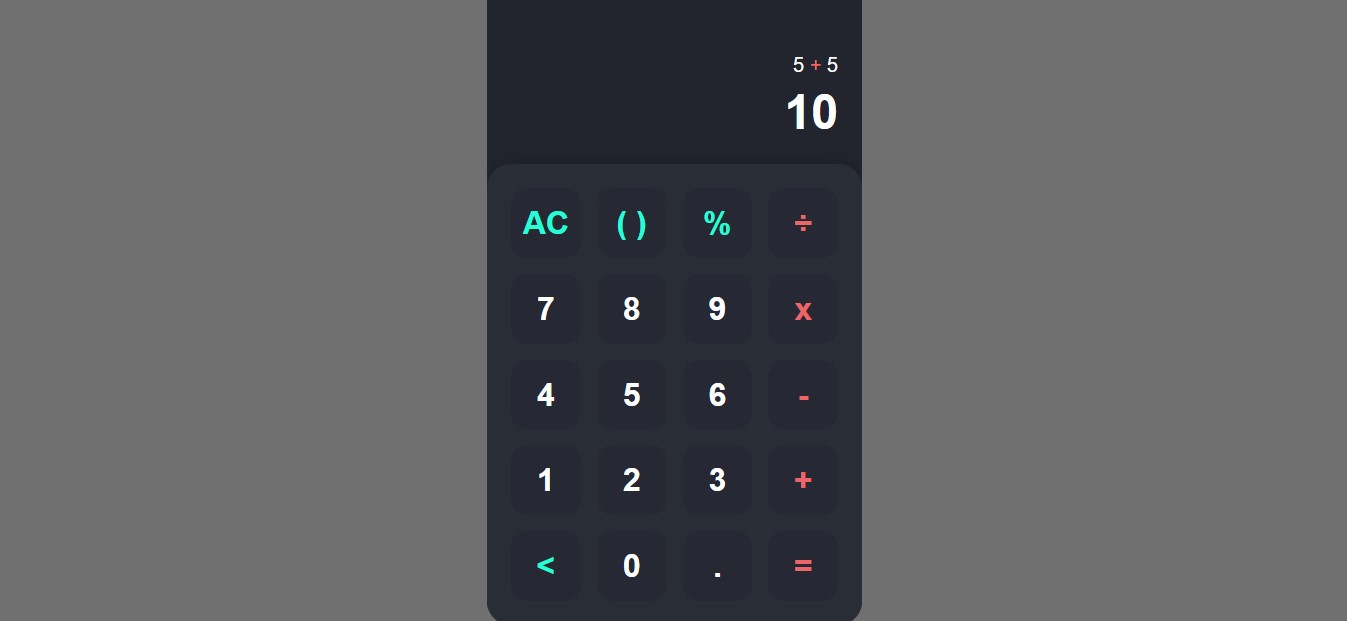
Download the entire repository. Open up the index.html or Run LocalHost: on VsCode.
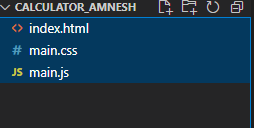
HTML CSS [for style/Presentation] Javascript [for Logic/Working of calculator]
Run project: open live server.
Amnesh pal😎
If you want to contact me, you can reach me through below handles.
. amneshpal016@gmail.com
. 7668775454
.
<title>Calculator</title><div class="app">
<div class="calculator">
<div class="display">
<div class="content">
<div class="input"></div>
<div class="output"></div>
</div>
</div>
<div class="keys">
<div data-key="clear" class="key action">
<span>AC</span>
</div>
<div data-key="brackets" class="key action">
<span>( )</span>
</div>
<div data-key="%" class="key action">
<span>%</span>
</div>
<div data-key="/" class="key operator">
<span>÷</span>
</div>
<div data-key="7" class="key">
<span>7</span>
</div>
<div data-key="8" class="key">
<span>8</span>
</div>
<div data-key="9" class="key">
<span>9</span>
</div>
<div data-key="*" class="key operator">
<span>x</span>
</div>
<div data-key="4" class="key">
<span>4</span>
</div>
<div data-key="5" class="key">
<span>5</span>
</div>
<div data-key="6" class="key">
<span>6</span>
</div>
<div data-key="-" class="key operator">
<span>-</span>
</div>
<div data-key="1" class="key">
<span>1</span>
</div>
<div data-key="2" class="key">
<span>2</span>
</div>
<div data-key="3" class="key">
<span>3</span>
</div>
<div data-key="+" class="key operator">
<span>+</span>
</div>
<div data-key="backspace" class="key action">
<span><</span>
</div>
<div data-key="0" class="key">
<span>0</span>
</div>
<div data-key="." class="key">
<span>.</span>
</div>
<div data-key="=" class="key operator">
<span>=</span>
</div>
</div>
</div>
</div>
<script src="main.js"></script>
</body>
</html>