Repository navigation
-
Game Workflow
- Intro and Start Menu
- In Game Screens
- Level Completed
- Game Over Screen
-
HUD Analysis
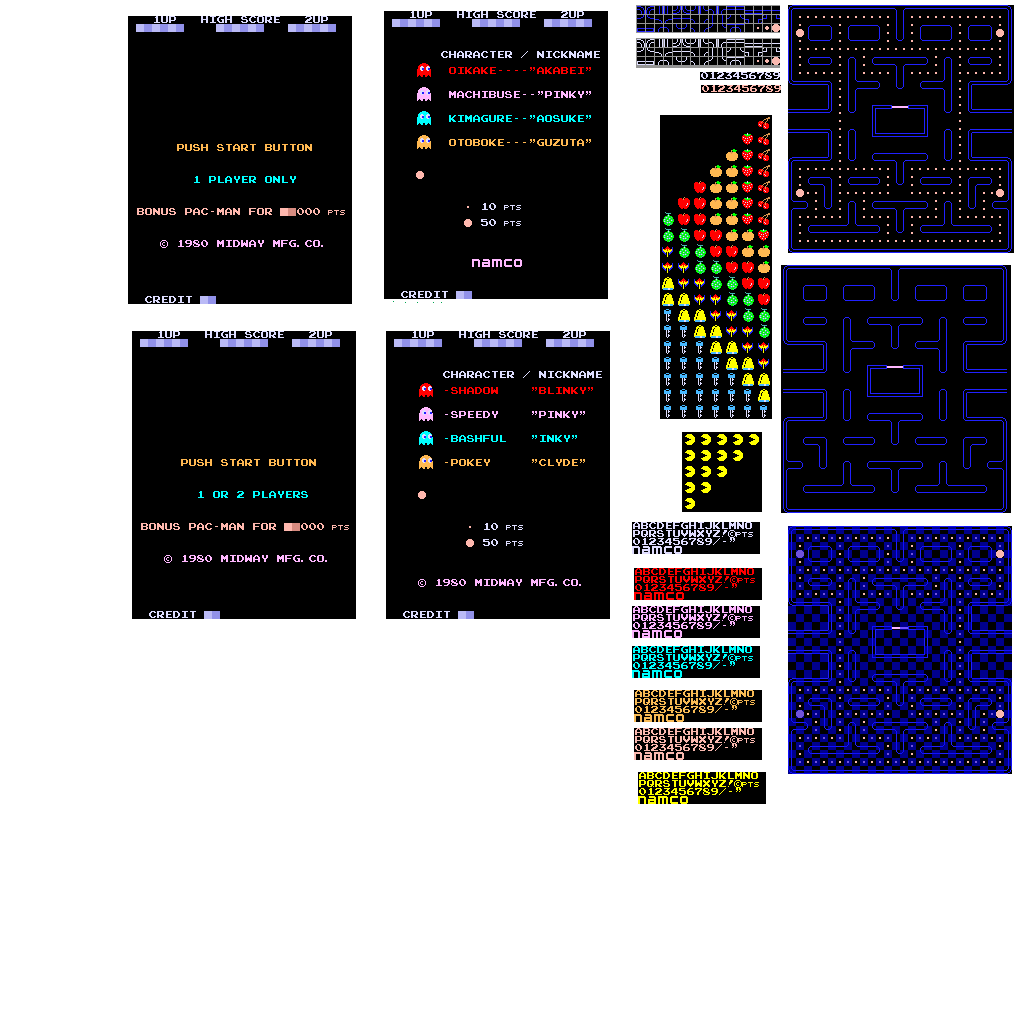
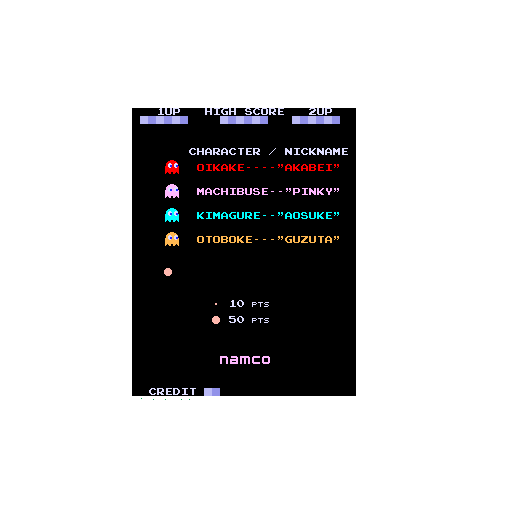
The game starts with a looped animation of Pac-Man escaping from the ghosts and then eating a Power Pellet, an energizer that powers up Pac-Man. Once it eats the energizer, it goes after the ghosts to eat and defeat them. Alongside this, in this screen they also present the enemies with their names and nicknames, both in Japanese and English. There also appears the high score and it tells the player how many points are the Pac-Dots and Power Pellet worth.
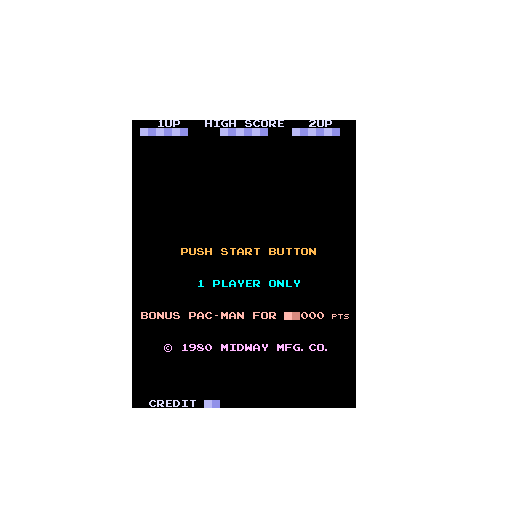
When you insert a coin, the menu changes to another one where it tells you to "push start button" to start the game, the number of players (if there is only one credit, it will say "1 player only" but if there is more than one credit, it will give you the option of "1 or 2 players". Then, when the "START" button is pressed, it sends the player to the game screen.


When the player finishes a level, the maze colors flicker between blue and white.

When the player loses all their lifes, the text "GAME OVER" appears on screen and a few seconds later it returns to the intro menu.


Light blue color: it shows which player's turn it is (1UP is "Player one's turn", and 2UP is "Player two's turn) and that player's score.
Red color: it shows the high score.
Green color: it shows how many lifes left the player has.
Yellow color: it shows how many fruits the player has eaten.