Project Report
Name-Anshul Singh
Class-CS-I
Enroll.no.-1810DMTCYFS03225
Objective
The name quite explains the scenario of this school database management system project. That is the purpose of this project. The major task of this project is to store the students as well as the teachers and other employee’s record. You will provide the details of each and every section of the data fields. So that the system can store your accurate information. There are basically three sections in this project i.e. they are the teachers, students, and employees of the school.
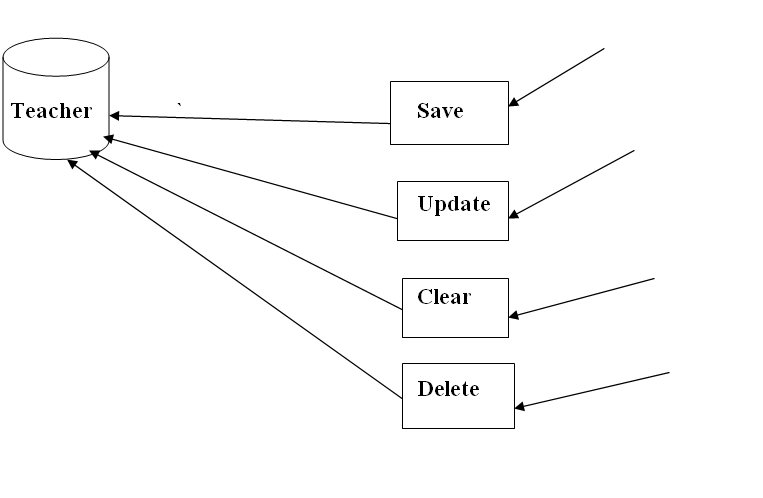
Into the Teacher’s section, you can just only pass the teacher’s details. Here, you will have to provide his/her personal details and the post that they are in. Like if he/she is the principal or regular teacher like parameters. And into the student’s section, you have to provide the details of the students.
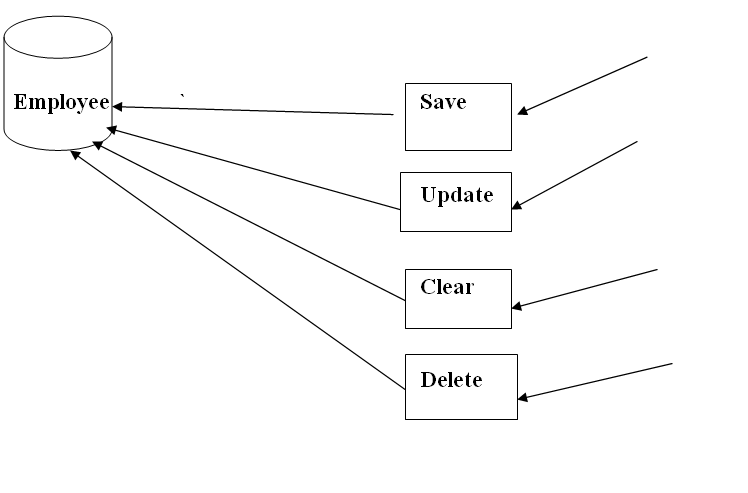
Lastly, you can manage your school employees and their records. You can check their status and positions on which they are in.
Users Of System
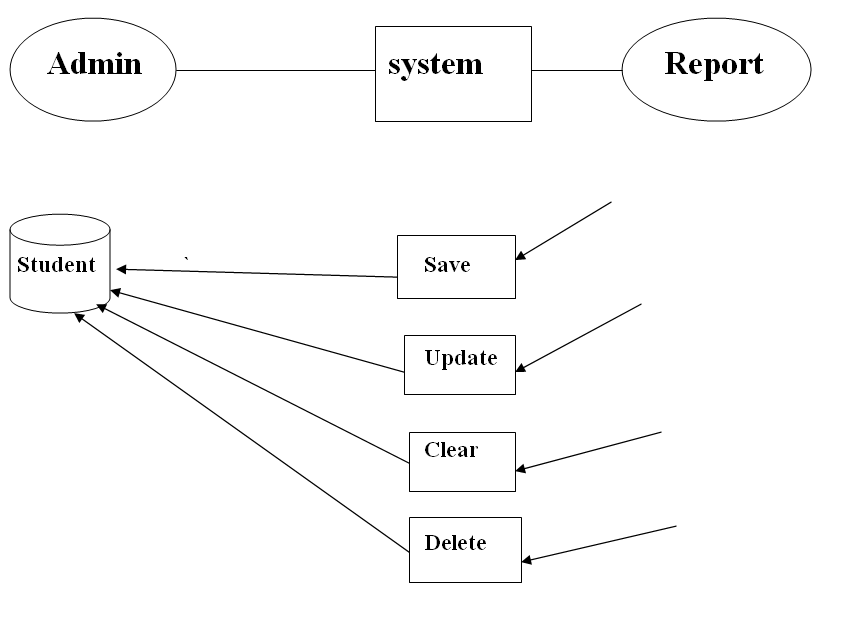
The project allows the only admin to enter the information of student ,teacher and the employees.
This is the admin hand project here only admin can use this project
Functional Requirments of users
EXISTING SYSTEM:
System Analysis is a detailed study of the various operations performed by a system and their relationships within and outside of the system. Here the key question is- what all problems exist in the present system? What must be done to solve the problem? Analysis begins when a user or manager begins a study of the program using existing system.
During analysis, data collected on the various files, decision points and transactions handled by the present system. The commonly used tools in the system are Data Flow Diagram, interviews, etc. Training, experience and common sense are required for collection of relevant information needed to develop the system. A good analysis model should provide not only the mechanisms of problem understanding but also the frame work of the solution. Thus, it should be studied thoroughly by collecting data about the system. Then the proposed system should be analyzed thoroughly in accordance with the needs.
System analysis can be categorized into four parts.
✓ System planning and initial investigation
✓ Information Gathering
✓ Applying analysis tools for structured analysis
✓ Feasibility study
✓ Cost/ Benefit analysis.
In the current system we need to keep a number of records related to the student and want to enter the details of the student and the marks manually. In this system only, the teacher or the school authority views the mark of the student and they want to enter the details of the student. This is time consuming and has much cost.
PROPOSED SYSTEM
: In our proposed system we have the provision for adding the details of the students by themselves. So, the overhead of the school authorities and the teachers is become less. Another advantage of the system is that it is very easy to edit the details of the student and delete a student when it found unnecessary. The marks of the student are added in the database and so students can also view the marks whenever they want.
Our proposed system has several advantages
• User friendly interface
• Fast access to database
• Less error
• More Storage Capacity
• Search facility
• Look and Feel Environment
• Quick transaction All the manual difficulties in managing the student details in a school or college have been rectified by implementing computerization.
Tools Used
The following tools has been used to make this project:
1.Netbeans IDE
2.Xampp Server(For my sql database)
Technology used
The following java project is made by using following techniques:
Language : HTML, CSS, PHP, Xml,Swing,Awt,Jdbc
Database : MySQL
Functions of project (How project works)
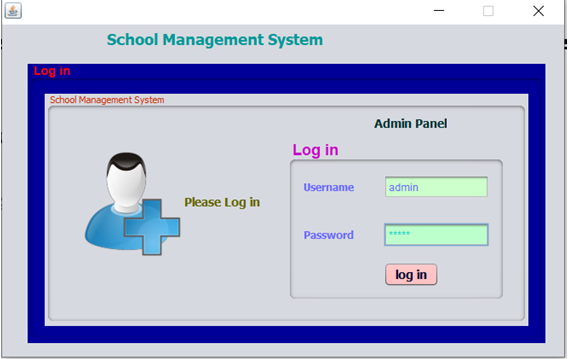
1.Login page:
The user id and password has been inserted in the database. Without that the login cant be done
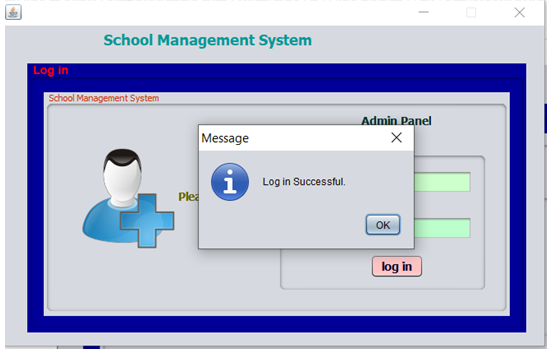
With the right username and password login is succesfull.
This window opens after logging in
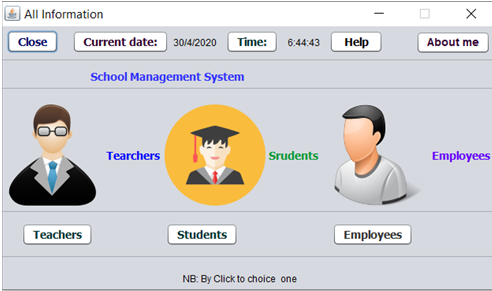
- The Teachers Section
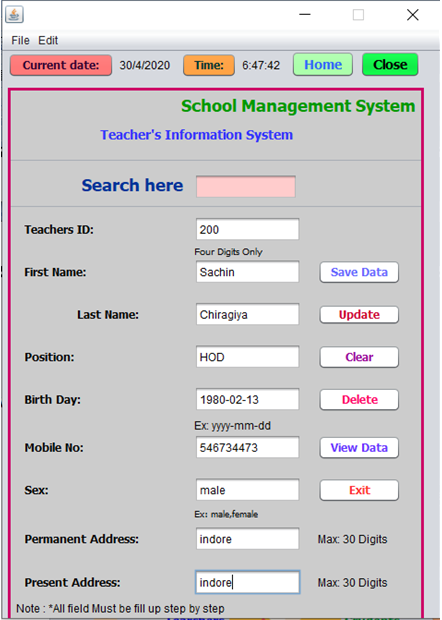
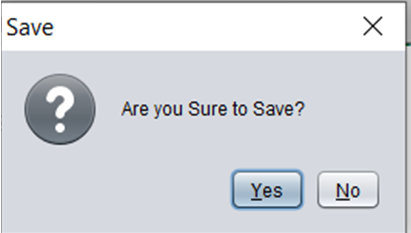
On clicking the save data the data is saved
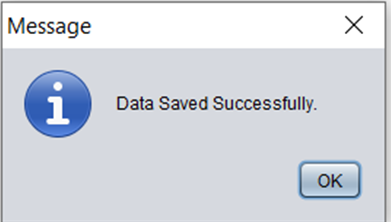
On clicking ok
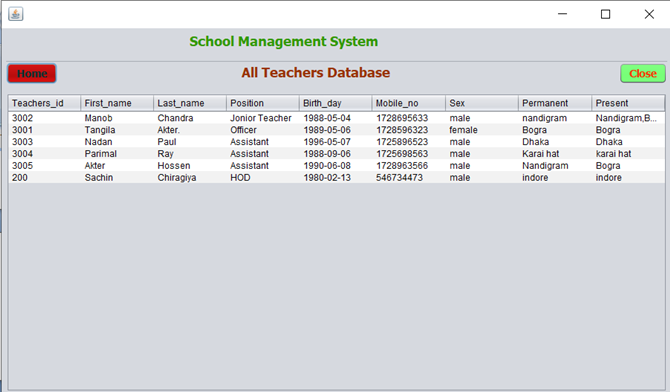
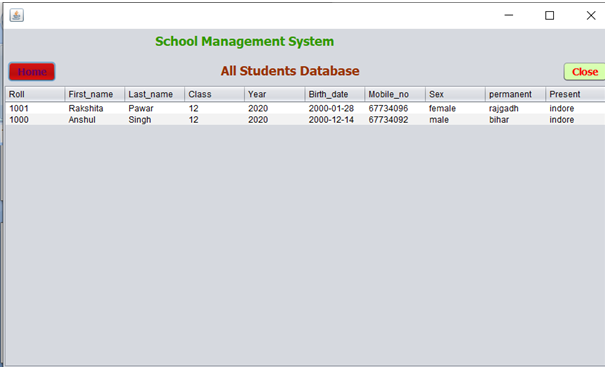
Now the data can be seen in the view data option:
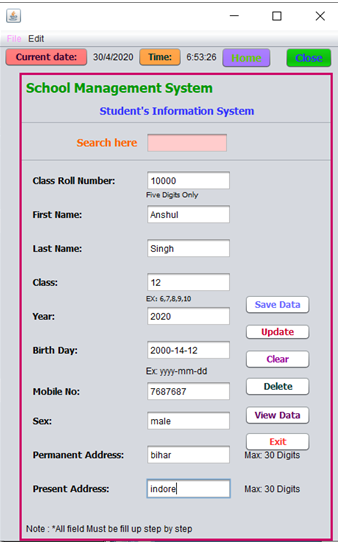
- The Student Option
Same thing is with the student option
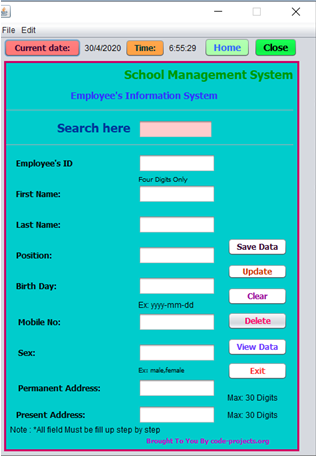
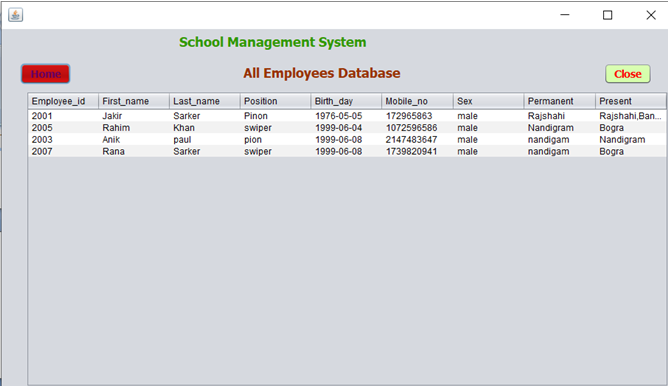
- The employee option
The Search option
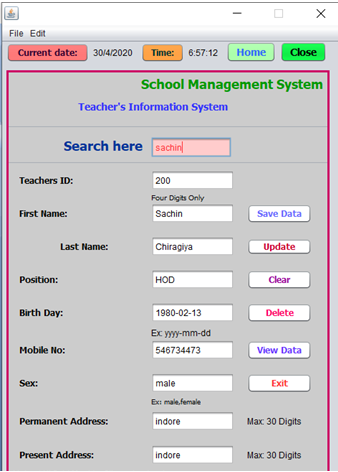
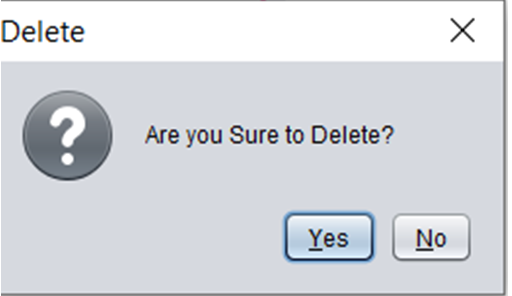
Delete option
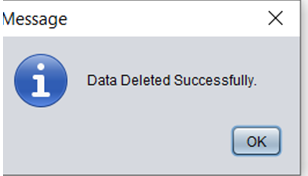
On clicking ok
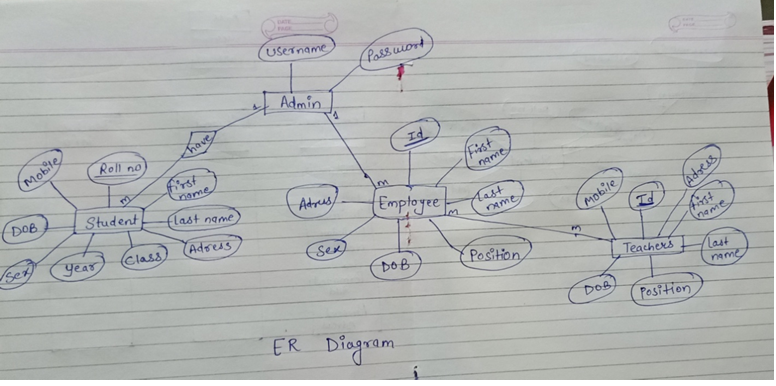
ER Diagram:
Data flowDiagram:
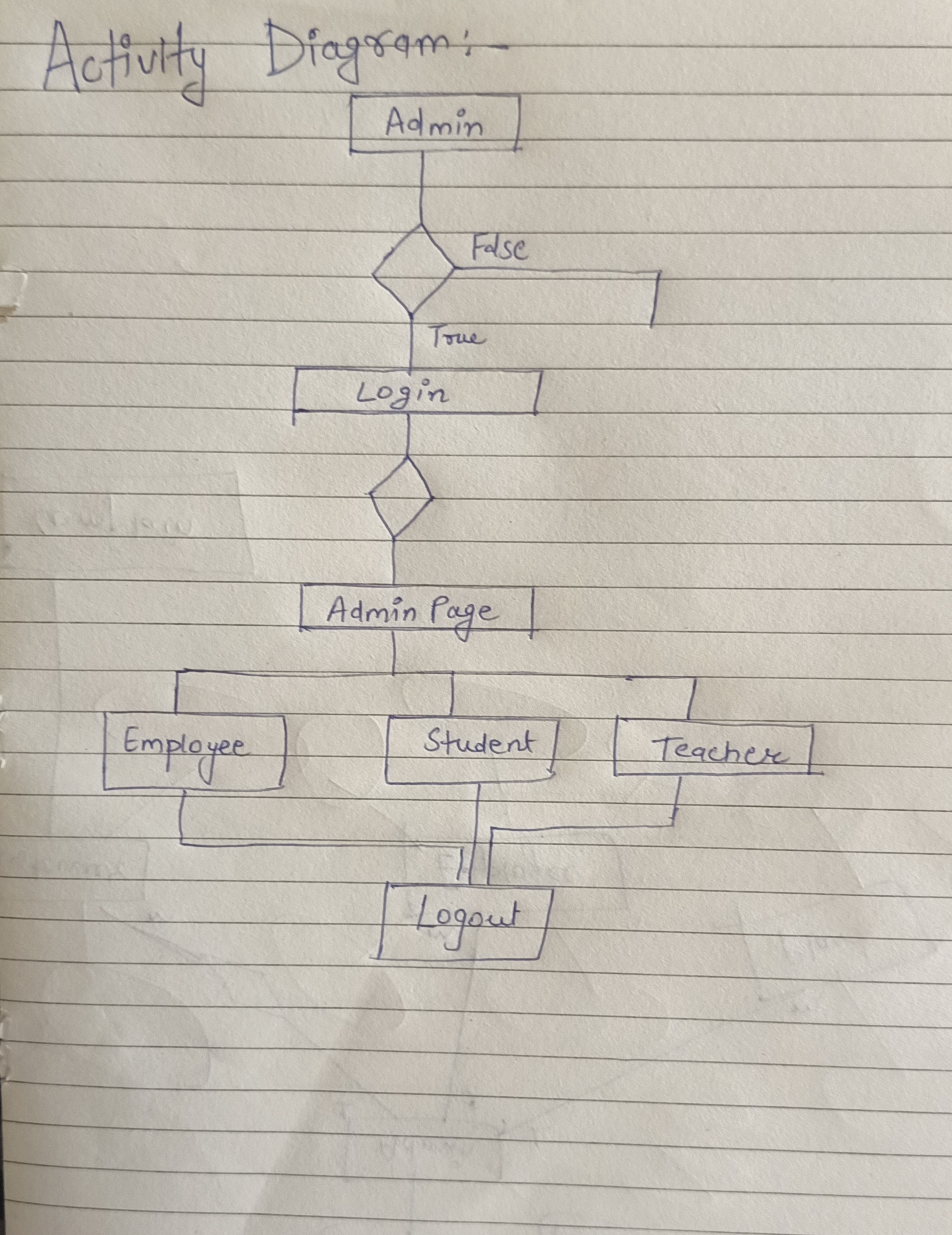
 Activity Diagram: