BIGTOP-3728: Docker dev/test env for centos7 #940
Merged
Conversation
This file contains hidden or bidirectional Unicode text that may be interpreted or compiled differently than what appears below. To review, open the file in an editor that reveals hidden Unicode characters.
Learn more about bidirectional Unicode characters


Contributor
|
+1, It work well on my centos7 machine. |


guyuqi
reviewed
Jul 11, 2022
bigtop-packages/src/common/bigtop-ambari-mpack/dev-support/docker/centos7/build-docker.sh
Outdated
Show resolved
Hide resolved


Member
|
It's pretty convenient for us to test Mapck. Verified it on x86.
But there is something tricky on Arm64 that the So the issues occurred: |
guyuqi
reviewed
Jul 12, 2022
bigtop-packages/src/common/bigtop-ambari-mpack/dev-support/docker/centos7/build-containers.sh
Outdated
Show resolved
Hide resolved
added 2 commits
July 12, 2022 17:23


2 tasks
Sign up for free
to join this conversation on GitHub.
Already have an account?
Sign in to comment
3 participants


Add this suggestion to a batch that can be applied as a single commit.
This suggestion is invalid because no changes were made to the code.
Suggestions cannot be applied while the pull request is closed.
Suggestions cannot be applied while viewing a subset of changes.
Only one suggestion per line can be applied in a batch.
Add this suggestion to a batch that can be applied as a single commit.
Applying suggestions on deleted lines is not supported.
You must change the existing code in this line in order to create a valid suggestion.
Outdated suggestions cannot be applied.
This suggestion has been applied or marked resolved.
Suggestions cannot be applied from pending reviews.
Suggestions cannot be applied on multi-line comments.
Suggestions cannot be applied while the pull request is queued to merge.
Suggestion cannot be applied right now. Please check back later.
Description of PR
Build
ambari-serverambari-agent-01ambari-agent-02in docker, for easy develop and testNOTICE
Only test in centos7
USAGE
build-image.shbuild-containers.shto buildambari-serverambari-agent-01ambari-agent-02container with networkambari/services, runsync-scripts.shto copy your scripts toambari-serverambari-agent-01ambari-agent-02clear-containers.shto clear all related resources3306 5005 8080 is exposed to your local machine.
you can visit localhost:8080 to access ambari-admin page.
you can connect localhost:3306 to see the data create by ambari.
you can connect localhost:5005 via Intellij IDEA to debug ambari-server.
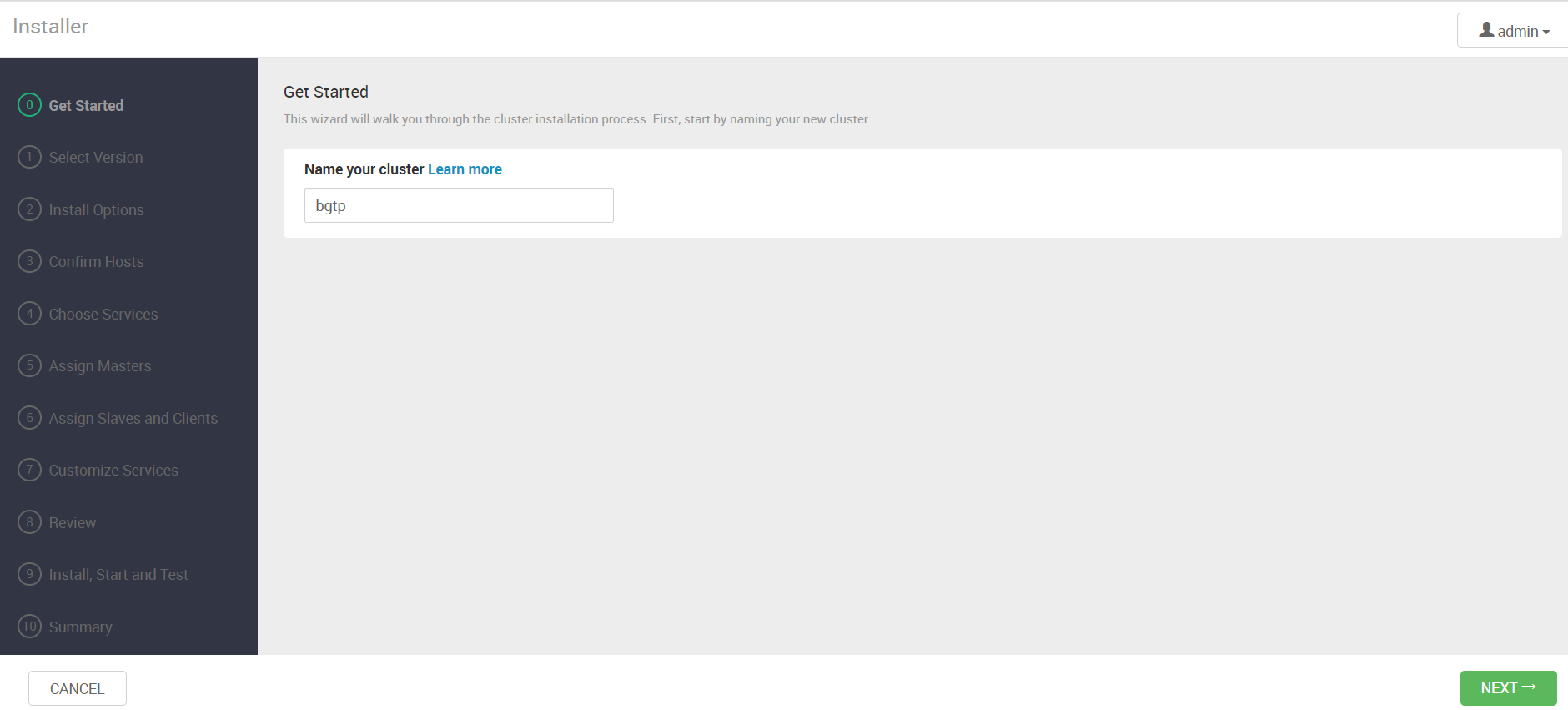
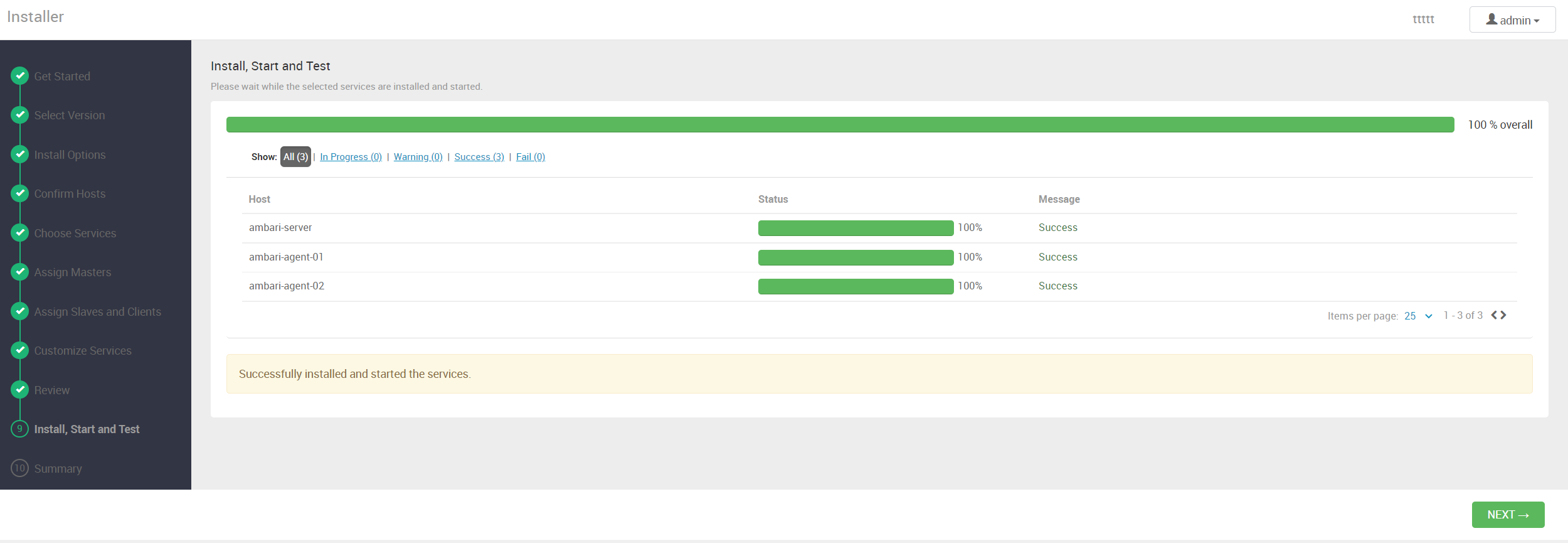
TEST RESULTS FOR INSTALL COMPONENTS
Remember to add
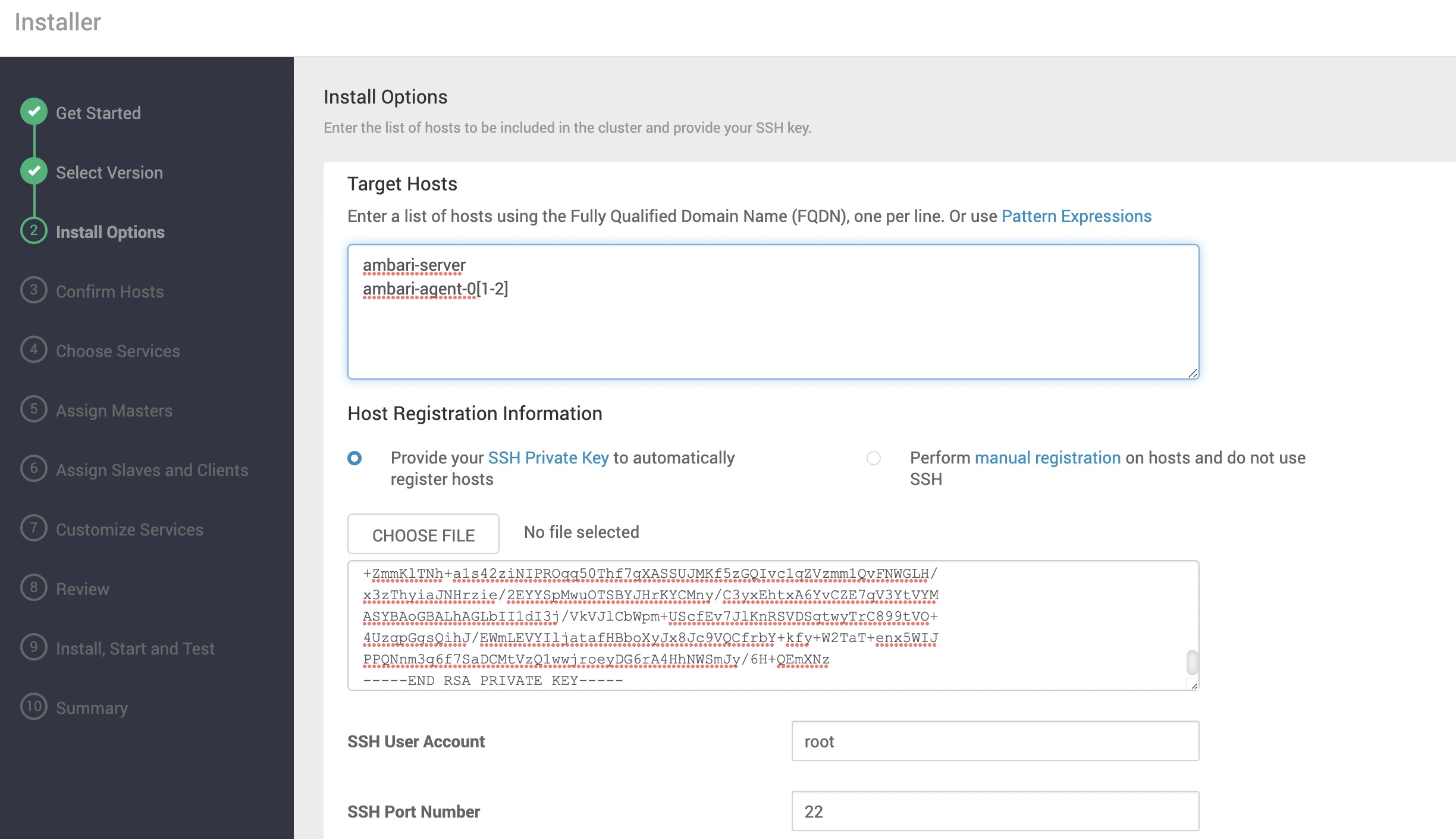
ambari-serverambari-agent-01ambari-agent-02to your hostsComponents successfully installed.

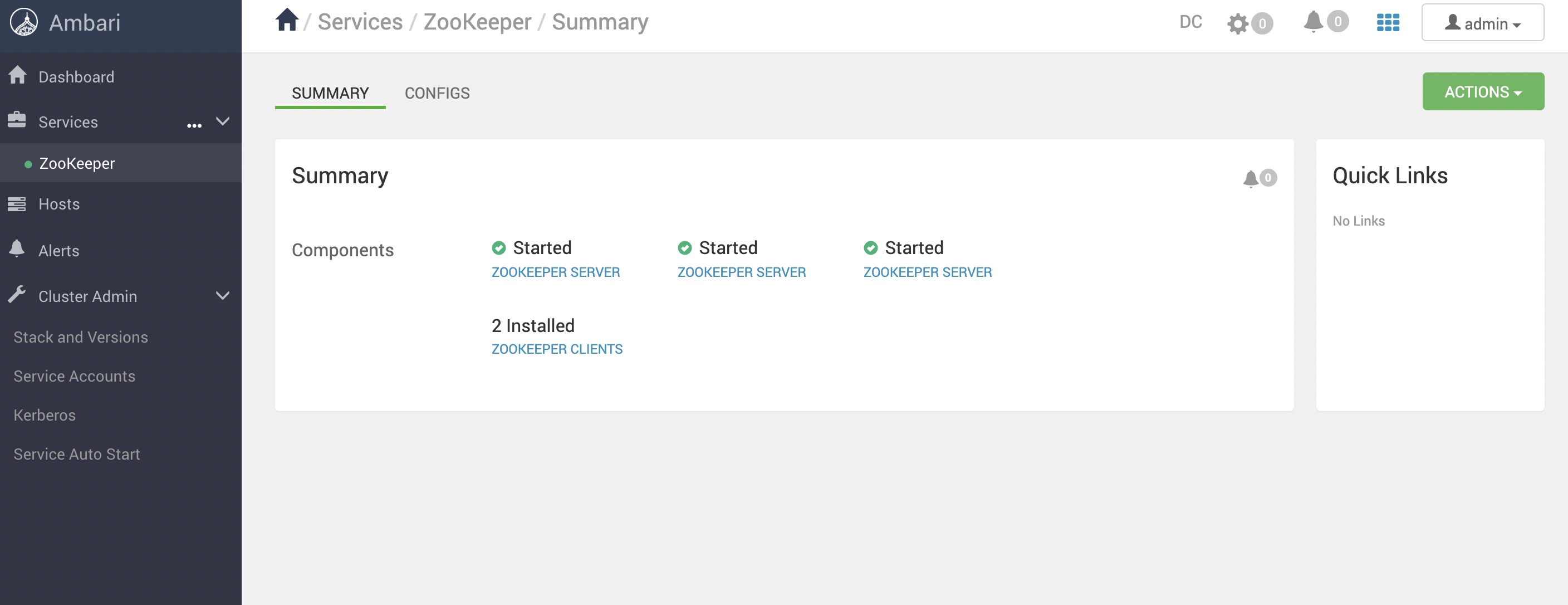
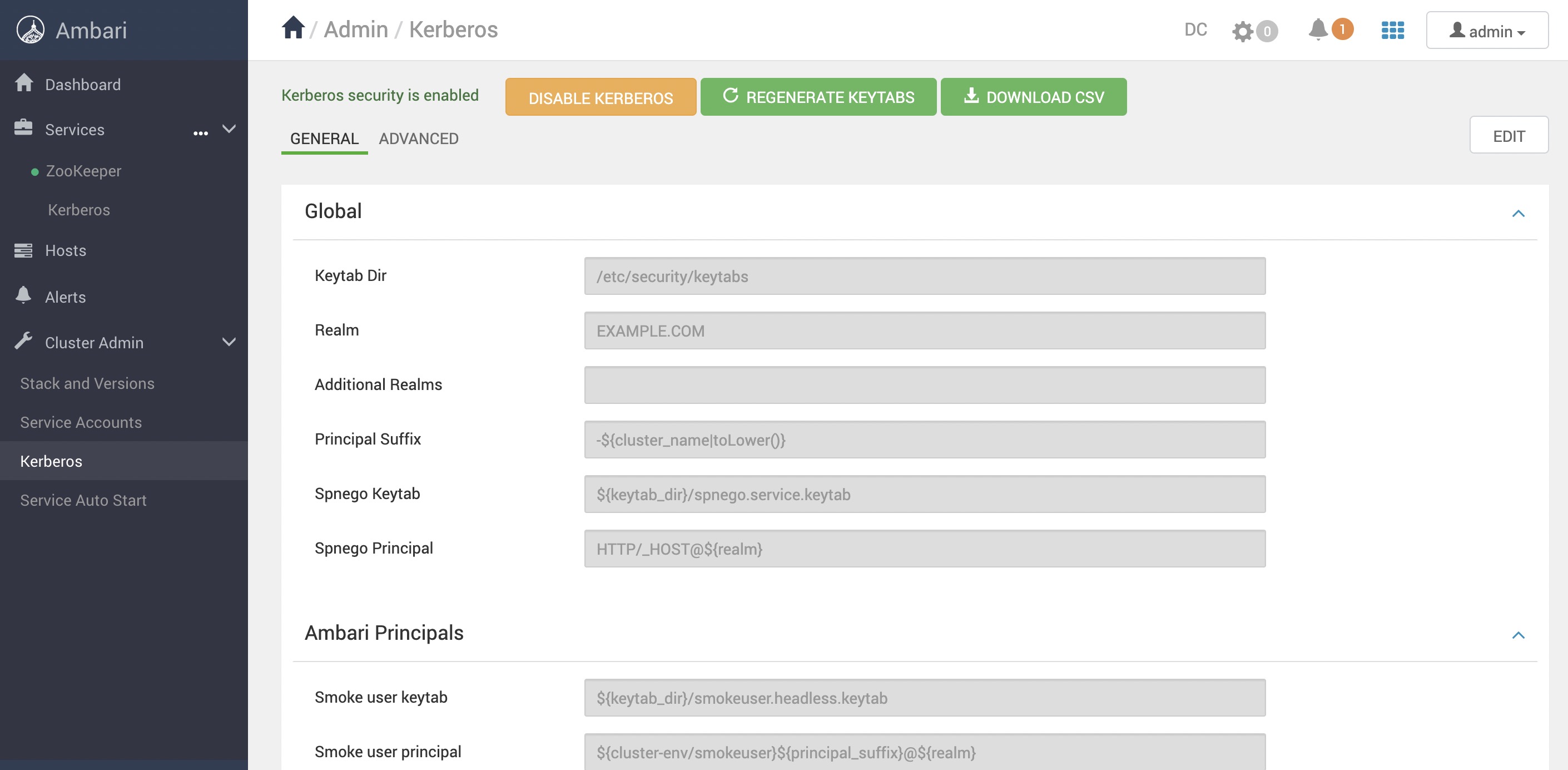
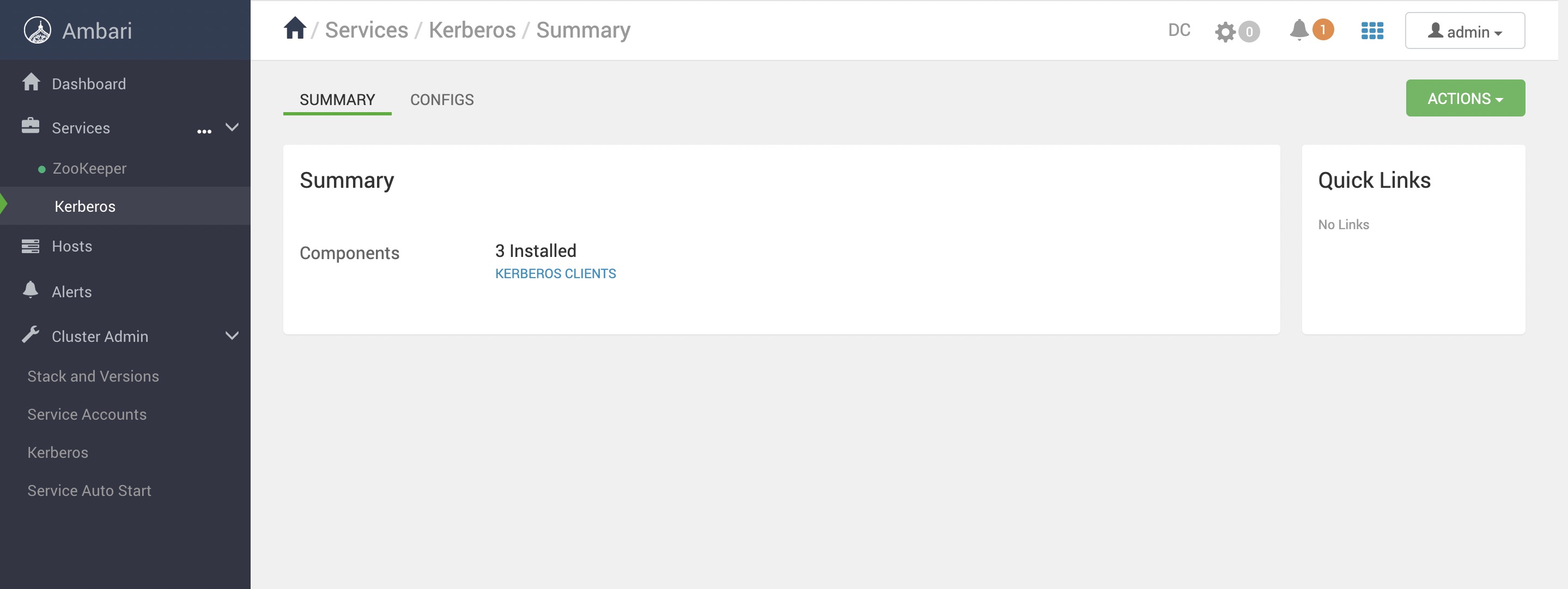
TEST RESULTS FOR ENABLE KERBEROS
Admin password is

adminRemember to comment this line for high version of JDK 1.8
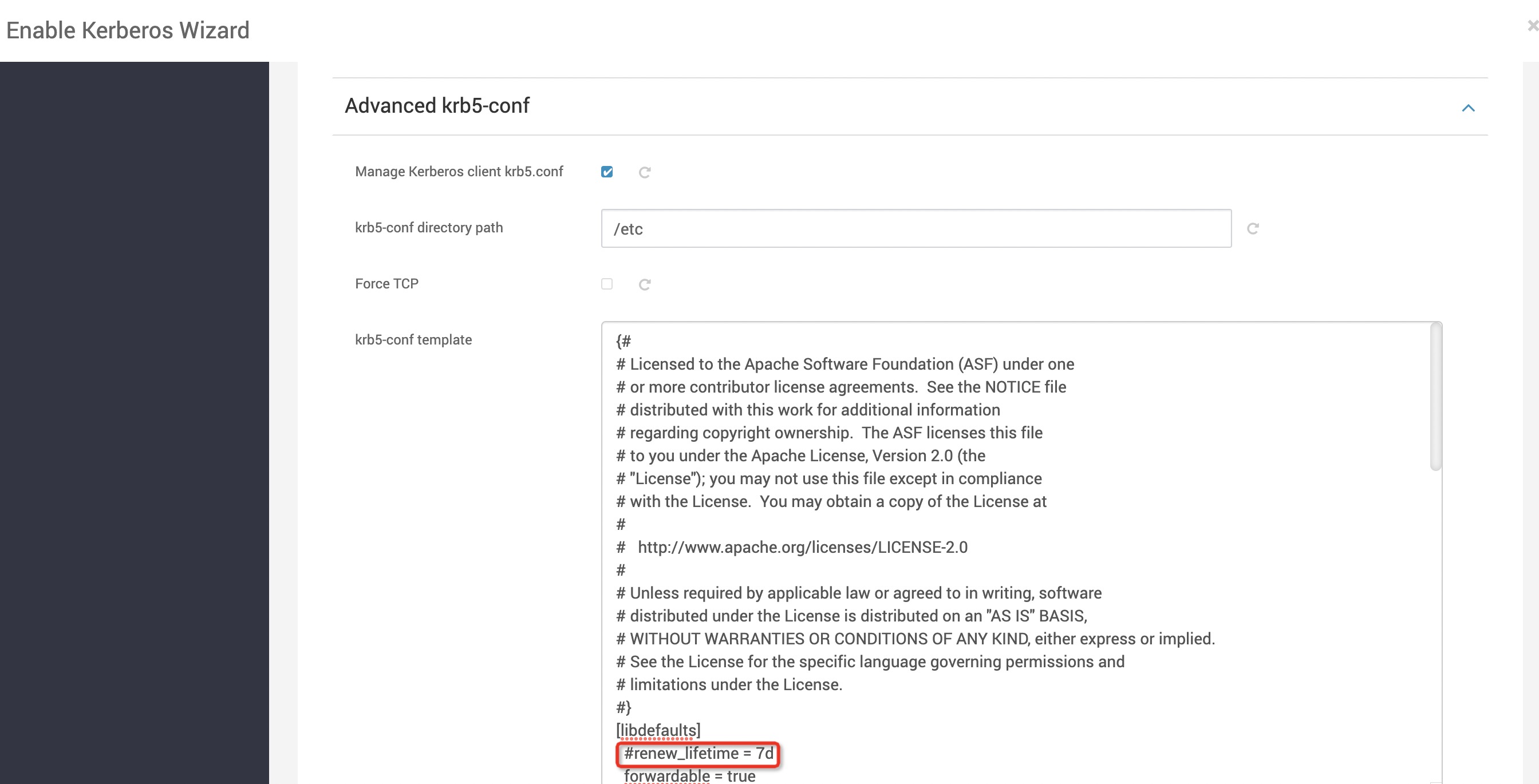
Kerberos successfully enabled.