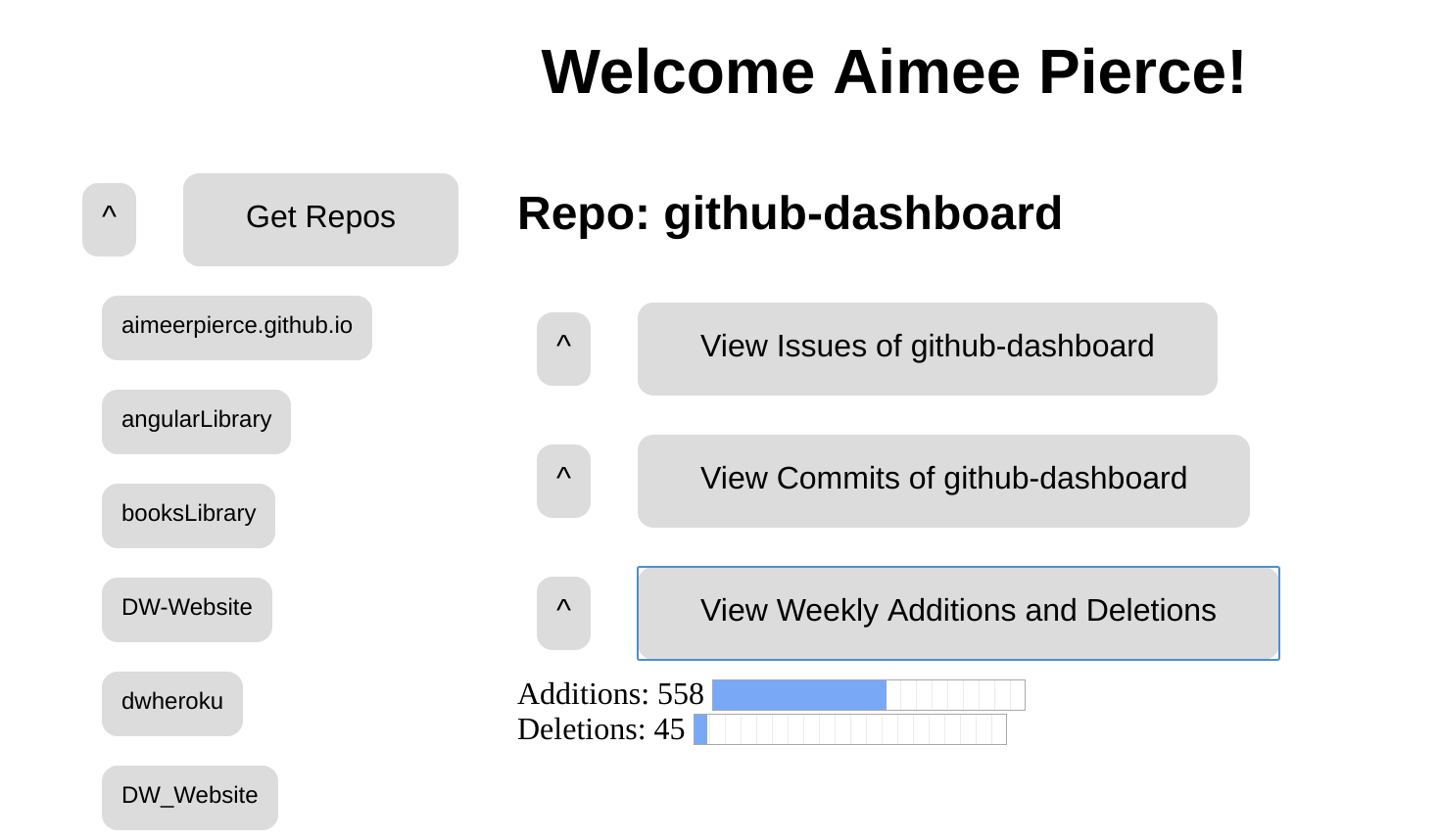
Github Dashboard is a project to view github repositories of a user, along with those repos commit histories and issues. Users can enter any github username and access all of their public repositories.
Javascript
Node / Express
HTML / CSS
Github API
I made this github dashboard project to get experience developing with APIs in Node. With the mountains of public repositories on github there was a lot of content to work with, and I had fun learning about how to utilize an API.
First, clone the repository:
$ git clone https://github.com/aimeerpierce/github-dashboard.git
If you don't have npm (Node Package Manager) you can install it here: https://www.npmjs.com/get-npm
Once you have the local repository and node installed on your computer you're ready to run the program with Node!
$ npm start
$ node index.js
LISTENING ON PORT 5000
Go to URL: localhost:5000/githubDashboard and enter a username
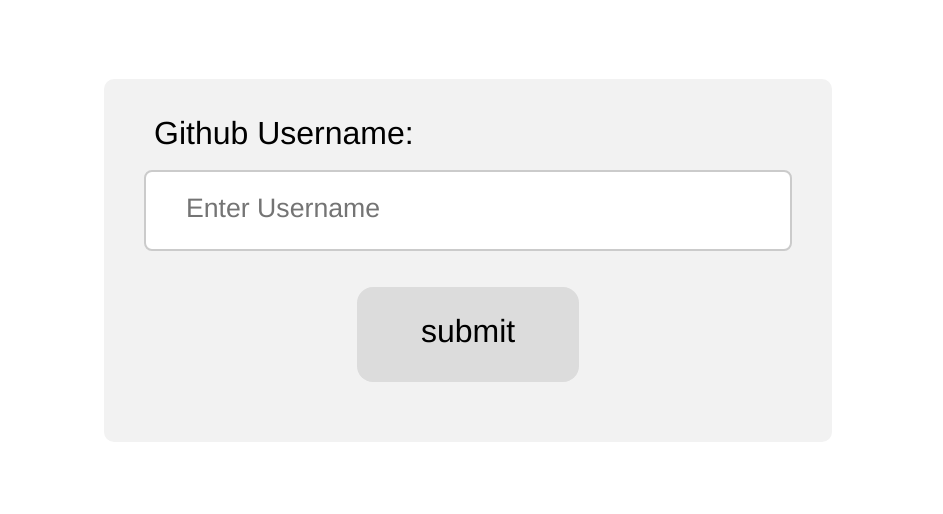
If the username is valid, you'll see a list of repos. Selecting a repo will allow you to view its stats.