- Seamless installation in VS Code.
- Free of charge for beginners.
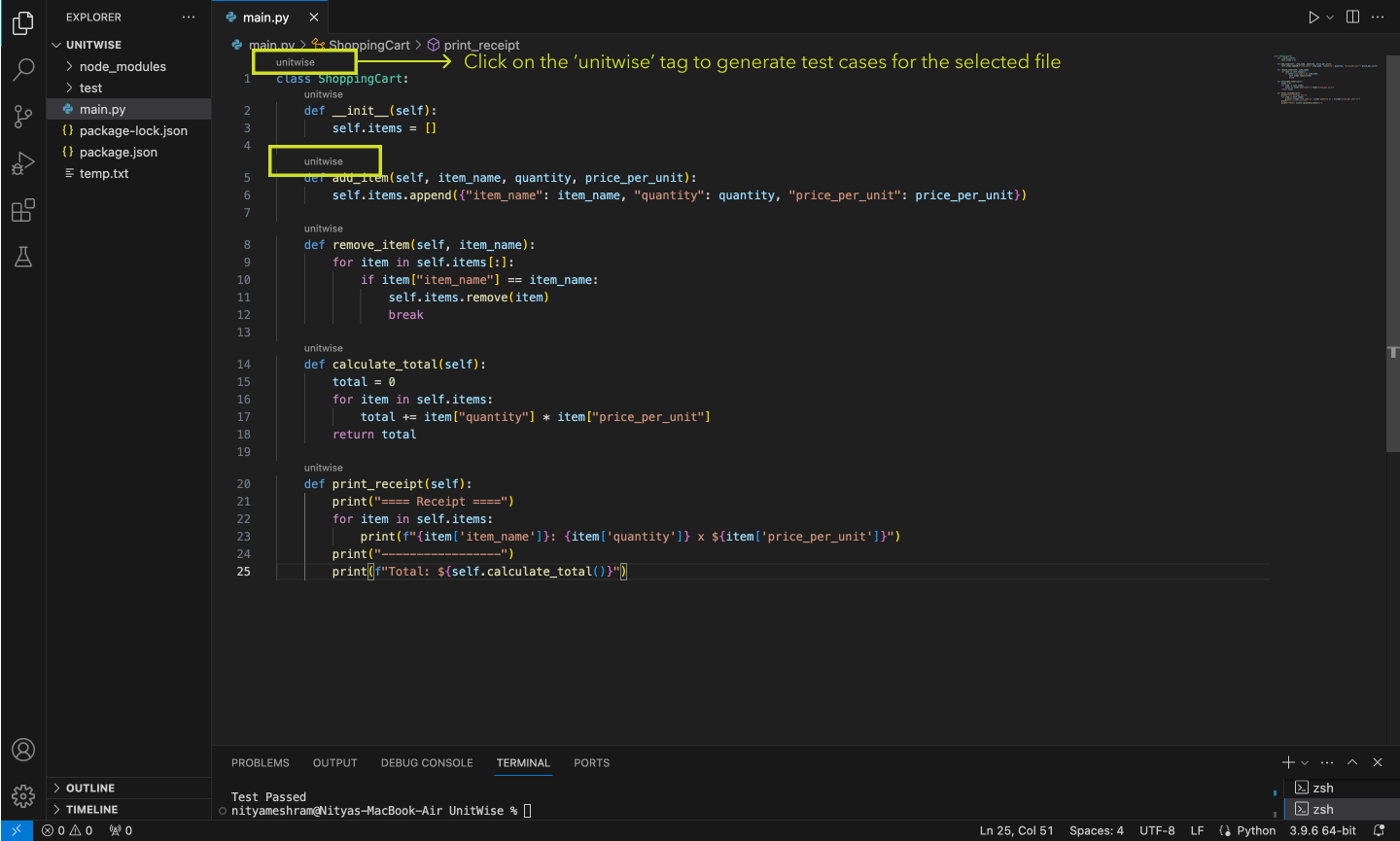
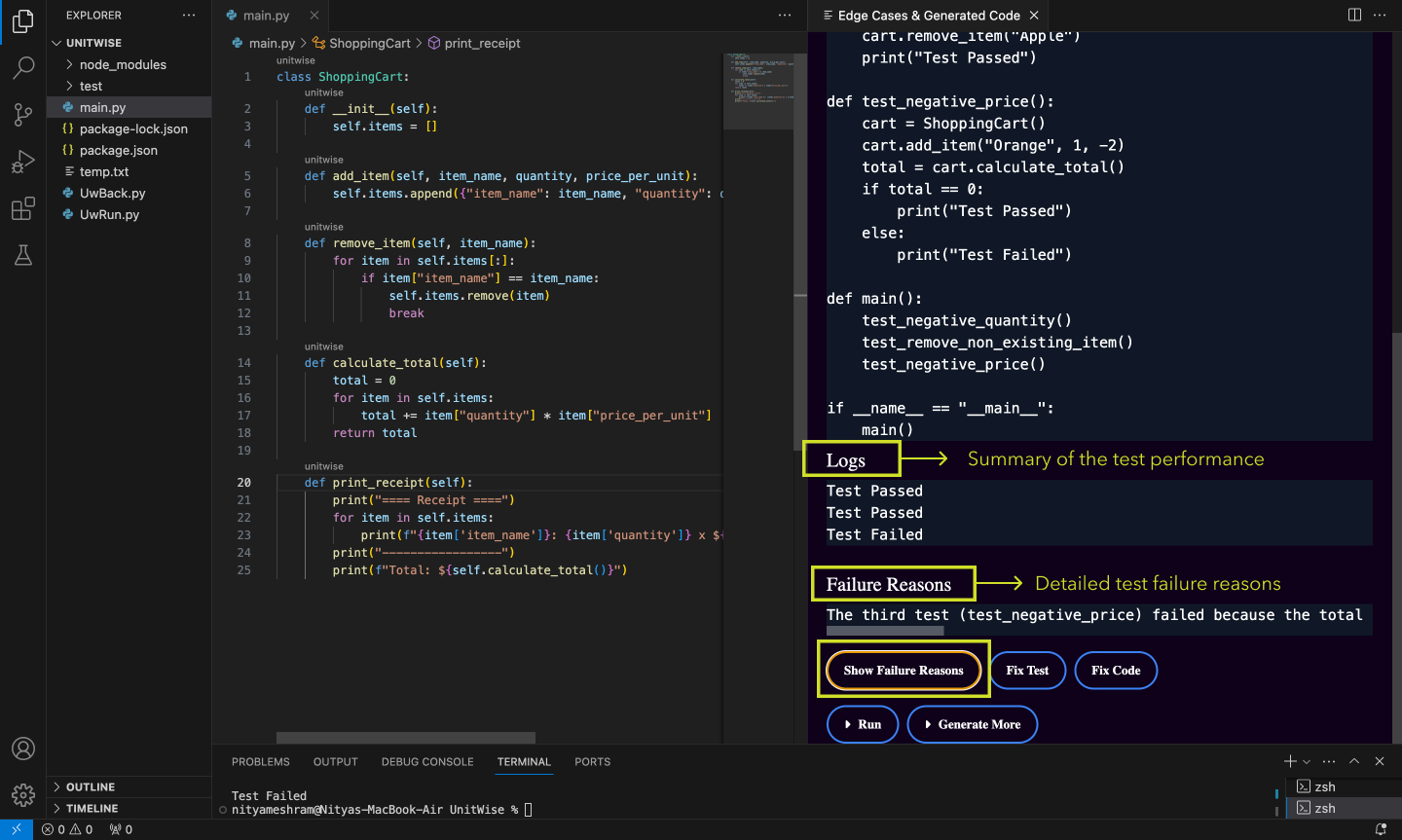
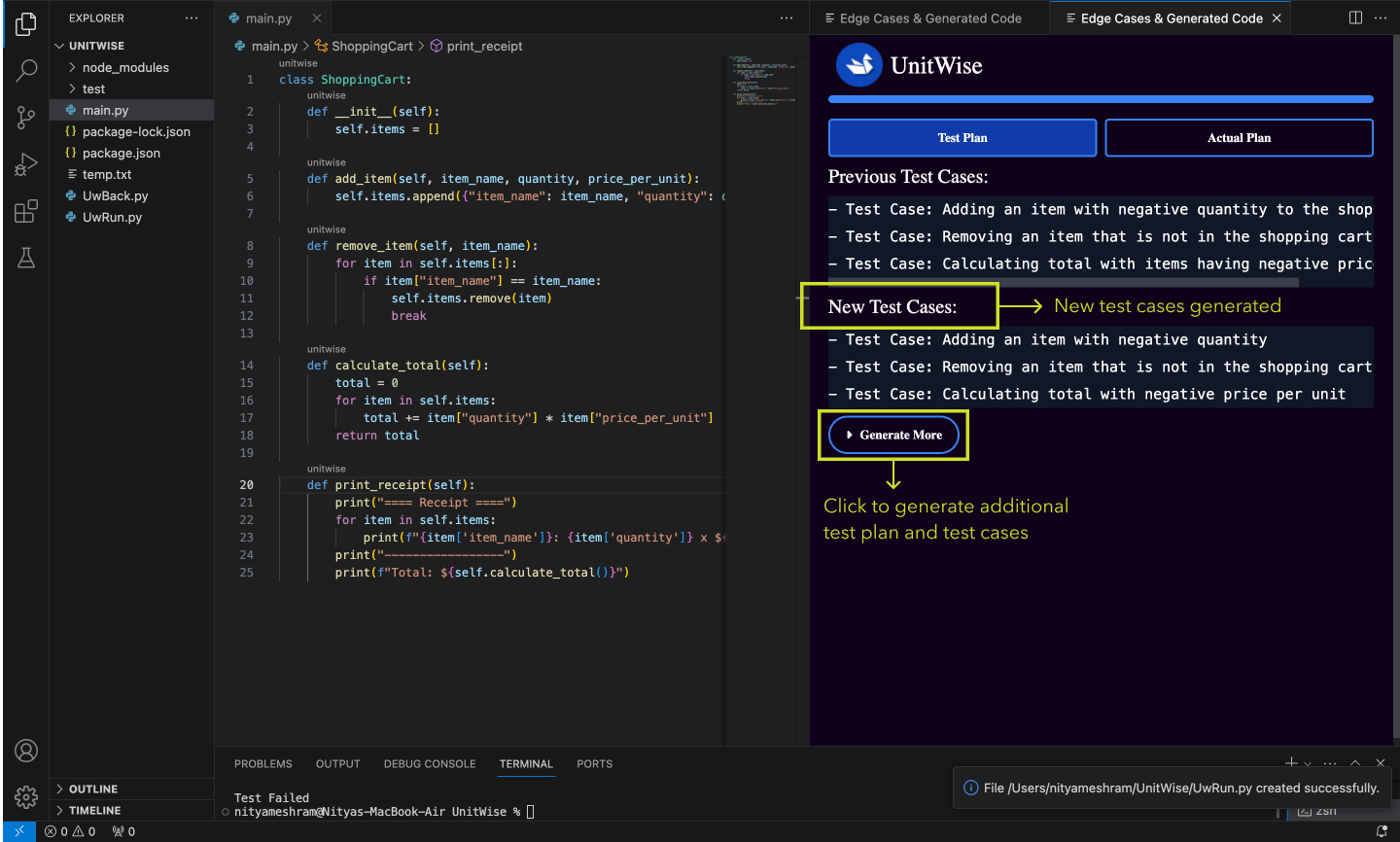
- Generate unit test cases within 45 seconds for the selected function or class.
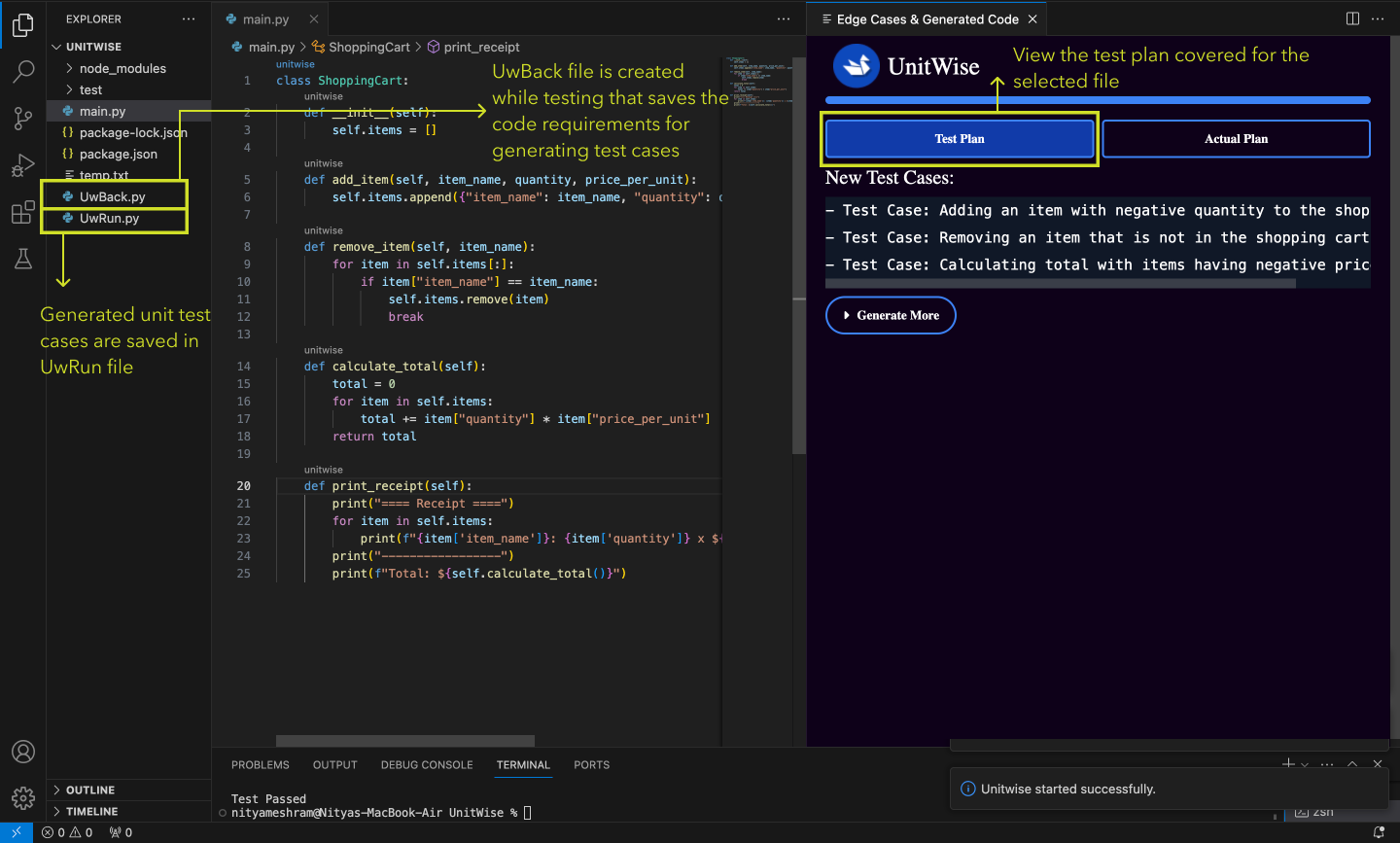
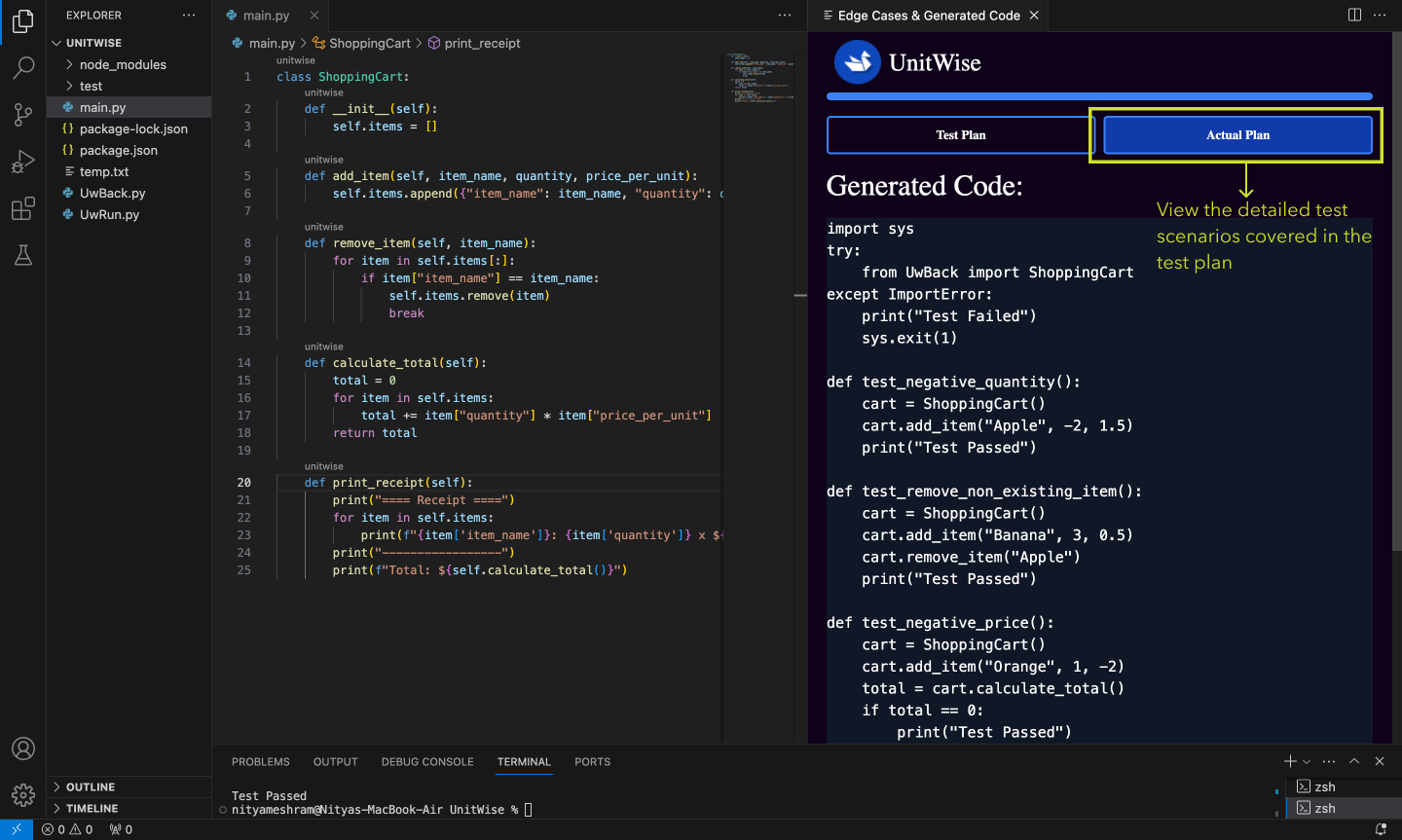
- Generates a test plan with detailed test scenarios.
- Achieves extensive code coverage during testing.
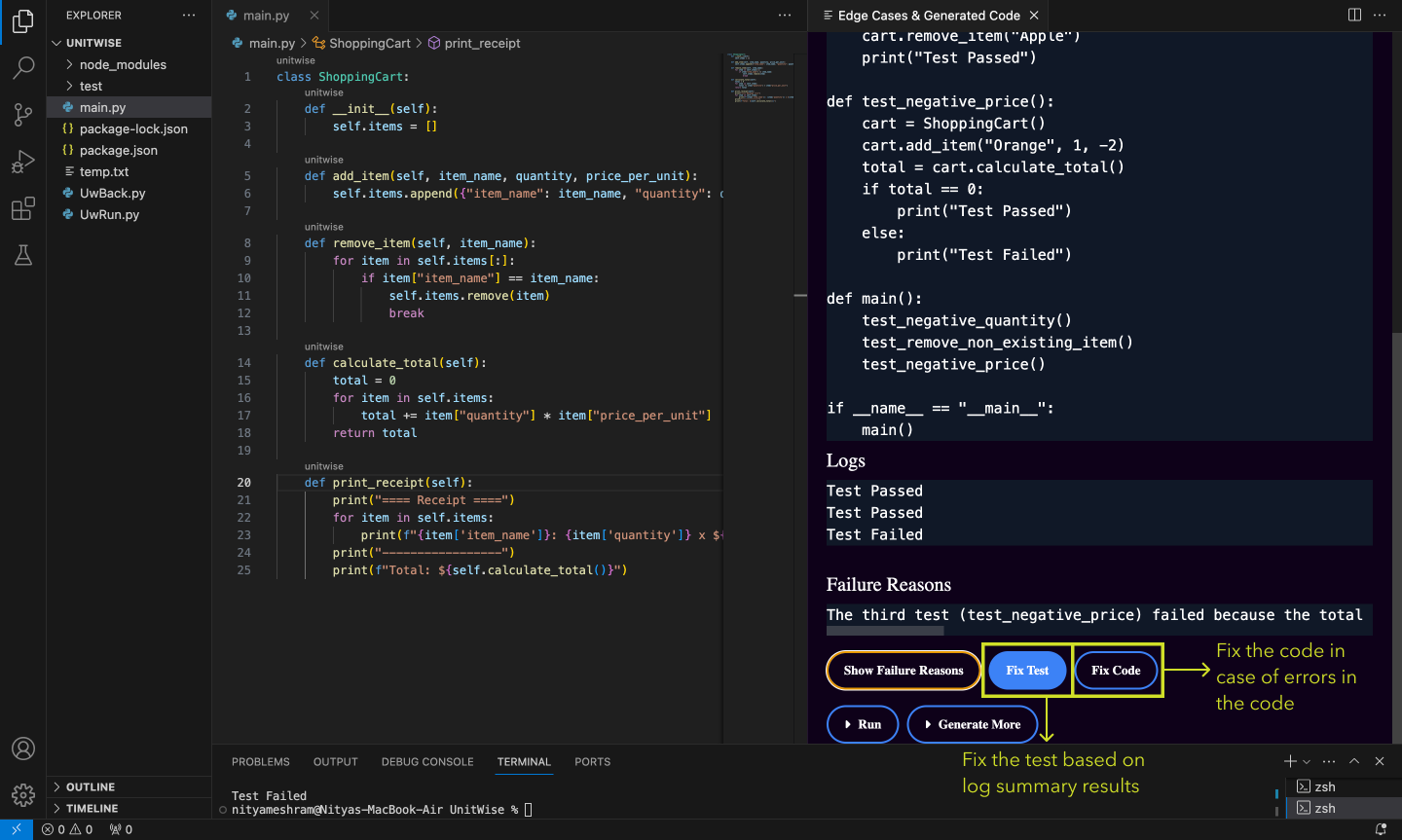
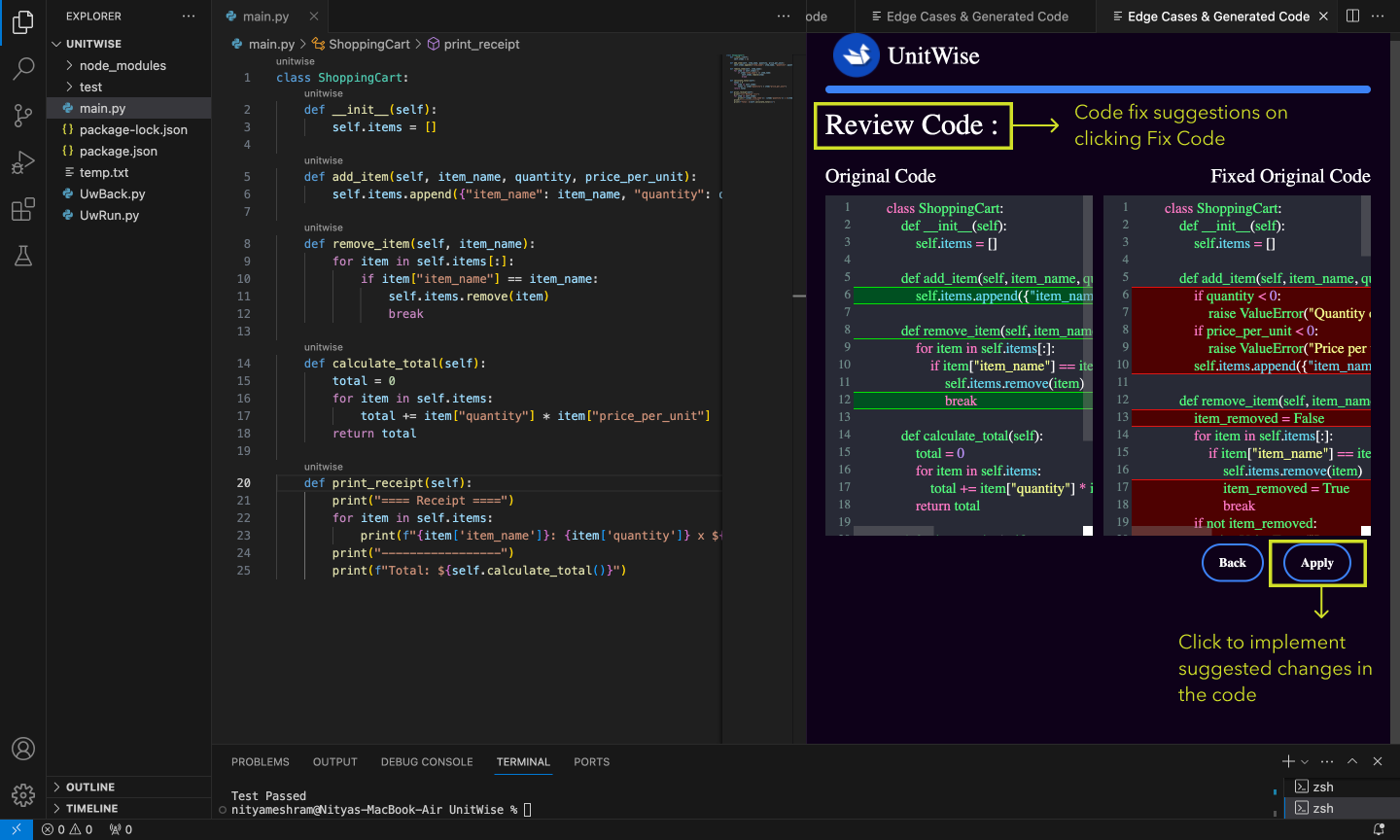
- Provides code fix suggestions and implements them with a single click.
- Easily save and export test documentation for collaboration with the team.
- Download and install the UnitWise extension from the Visual Studio Code Marketplace.
- Sign in to UnitWise using your email address.
- Copy the generated authorization token and search for 'UnitWise: login using auth token' in VS Code.
- Paste the copied token into your IDE (Ctrl+Shift+P on Windows) or (Command+Shift+P on Mac).
- You are now ready to use UnitWise.
- Autonomous Bug Detection: Leverages AI to automatically detect bugs for the selected class/function within seconds.
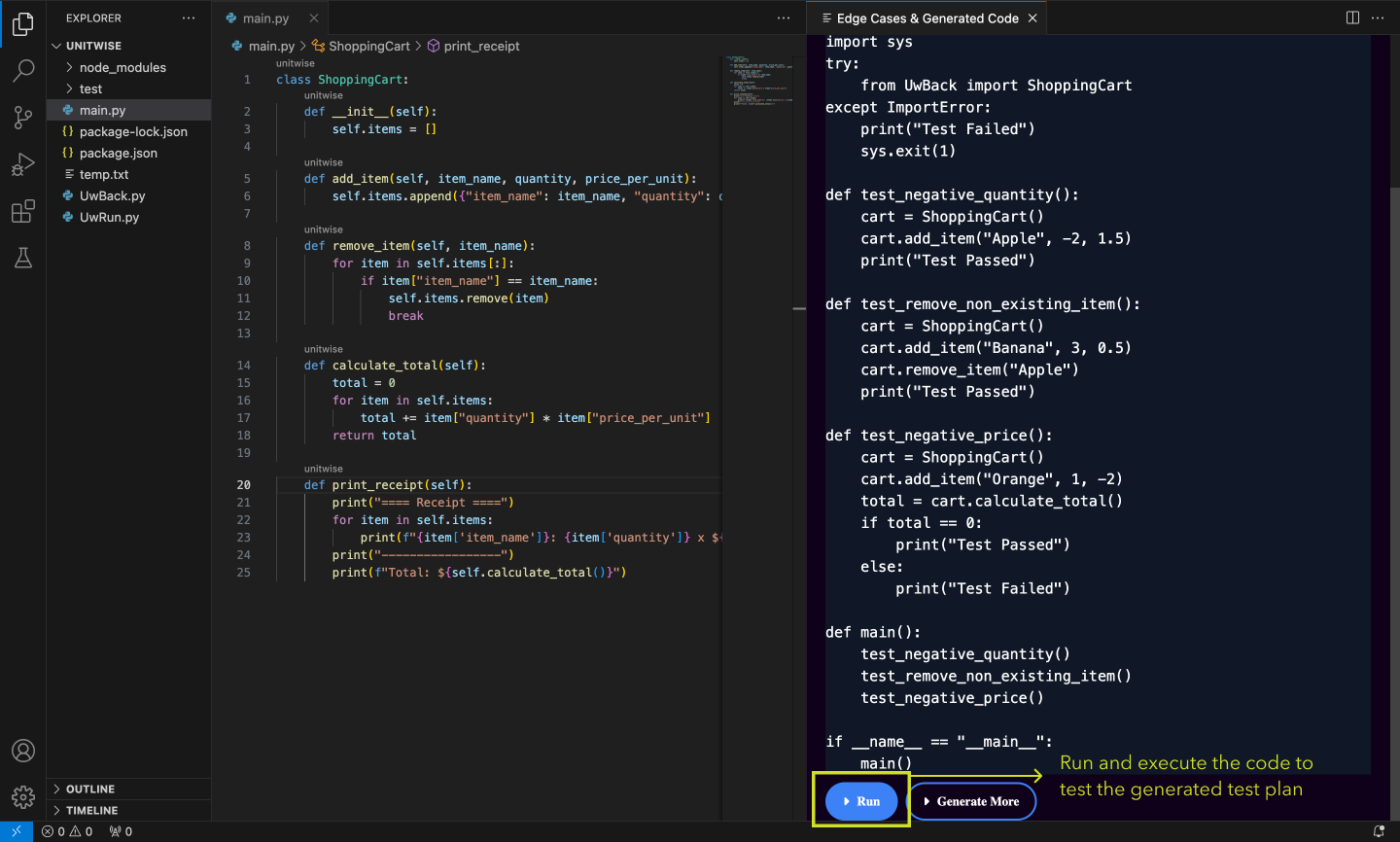
- Test Execution: Eliminate the manual effort required for writing tests, saving developers time while increasing code coverage.
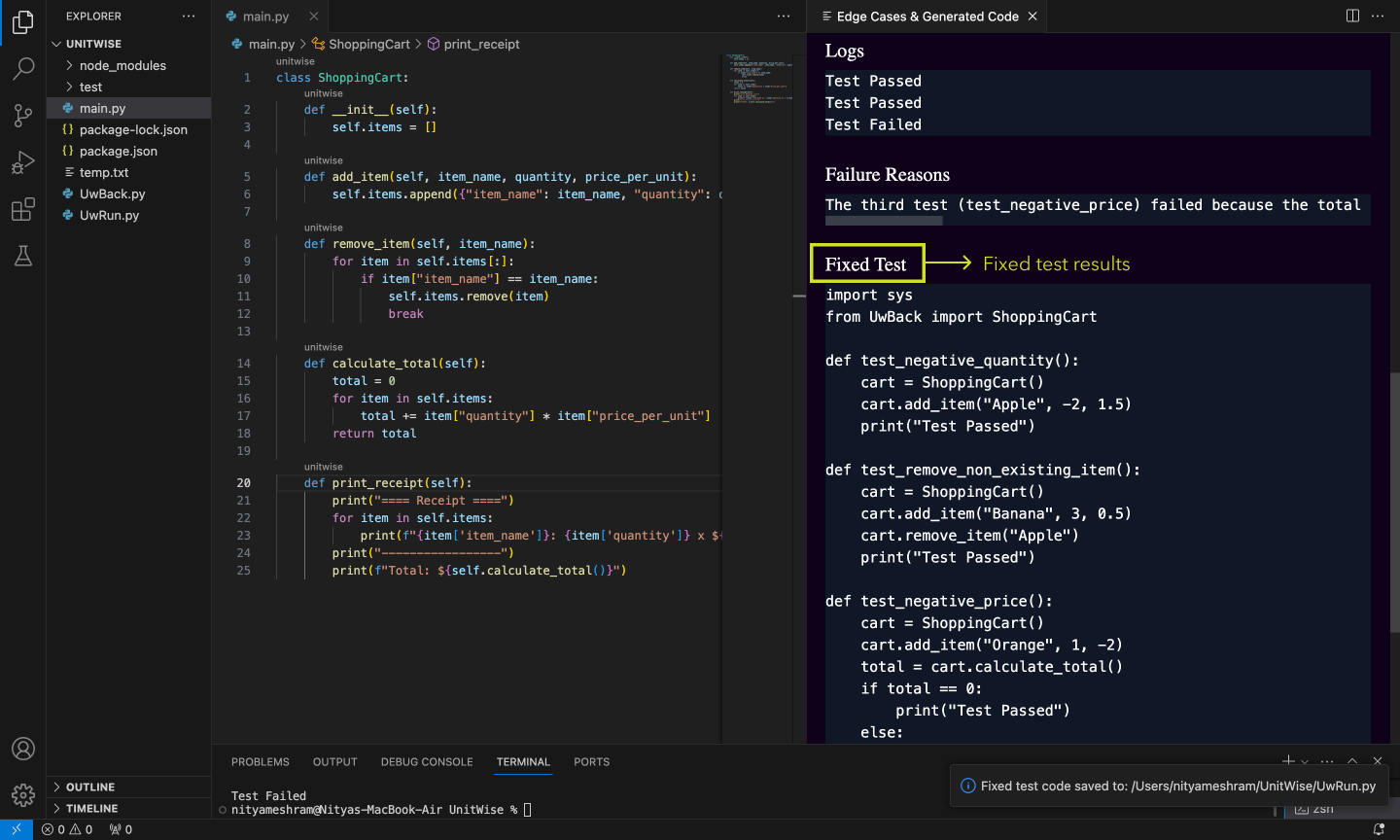
- Code Correction and Report Generation: Seamlessly corrects identified code issues and generates test reports to aid in code improvement and developer collaboration.
Java, Javascript, Typescript, Python, Golang
- The tool's serverless design reduces the exposure of user code, decreasing the risk of unauthorised data access or leakage.
- The service communicates directly with OpenAI, enhancing privacy and security by minimising intermediary access to user data.