Is there an existing issue for this?
Description
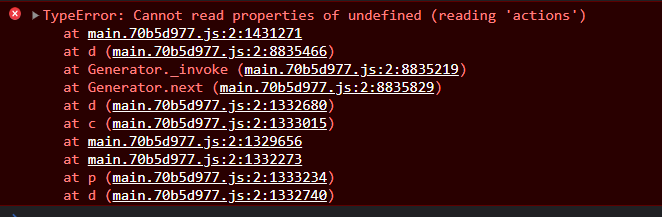
When a JS object with page load settings is deleted and replaced with another object with the same name but without page load settings, then performing page level actions like clone or delete causes an incorrect message to show up saying: Failed to execute actions during page load
Steps To Reproduce
- Create a page and add a JS object, set myFun1 to run on page load. Now
JSObject1.myFun1 now exists under pageLoadActions
- Add a second object,
JSObject2
- Delete both objects created
- Add a new
JSObject1
- Clone the page and notice an incorrect error show up
- If above step fails, repeat steps above or delete cloned page to notice the error
Successfully deleting the object that had page load setting (Step 3)
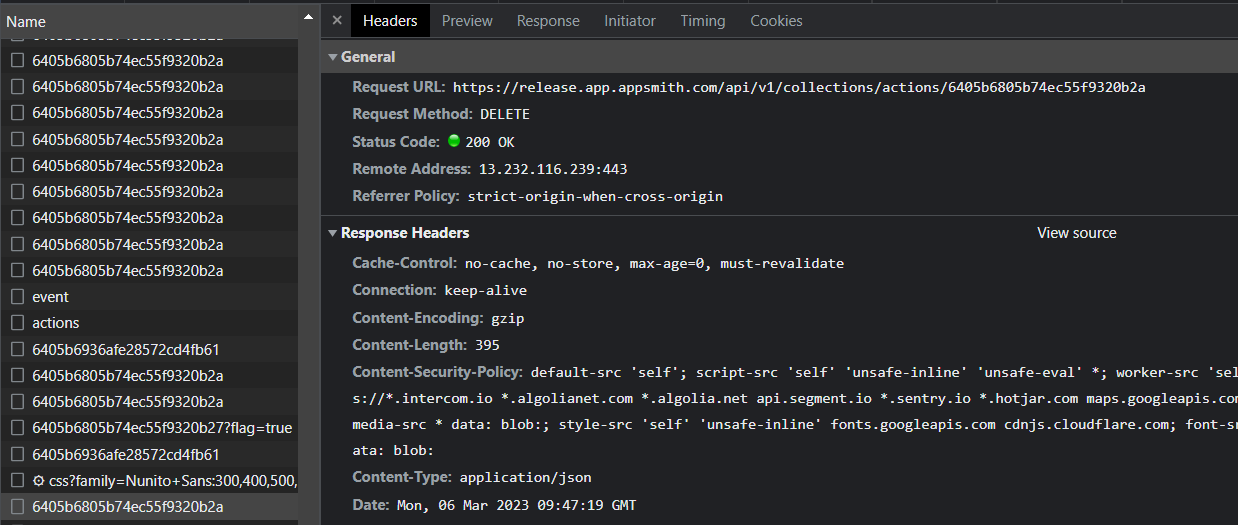
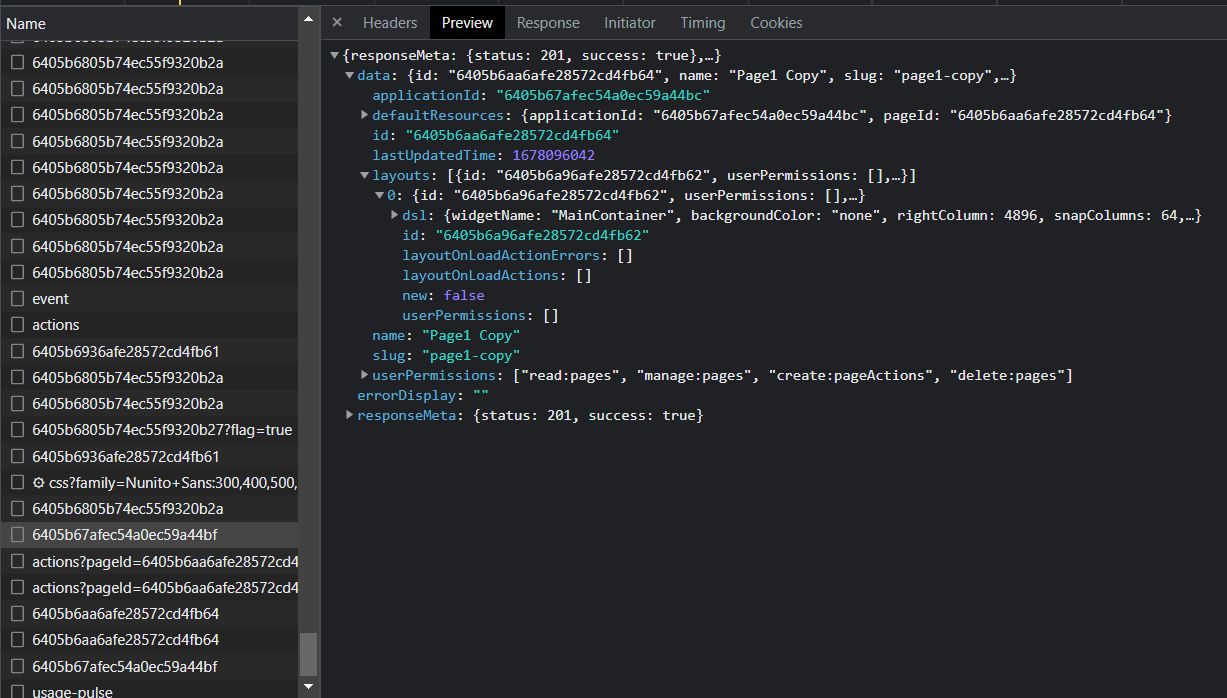
Page1 clone action - page does not have any onPageLoad actions
API: https://release.app.appsmith.com/api/v1/pages/clone/6405b67afec54a0ec59a44bf
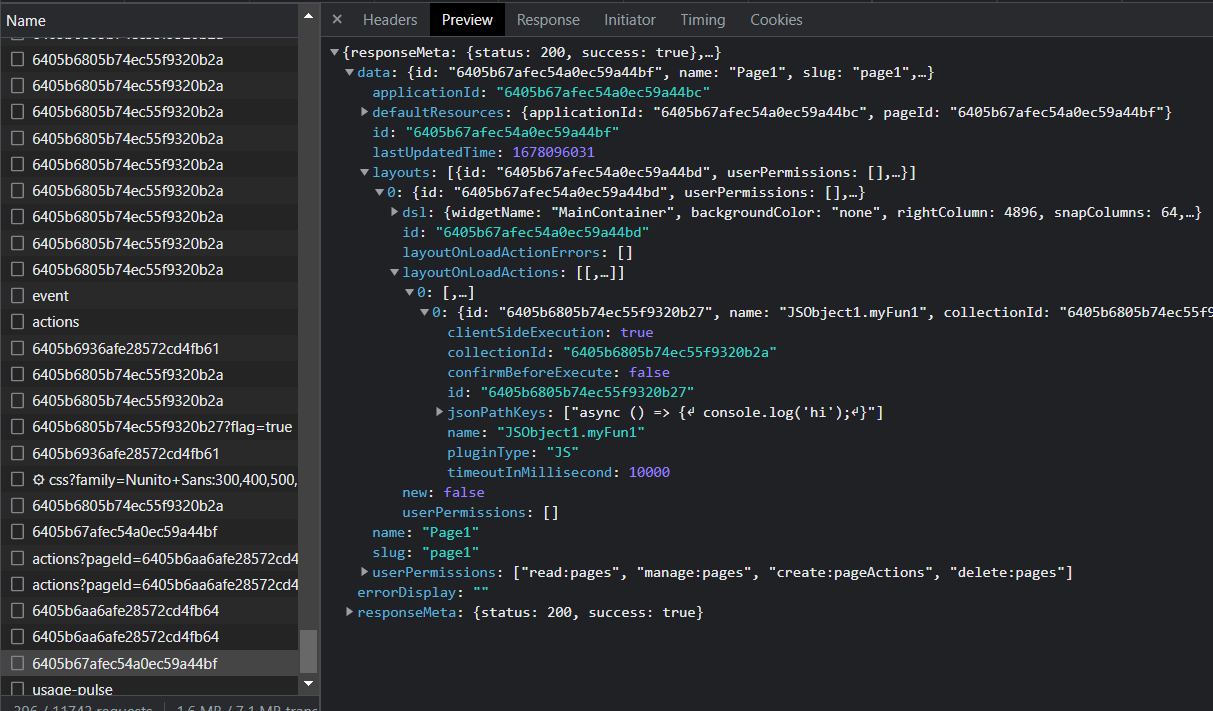
Response after deleting Page2 from video
API: https://release.app.appsmith.com/api/v1/pages/6405b67afec54a0ec59a44bf
Public Sample App
No response
Environment
Production
Issue video log
No response
Version
Cloud


Is there an existing issue for this?
Description
When a JS object with page load settings is deleted and replaced with another object with the same name but without page load settings, then performing page level actions like clone or delete causes an incorrect message to show up saying:
Failed to execute actions during page loadSteps To Reproduce
JSObject1.myFun1now exists under pageLoadActionsJSObject2JSObject1Successfully deleting the object that had page load setting (Step 3)

Page1 clone action - page does not have any onPageLoad actions

API: https://release.app.appsmith.com/api/v1/pages/clone/6405b67afec54a0ec59a44bf
Response after deleting Page2 from video

API: https://release.app.appsmith.com/api/v1/pages/6405b67afec54a0ec59a44bf
Public Sample App
No response
Environment
Production
Issue video log
No response
Version
Cloud