Screen Shot Notes :
- Splash Screen
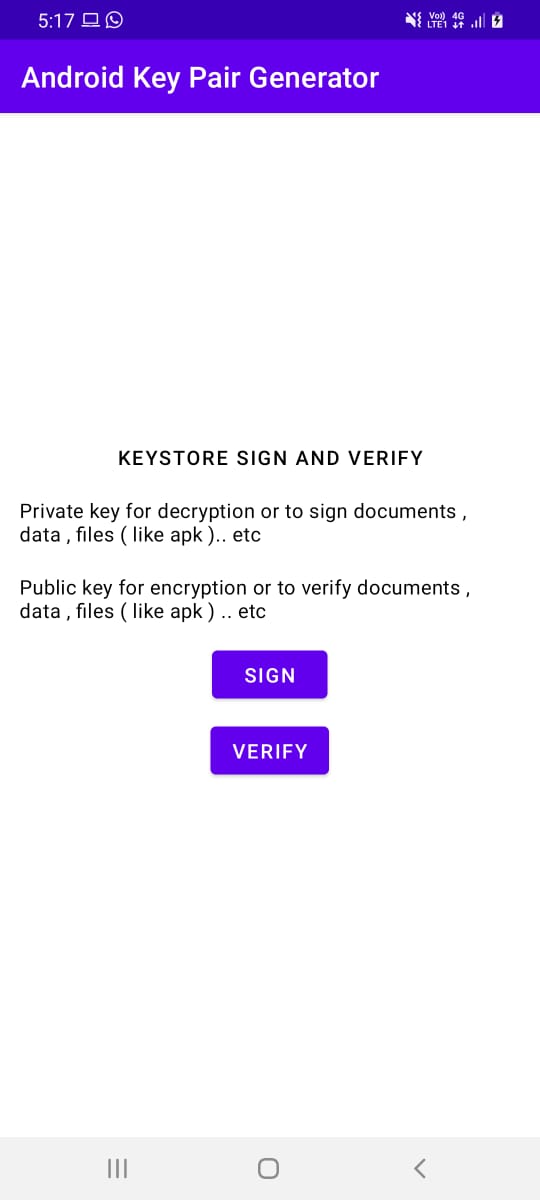
- Main Screen
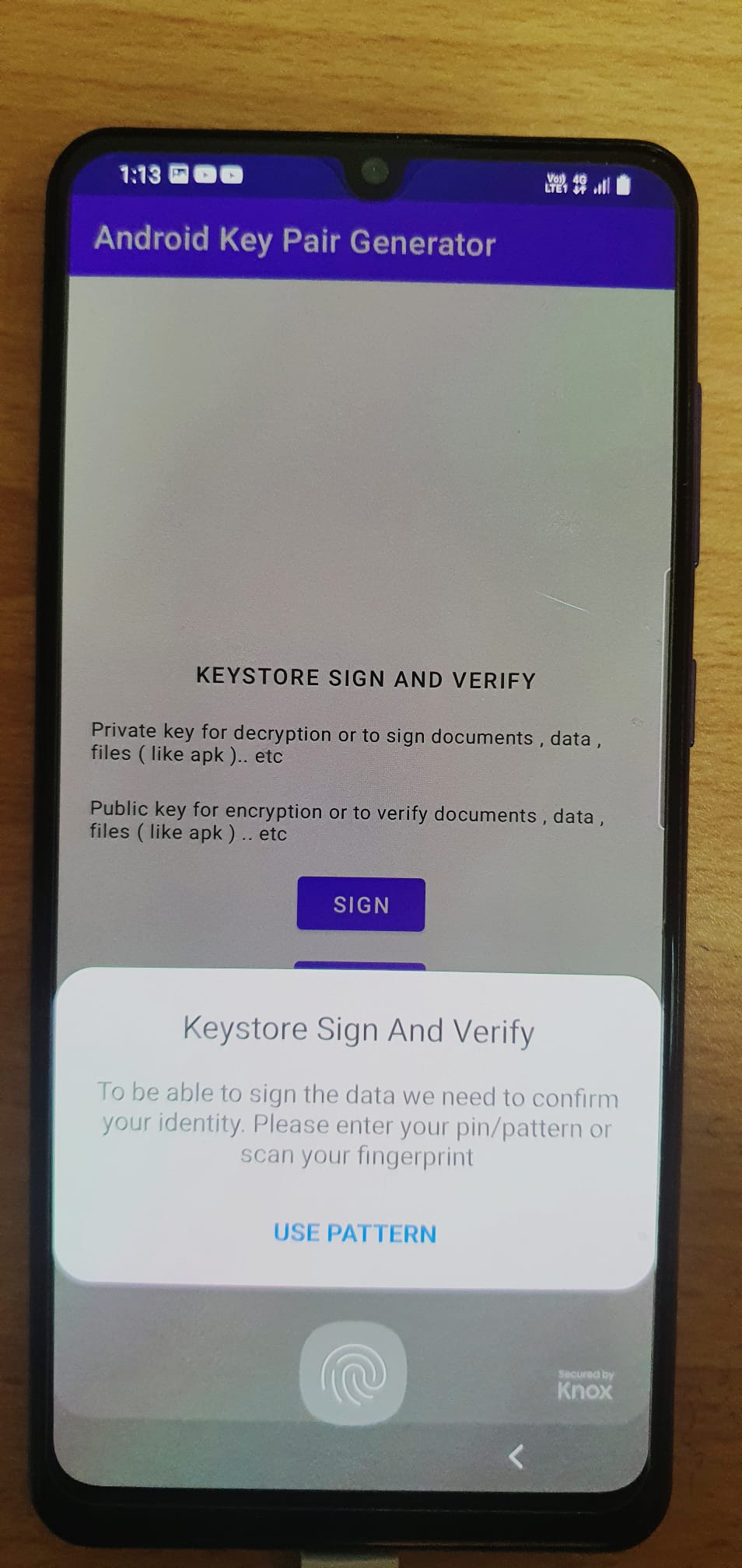
- Authentication needed to sign
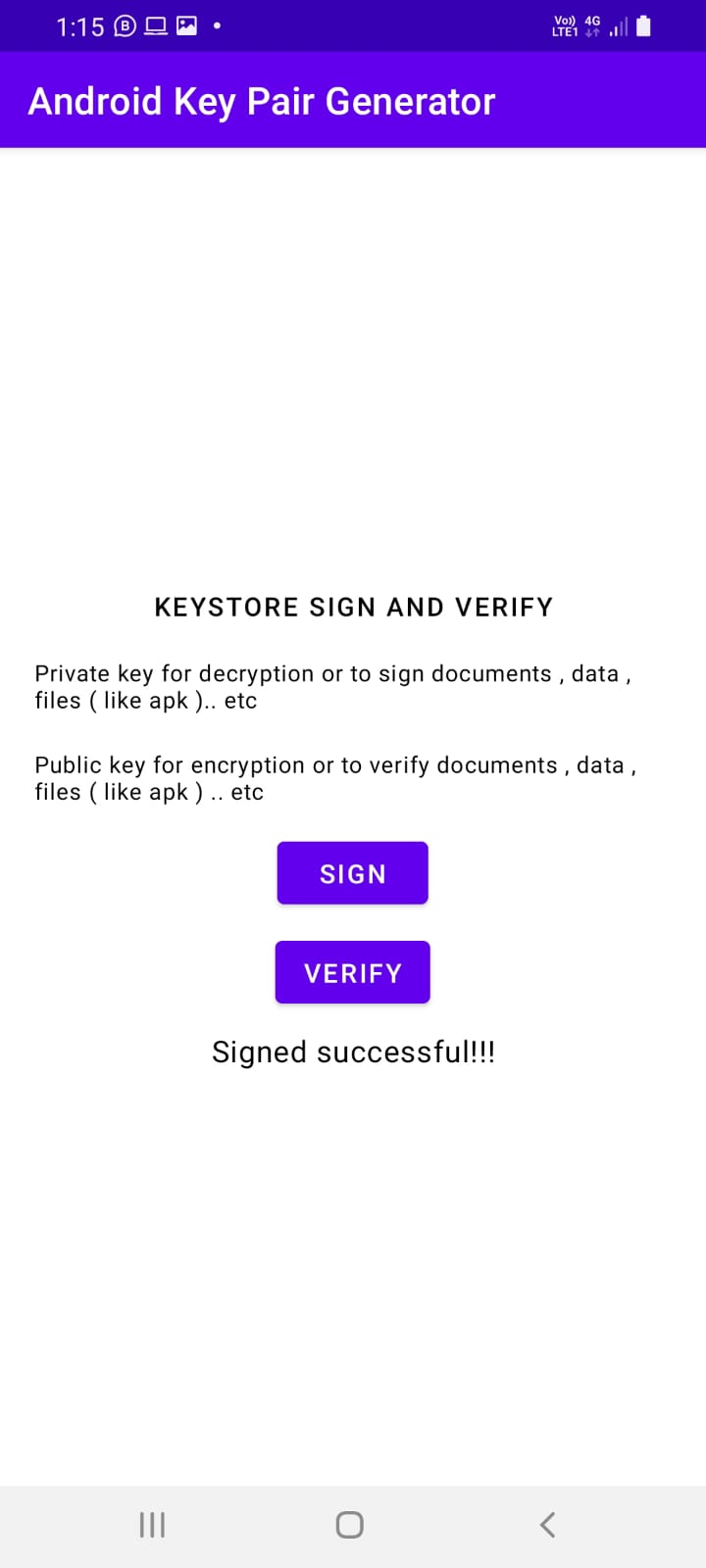
- Signed successful
- Verified successfully

In this project, I have explain how to create an RSA key pair on Android and use that key pair for sign and verify data. This RSA key pair will be stored in the Android KeyStore.
RSA is a public-key or asymmetric crypto system. It uses a public key for encryption and a private key for decryption. Anyone can use the public key to encrypt a message, but it can be decrypted only by the private key owner.
The Android KeyStore is a storage facility for cryptographic keys and certificates. The keys stored in the KeyStore can be used for cryptographic operations, but the key material will not be extracted. This means an attacker might use a stored key, but will not be able to export it outside the device. When a key is created from an app and stored in the KeyStore, the access to the key will be restricted to the app itself.
We can use RSA to sign and verify data, for example when we transfer some data to a server. Because RSA is a public-key system, we can use the private key to sign data in our app and send the public key to the server, so the server can verify that the data sent is genuine and hasn’t been tampered with. If any malicious users know the public key, the only thing they can do is verify the integrity of the data, but they cannot change the data because they need the private key to do so.