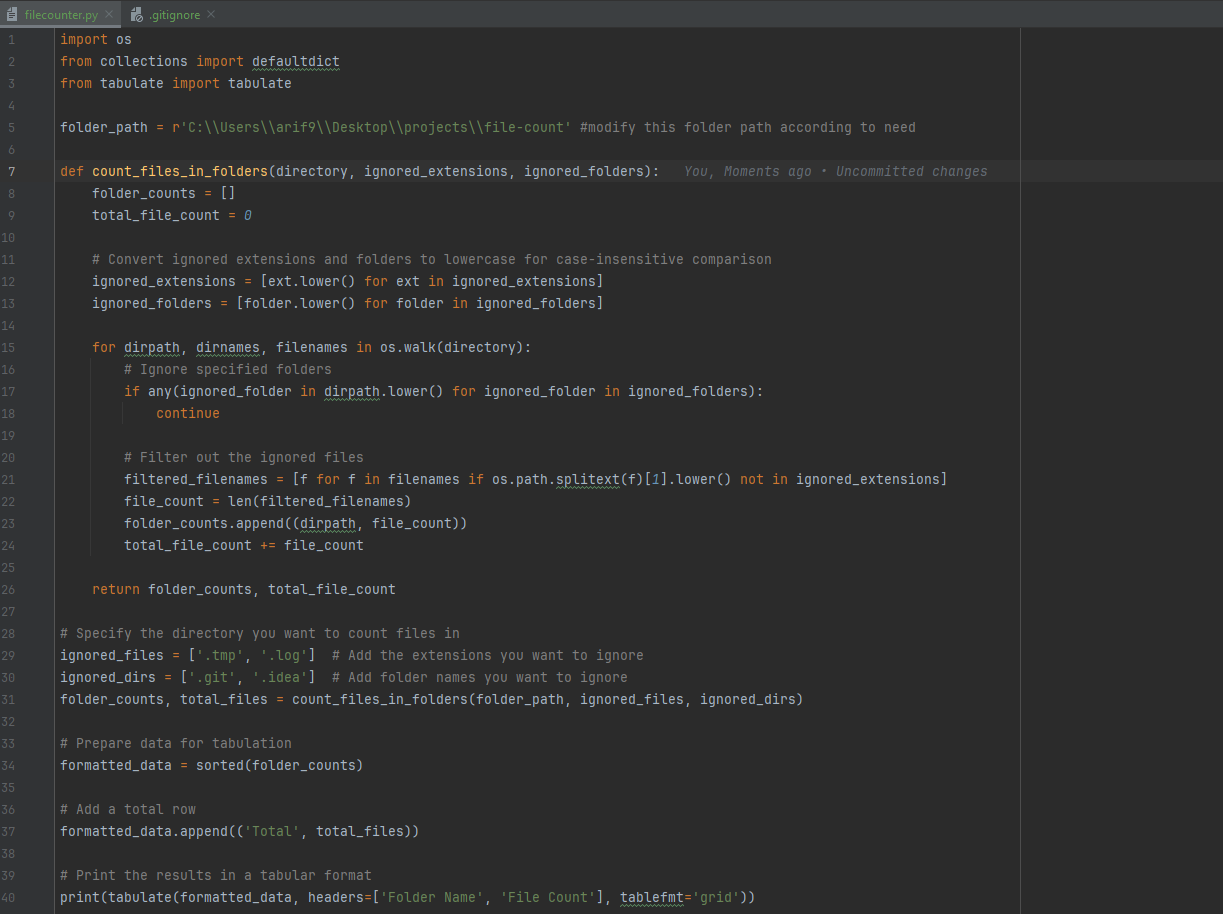
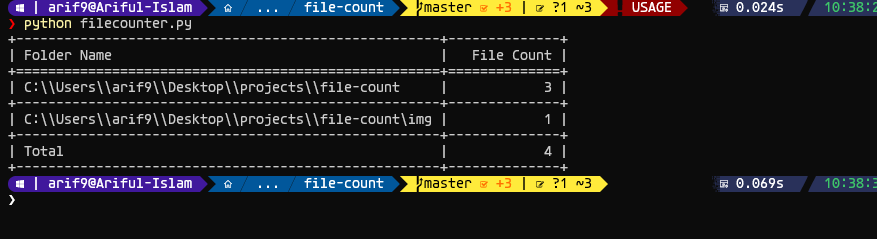
This Python script traverses a specified directory and counts the number of files in each folder, including subfolders. It provides flexibility to ignore specific file extensions and folder names, allowing for tailored file analysis.
Counts Files: Calculates the number of files in each folder and subfolder. Ignored File Extensions: Allows users to specify file types (e.g., .tmp, .log) that should be excluded from the count.
Ignored Folders: Users can provide a list of folder names (e.g., temp, backup) to be ignored during the traversal.
Tabular Output: Displays the results in a neatly formatted table, including a total file count at the end.
- Python 3.x
- tabulate library
To install the required tabulate library, run:
pip install tabulate
Update the Script:
Clone the Repository or download the script file.
Modify the folder_path variable to point to the directory you want to analyze.
Specify any file extensions to ignore in the ignored_files list.
Specify any folder names to ignore in the ignored_dirs list.
python filecount.py