Request-IAMCredentialReport -Credential $creds does not refresh IAM Credential Reports #303

Description

Describe the bug
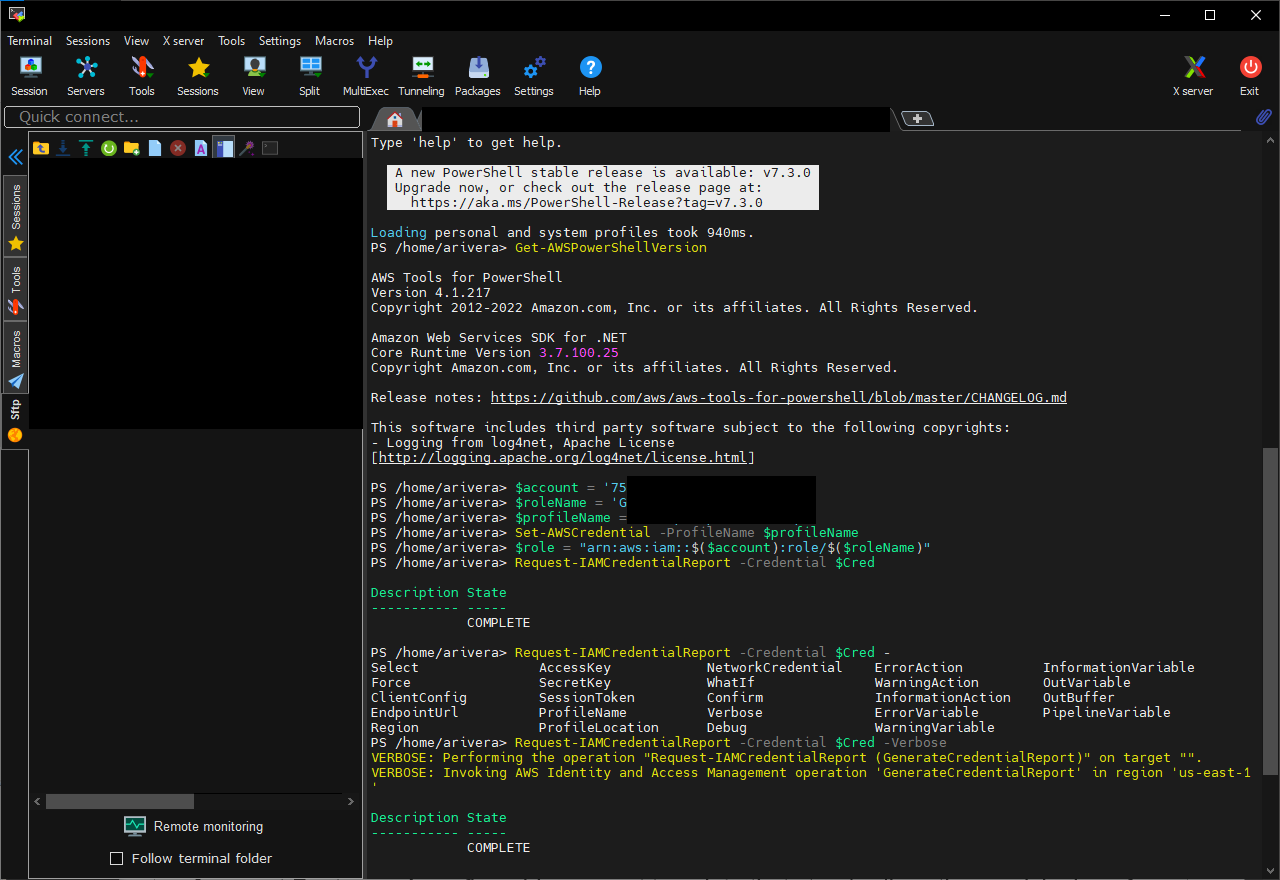
When assuming a role in a remote account with appropiate permissions executing Request-IAMCredentialReport -Credential $creds does nothing.
Where:
$creds = (Use-STSRole -RoleArn 'arn:aws:iam::123456789123:role/myrole' -RoleSessionName 'role-session').Credentials
Expected Behavior
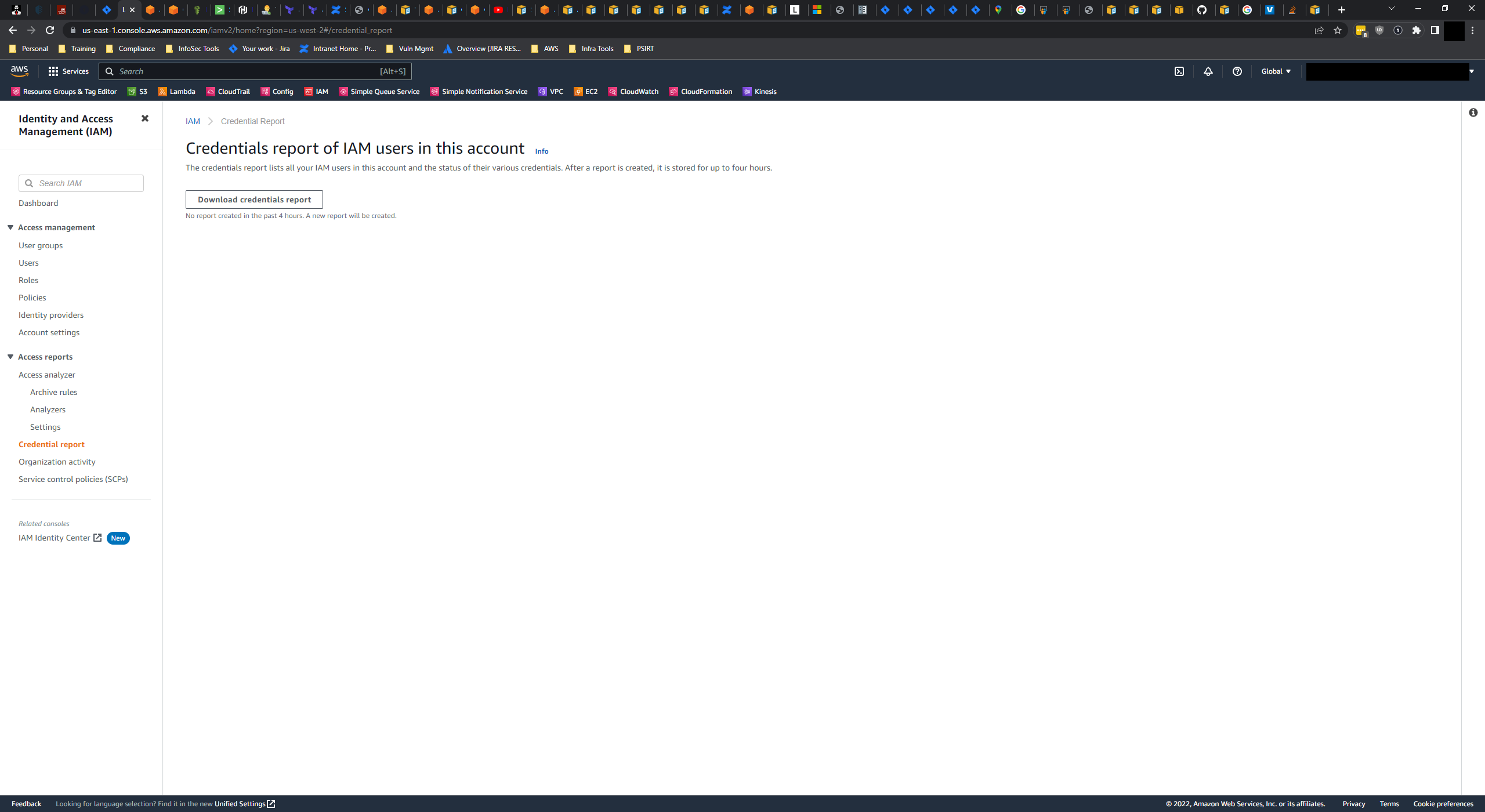
When executing Request-IAMCredentialReport -Credential $creds, a new IAM Credential Report should be available in the remote account if no report exists or the report is older than 4 hours.
Current Behavior
Request-IAMCredentialReport -Credential $creds returns a success response when it actually never sends a request to AWS.
Reproduction Steps
Execute the following interactively or via a script:
$account = '123456789123'
$roleName = 'myrole'
$role = "arn:aws:iam::$($account):role/$($roleName)"
$creds = (Use-STSRole -RoleArn $role -RoleSessionName "$($account)-IAMCredentialReport-bug").Credentials
Request-IAMCredentialReport -Credential $creds

Write-Host "Login to the AWS console for $($account) and check to see if a new IAM Credential Report was generated, or check the status using another AWS SDK."
Possible Solution
Update the -Credential function for Request-IAMCredentialReport.
Additional Information/Context
Making the same GenerateCredentialReport AWS API call by using an assumed role via other tools work.
AWS Tools for PowerShell version used
AWS.Tools.IdentityManagement.4.1.217
PowerShell version used
7.2 (LTS-current)
Operating System and version
CentOS 7.9.2009