https://docs.flutter.dev/get-started/codelab
A new Flutter project.
This project is a starting point for a Flutter application.
A few resources to get you started if this is your first Flutter project:
For help getting started with Flutter development, view the online documentation, which offers tutorials, samples, guidance on mobile development, and a full API reference.

Scaffold is a blank white scrren in the material app :
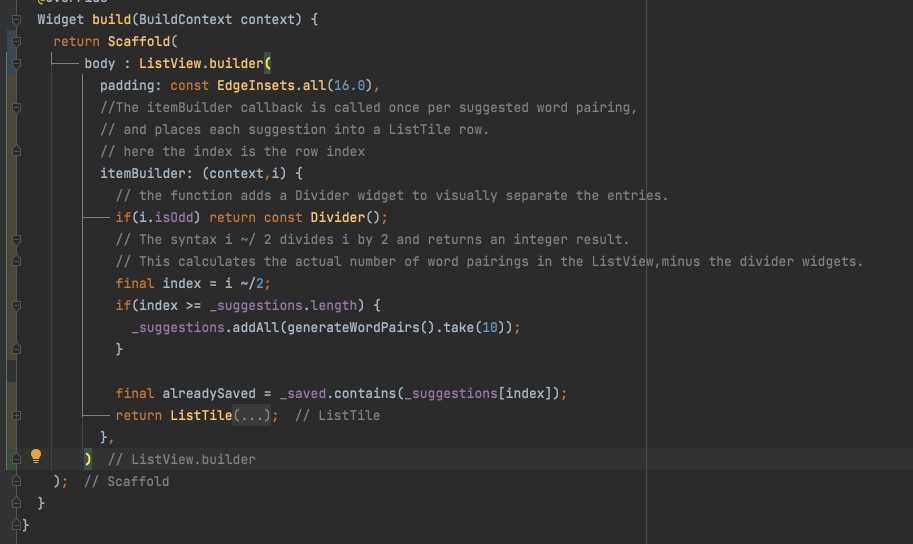
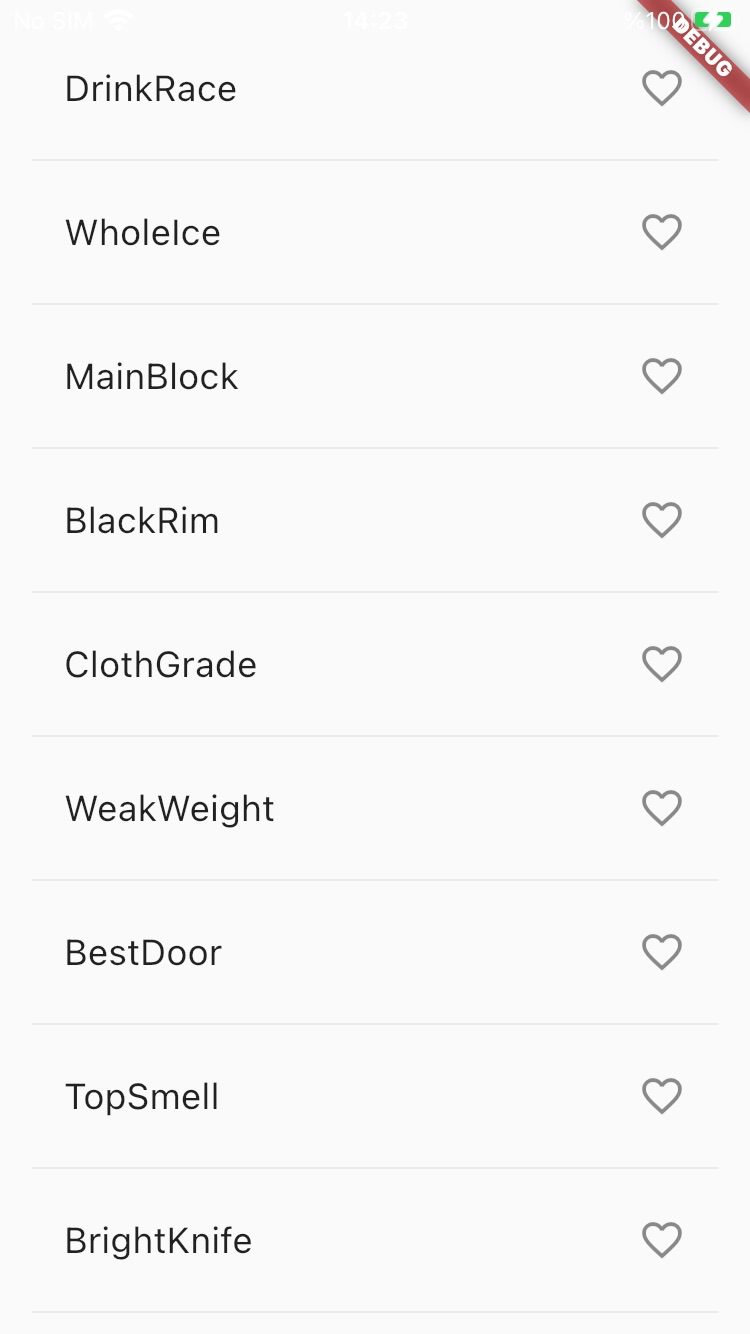
If scaffold only includes the body, then the body will use the all area in the scaffold
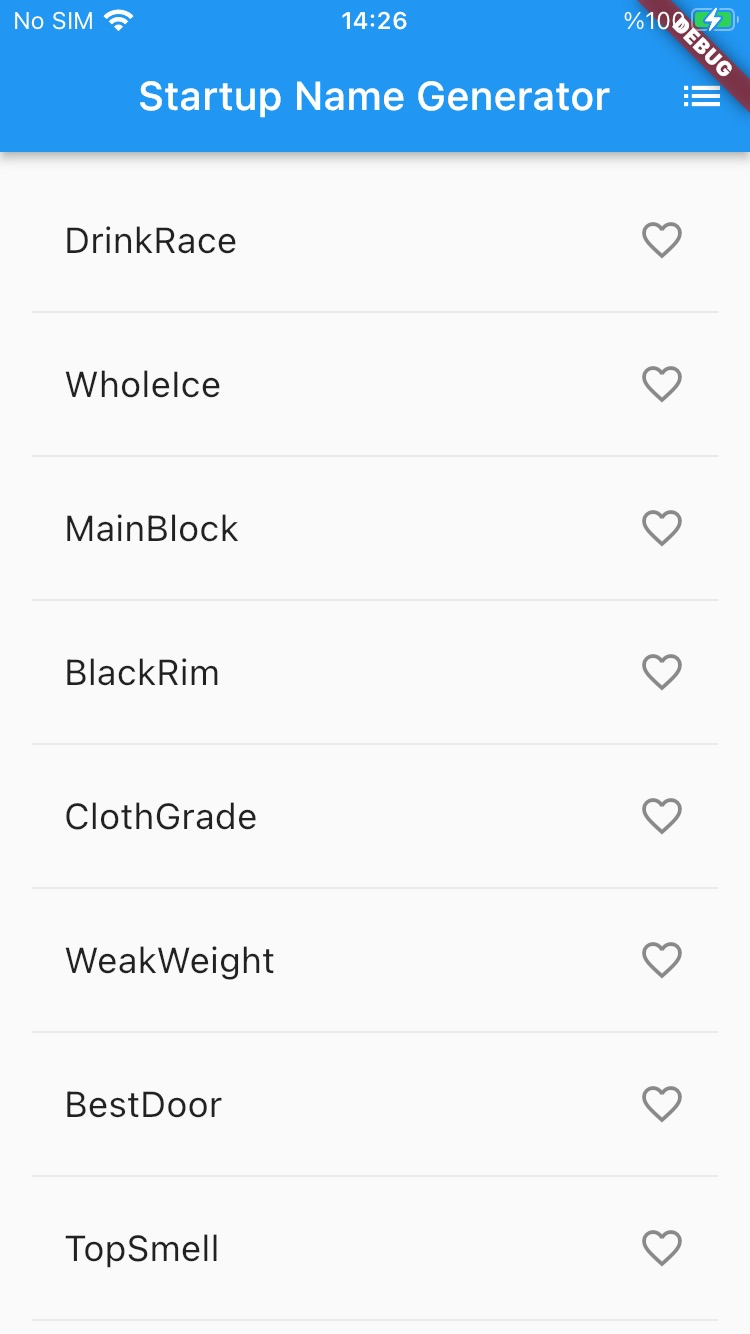
Appbar in the Scaffold:
appBar: AppBar(
          title: const Text('Startup Name Generator'),
          actions: [
            IconButton(
              onPressed: _pushSaved,
              icon: const Icon(Icons.list),
              tooltip: "Saved Suggestions",
            )
          ],
        ),
And also the _pushSaved function created inside the sate class:
class _RandomWordsState extends State<RandomWords> {
  //Add a _suggestions list for saving suggested word pairings.
  final _suggestions = <WordPair>[];
  final _saved = <WordPair>{};

  // Also, add a _biggerFont variable for making the font size larger.
  final _biggerFont = const TextStyle(fontSize: 18);

  void _pushSaved() {}

  @override
Widget build(BuildContext context) {}MaterialPageRoute<void>(
builder: (context) {
final tiles = _saved.map(
(pair){
return ListTile(
title: Text(
pair.asPascalCase,
style: _biggerFont,
),
);
},
);
final divided = tiles.isNotEmpty
? ListTile.divideTiles(
context: context,
tiles: tiles
).toList()
: <Widget>[];
return Scaffold(
appBar: AppBar(
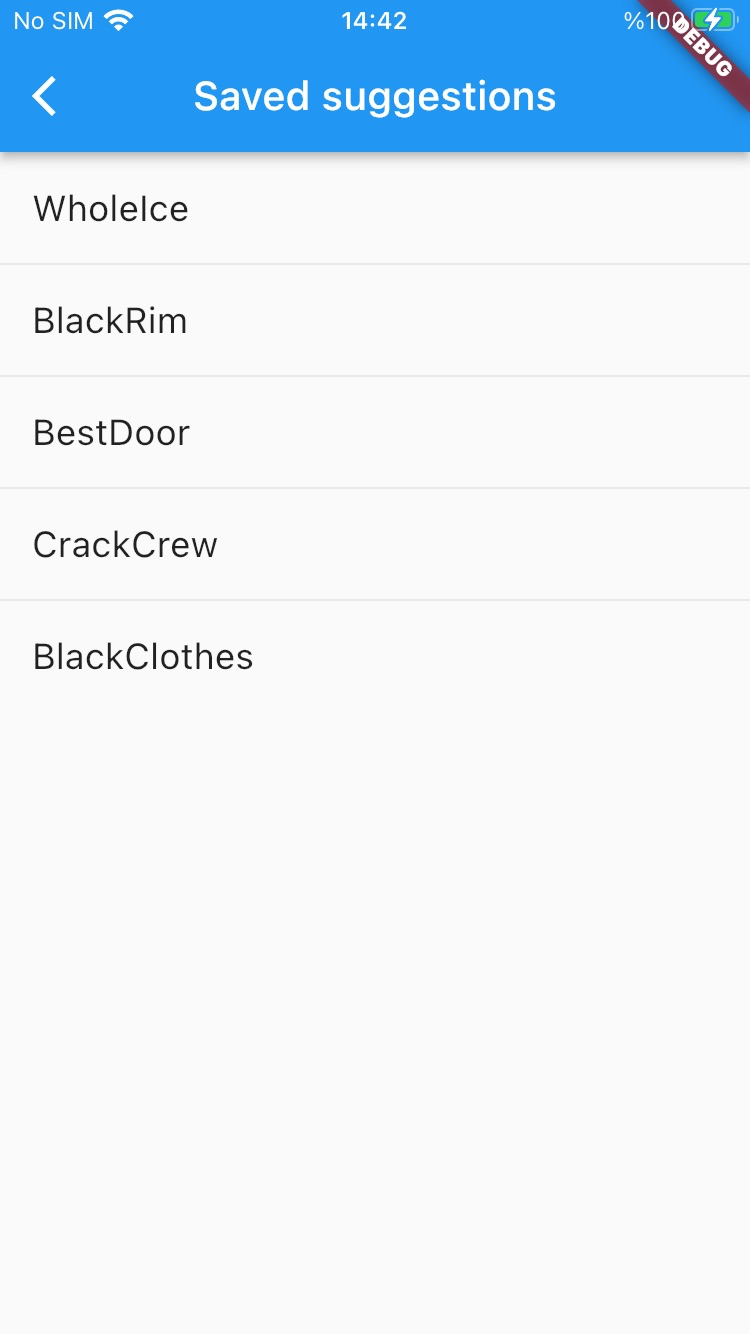
title: const Text('Saved suggestions'),
),
body: ListView(
children: divided,
),
);
}
)