Releases: b23prodtm/MFIGamepadFeeder
Release .NET 4.8 for Windows 11

Contributors

Assets 4
Virtual "X" Guide button
Added as a virtual Guide button to mappings.
Previous adds to features, L and R Trigger, auto-reconnect gamepads included.
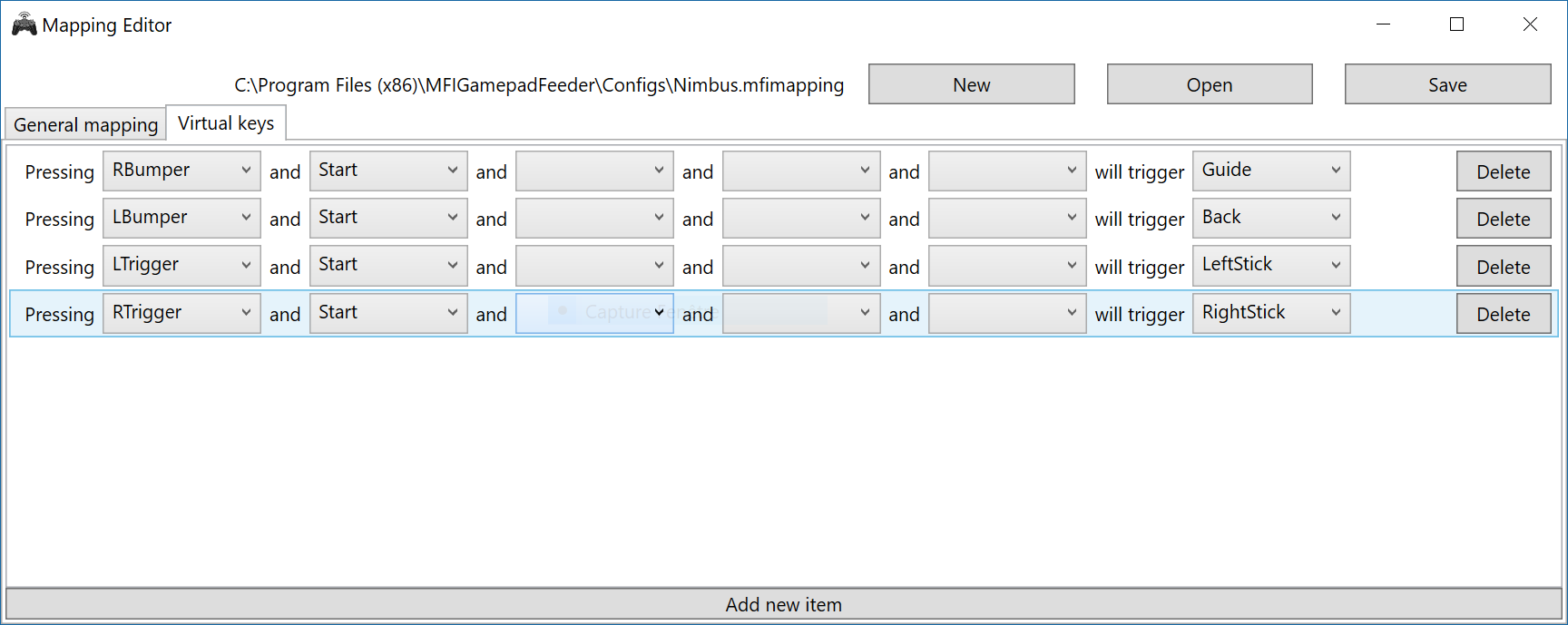
Nightly
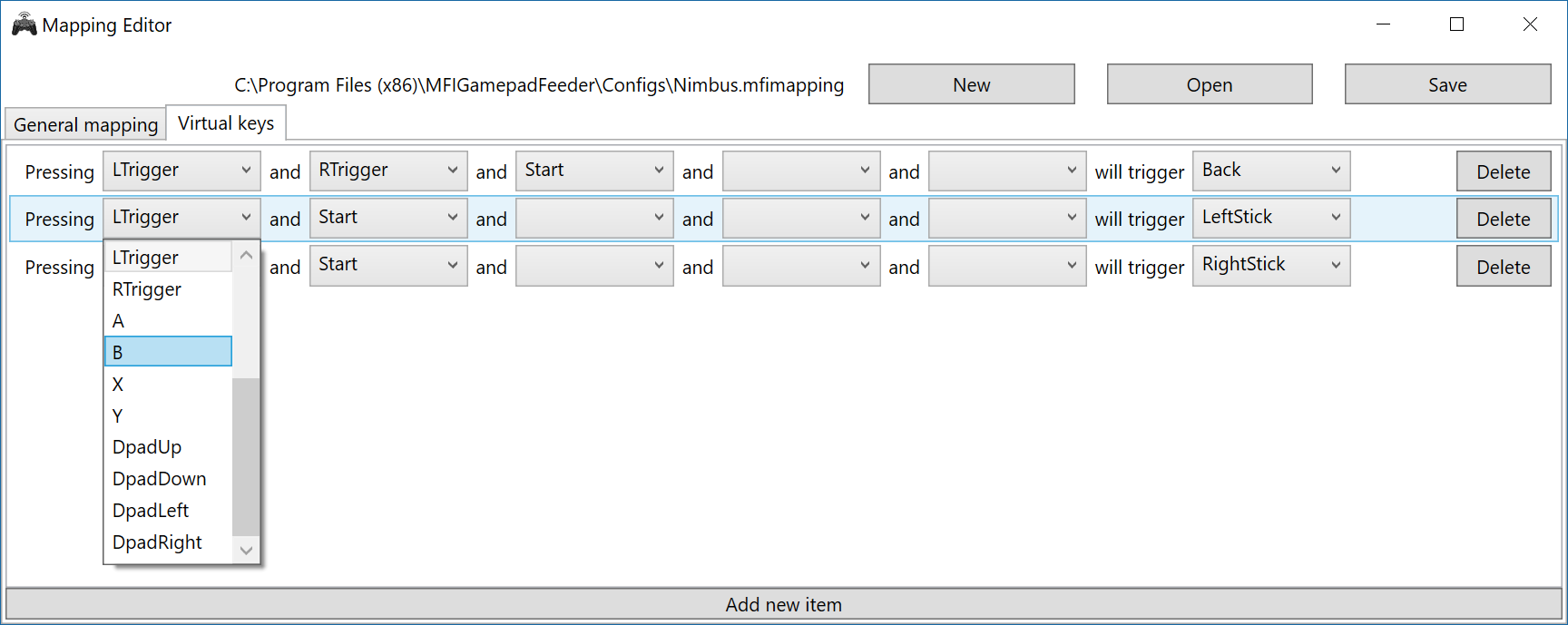
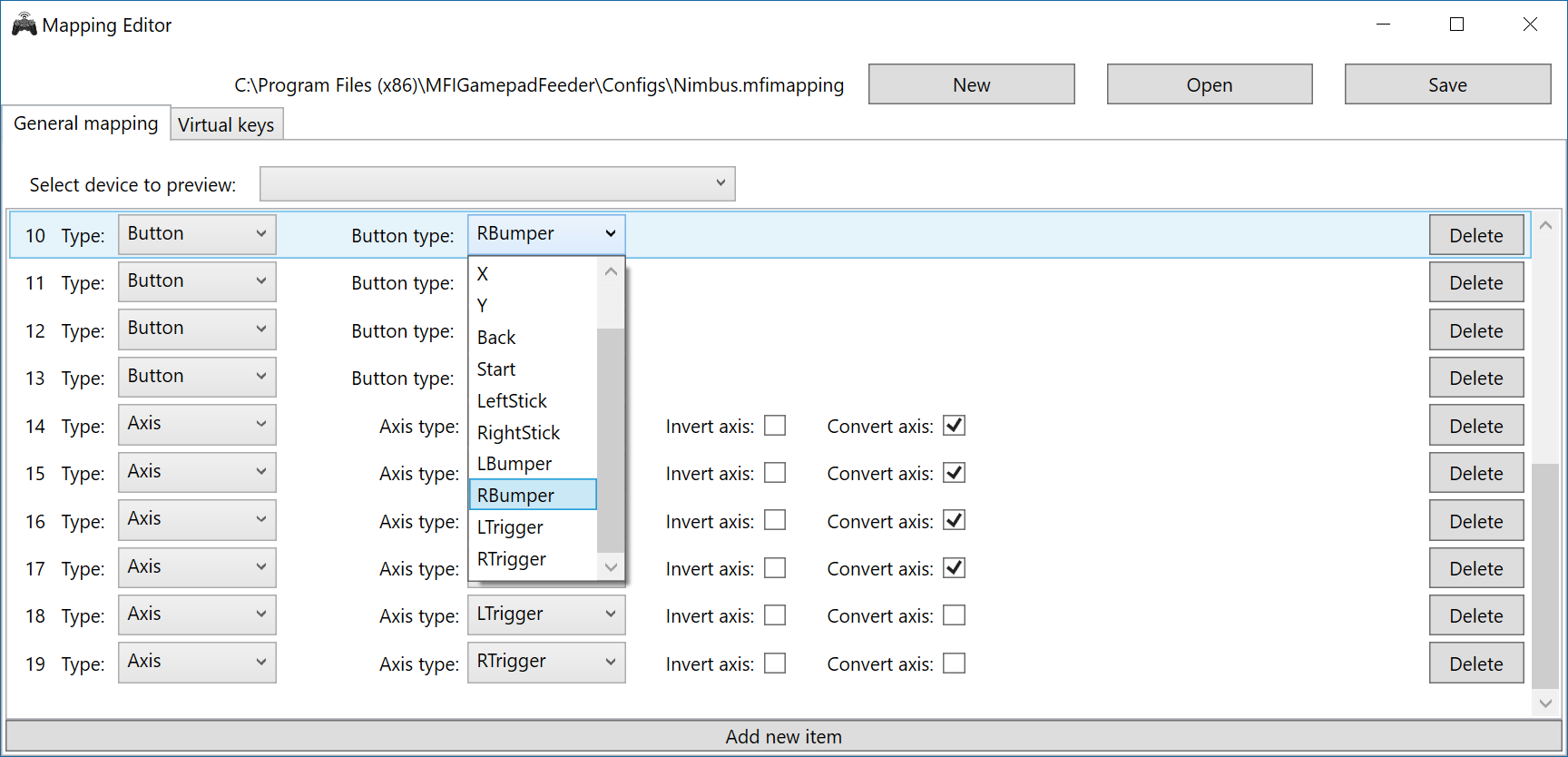
New triggers buttons
Changes
- Virtual mapping is possible with a L or R trigger press.
- Some process optimization improves gamepad reactivity (dPad and sticks)
- Axis inversion
Auto Plug in controllers
Auto Plugin Options (Fixed)
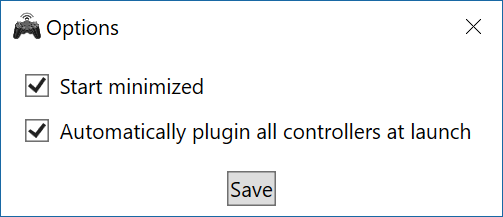
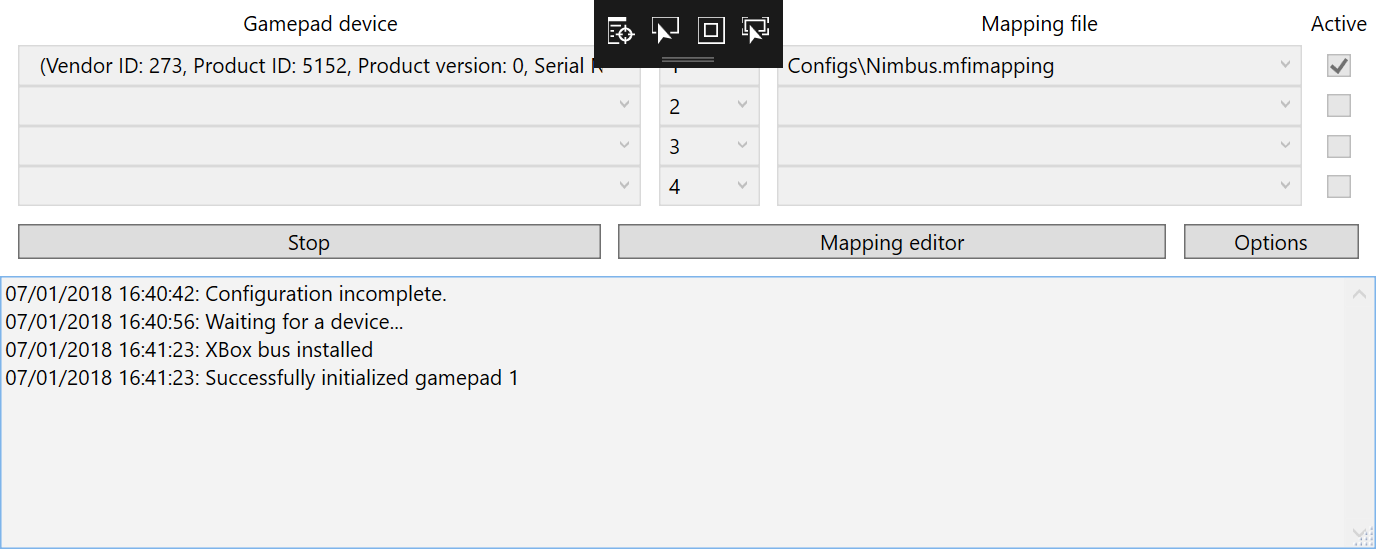
The option to automatically plug in at start-up waits for the device to connect to the HID manager.
Update for the connection stream
This updates Nimbus gamepad connection.
It fixes the issue of when the gamepad becomes out of range and disconnects from the feeder stream.
Once started, the easy MFIgamepadfeeder starts observing the gamepad input and streams to XInput drivers. It automatically tries to reopen the stream even if the driver resumes from an unreliable state (out of range, lost connection).
The gamepad becomes enabled as x360 controller until the user presses the stop button in MFIgamepadfeeder.
Installation:
This applies to x64 binaries, launch the installer and overwrite the current files if they exists.
Optional binary for 32 bits:
If you need an x86, download the source code, install Visual studio with .net framework and compile the slitting with the x86 configuration.
MFi Gamepad by vJoy connects the nimbus controller to an Xinput interface.
The XInput virtual controller is connected with the MFIGamepadFeeder application.
This was successfully tested with the Nimbus controller and Steam Big Picture.
Requirements :
- .Net Framework are required by the application and/or The Microsoft Visual C++ 2015 Redistributable.. Reboot after the installation of the framework.
Installation :
- Plug in your controller.
- Run the file nimbus-x64-setup.exe on Windows with elevated privileges. At the end of the wizard dialog, a terminal command is run and a notification that the driver was enabled. No reboot required.
- Included in the installation file : ScpVbus Connector and the vJoy interface wrapper.
Usage :
- Run MFi Gamepad by vJoy
- Connect your controllers with Bluetooth
- Check options buttons
- Press Plug/Unplug Devices
- Play on any Xinput enabled games with the Nimbus controllers
Credits : Sincere greetings to @shauleiz and @WasabiFan for their help.
Nimbus MFi Gamepad for Xinput
The XInput virtual controller is connected with the MFIGamepadFeeder.
This was successfully tested with the Nimbus controller and Steam Big Picture.
Requirements :
- .Net Framework are required by the application and/or The Microsoft Visual C++ 2015 Redistributable.. Reboot after the installation of the framework.
Installation
- Run nimbus-x64-setup.exe on Windows. No reboot is required.
- Included in the installation file : ScpVbus Connector.

Credits : Sincere greetings to @shauleiz and @WasabiFan for their help.
Release for an Xinput interface of the vJoy Driver.
Xinput interface pre-Release
Thanks to the vJoy driver, the XInput virtual controller is connected with the MFIGamepadFeeder.
This was successfully tested with the Nimbus controller and Steam Big Picture.
Requirements :
- The latest vJoy Device Driver must be installed on your system. http://vjoystick.sourceforge.net/site/
- Follow https://github.com/shauleiz/ScpVBus/releases to install ScpvBus
- The Microsoft Visual C++ 2015 Redistributable.