Made by using React & TypeScript on ViteJS
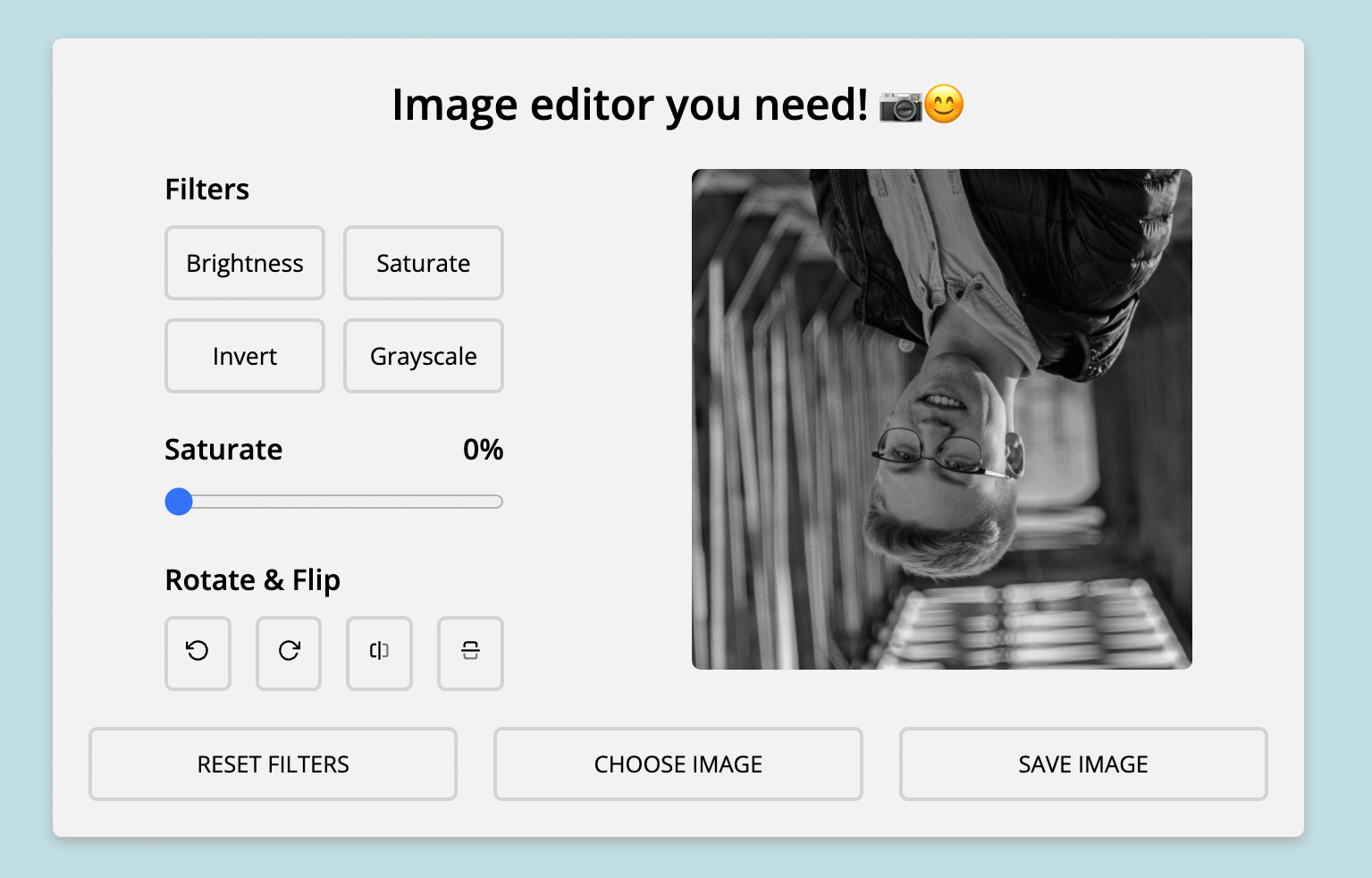
Preview:
To run app you need to install node modules first by running:
yarn install
And now you can start app by:
vite
or by:
yarn dev
When running fully on focker all you have to do is run following command:
docker build -t your_image_nameNote you can replace your_image_name by whatever name you want the image of app to be
Then start the image and create a container by running:
docker run --name your_container_name -p 8080:8080 img-editor
Note you can replace your_container_name by whatever name you want the container to be
To change the port that app is running you need to change vite.config.ts, Dockerfile files and also change the docker run command.
© bartekmolka 2022