


Thanks to the sponsors who make running ascii.rest possible


217 pieces for React, Next.js, Astro or plain HTML.
The banner above is drawn by ascii.rest: make your own.
ascii.rest · docs · install · pieces · contributing




Written in TypeScript by @bas3line. 217 pieces, from full-colour scenes to loaders, charts, language logos, Linux distros, spinning shapes and physics. The donut above turns on a page with one tag: <ascii-art piece="donut"></ascii-art>. See them all at ascii.rest.
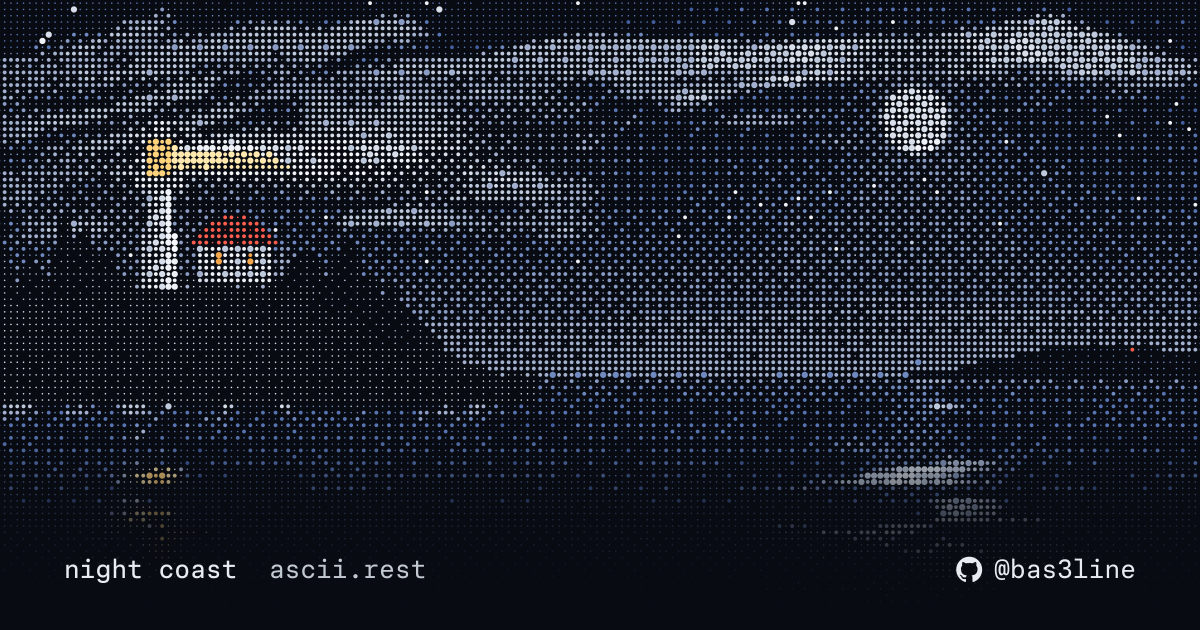
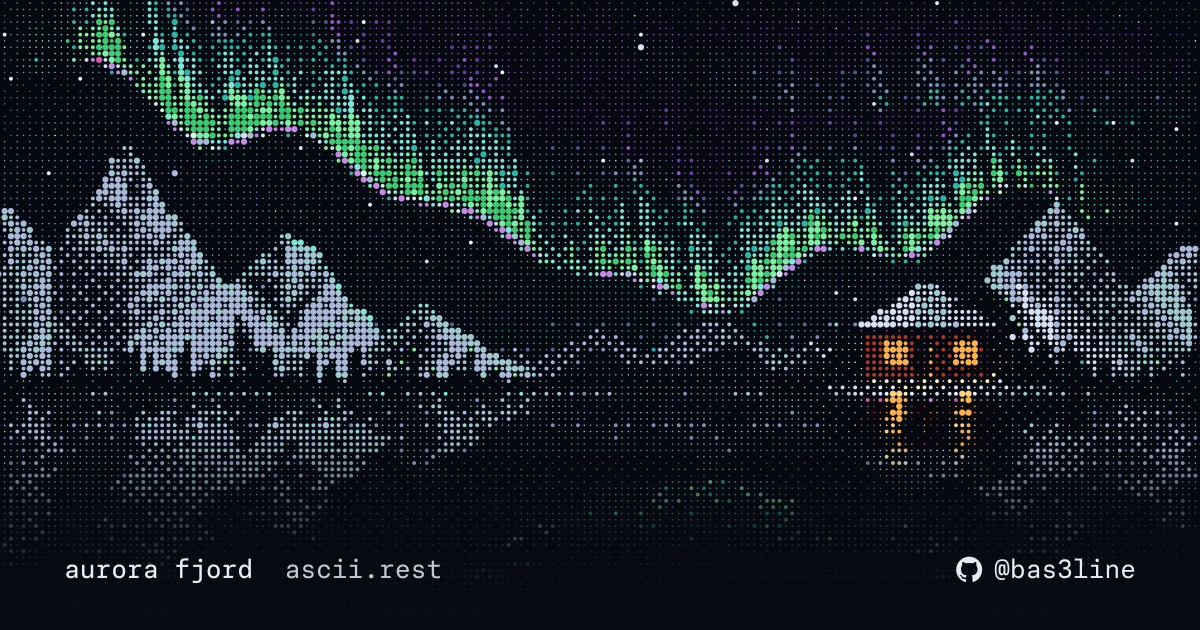
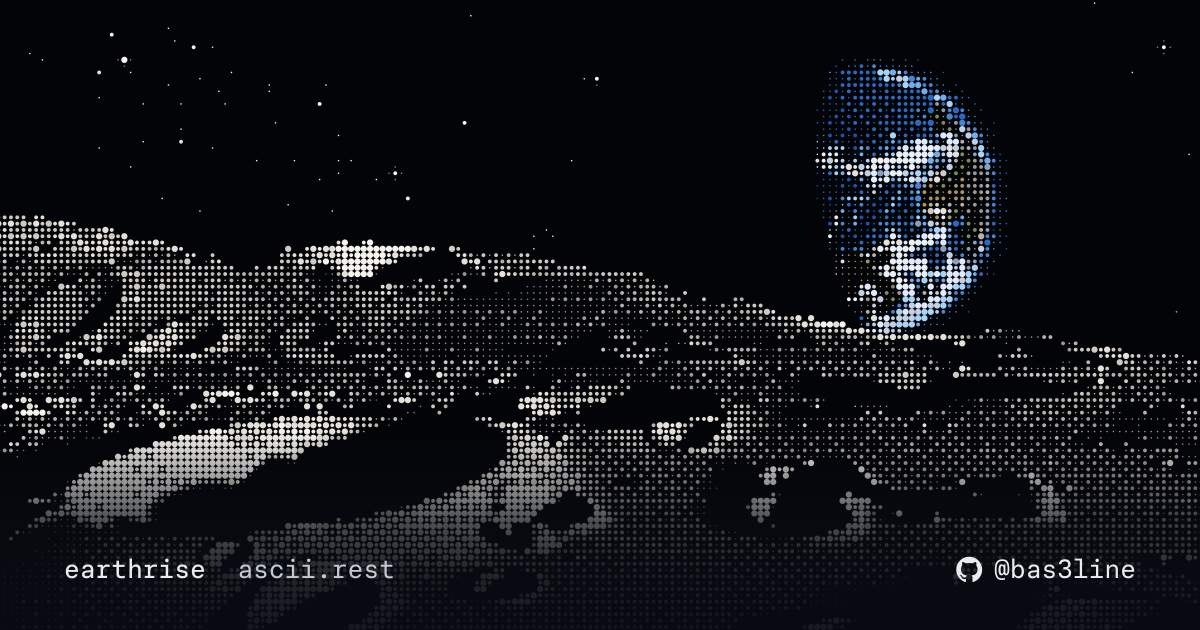
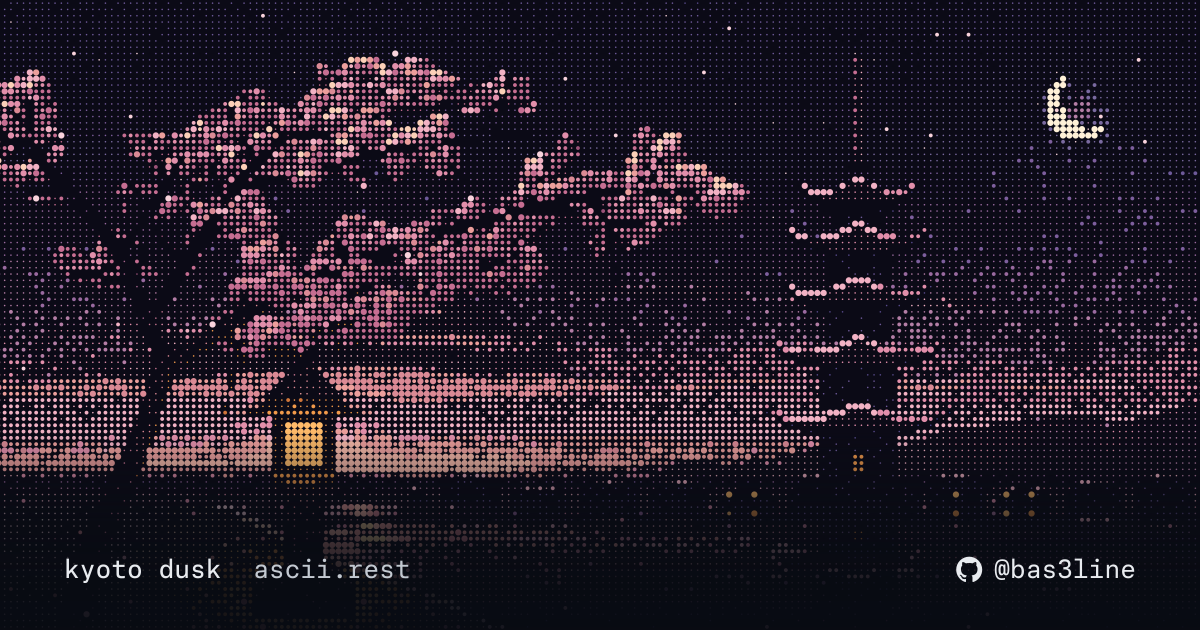
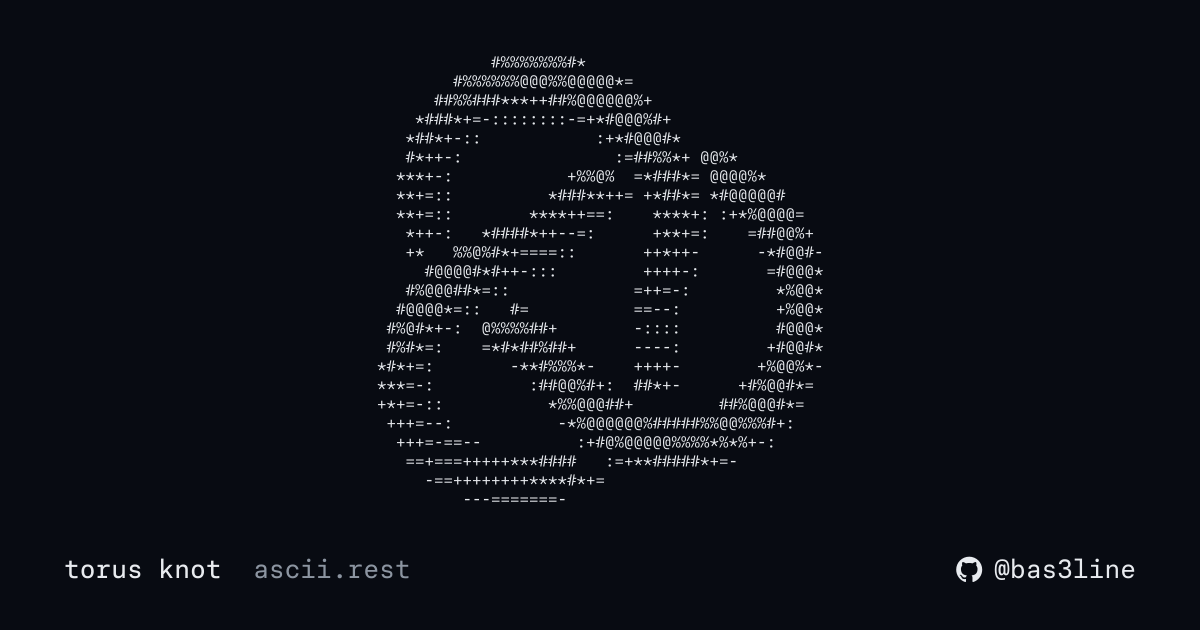
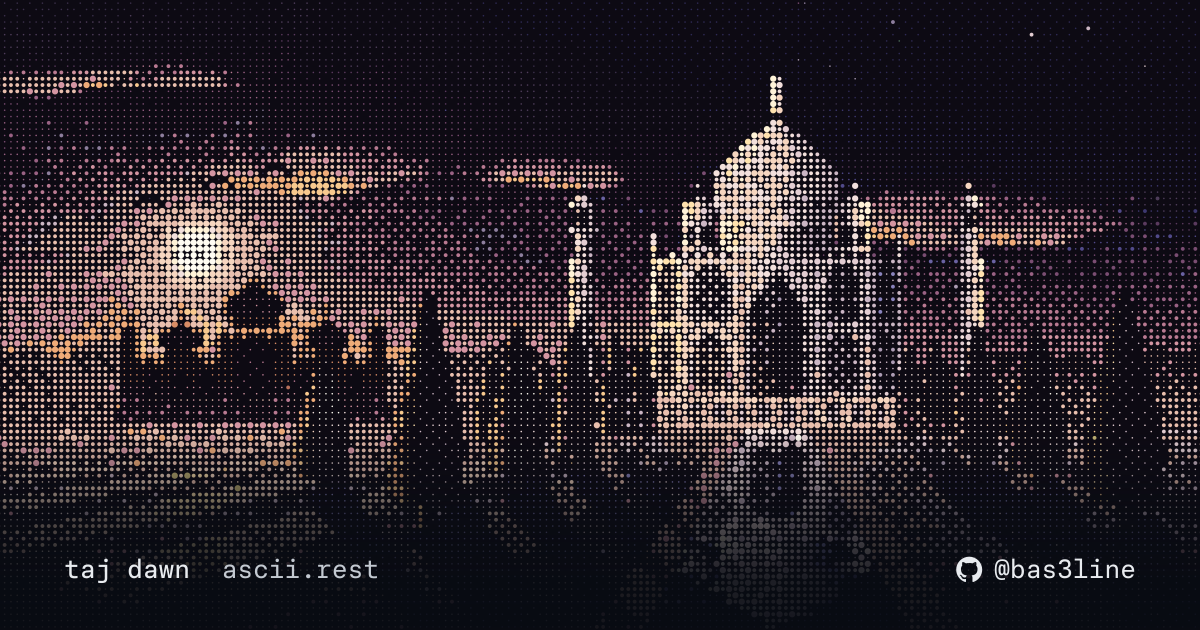
I've always been a fan of Markdown files and terminal-style websites: plain text, one monospace face, nothing that moves without a reason. The kind of quiet web that planetscale.com does well. So I made this, a way to put a little motion on pages like that without giving up the style. If you like minimalism, this library is for you.
npm install ascii.restOr skip installing: the HTML tag loads everything from ascii.rest. Or copy the source into your project, to keep and change, through shadcn or the CLI:
npx shadcn@latest add https://ascii.rest/r/ascii.json https://ascii.rest/r/donut.json
npx ascii.rest add ascii donut
Every way, with every option, is in the docs.
import { Ascii, Banner } from "ascii.rest/react";
import { donut } from "ascii.rest/pieces";

<Ascii piece={donut} />
<Ascii piece="night-coast" />                          // fetched by name when it mounts
<Ascii piece={donut} options={{ fps: 12 }} className="art" />
<Ascii piece="rust" mono />                            // a logo in one ink
<Banner text="hello" color={["#f97316", "#f778ba"]} shadow="rounded" />
Ascii and Banner are client components ("use client"), so they go straight into the Next.js app router. Text pieces draw into a <pre> in its colour and font size; the coloured ones, scenes, logos, companies and distros, draw onto a <canvas> as wide as its container, or into a <pre> in one ink with mono. React and Next.js in the docs.
---
import Ascii from "ascii.rest/astro";
---

<Ascii piece="donut" />
<Ascii piece="big-text" options={{ text: "hello" }} class="banner" />
The first frame is rendered on the server, so the page is whole before any script runs; the piece starts playing once the page loads.
<script type="module" src="https://ascii.rest/ascii.js"></script>

<ascii-art piece="donut"></ascii-art>
Style it like text: ascii-art { font-size: 10px; color: teal; }. The logos, companies and distros come in their own colours; add mono, <ascii-art piece="rust" mono>, to draw one in the text's colour instead. In a bundled app, import "ascii.rest/element" defines the same tag.
A README runs no script, so every logo, company and distro also comes as an animated SVG, one loop of its glint or scan, at https://ascii.rest/svg/<name>.svg for light pages and <name>.dark.svg for dark ones:
<picture>
  <source media="(prefers-color-scheme: dark)" srcset="https://ascii.rest/svg/rust.dark.svg">
  <img alt="rust" src="https://ascii.rest/svg/rust.svg" width="320">
</picture>
GitHub shows the dark one in its dark theme. Each piece's page on ascii.rest has its snippet under readme.
Your name, or your project's, in big text's block letters with a glint that passes now and then, sized to the text:
<a href="https://ascii.rest/banner/">
  <picture>
    <source media="(prefers-color-scheme: dark)" srcset="https://ascii.rest/banner/my-project.dark.svg">
    <img alt="my-project" src="https://ascii.rest/banner/my-project.svg">
  </picture>
</a>
The URL is the banner: https://ascii.rest/banner/<text>.svg, and .dark.svg for GitHub's dark theme. It takes up to 20 characters, letters, digits, spaces and . , ! ? ' : - + = / _, drawn in capitals unless the font is mixed, in GitHub's own text colour. The query carries the rest:
| query | |
|---|---|
color |
the letters' colour, ff6a00; more for a fade, ff6a00,f778ba; or art, the art's own colour |
effect |
glint by default, a glint every few seconds; type, the letters type in once and stay; still |
speed |
slow, normal or fast |
font |
block by default, slim, tall, bold, round, wide, mixed (lower case too) or italic |
shadow |
double by default, single, heavy, rounded, ascii or none |
fill |
the letters' character: shade by default, block, light, hash or at |
tagline |
a line under the letters, typed out, up to 60 characters |
art |
any logo, company or distro of the library, rust, beside the letters, or with place=right, above or below |
size |
s, m by default, or l: how big a README shows it |
bg |
a colour behind it all, as a card: 0d1117 |
<img alt="ferris" src="https://ascii.rest/banner/ferris.svg?art=rust&color=art&tagline=fast%2C%20safe%2C%20fun">ascii.rest/banner makes one as you choose and gives the snippet, in HTML, Markdown, as a URL, in React or in code. Every logo's page has a link that starts one with it. Anyone who prefers reduced motion gets it still. GitHub README in the docs.
Everything a URL can choose, and much more, is an option in code. banner() makes any text a piece, so it plays wherever a piece does, and svg() turns any piece into an animated SVG:
import { banner } from "ascii.rest/banner";
import { bannerSvg, svg } from "ascii.rest/svg";
import { rust } from "ascii.rest/pieces";

const hello = banner("hello", { font: "slim", shadow: "rounded", fill: "#", color: ["#f97316", "#f778ba"], glint: { every: 5 } });
svg(hello);                                                     // a string: write it to a file, or serve it
bannerSvg("ferris", { art: rust, color: "art", tagline: "fast, safe, fun", place: "above" });
Every option of banner() and svg() is in the docs.
ascii.rest/make turns your own logo or a photo into animated ascii. It takes an SVG, PNG, JPG, WebP or GIF, and works in your browser, so nothing is uploaded. You get an embed for any page, two SVGs for a README, and a piece file to add to the library. Image to ascii in the docs.
npx ascii.rest rust                        # plays until you press a key
npx ascii.rest night-coast --seconds 10
npx ascii.rest list                        # every piece's name, by category
npx ascii.rest banner 'my cli'             # your text in block letters
The logos, companies, distros and scenes play in their own colours, in 24-bit colour. A scene is shrunk to fit the terminal, whatever its size, and drawn in tones, two of its rows in each of the terminal's as half blocks, so the dots it is made of blend as they do on a page. --mono draws a coloured piece in the terminal's own colour, for a terminal without 24-bit colour, and --light takes the colours meant for a light background. --fps and --seconds set the speed and the length. The piece plays centred; any other piece wider or taller than the terminal shows only its middle, and it says so when it stops. Piped or redirected, it prints its first frame as text.
import { play } from "ascii.rest/terminal";

const { interrupted } = await play("command-code", { seconds: 2 });
if (interrupted) process.exit(130);
play(piece, options?) takes a piece module or a name and resolves when the piece stops: after seconds, on any key, or on Ctrl+C, which sets interrupted. It plays on the alternate screen with the cursor hidden, and puts the terminal back however it stops, on an error too. When the output is not a terminal it draws nothing and resolves at once, so a pipe or a CI log never gets a splash. It uses only Node's own modules.
| option | |
|---|---|
seconds |
how long it plays; until a key is pressed by default |
mono |
draws a coloured piece in the terminal's own colour |
light |
for a light terminal: the light colours, and shaded pieces flipped |
fps |
frames a second, instead of the piece's own |
options |
the piece's option overrides: { text: "hello" } |
out |
where it draws: process.stdout by default |
It resolves with { interrupted, cropped, piece, terminal }: cropped is true when the terminal was smaller than the piece, whose size and the terminal's are in piece and terminal.
import { banner } from "ascii.rest/terminal";

await banner("my-cli", { color: ["#ff6a00", "#f778ba"], tagline: "v1.0, fast" });
banner(text, options?) prints the text in block letters where the cursor is, lets the glint pass once, or the letters type in, and resolves, leaving the banner in the scrollback with the rest of your output, unlike play(), which takes over the screen. It takes every option of banner(), the font, shadow, fill, effect and colours, and is sized to the text, with narrower letters if the terminal is too narrow for square ones and the plain text if it is too narrow for those. Piped, it prints the banner at once with no colour. With NO_COLOR set it leaves out the colours but still moves. Call it at the start of a line, and a terminal too short to show the whole banner gets it still. npx ascii.rest banner <text> takes --seconds, --color, --tagline, --font, --shadow, --effect and --light.
| option | |
|---|---|
seconds |
how long the glint takes to pass, or the letters to type in; 1 by default, 0 prints it still |
color |
the letters' colour as #rrggbb, or more for a fade along them; the terminal's own by default, and the shadow is dimmed |
tagline |
a line under the banner, dimmed, once it has moved |
light |
for a light terminal: solid letters that the glint lightens |
out |
where it prints: process.stdout by default |
font, shadow, fill, effect, … |
as banner() takes them |
It resolves with { cols, rows, interrupted }: the banner's size, 0 by 0 if it printed the plain text, and interrupted if Ctrl+C stopped it moving.
import { mount } from "ascii.rest";
import { donut } from "ascii.rest/pieces";

const stop = mount(document.querySelector("pre")!, donut, { fps: 12 });The short of it is below; the docs have everything each module exports, ascii.rest/banner and ascii.rest/svg among them.
Plays piece in element and returns a function that stops it.
element: a<pre>for text pieces, a<canvas>for the coloured ones (canvas.has(name)tells you which). A coloured piece in a<pre>is drawn in one ink.piece: a piece module, such asdonutfromascii.rest/pieces.options: overrides the piece's option defaults, plusfpsto change its frame rate, andmotion: trueto play even when the reader prefers reduced motion. Pieces hold their first frame for those readers by default; setmotiononly behind a control the reader chooses, like the site's[play anyway].
From ascii.rest. load["night-coast"]() imports any piece by name, names lists every name, canvas is the set of pieces drawn on a canvas, and isPiece(name) narrows a string to a piece name.
| prop | type | |
|---|---|---|
piece |
piece module or name | a module is bundled, a name is fetched when it mounts |
options |
object | option overrides, and fps |
label |
string | what it shows, for screen readers; the piece's name by default |
mono |
boolean | draws a coloured piece in one ink, in a <pre> |
className, style |
passed to the <pre> or <canvas> |
piece (a name), options, fps, label, mono and class.
| attribute | |
|---|---|
piece |
a piece's name: donut, night-coast |
src |
or the URL of any module that follows the piece contract |
fps |
overrides the frame rate |
options |
JSON overriding the option defaults: '{"text":"hello"}' |
label |
what it shows, for screen readers |
mono |
draws a coloured piece in one ink, the text's colour |
Any current browser: it needs ES modules, custom elements and IntersectionObserver, plus ResizeObserver for the coloured pieces. Importing any module on a server, for server rendering, is safe: nothing touches the DOM until a piece is mounted.
Many pieces draw with box drawing and block glyphs (─ │ ╭ █ ▄ ░). Where the system monospace face has none, as on Android, the tag and the Astro component take them from "ascii.rest mono", a 3 KB cut of JetBrains Mono (OFL) served by ascii.rest, so every row keeps its width. Only a browser that lacks the glyphs fetches it. With React, put it in your own <pre>'s font stack:
@font-face {
  font-family: "ascii.rest mono";
  src: url("https://ascii.rest/fonts/ascii-rest-mono.woff2") format("woff2");
  unicode-range: U+00B0, U+00B7, U+2022, U+2500-259F, U+25CF;
}
pre.art { font-family: ui-monospace, SFMono-Regular, Menlo, Consolas, "Liberation Mono", "ascii.rest mono", monospace; }The logos and distros are drawn from devicon (MIT) and Simple Icons (CC0); omarchy's mark there is its own, MIT licensed, from omarchy.org. The companies are drawn from Simple Icons too, and a0, agentmail, autumn, coderabbit, collabute, command code, databuddy, greptile, helmcode, keiki, orchid, polar and supermemory from their own marks on a0.dev, agentmail.to, useautumn.com, coderabbit.ai, collabute.ai, commandcode.ai, databuddy.cc, greptile.com, helmcode.com, onkeiki.com, orchid.ai, polar.sh and supermemory.ai. Each is a trademark of its owner, shown here to name the language, the distribution or the company.
New pieces, fixes and ideas are welcome. CONTRIBUTING.md covers the piece contract, the checks and how to open a pull request, and the code of conduct applies everywhere. Found a security problem? See SECURITY.md.


Special thanks to:
- Greptile, for reviewing ascii.rest's pull requests for free, as it does for open-source projects.
- Paper, for Paper Mono, the typeface the ascii.rest site is set in, free under the SIL Open Font License.
Made by @bas3line. If you use it, a link back is appreciated, and so is a star.
To support it: GitHub Sponsors, Buy Me a Coffee or PayPal.
MIT, © @bas3line