Eclipse Project Configuration
- Please read the Configuration page first
- Make sure executing
java -versionin a prompt shows at least version 1.6.X.
There are two scenarios for you to AndroidAnnotations from within Eclipse:
The dependencies are must be added in the local libs folder of your application
The jar dependencies (included the android-annotation-api jar) are declared in a ivy manifest file. The jars are retrieved from online repositories along with the source files (if available).
A complete tutorial about ivy is [available] (http://ant.apache.org/ivy/history/latest-milestone/tutorial/start.html) .
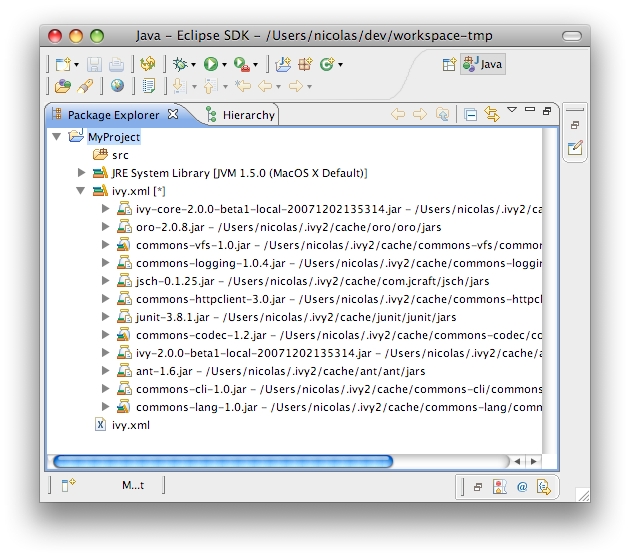
ivy-ide plugin] (http://ant.apache.org/ivy/ivyde/screenshots.html) for Eclipse.