Docker Repo : https://hub.docker.com/r/benkey0/christmaspresentcheckerfrontend
This project aims to be a fun way of managing Christmas presents. Who needs labels when you can slap barcodes on presents and use the Christmas Present Checker!
- Scan barcodes from presents and show full information on the contents.
- Scan barcodes in guest mode to allow an interactive scanning experience without spoiling what's inside!
- Add presents using a simple interface
- Add people using a simple interface
- Scan using Dedicated Scanning hardware or simply your devices' camera!.
- Bring technology where there is a clear gap in the market!
ScanVideo.1.mp4
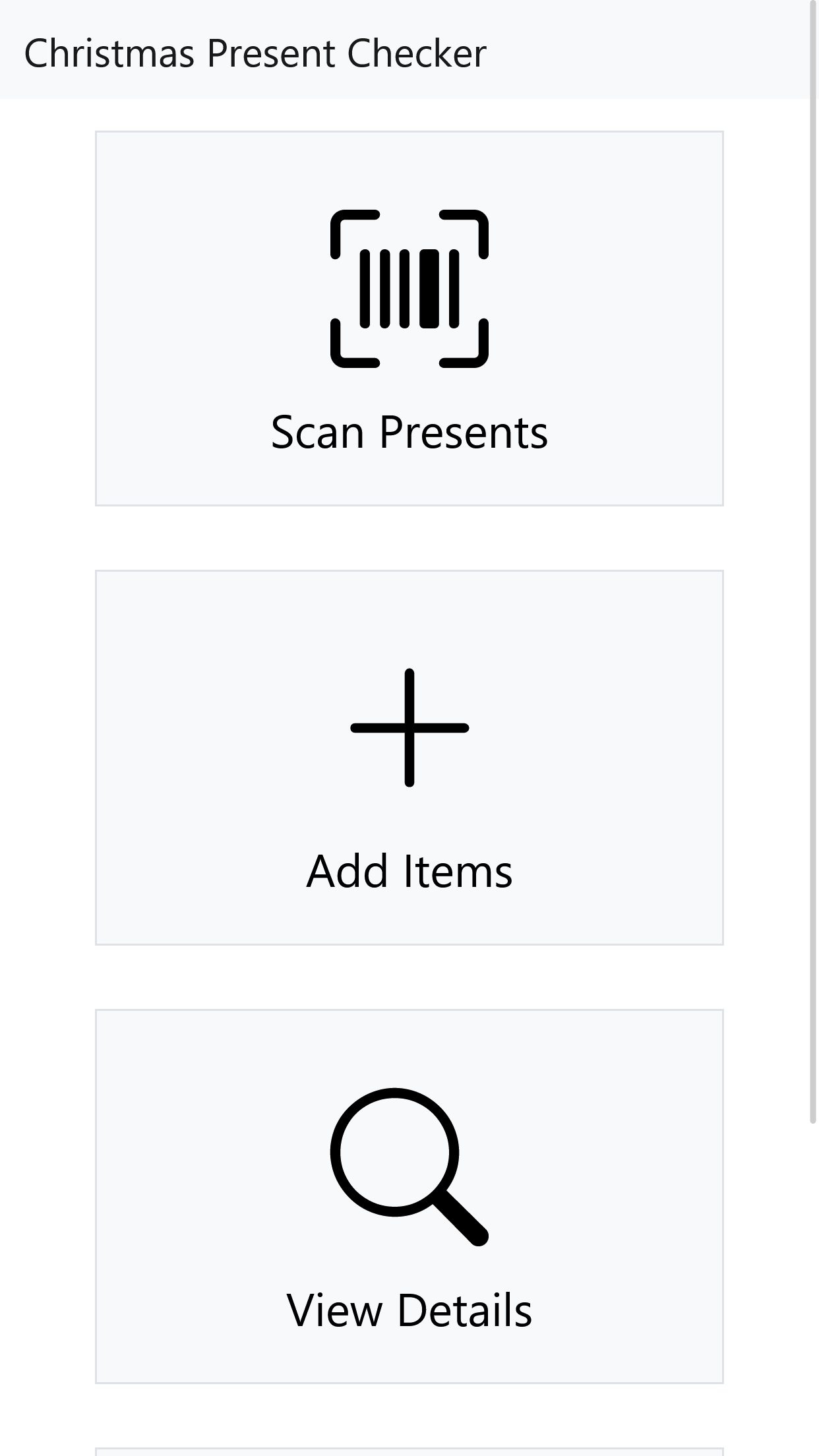
- Main Screen - https://user-images.githubusercontent.com/23360735/209368223-84f43218-2997-4ec9-bd17-ab73918c0b5b.png
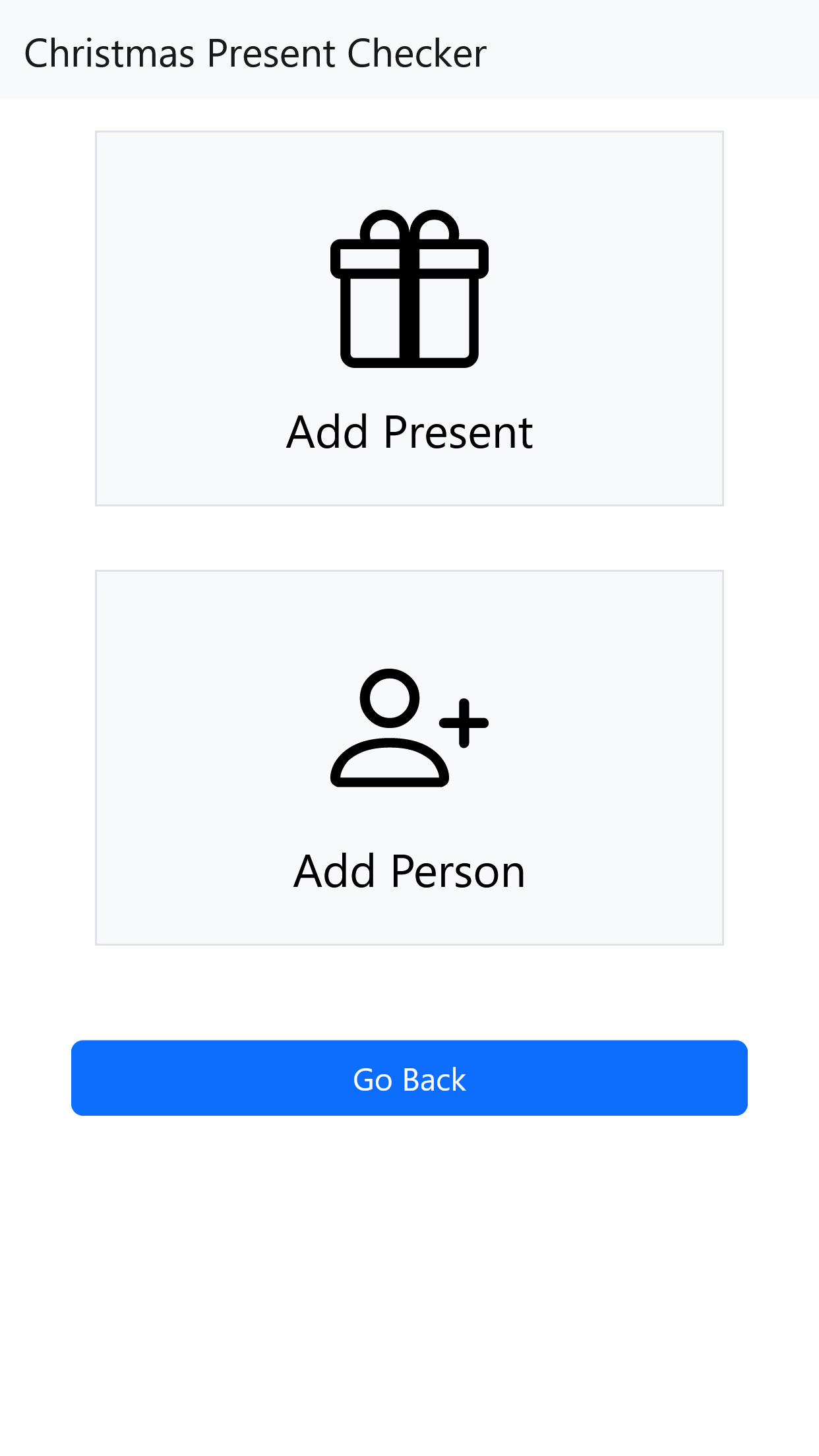
- Add Screen - https://user-images.githubusercontent.com/23360735/209368222-cb9b8222-b2e7-418b-a2fd-f8a28ac7285f.png
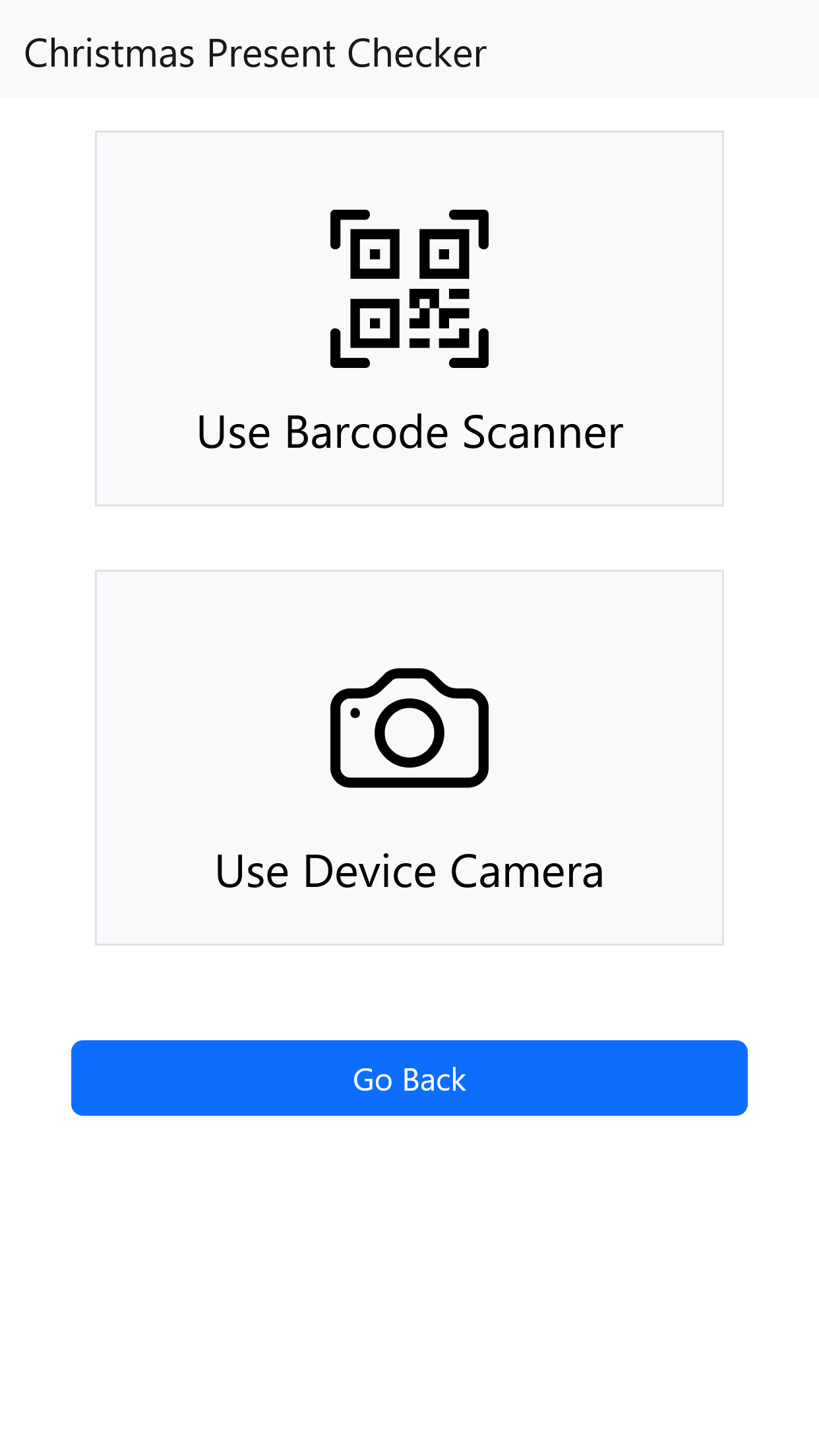
- Scan Screen - https://user-images.githubusercontent.com/23360735/209368219-5f867199-2b9a-447e-9790-6215bf0bf4b7.png
The system consists of 3 parts. All 3 parts are needed for the system to work correctly :
- Postgres Database - For storing information around the presents and people.
- API Backend - For the frontend to communicate to.
- Frontend - For the end user to utilise.
The below Docker Compose file contains the Backend and frontend. Feel free to customize how the stack is set up.
- API + DB - Cloud Server
- Frontend - Local Server (Raspberry Pi ?)
version: "3"
services:
  ChristmaspresentAPI:
    image: benkey0/christmaspresentcheckerapi:latest  #Use Latest Tag when possible.
    container_name: xmas-api
    environment:
      - API_USER=admin # Username to secure API.
      - API_PASS=admin # Password to secure API.
      - DB_USER=postgres # Username For Your Postgres DB.
      - DB_PASS=dbpassword # Password For Your Postgres DB.
      - DB_IP=yourip # IP address of your Postgres DB.
      - DB_PORT=5432 # Port of your Postgres DB.
      - DB_NAME=postgres # Database Name to use in your Postgres DB.
    ports:
      - "81:80" 	#Gunicorn Server runs on port 80 in the container.
    volumes:
      - /home/docker/xmas/images:/images # Map this so that images can be persistent across container reboots
      - /home/docker/xmas/people:/people # Map this so that images can be persistent across container reboots
    restart: unless-stopped

  Christmaspresentfrontend:
    image: benkey0/christmaspresentcheckerfrontend:latest  #Use Latest Tag when possible.
    container_name: xmas-front_end
    environment:
      - API_USER=admin # Same Username as API
      - API_PASS=admin # Same Password as API
      - API_SERVER=http://yourip:81/api/ # Where the API server is reachable (Ensure to add the "/api/")
    ports:
      - "82:80" 	#Gunicorn Server runs on port 80 in the container.
    restart: unless-stopped
sudo docker run --name some-xmas-db -p 5432:5432 -e POSTGRES_PASSWORD=dbpassword -d postgres
http://yourapiserver/api/testdb - This will create the DB needed structure.
- Result should be : status : "DB Is initialised and connected"
First you need to create a person, Then add presents using the add present function!