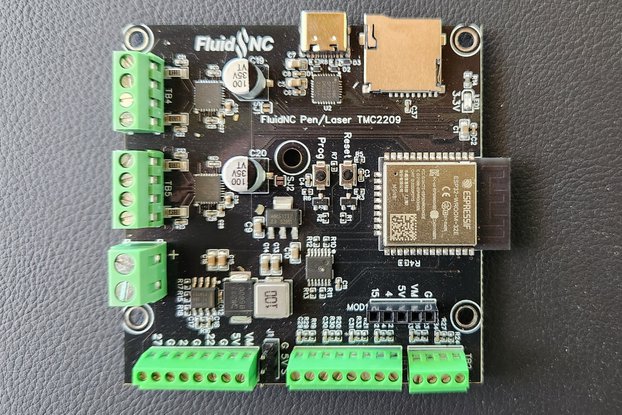
A DIY ESP32 adaptation of the NEJE laser engraver for pen plotting and generative art.
This project transforms an affordable NEJE laser engraver into a versatile 2D plotting machine using an ESP32 microcontroller. By replacing the laser module with a pen, pencil, or other drawing tool, you can create precise drawings, generative art, and even machine learning-driven designs. The setup integrates GRBL firmware for precise control and p5.js for interactive sketching, with optional ml5.js for AI features like pose detection.
Ideal for makers, artists, and hobbyists exploring budget-friendly CNC plotting and creative coding!
- Wireless Control: ESP32 enables WiFi connectivity for remote operation.
- GRBL Compatibility: Executes G-code for accurate movement and plotting.
- p5.js Integration: Real-time design preview, SVG export, and G-code generation in a web-based canvas.
- ml5.js AI Support: Generate patterns from machine learning models (e.g., gesture-based drawing or neural style transfer).
- Modular Design: Easily swap tools like pens, charcoal, or 3D printing nozzles.
- IoT Capabilities: Add sensors for data-driven plotting via MQTT.
- Open-Source: Full schematics, code, and 3D-printable files included.
- NEJE laser engraver (e.g., DK-8-KZ, Master 2, or 2S Plus with GRBL support).
- ESP32 development board (e.g., ESP32-WROOM-32).
- Stepper motor drivers (A4988 or TMC2209 for modifications).
- 3D-printable tool head adapter (STL file in
/hardware/tool_head.stl). - 12V power supply matching NEJE specs.
- Optional: Level shifters, MOSFET for PWM, sensors for IoT.
- USB cable for initial flashing; WiFi for runtime.
- Connect ESP32 GPIO to NEJE steppers (e.g., Step X: GPIO 26, Dir X: GPIO 25).
- PWM for tool control on GPIO 13 (inverted, active low for NEJE).
- Share common ground and power.
- For models with built-in ESP32: Use as a WiFi-UART bridge with TX/RX serial.
Safety Warning: Always use eye protection, ensure ventilation, and test at low power/speed. Avoid laser operation without proper safeguards, even when converted.
- Install the Arduino IDE with ESP32 board support.
- Flash Grbl_ESP32 or FluidNC (NEJE-compatible fork) from
/firmware/. - Configure GRBL: Enable laser mode (
$32=1), set steps/mm for calibration. - Test via serial monitor (115200 baud):
G28to home,G1 X10 Y10 F1000to move.
- Clone the repo and open
/interface/index.htmlin a browser (Chrome/Edge for WebSerial). - Use p5.js in SVG mode for vector designs; export with
save(). - Integrate ml5.js for ML: Load models like BodyPix in
/interface/ml_sketch.js. - Convert SVG to G-code using svg2gcode.js; send via WebSocket or API.
- Firmware: Grbl_ESP32 library (Arduino Library Manager).
- Frontend: p5.js and ml5.js (via CDN; no build required).
- G-code Tools: Free options like LaserGRBL or UGS for testing.
- Integrate sensors (e.g., MQTT for real-time data).
- Host p5.js on a server for exhibition setups.
- Use ESP32's web interface for monitoring.
-
Assemble Hardware:
- Follow
/hardware/schematics.pdffor connections. - Print and attach the tool adapter.
- Replace laser with pen; adjust Z-offset for surface contact.
- Follow
-
Flash Firmware:
- Upload sketch via Arduino IDE.
- Verify in serial monitor.
-
Test Plotting:
- Home the machine (
G28). - Sketch in p5.js, generate G-code.
- Send via web interface or LaserGRBL.
- Home the machine (
-
ML Integration:
- Load ml5.js model for gesture detection.
- Convert inputs to paths and plot dynamically.
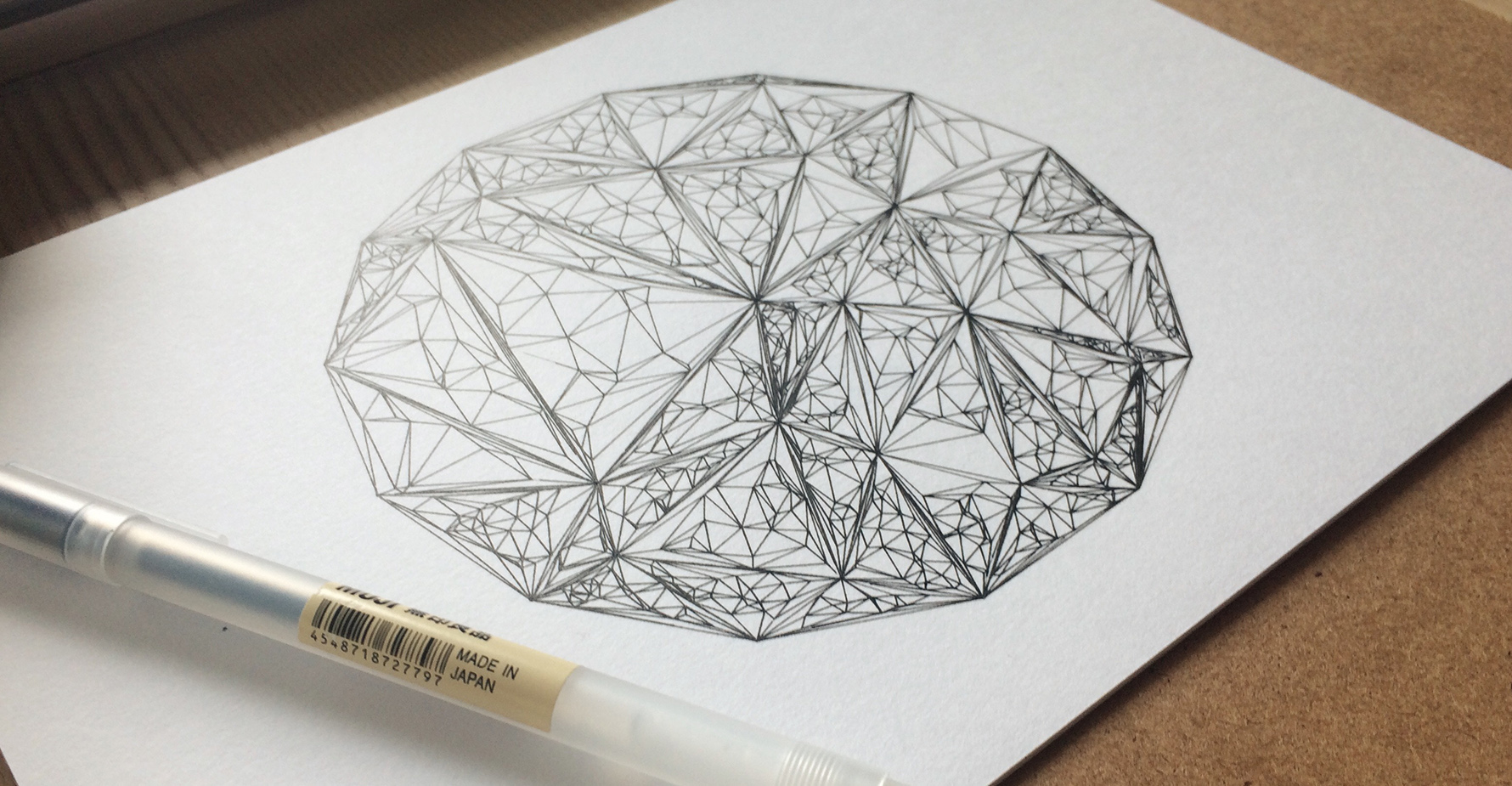
- Simple Sketch: Draw shapes in p5.js, export G-code, and plot statically.
- Generative Patterns: Apply Perlin noise for organic designs; animate frame-by-frame.
- AI-Driven Art: Use webcam for pose detection; ml5.js generates interactive plots.
- Connection Issues: Check ESP32 IP for WiFi; fallback to serial if needed.
- Movement Problems: Invert directions (
$3), recalibrate steps/mm. - G-code Errors: Optimize vectors in p5.js; reduce speed for accuracy.
- Common Fixes: Update firmware, verify permissions, consult logs.
- Resources: NEJE Wiki, GitHub issues, Reddit (r/lasercutting, r/PlotterArt).
Fork the repo, create a feature branch (git checkout -b feature/new-adapter), commit changes, and open a Pull Request. See CONTRIBUTING.md for details. Contributions welcome!
MIT License - see LICENSE for details.
- Inspired by NEJE and GRBL.
- Thanks to p5.js and ml5.js communities.
- Additional resources: FluidNC GitHub, svg2gcode, YouTube tutorials.
⭐ If you build something cool, star the repo and share your creation! Questions? Open an issue.