Export all your gists to the local system
./pull.py --use-keychain --user binarytemple --dest ~/gists/
Searching through your old gists using the github API doesn't always work very well. It can be nice to have them locally for indexing etc.
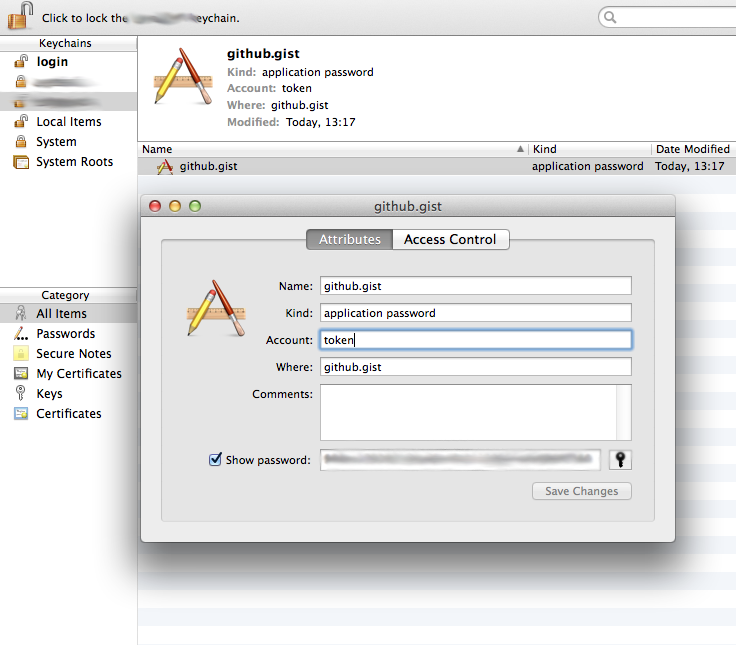
The utility pull.py either recieves the github x-oauth-basic token either from the command line or from the OSX Keyring, then retrieves all the specified users gists, both public and private and places them into the directory specified by '--dest'.
pull.py -h
./pull.py args
where args are
-u  --user=<username>
-t --token=<github api token>
-d --dest=<destination for extracting the gists>
-u --use-keychain use the system keychain to obtain the token
Example of use
Retriving token from the OSX Keychain
./pull.py --user=binarytemple --dest=/tmp/gists -k
Retrieving token from the command line
./pull.py --user=foobar --dest=/tmp/gists -t 988ca1922099000000000000007184a9
Configuring the OSX Keychain