Game Specification
When the game begins, there are enemy (red), player (blue), and neutral (gray) cities. The enemy cities and the player cities both produce troops, but the neutral cities do not. The troops continue to be produced until the city hits the maximum population limit. The number of cities and each city's location is dependent on the level. On each city, the number of troops they currently hold is displayed. To play, the player clicks on one of his own cities, uses a slider to select how many troops he wants to send, and then clicks on an enemy city to send the specified number of cities to. Troops then march out of the sending city to the destination city. When troops reach a city, they decrement the populations of neutral or enemy cities and add to the population of player cities. When a neutral or enemy city's population becomes negative one, the city becomes a player city with a population of 1.
In A-Level, each level will have weather for each season that can affect troops en route. For example, summer will have a lightning storm that randomly kills a few troops, and winter will have a snowstorm that slows travelling troops. There will also be different types of cities that send different types of troops. For example, besides base troops, there will be troops that are faster, and troops that have double health when fighting enemy troops or dealing damage to cities. There will be cities that are capable of shooting projectiles at attacking enemy troops to eliminate them before they can attack the city.
The player wins when they control all of the cities on the map. The player loses if they no longer have any cities on the map, or if their score reaches zero.
Using the mouse, the players will be able to select a city. They will then use a slider to select how many troops they want to send, with the default being half the troops in the city. They will then click on the city they wish to attack or the city where they wish to send their troops.
The starting point of the score is dependent on the level because it is calculated from the number of cities. The score increments when the player takes over an enemy or neutral city for the first time, and points are decremented when player cities are taken over by the enemy and with the passage of time. Taking over a city for the first time adds points to the score, but losing controlled cities takes away points. A single point is also lost every second, effectively giving a time limit for the game.
The game will have 3 difficulty levels: easy, medium, and hard:
- Easy - the enemy fights back in a sluggish manner and the troops are at half speed.
- Medium - the enemy fights back with an emphasis on defense and the troops are at normal speed.
- Hard - the enemy fights back with an added emphasis on offense and the troops are at double speed.
At the main game screen, the player can choose to play in campaign mode or choose a season level to play. There are four season levels that have differing weather that changes troop movements. When a player finishes a season level game, the application goes back to the main screen. In campaign mode, there are three different maps for each season, each map layout getting progressively harder. When playing in campaign mode, the application goes to the next level in the campaign.
This game will operate on Windows 10 and will have a GUI interface. The game will load onto a title screen with options to display a help screen with information on how to play the game, display an about screen, display a high score leaderboard, and start the game.
The level designer will allow players to choose the amount, type, and locations of cities. The player will be able to save these designs and use them to play the game. The player will be able to click on a button respective to the type of city they wish to place, and it will place the city on the map. The player will then be able to drag the city to their desired location. The level designer will require the player to place at least one player city and at least one enemy city. The starting score will be determined by a fixed equation based on the amount of player cities, enemy cities, and total cities.
Castle images for the player, enemy and neutral cities.
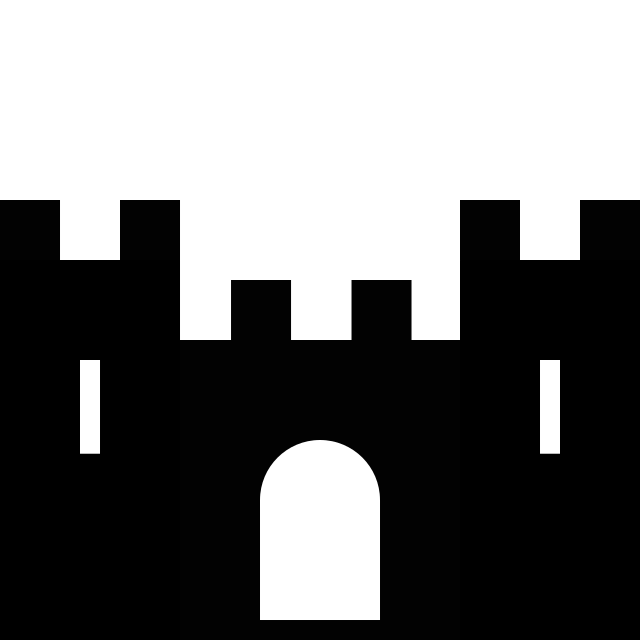
They will be surrounded with a blue, red, or gray circle to show the team they are on.
Blizzard icon for when the blizzard randomly hits (only when you are on the winter level):
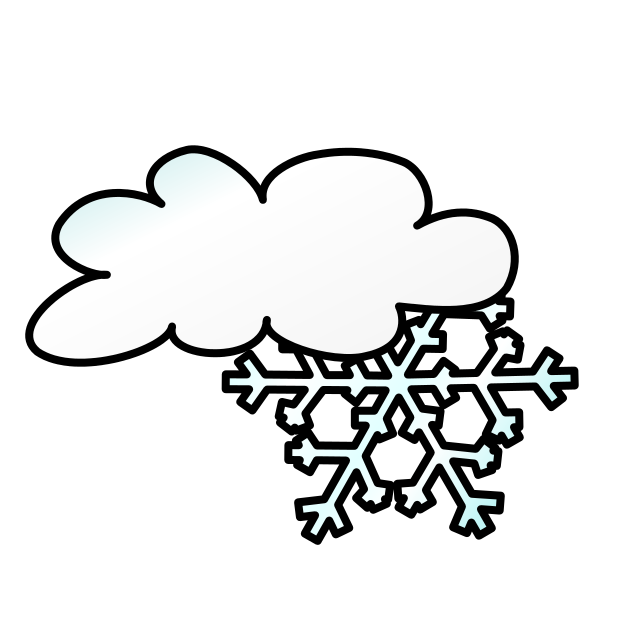
Lightning icon for when lightning strikes (only when you are on the fall level):

Flood icon for when there is a flood (only when you are on the spring level):
Effects for weather patterns: flood, lightning, snowstorm
Vivaldi's four seasons