
Tired of Quizlet showing ads and only giving you a few practice rounds for free? Stop wasting your time getting bombarded by premium offers, and resume studying today.
Get up and running by following these steps.
- Node.js 18.x
- PostgreSQL
- Yarn
- Docker and docker-compose (recommended)
-
Clone the repo
git clone https://github.com/miapolis/quizlet.cc
-
Go to the project folder
cd quizlet.cc -
Install dependencies with yarn
yarn
-
Set up the
.envfile-
Copy
.env.exampleto.env -
Use
openssl rand -base64 32to generate a key forNEXTAUTH_SECRETand set it as the value in.env -
You'll need to create a Google OAuth client ID from the Google API Console. There are plenty of guides for this, like this one from LogRocket embedded:
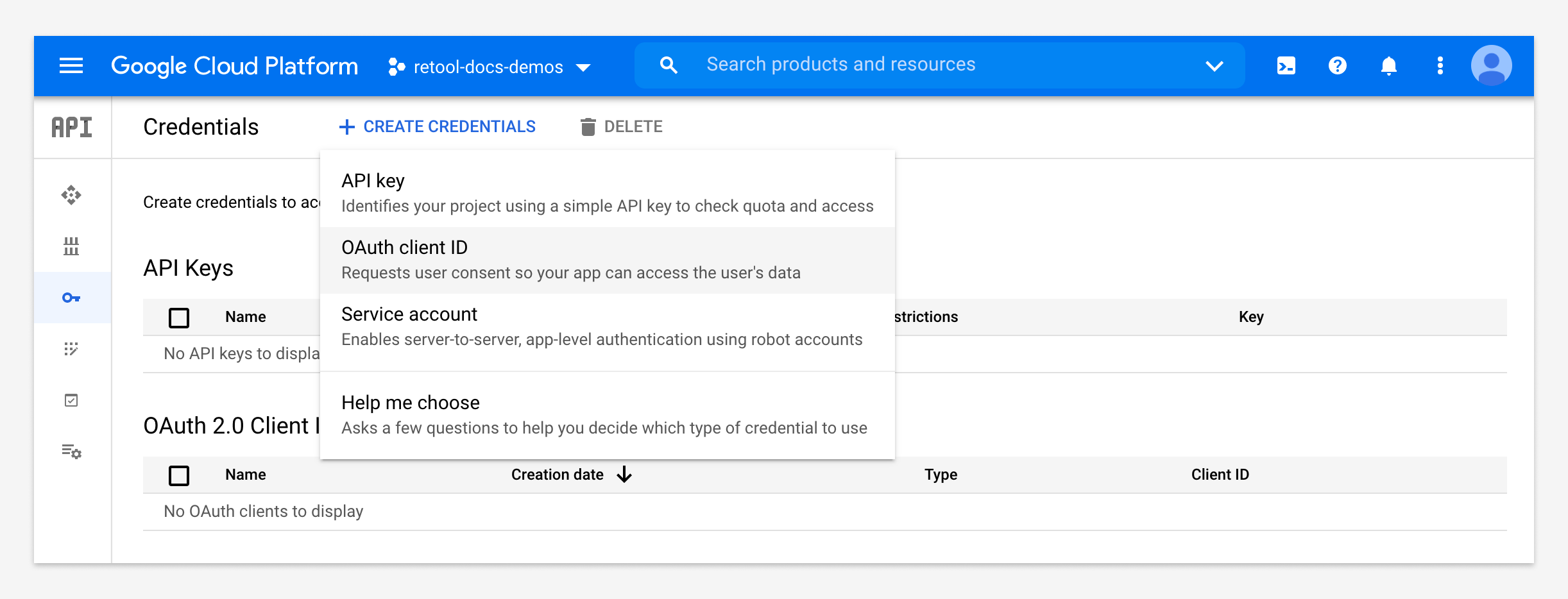
Navigate to Credentials and click on Create credentials, and then OAuth client ID. You will be asked to fill in the following:
Choose an Application Type: Select Web Application
Name: This is the name of your application
Authorized JavaScript origins: This is the full URL to the homepage of our app. Since we are still in development mode, we are going to fill in the full URL our development server is running on. In this case, it is
http://localhost:3000Authorized redirect URIs: Users will be redirected to this path after they have authenticated with Google:
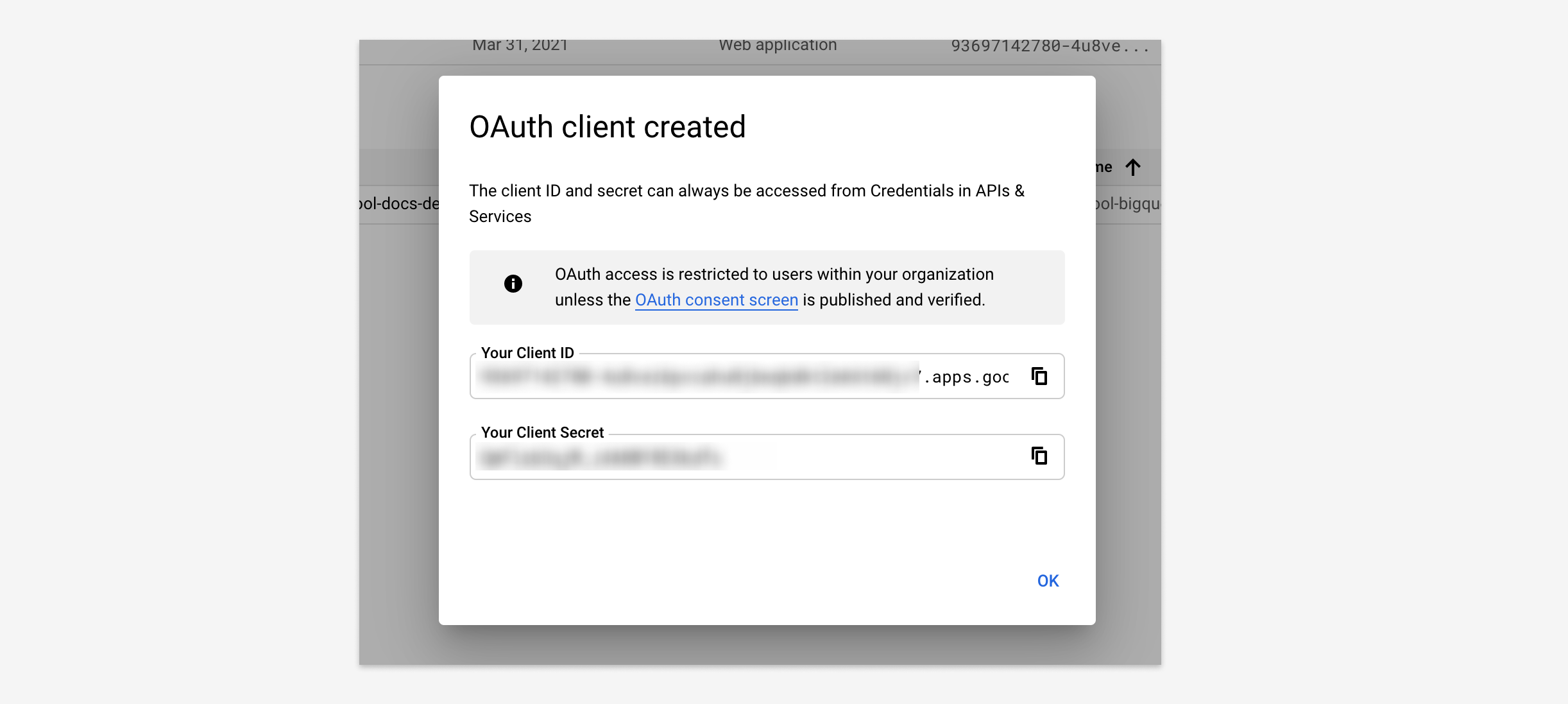
http://localhost:3000/api/auth/callback/googleCopy your client ID and secret created and fill in the
GOOGLE_CLIENT_IDandGOOGLE_CLIENT_SECRETvalues in.env -
Create an account on ScraperAPI and copy the API key to
SCRAPER_API_KEY -
Lastly, set
ADMIN_EMAILequal to the email address of the Google account you wish to have admin privileges
-
-
Start up a local postgres instance with
docker-compose -f docker-compose.postgres.yml up
-
Set up the database
yarn db-setup
Start a development server with
yarn devor create and start a production build with
yarn build
yarn start
Navigate to http://localhost:3000 and Quizlet.cc should be up and running!

