Repository navigation
Ride history
Reaching the finish opens a Ride summary dialog over the ride automatically. Finish & save opens the same dialog when you finish early or end a workout. It shows time, distance and climbing, plus average power, heart rate and cadence where recorded, in your chosen units. New power records appear beneath those figures with a ★.
Above them, one line in your voice (plain facts when it is off) says whether this was your first ride on the course, or else how far into your week you are, Monday to Sunday: the rides so far, or against the number you plan. A single ride with no plan, and rides simulated with the fake trainer, get no line.
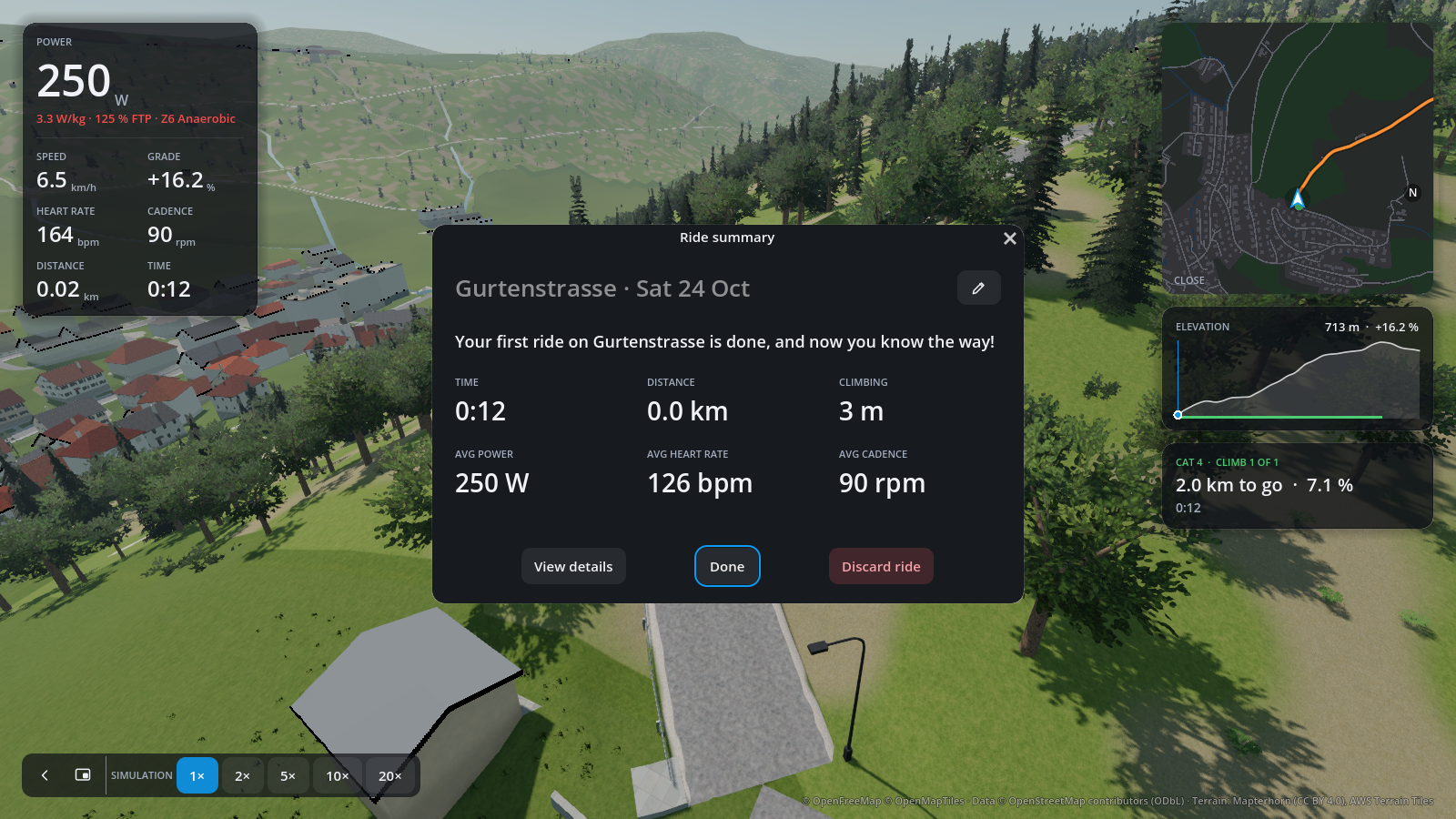
Use the pencil to name the ride. Done keeps it, returns home and starts any automatic uploads you configured. Discard ride asks for confirmation before deleting it. Closing the dialog with Escape or its close button returns home with the saved ride kept, without starting automatic uploads. Aborting a ride without saving shows no summary.
Choose View details for charts, records, export and manual uploads, then keep the ride with Done or Discard ride. Kept rides are also on the History tab, where the same line heads every ride's details.
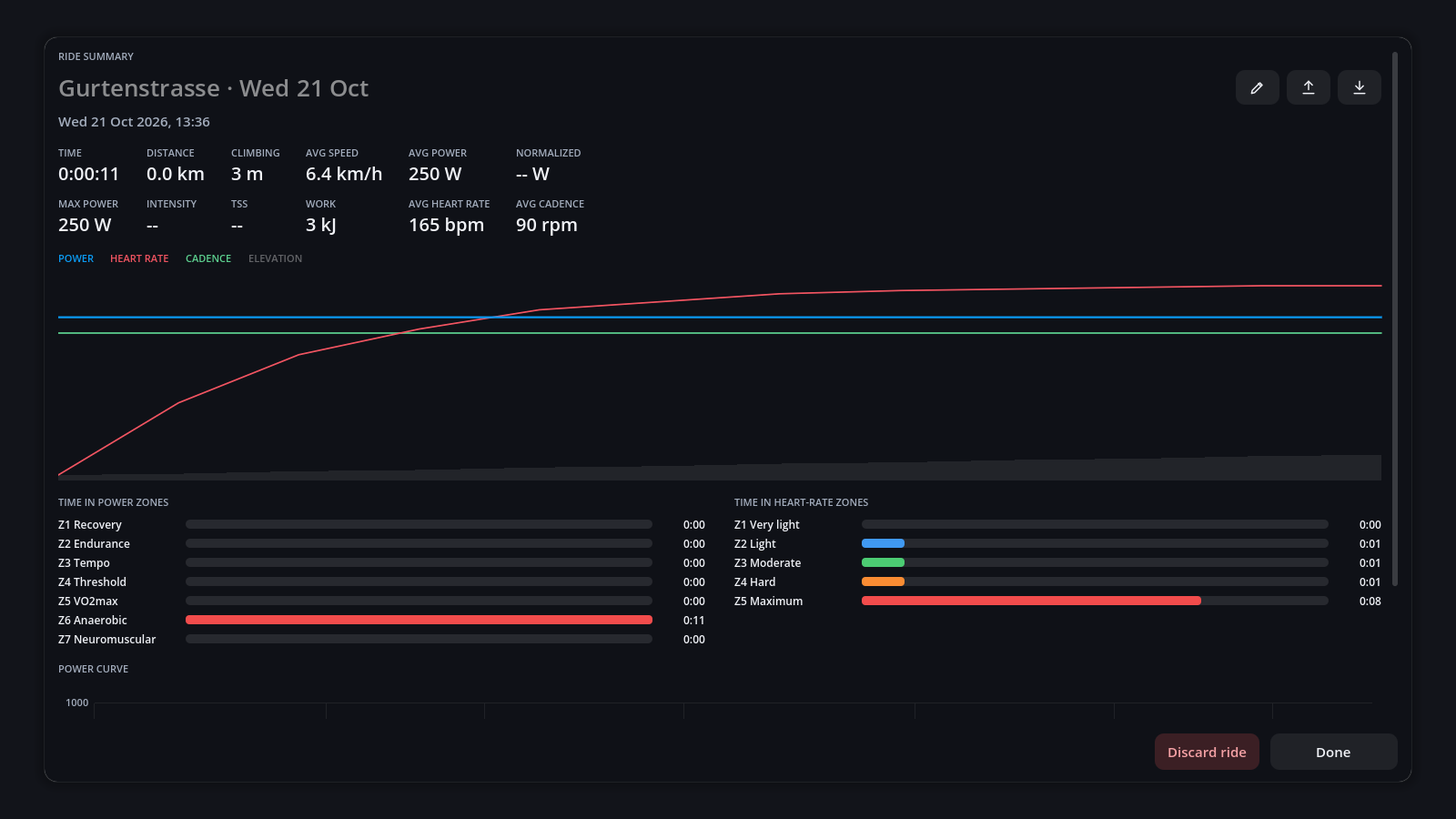
Each ride shows:
- Figures: time, distance, climbing, speed, power (average, normalized, maximum), intensity, TSS, work, heart rate and cadence.
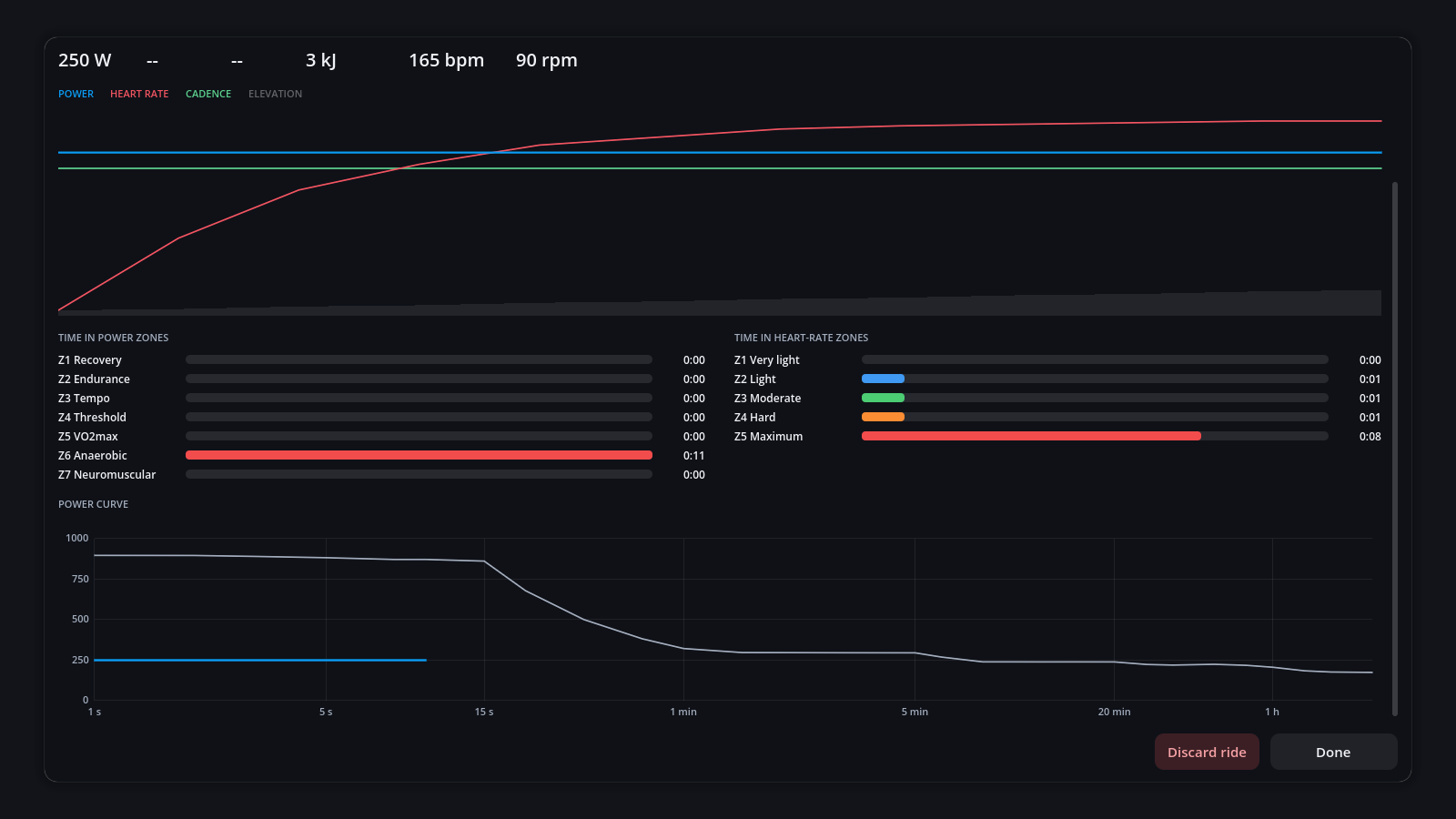
- Chart of power, heart rate and cadence over the elevation. Click a name in its legend, such as POWER, to hide that line; click it again to bring it back.
- Time in zones for power and heart rate.
- Power curve: the ride's best power for every duration, over your all-time best. A ★ marks a new best over 5 s, 1, 5, 20 or 60 minutes.
Beside the title:
| Button | Action |
|---|---|
| Pencil | Rename the ride |
| Up arrow (Upload) | Send it to intervals.icu or Strava |
| Down arrow (Export FIT file) | Save a copy, e.g. to import into Garmin Connect |
| Bin (Delete ride) | Delete the ride |
Rides are saved as FIT files in profiles/<rider>/rides/. FIT files you copy in there appear in
the history too.
ORQWA finds the climbs on every route and rates them by length × gradient:
| Category | From | Example |
|---|---|---|
| Climb | 3 000 | 1 km at 3 % |
| Cat 4 | 8 000 | 2 km at 4 % |
| Cat 3 | 16 000 | |
| Cat 2 | 32 000 | |
| Cat 1 | 64 000 | |
| HC | 80 000 | Alpe d'Huez |
While riding, a panel shows the climb's category, distance to the top and your time against your best. At each summit a card tells you whether it is a personal record (★); the finish's record is in the summary. Records count per rider and per course.
Back up profiles/<rider>/ in the data directory to keep the rider's rides and settings.
Use Export FIT file to save an individual ride elsewhere.
To keep history on another computer, see Syncing between devices.