The ScreenSurfer App is a tool that allows you to keep track of the movies you have watched or plan to watch. With this app, you can easily manage your movie collection, rate movies, and get recommendations based on your preferences.
Add movies to your watchlist and mark them as watched once you have seen them. Rate movies and keep a record of your personal ratings for each movie. Get recommendations based on the movies you have watched and rated. Search for movies and add them to your watchlist directly from the app. View movie details, including cast, synopsis, release date, and trailer. Keep a history of all the movies you have watched and when you watched them. Installation To use the Movie Tracker App, simply download the app from the App Store or Google Play Store and install it on your device.
Once you have installed the app, you can start adding movies to your watchlist by searching for them using the search bar. You can mark a movie as watched by tapping on the "watched" button on the movie details page. You can also rate a movie by tapping on the star icon and selecting a rating.
To view your watchlist, simply navigate to the "Watchlist" tab. To view your watched movies, navigate to the "History" tab. To view your ratings and get recommendations, navigate to the "Ratings" tab.
link to deployed application: https://morning-tundra-56106.herokuapp.com
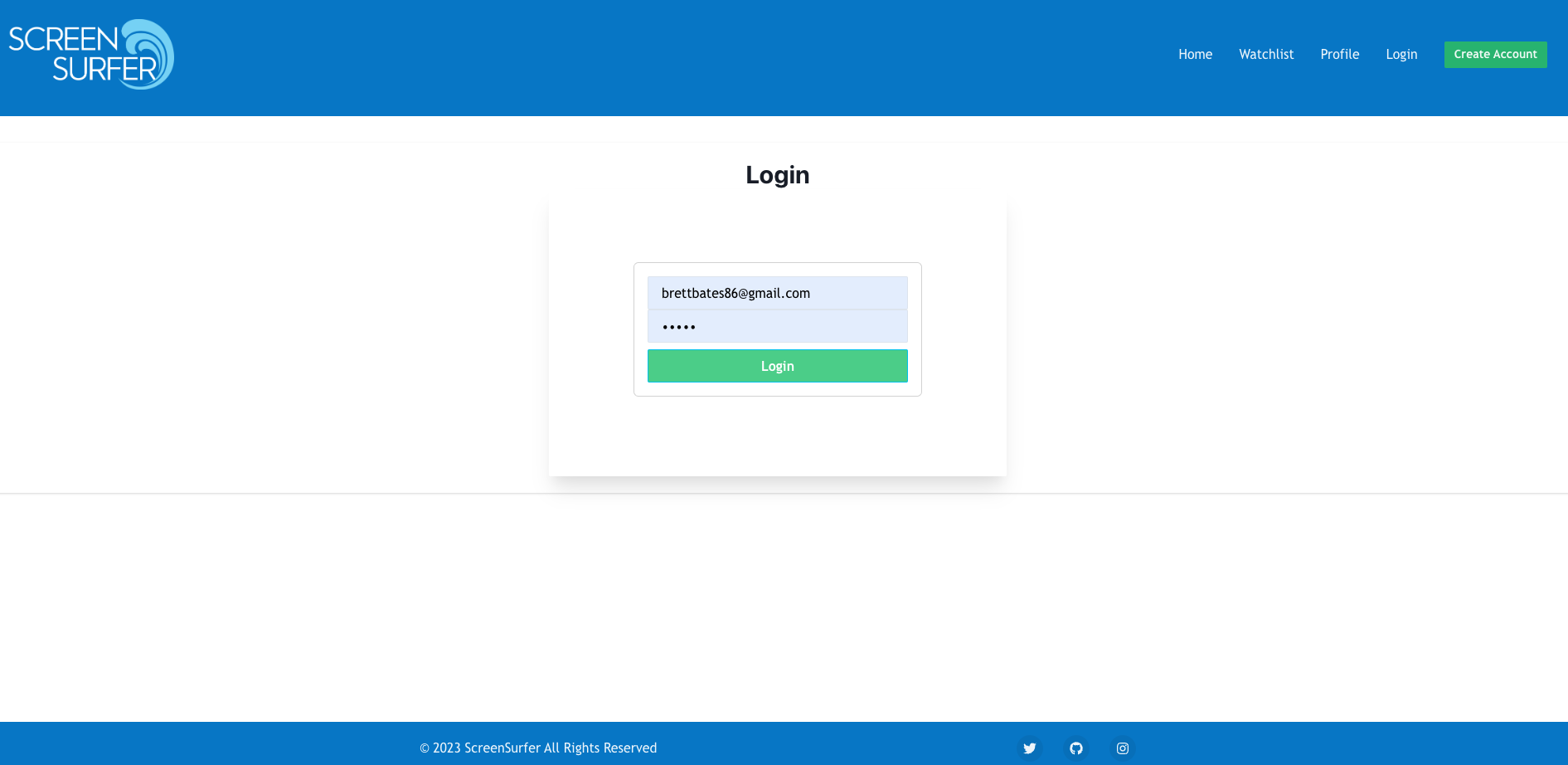
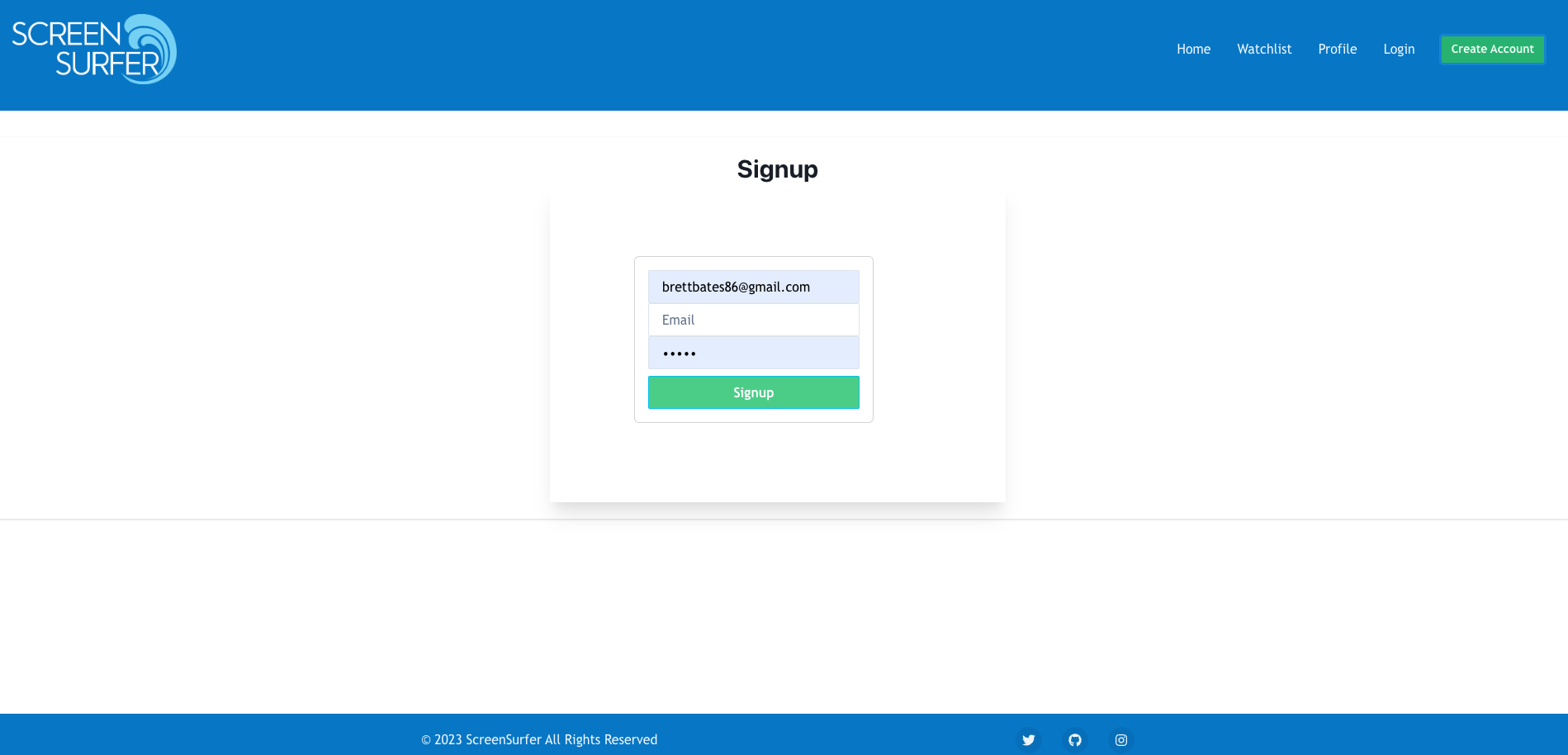
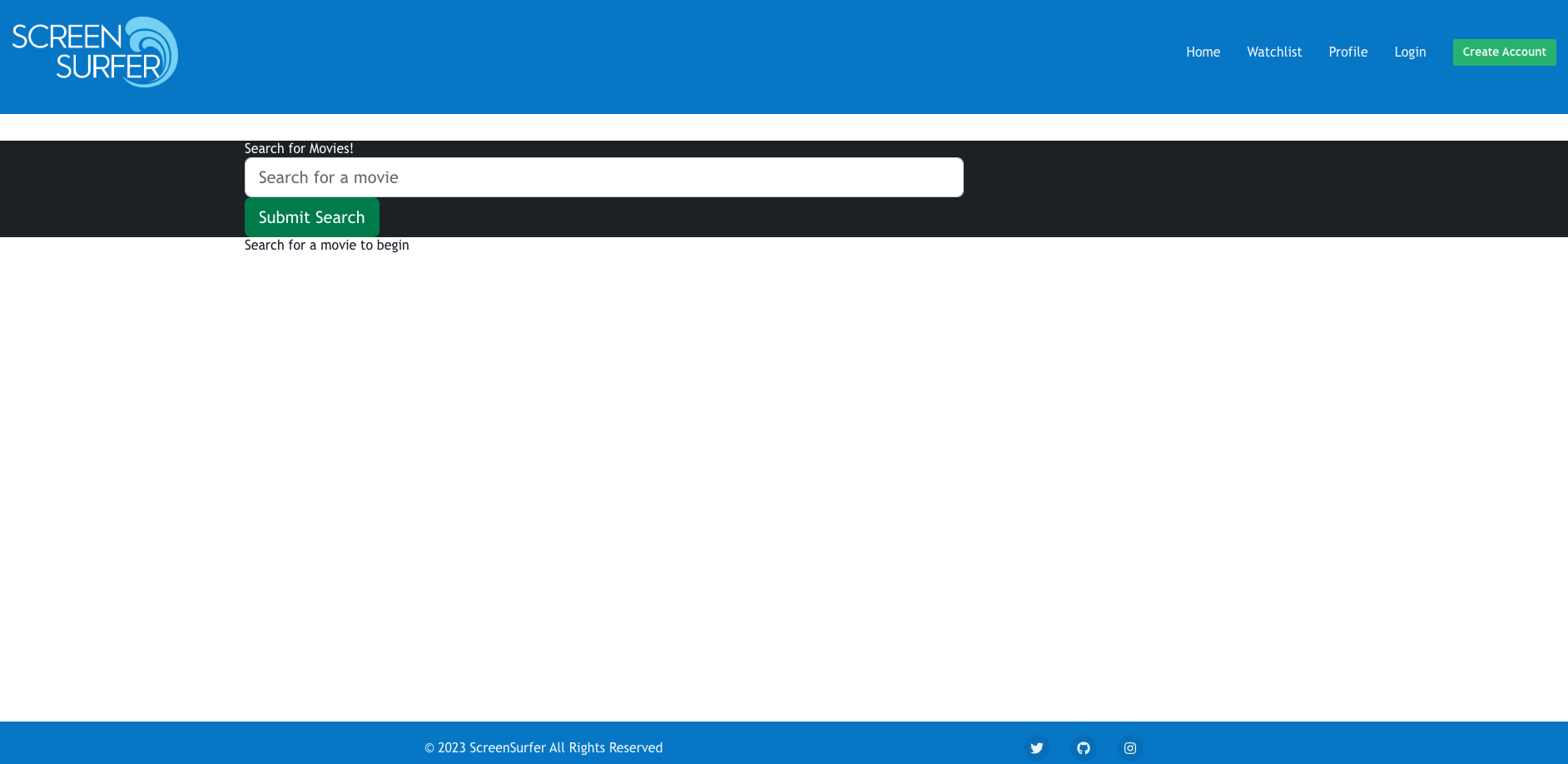
If you encounter any issues or have any questions about the app, please contact our support team at github
If you would like to contribute to the development of the Movie Tracker App, please contact us at github