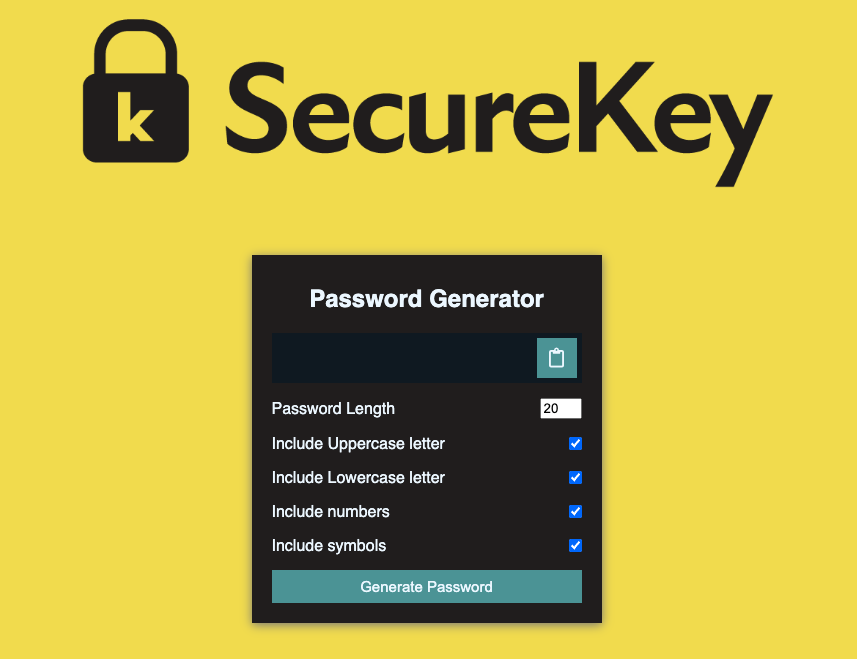
A simple password generator built using JavaScript. This application generates strong passwords based on user-specified criteria. It can be run in a web browser.
Generates strong, random passwords of specified length Allows users to specify the type of characters to include in the password (uppercase letters, lowercase letters, numbers, and/or special characters) Can generate multiple passwords at once Option to copy the generated password(s) to the clipboard for easy use
To use the password generator, follow these steps:
Open the index.html file in your web browser. Select the password length and the types of characters to include in the password. Click the "Generate Password" button. The generated password(s) will be displayed in the text area. Click the "Copy to Clipboard" button to copy the generated password(s) to the clipboard. Requirements The password generator requires a modern web browser with JavaScript enabled.