xcoding · by @c7s89r

A local-model coding agent by @c7s89r — like Claude Code, but it talks to a model running on your own machine instead of a cloud API.
✅ Works with Ollama for now. Just install Ollama, pull a tool-capable model, then
pip install xcodingand runxcoding. (llama.cpp support is in too, but Ollama is the tested path.)
It auto-detects whichever backend is running, gives the model tools to read/write
files and run shell commands, and loops until your task is done. Every file write
and every shell command asks for your approval first.
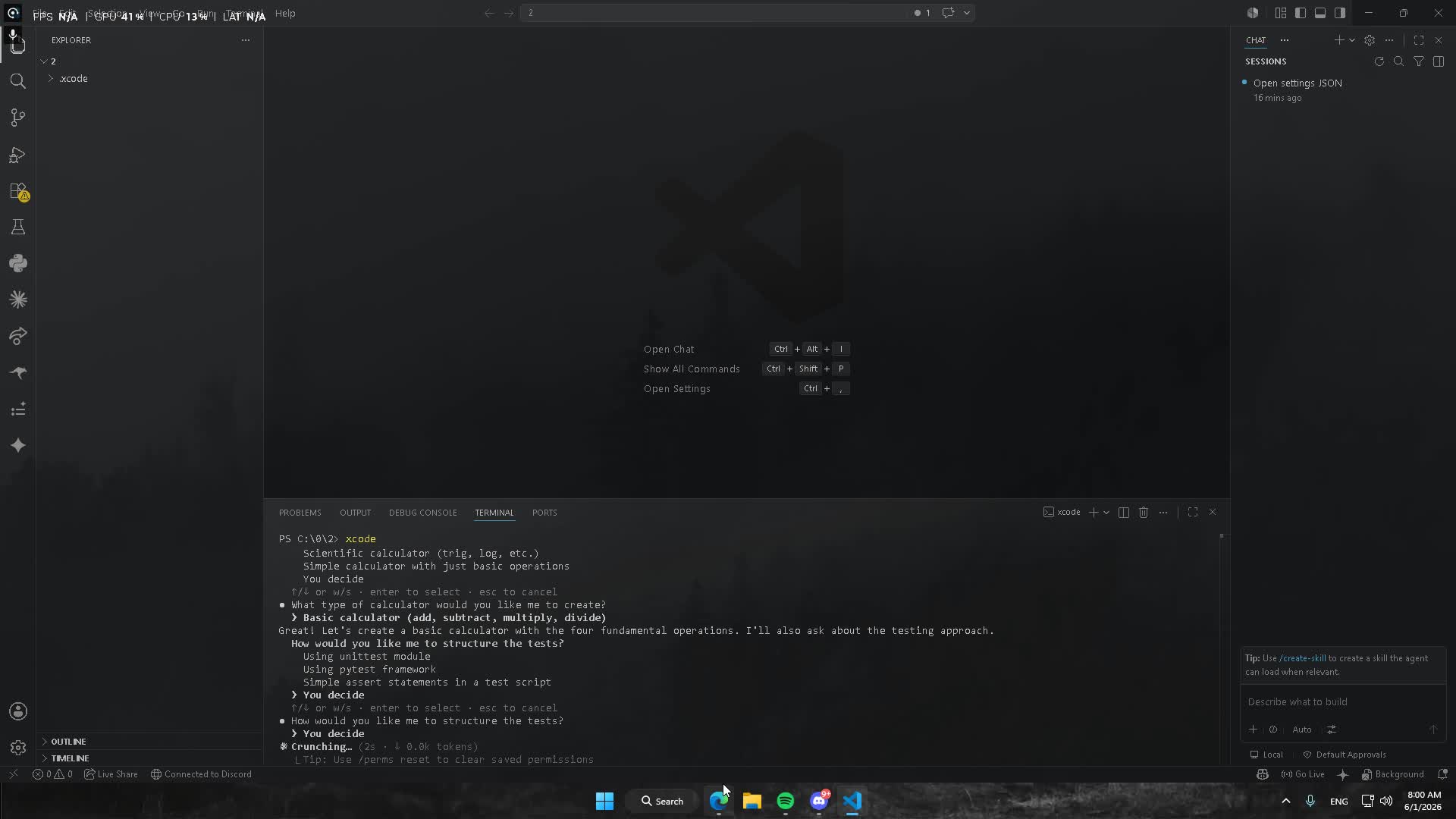

ollama serve
ollama pull qwen2.5-coder     # a model that's good at tool use
pip install xcoding
xcodingpip install xcodingThen just run xcoding from any project folder.
Or from source:
pip install -e .(Python 3.9+. Pulls in openai, httpx, rich.)
Ollama (easiest — supports tool-calling natively):
ollama serve
ollama pull qwen2.5-coder        # a model that's good at tool use
llama.cpp (raw GGUF files):
llama-server -m your-model.gguf # listens on :8080, OpenAI-compatibleTool-calling quality depends heavily on the model. Use a model trained for it (e.g.
qwen2.5-coder,llama3.1,mistral-nemo). Tiny models will struggle.
xcoding
# or:  python -m xcode
Then just talk to it:
› add a /health endpoint to app.py that returns {"ok": true}
In-REPL commands: /help, /models, /model, /init, /todos, /perms,
/compact, /sessions, /resume, /reset, /exit.
- Replies stream live; the prompt shows a context meter (
~3.2k/8k). - Writes/commands ask
y / n / a; a ("always") is saved to.xcode/permissions.json. Edits show a colored diff preview. - Attach files inline with
@path(e.g.explain @xcode/agent.py). - The agent tracks a todo list for multi-step work (
/todosto view). - Old turns are auto-compacted when the context meter fills;
/compactforces it. Conversations are saved per project —xcoding --resumeor/resumeto pick up where you left off. - Drop an XCODE.md at the repo root (or run
/init) and it's auto-loaded as project memory.
- ·· normal — asks before writes/commands
- ⏵⏵ auto — runs & writes without asking
- ◷ plan — read-only; explores but makes no changes
spawn_agentlets the model delegate an isolated subtask to a fresh context.web_search(DuckDuckGo) andweb_fetchgive it internet access.- Drop a
.xcode/settings.jsonto add hooks (run a formatter after every edit), env vars, seed permissions, and declare MCP servers:
{
  "hooks": { "after_edit": ["ruff format {path}"] },
  "permissions": { "commands": ["git", "ls", "python"] },
  "mcpServers": {
    "fs": { "command": "npx",
            "args": ["-y", "@modelcontextprotocol/server-filesystem", "."] }
  }
}
MCP tools show up to the model as mcp__<server>__<tool>.
xcoding -p "summarize what this repo does"        # read-only, prints, exits
xcoding -p "bump the version to 0.2.0" --yes      # auto-approve writes
xcoding -p "what changed?" --resume # continue last session| var | meaning |
|---|---|
XCODE_BASE_URL |
point straight at any OpenAI-compatible /v1 URL |
XCODE_MODEL |
force a specific model name |
XCODE_API_KEY |
token if your endpoint needs one (default local) |
XCODE_MAX_STEPS |
max tool round-trips per turn (default 25) |
cli.py       REPL + permission prompts (the only UI code)
agent.py     the loop: model ⇄ tools until it stops calling tools
backends.py  auto-detect Ollama (:11434) / llama.cpp (:8080)
tools.py     read_file, write_file, list_dir, run_command + JSON schemas
config.py    system prompt + knobs
- Streaming token output
-
edit_file(targeted edits instead of full rewrites) -
grep/glob_filessearch tools - Persistent permission rules ("always allow
git …") -
/modelpicker + smart default-model selection - Context compaction for long sessions + context meter
- Diff-style preview when confirming edits
- Project memory (XCODE.md) +
/init - Todo/task tracking
- Session save +
--resume - Headless mode (
-p) +@filementions - Web fetch / web search tools
- Sub-agents (delegate a subtask to a fresh context)
- MCP server support
- Hooks + settings.json
- Themes + ghost logo, shift+tab mode cycling (normal/auto/plan)
Built by @c7s89r (nzv).
- GitHub: @c7s89r
- Discord:
c7s89r
MIT licensed — see LICENSE.