How to make a bottom appbar work with Android 14's transparent nav bar? #4152

Description

Ask your Question
I have an appbar positioned at the bottom of the screen, and below is the code:
<View style={{ flex: 1 }}>
	<ArticleView />
	<ArticleBottomBar />
</View><Appbar>
<View style={{ flex: 1, flexDirection: 'row', justifyContent: 'space-between' }}>
<TextInput />
<Appbar.Action />
<Appbar.Action />
<Appbar.Action />
</View>
</Appbar>Before the transparent nav bar was introduced, the appbar was positioned just above the nav bar. Now below the appbar there is still a strip of space which I guess is meant for the nav bar. A screenshot clarifies what I mean:

While in this screenshot taken from https://www.xda-developers.com/android-14-transparent-navigation-bar/ , this space disappears.
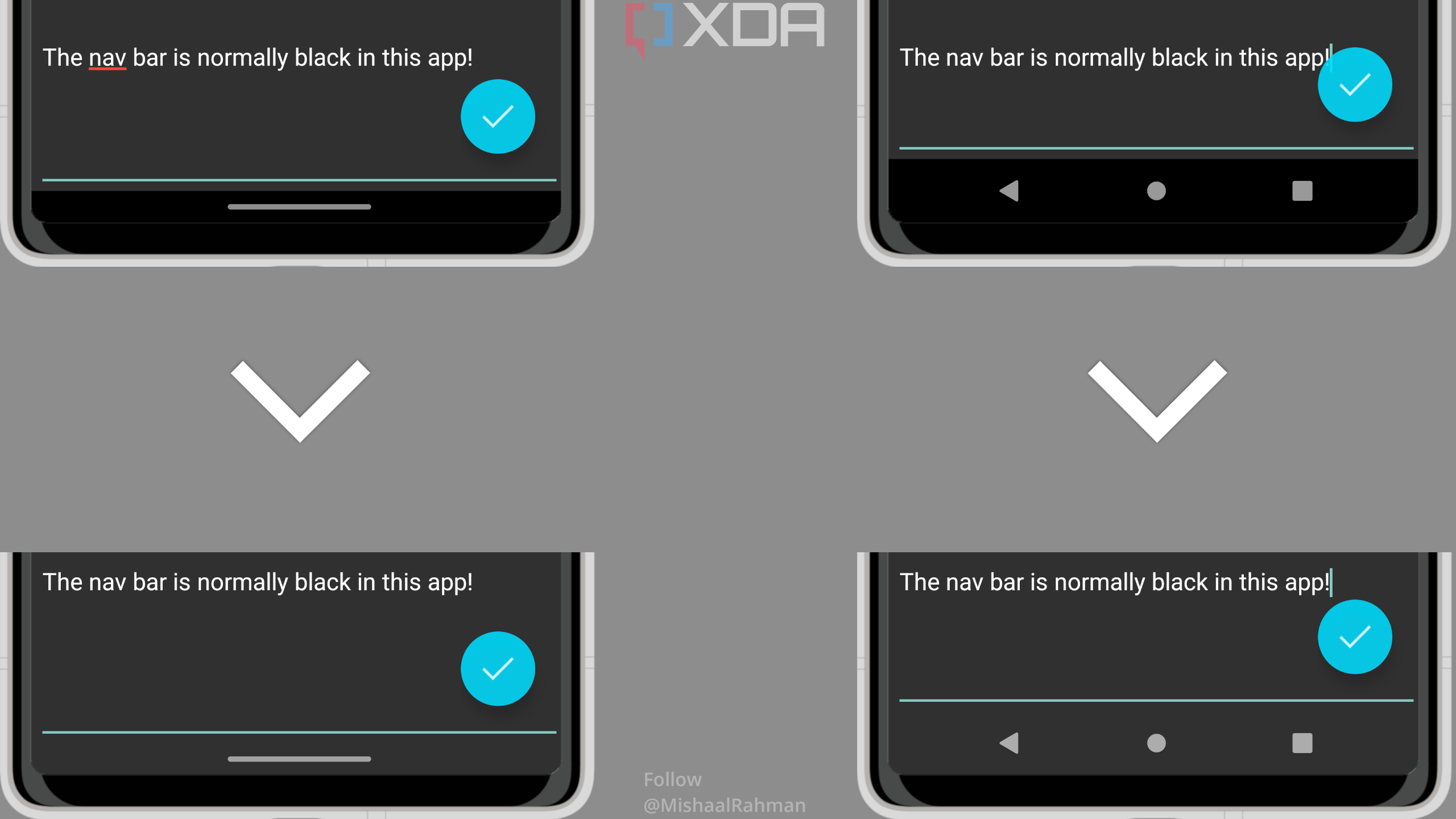
So how should I remove this annoying bit?