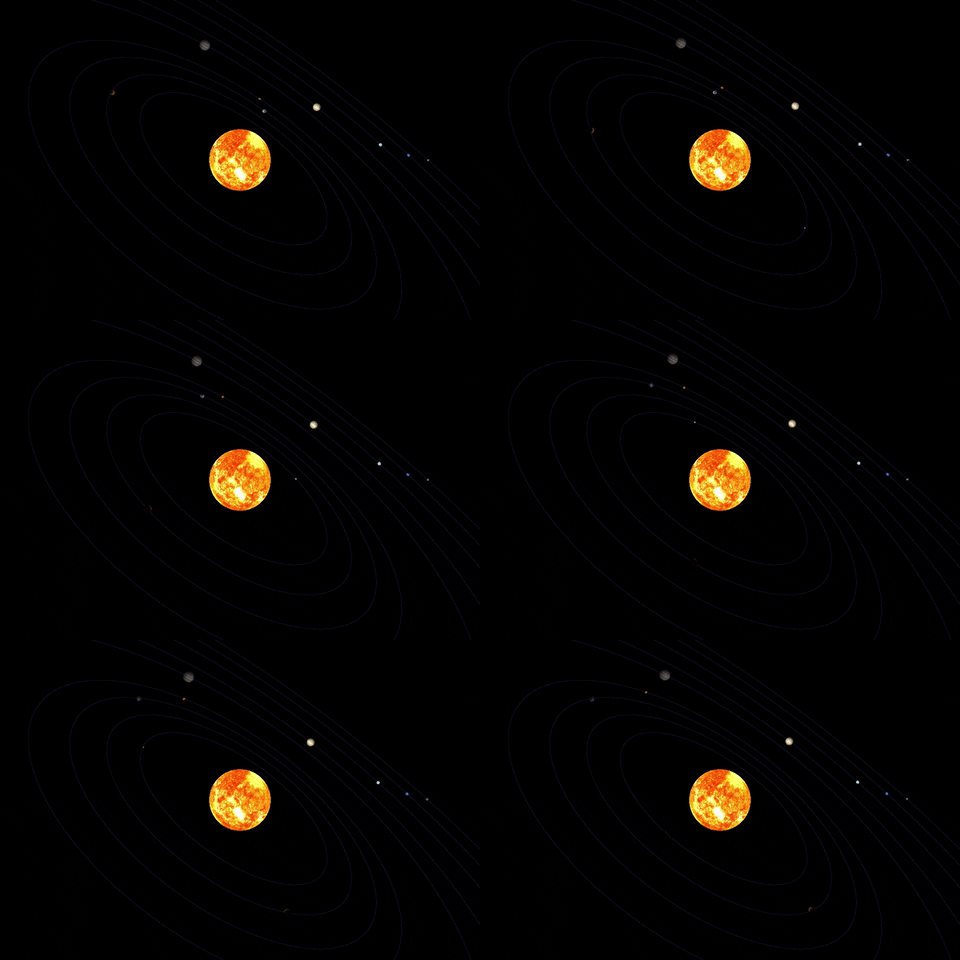
The Solar System recreation made with Python using PyOpenGL and PyGame.
📢 DISCLAIMER: I tried to make axis rotation and translational movement more nearest from reality that I could. Both of them are based on Earth params for the other orbs. The distance between orbs and them scale was changed for a better visualization, in this way, they don't try to respect reality measurement.
This project was maded with PyOpenGL v3.1.6, PyGame v2.1.2 and Python v3.9.7. Developed in Windows x64 using wheels who's there isn't in PIP. You can download those wheels here (based on your machine architeture and yours Python version). And then install them manually with PIP.
This idea was given by a professor in my university. In this moment, here in 2022, I'm start having computer graphics lessons and this subject always interested me. So, given that context I decided to try my best, considering which before this project I hadn't any knowledge about computer graphics.
Below I try to point all of the challenges I fought with to achieve this result, in time order.
- How create an 3D sphere
- How use 2D textures in 3D objects
- How rotate an object on own axis
- How correctly positionate objects based on XYZ coordinates
- How to scale an object
- How to make objects do translational movement

- How to change translational movement speed, depending on orb distance from Sun
- How to render movement line paths of orbs in a performatic way
- How create lights
- How create a light spot who's affect the entire orbs
- How to apply "shadows" to all orbs except the Sun
- You will need to have the graphics libraries installed as commented before
- Be sure you has NumPy installed (version used here is
v1.20.3) - Go to project folder and run
python .\src\main.py
- The program should open in your screen
MIT