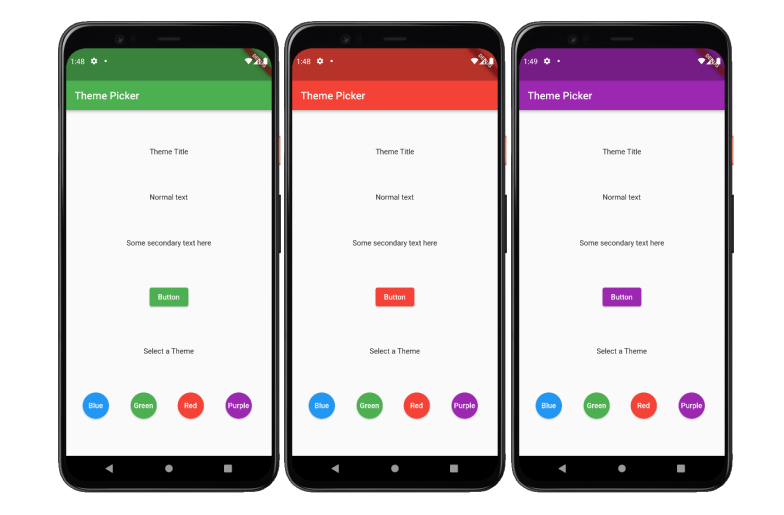
- Flutter’s MaterialApp comes with a default light blue theme. In this mini-project completed in class, I explored how to style widgets in Flutter by creating custom themes so that I do not need to always specify the style and can just apply the theme styles to the widgets. These app allows us to change the theme of the appplication based on the colour the user chooses.
- In this mini-project I also learnt more about shared-preferences. The selected theme will be forgotten once the app closes and re-opens. For example, if we select 'Purple' and click on the square icon on the bottom right of the virtual device. We can swipe up to close the app, click on the circle icon and swipe up to view all apps. When we select on theme_picker, we will see that the theme reverts to 'Blue'.
- SharedPreferences allows us to save and retrieve data in the form of key, value pair. I implemented SharedPreferences in this Flutter project to remember the value of selected theme.