A Simple PDF Viewer library which renders images via android.graphics.pdf.PdfRenderer
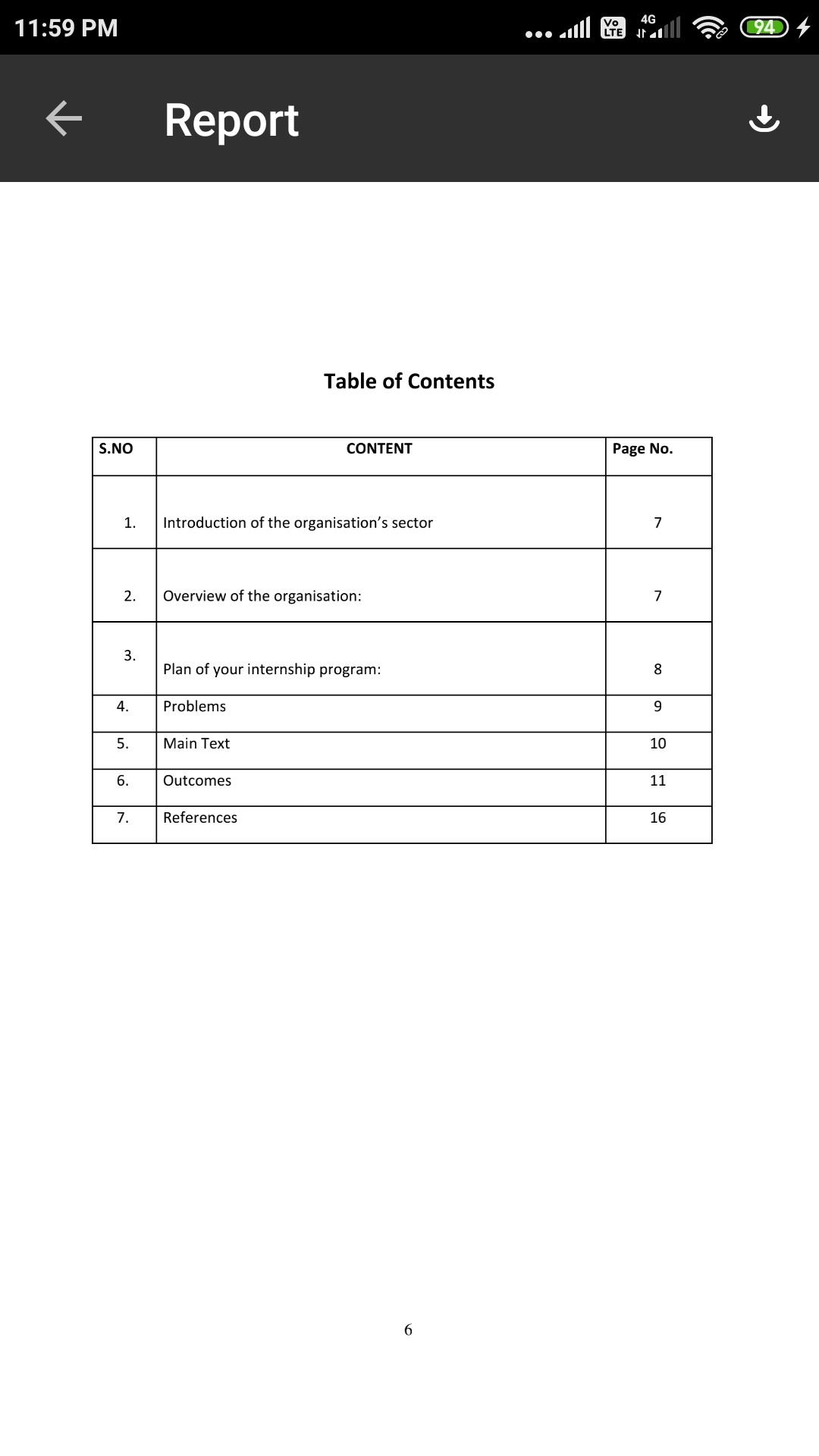


- To remove excess permissions
- Removed download ability calling apps should be responsible for this & any cleanup
- Removed page numbers as did not work properly in landscape
- Update dependencies to latest versions & code changes due to removal of kotlin-android-extensions
Integrating the project is simple, All you need to do is follow the below steps
Step 1. Add the JitPack repository to your build file. Add it in your root build.gradle at the end of repositories:
allprojects {
  repositories {
    ...
    maven { url "https://jitpack.io" }
  }
}
Step 2. Add the dependency
dependencies {
    implementation 'com.github.cboyce428:Pdf-Viewer:v{Tag}'
}
NOTE: Replace the tag with current release version, e.g
implementation 'com.github.cboyce428:Pdf-Viewer:v1.1.1b'Now you have integrated the library in your project but how do you use it? Well its really easy just launch the intent with in following way:
open_pdf.setOnClickListener {
            startActivity(

            // Opening pdf from file storage
                PdfViewerActivity.Companion.launchPdfFromPath(
                    context,
                    File(getExternalFilesDir(Environment.DIRECTORY_DOWNLOADS), "yourfile.pdf").absolutePath,
                    "PDF from File",
                    false
                )
            )
} open_pdf.setOnClickListener(view -> {
startActivity(
// Opening pdf from assets folder
PdfViewerActivity.Companion.launchPdfFromPath(
this,
"asst_name.pdf",
"PDF from Asset,
true
)
);
});That's pretty much it and you're all wrapped up.
You need to add the custom theme to styles.xml/themes.xml file and override the required attribute values. Parent theme can be either Theme.PdfView.Light or Theme.PdfView.Dark or the one with no actionbar from the application. Note: If parent is not one of the themes from this library, all of the pdfView attributes should be added to that theme.
<style name="Theme.PdfView.SelectedTheme" parent="@style/Theme.PdfView.Light">
    <item name="pdfView_backIcon">@drawable/ic_arrow_back</item>
    <item name="pdfView_actionBarTint">@color/red</item>
    <item name="pdfView_titleTextStyle">@style/pdfView_titleTextAppearance</item>
    <item name="pdfView_progressBar">@style/pdfView_progressBarStyle</item>
</style>

<style name="Theme.PdfView.SelectedTheme" parent="@style/Theme.PdfView.Dark">
    <item name="pdfView_backIcon">@drawable/ic_arrow_back</item>
    <item name="pdfView_actionBarTint">@color/black</item>
    <item name="pdfView_titleTextStyle">@style/pdfView_titleTextAppearance</item>
    <item name="pdfView_progressBar">@style/pdfView_progressBarStyle</item>
</style>
| Attribute Name | Type | Expected changes |
|---|---|---|
| pdfView_backIcon | drawable | Navigation icon |
| pdfView_actionBarTint | color | Actionbar background color |
| pdfView_titleTextStyle | style | Actionbar title text appearance |
| pdfView_progressBar | style | Progress bar style |
Any contributions you make are greatly appreciated.
- Fork the Project
- Create your Feature Branch (
git checkout -b feature/NewFeature) - Commit your Changes (
git commit -m 'Add some NewFeature') - Push to the Branch (
git push origin feature/NewFeature) - Open a Pull Request
If this project help you reduce time to develop, you can give me a cup of coffee :)


Maintained by Rajat Mittal