



Chaitin Workspace CLI for products
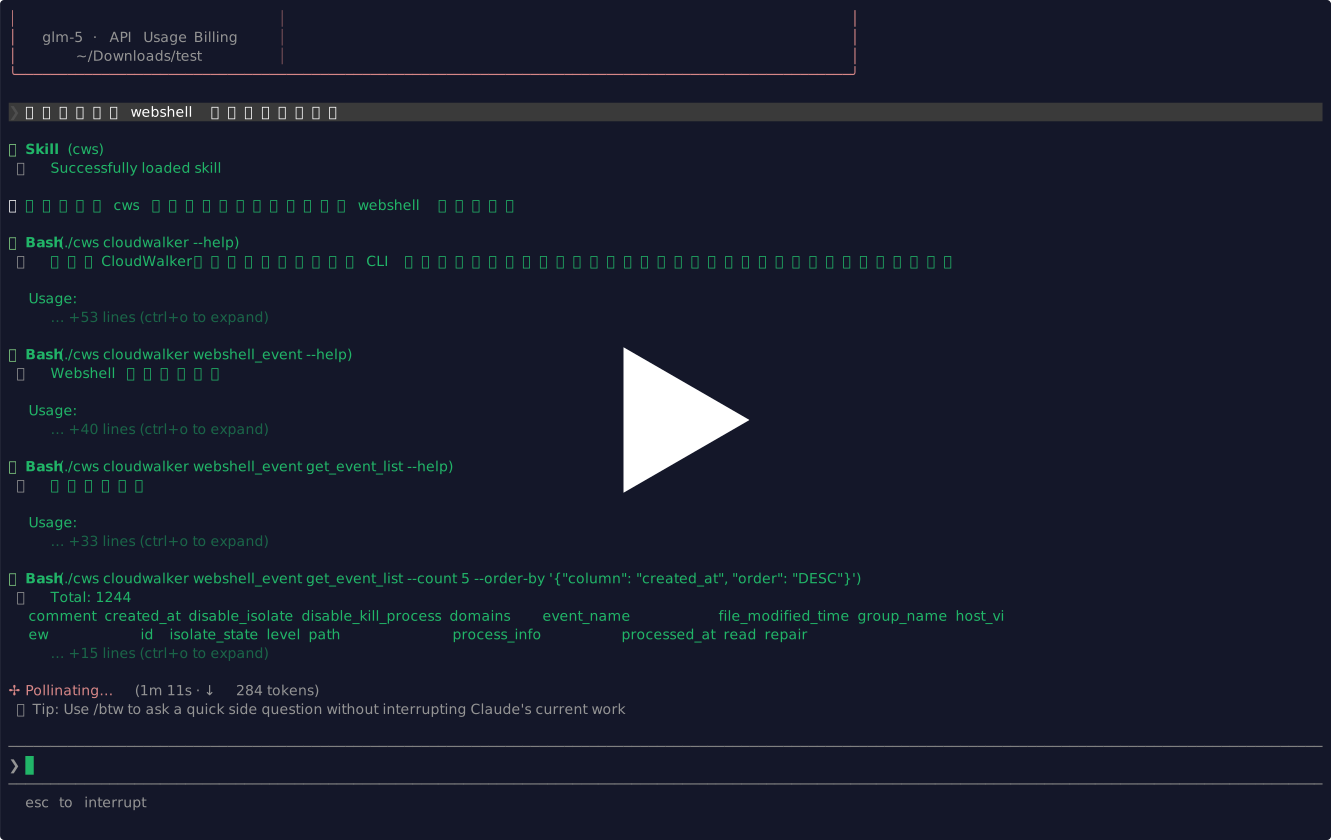


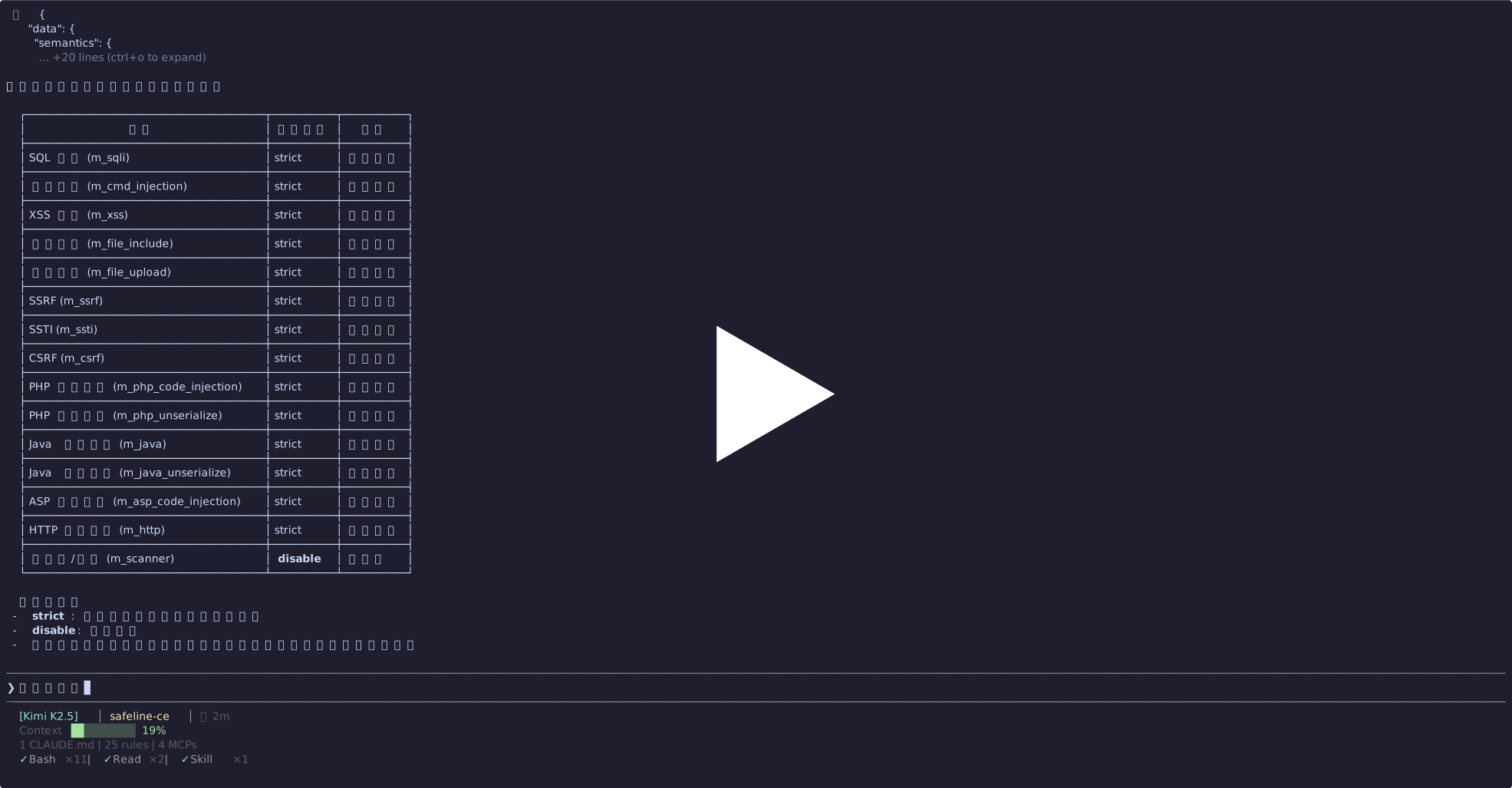

Put product connection settings in ./config.yaml:
cloudwalker:
  url: https://cloudwalker.example.com/rpc
  api_key: YOUR_API_KEY

tanswer:
  url: https://tanswer.example.com
  api_key: YOUR_API_KEY

xray:
  url: https://xray.example.com/api/v2
  api_key: YOUR_API_KEY
You can also put the same keys into environment variables or a local .env file. Variable names follow <PRODUCT>_<FIELD>:
cloudwalker.url      -> CLOUDWALKER_URL
cloudwalker.api_key  -> CLOUDWALKER_API_KEY
tanswer.url          -> TANSWER_URL
tanswer.api_key      -> TANSWER_API_KEY
xray.url             -> XRAY_URL
xray.api_key         -> XRAY_API_KEY
safeline-ce.url      -> SAFELINE_CE_URL
safeline-ce.api_key  -> SAFELINE_CE_API_KEY
safeline.url         -> SAFELINE_URL
safeline.api_key     -> SAFELINE_API_KEY
Example .env:
SAFELINE_URL=https://safeline.example.com
SAFELINE_API_KEY=YOUR_API_KEY
XRAY_URL=https://xray.example.com/api/v2
XRAY_API_KEY=YOUR_API_KEY
Priority is flags > environment/.env > config.yaml.
Use root-level -c or --config to load a different config file. This is useful when you switch between multiple product instances, for example multiple SafeLine environments:
cws -c ./configs/safeline-prod.yaml safeline stats overview
cws -c ./configs/safeline-staging.yaml safeline stats overview
Use root-level --dry-run for commands that support dry-run:
cws --dry-run xray plan PostPlanFilter --filterPlan.limit=10main.go # Main entry point and CLI wiring
products/<name>/ # One dedicated directory per product
Taskfile.yml # Build, run, and lint tasks
Add to products directory
Checklist for a new product:
- Add the product package import in
main.go. - Register the command in
newApp()witha.registerProductCommand(...). - If
NewCommand()returns(*cobra.Command, error), handle the error before registration. - If the product needs
config.yamlor root-level runtime flags, implementApplyRuntimeConfig(...)in the product package and call it fromwrapProductCommand()inmain.go. - Decode product-specific config inside the product package from
config.Raw; do not add config field parsing to the root command.
The same binary can be invoked directly by subcommand name through a symlink or by renaming the executable:
task build
ln -s ./bin/cws ./chaitin
./chaitin
This is equivalent to:
./bin/cws chaitintask build
task run:chaitin
task fmt
task lint
task test
task package GOOS=linux GOARCH=amd64