Table of Contents
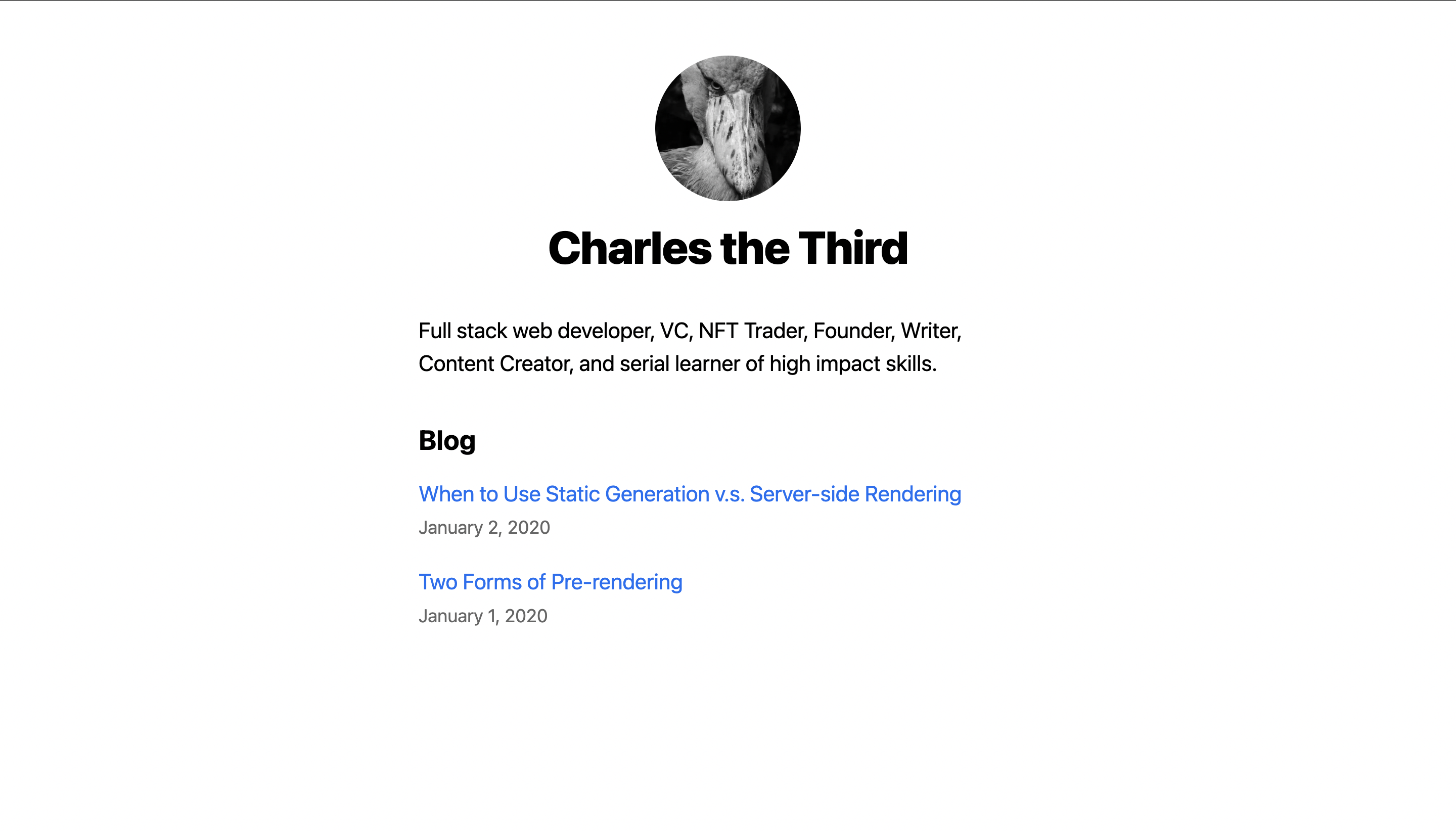
My Next.js Site (try the live demo) is an app that showcases the basic powers of Next.js
- Next.js
- ChakraUI
- React
- Javascript
To get started on your end...
Here is where you setup your app.
- Clone the repo
git clone https://github.com/your_username_/Project-Name.git - Install NPM packages
npm install
To use the demo, launch your app by running npm run dev and open your project on your server!
Contributions are what make the open source community such an amazing place to learn, inspire, and create. Any contributions you make are greatly appreciated.
If you have a suggestion that would make this better, please fork the repo and create a pull request. You can also simply open an issue with the tag "enhancement". Don't forget to give the project a star! Thanks again!
- Fork the Project
- Create your Feature Branch (
git checkout -b feature/AmazingFeature) - Commit your Changes (
git commit -m 'Add some AmazingFeature') - Push to the Branch (
git push origin feature/AmazingFeature) - Open a Pull Request
Distributed under the MIT License.
Charles Nyabeze - @learn_charles - charlesnnyabeze@gmail.com
Project Link: https://github.com/charlezs/cheersToYou