RustPic is a lightweight, high-performance image hosting solution written in Rust. It leverages your GitHub repository as storage, providing a fast and free way to host images and files for your blogs, websites, or personal use.

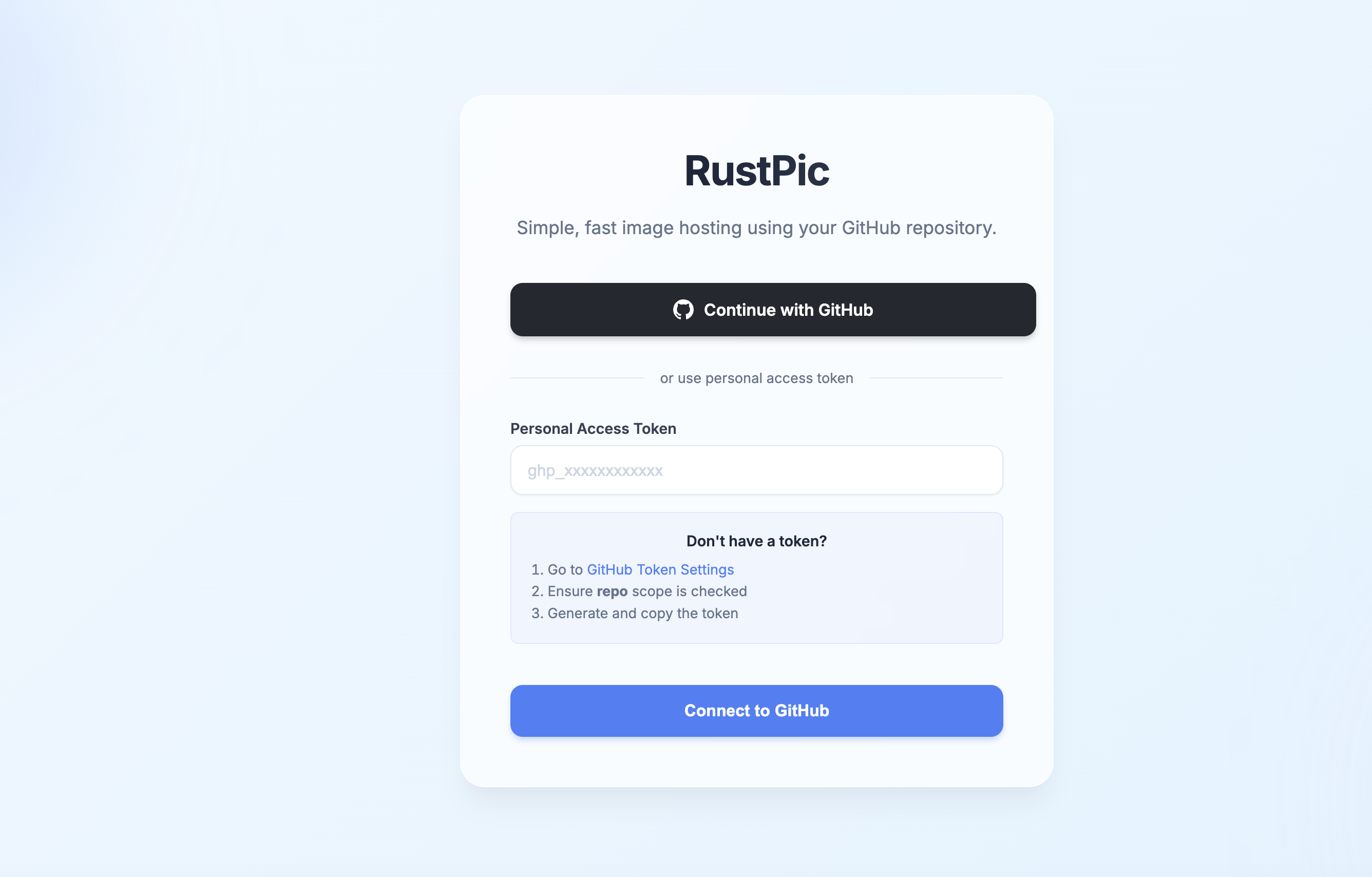
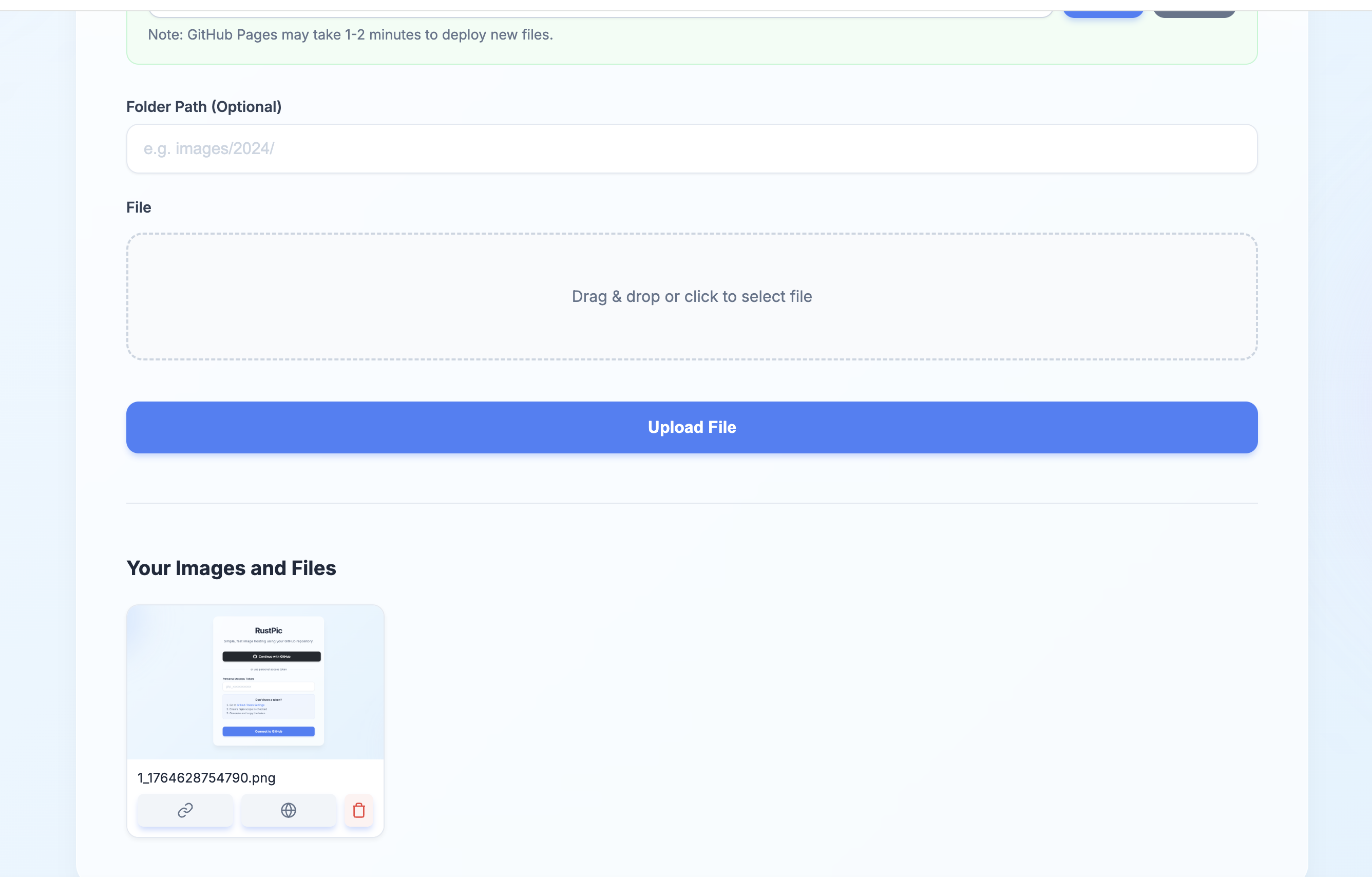
- 🚀 High Performance: Built with Rust and Axum for blazing fast speeds.
- 📦 GitHub Storage: Uses your GitHub repository for unlimited, free storage.
- ⚡ CDN Acceleration: Automatically generates jsDelivr CDN links for fast global access.
- 📂 File Support: Supports uploading images (JPG, PNG, GIF, WEBP, HEIC) and other files (PDF, ZIP, etc.).
- 🔒 Secure: Supports both GitHub OAuth and Personal Access Token (PAT) authentication.
- 📱 Responsive UI: Beautiful, glassmorphism-inspired UI that works perfectly on desktop and mobile.
- 🛠️ Auto Configuration: Automatically creates storage repositories and GitHub Pages branches if needed.
- Rust (latest stable version)
- A GitHub account
-
Clone the repository:
git clone https://github.com/chatgptuk/rustpic.git cd rustpic -
Build and run:
cargo run --release
-
Open your browser at
http://localhost:3002.
You can configure RustPic using environment variables or a .env file.
| Variable | Description | Required |
|---|---|---|
GITHUB_CLIENT_ID |
GitHub OAuth Client ID | No (if using PAT) |
GITHUB_CLIENT_SECRET |
GitHub OAuth Client Secret | No (if using PAT) |
OAUTH_CALLBACK_URL |
OAuth Callback URL (default: http://localhost:3002/auth/callback) |
No |
- Login: Use "Continue with GitHub" (if configured) or enter your GitHub Personal Access Token (PAT).
- Upload: Drag and drop files or click to select. Supports files up to 50MB.
- Manage: View your uploaded files, copy CDN links, or delete files directly from the dashboard.
MIT License