
-
App Name: Cornell Creatives
-
App Tagline: a network of creatives for your artistic needs
-
Link(s) to any other public GitHub repo(s) of your app. If you have one repo for iOS and one for Backend, please link to your backend repo in your iOS README, and your iOS repo in your backend README. IOS Repo: https://github.com/cjw322/CornellCreatives Backend Repo: https://github.com/attilusleung/CornellCreatives
-
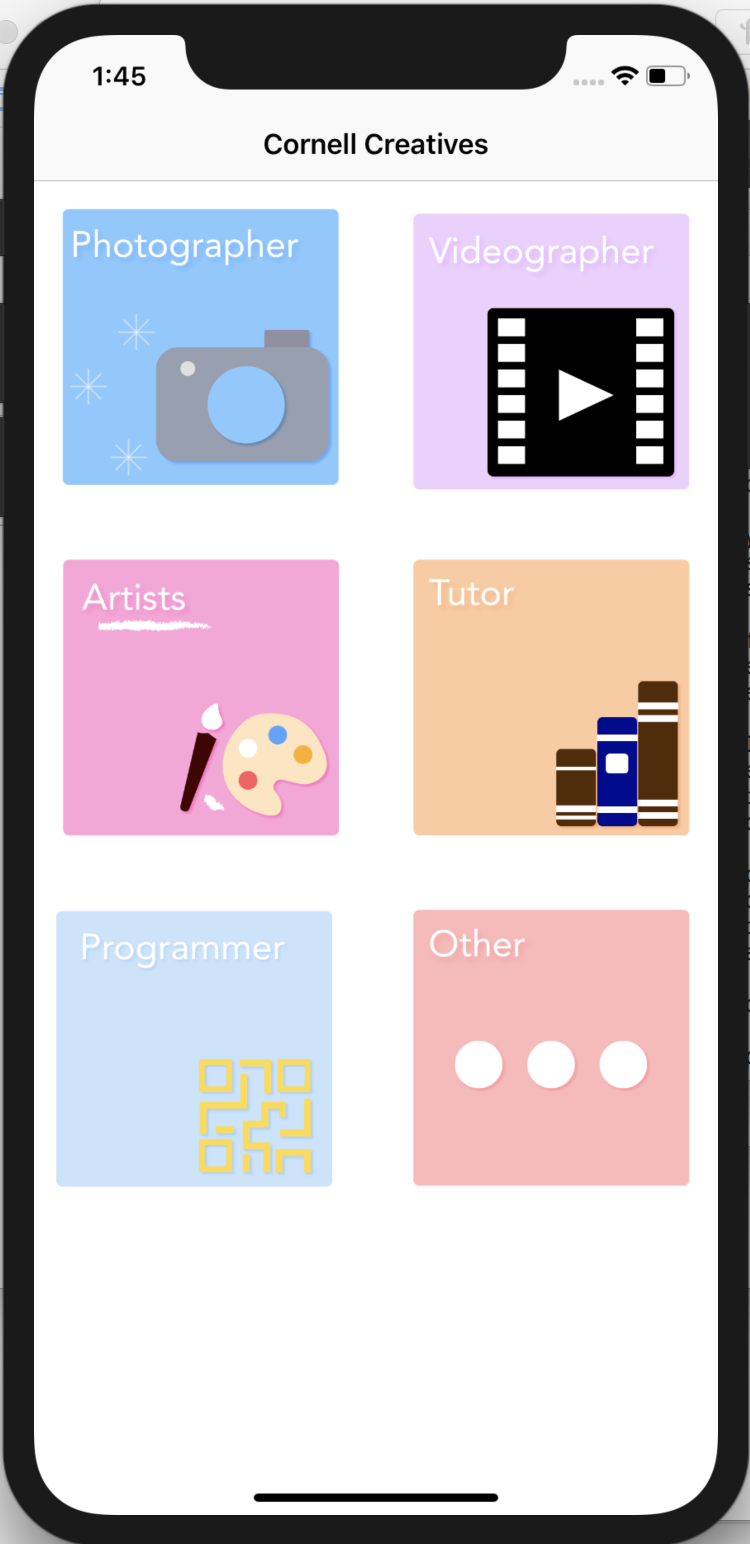
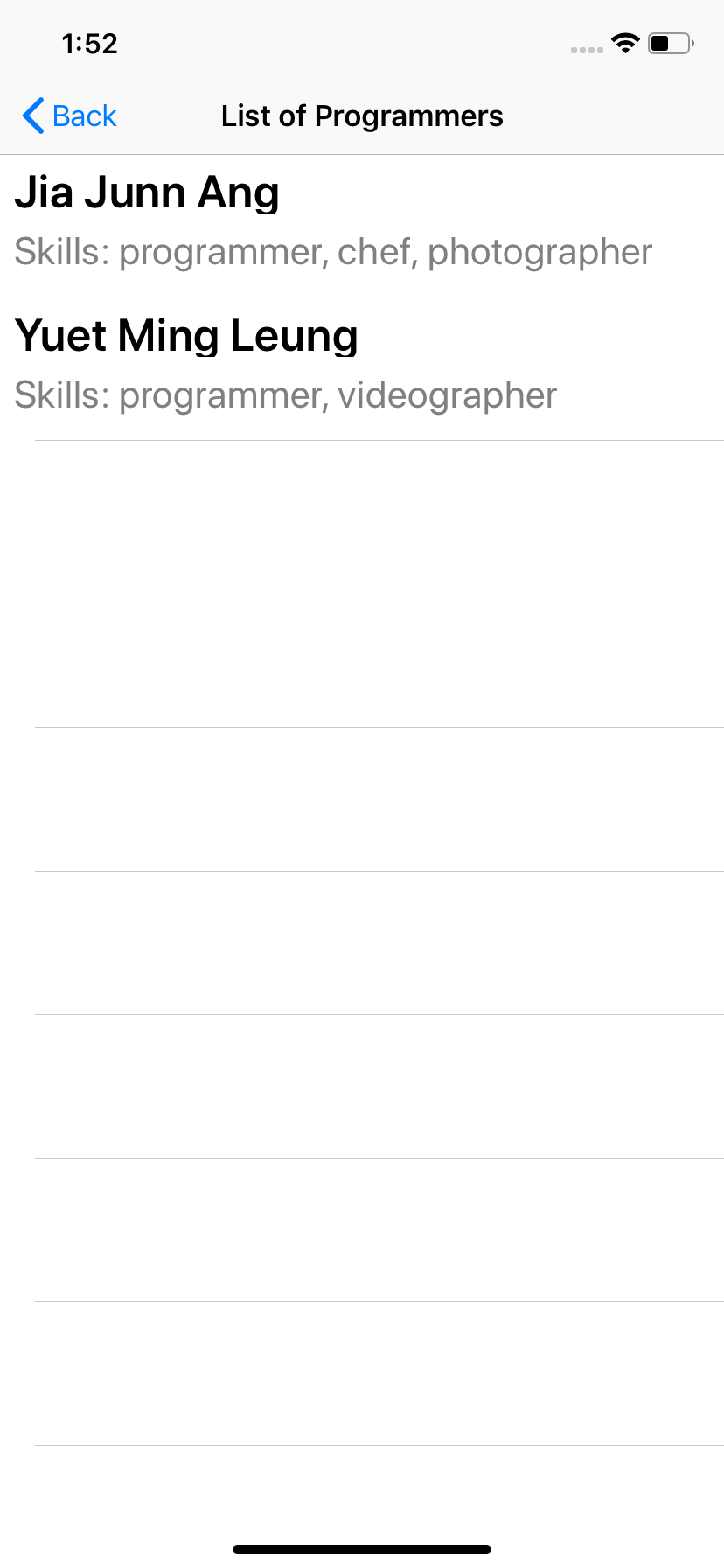
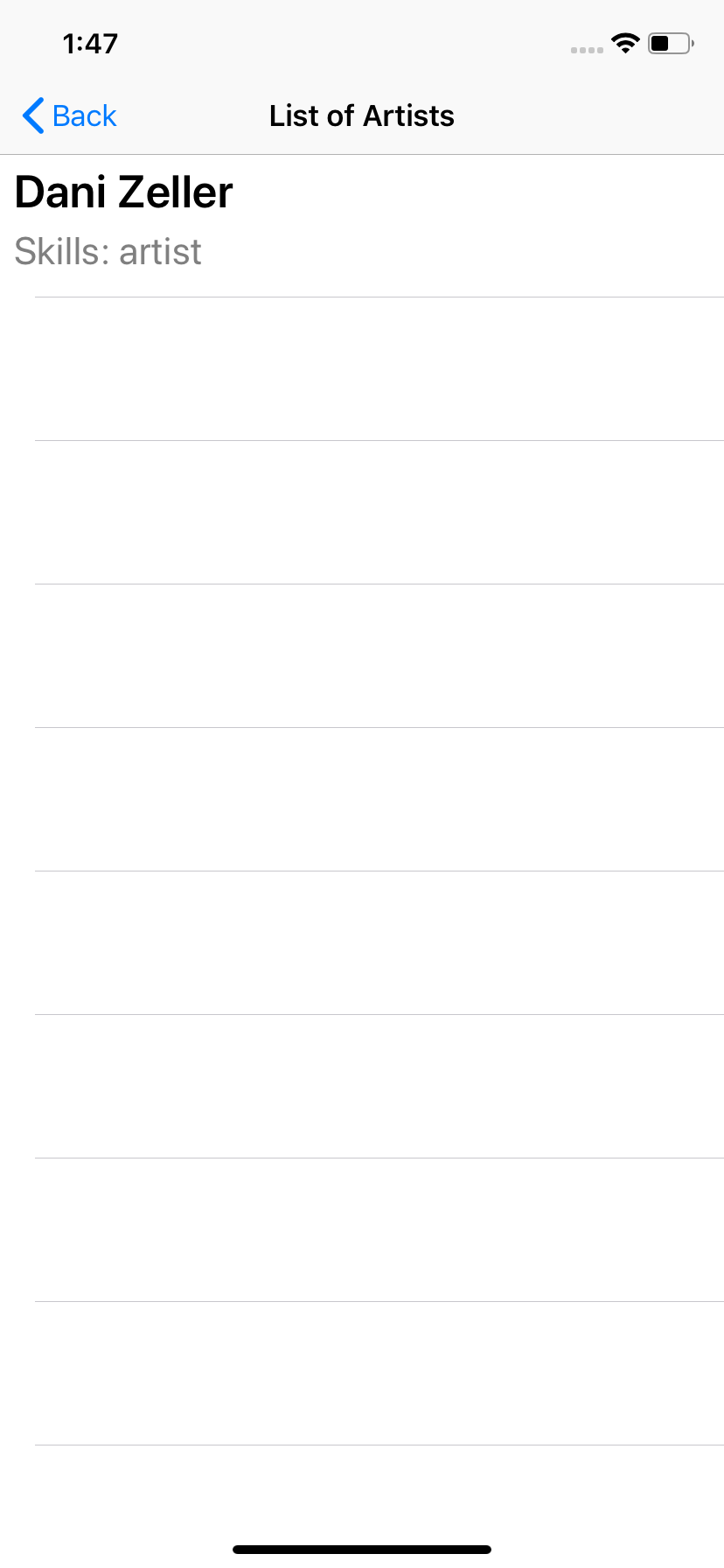
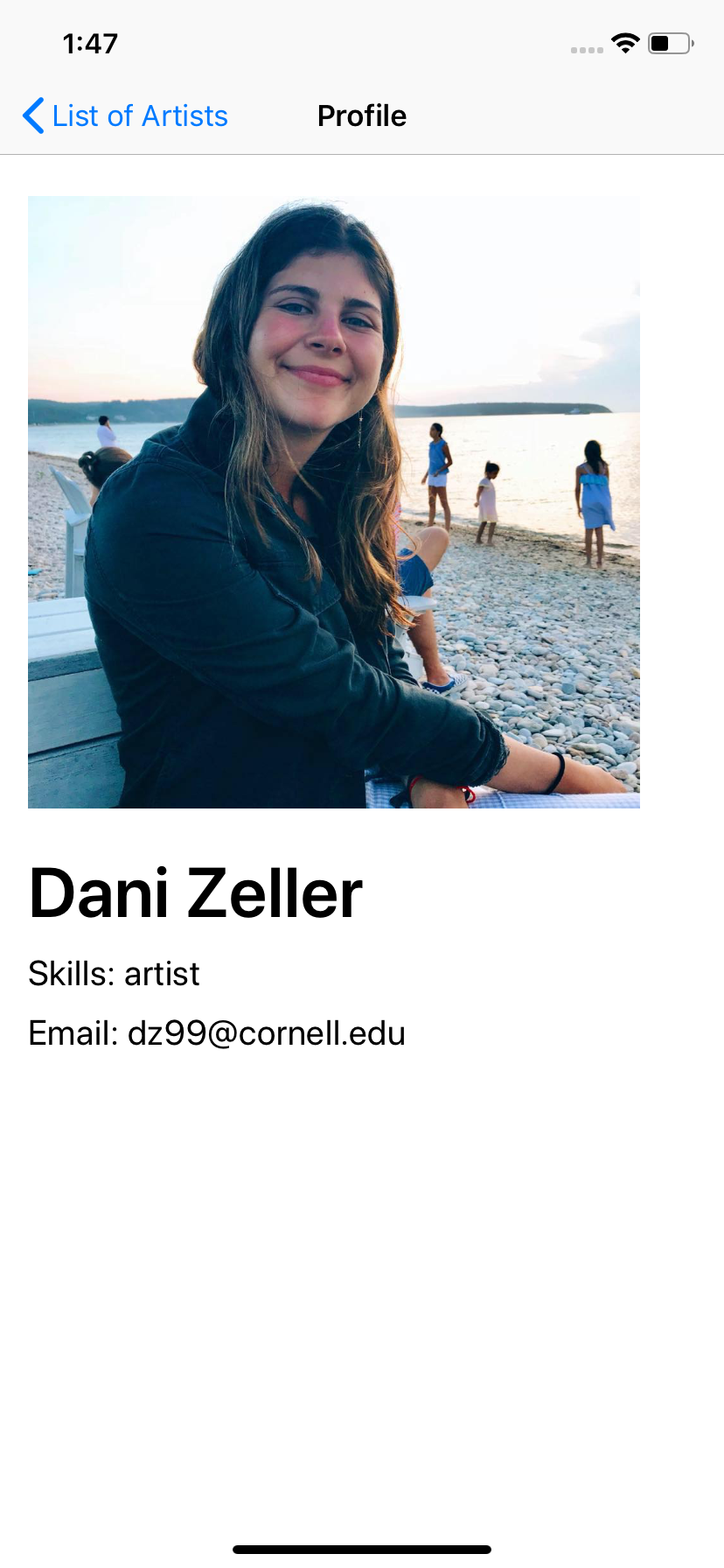
Some screenshots of your app (highlight important features) UICollectionView: displays the categories of creatives https://user-images.githubusercontent.com/43282618/49358599-38eca300-f6a1-11e8-9c40-5067fee3e4b3.png UIListViewController: displays a list of creatives https://user-images.githubusercontent.com/43282618/49358564-21adb580-f6a1-11e8-8303-2af0429b3b0f.png https://user-images.githubusercontent.com/43282618/49358568-22dee280-f6a1-11e8-846f-9e0f251e8fca.png DetailViewController: displays more details about the selected creative https://user-images.githubusercontent.com/43282618/49358467-c54a9600-f6a0-11e8-8e00-d57adb0cfbdb.png https://user-images.githubusercontent.com/43282618/49358469-c7145980-f6a0-11e8-9572-5d5f422958bd.png https://user-images.githubusercontent.com/43282618/49358475-c8de1d00-f6a0-11e8-9ba0-b2e8bac4cd41.png
-
A short description of your app (its purpose and features) Our app, Cornell Creatives, serves as a directory of creatives so when users have artistic needs, they can easily search for students with skillset they need and acquire their provided contact details to message them. Its features include a UICollectionView to display the categories along with a corresponding UITableView with creatives who have the selected skill. When a creative is clicked, a profile photo and their information is displayed so the user can gain more information about the creative and contact them for certain jobs.
-
A list of how your app addresses each of the requirements (iOS / Backend)
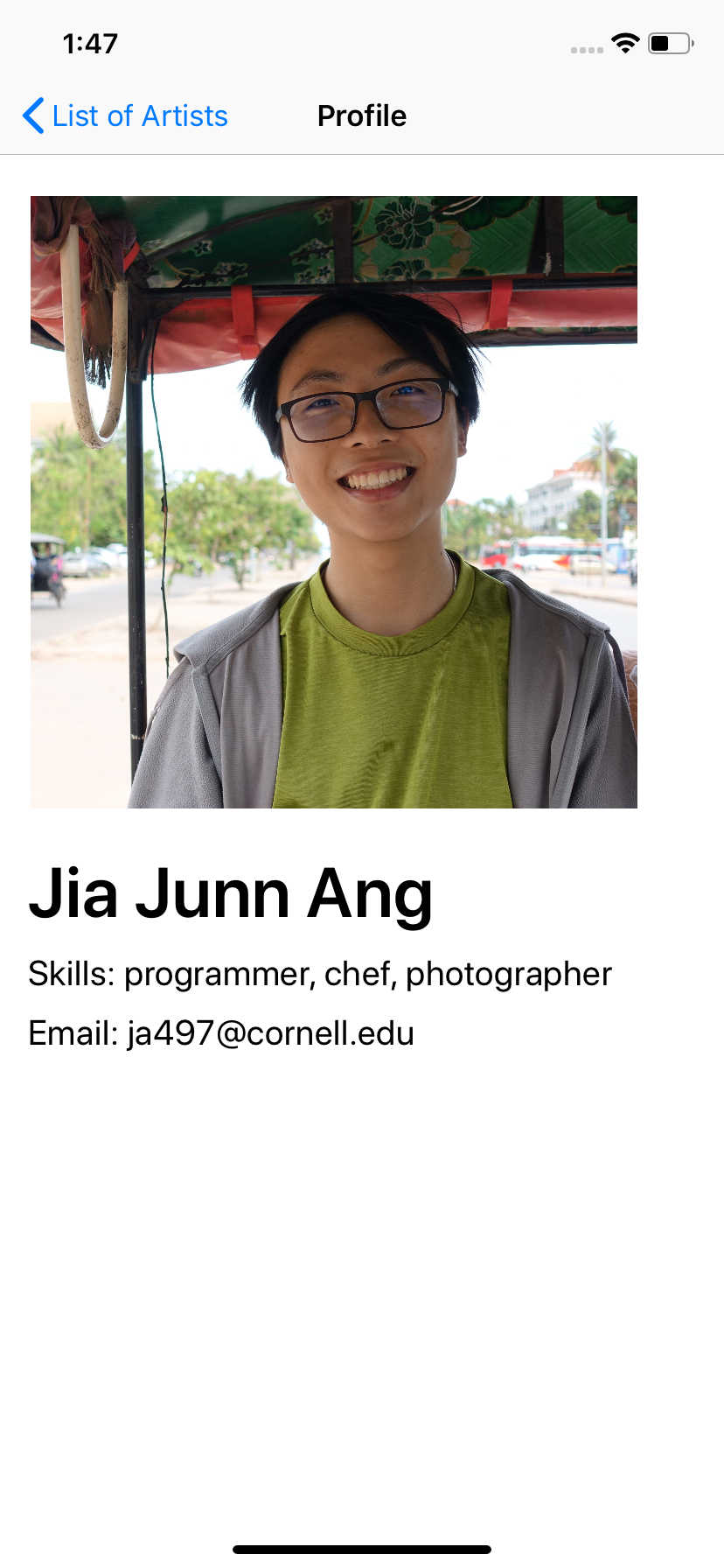
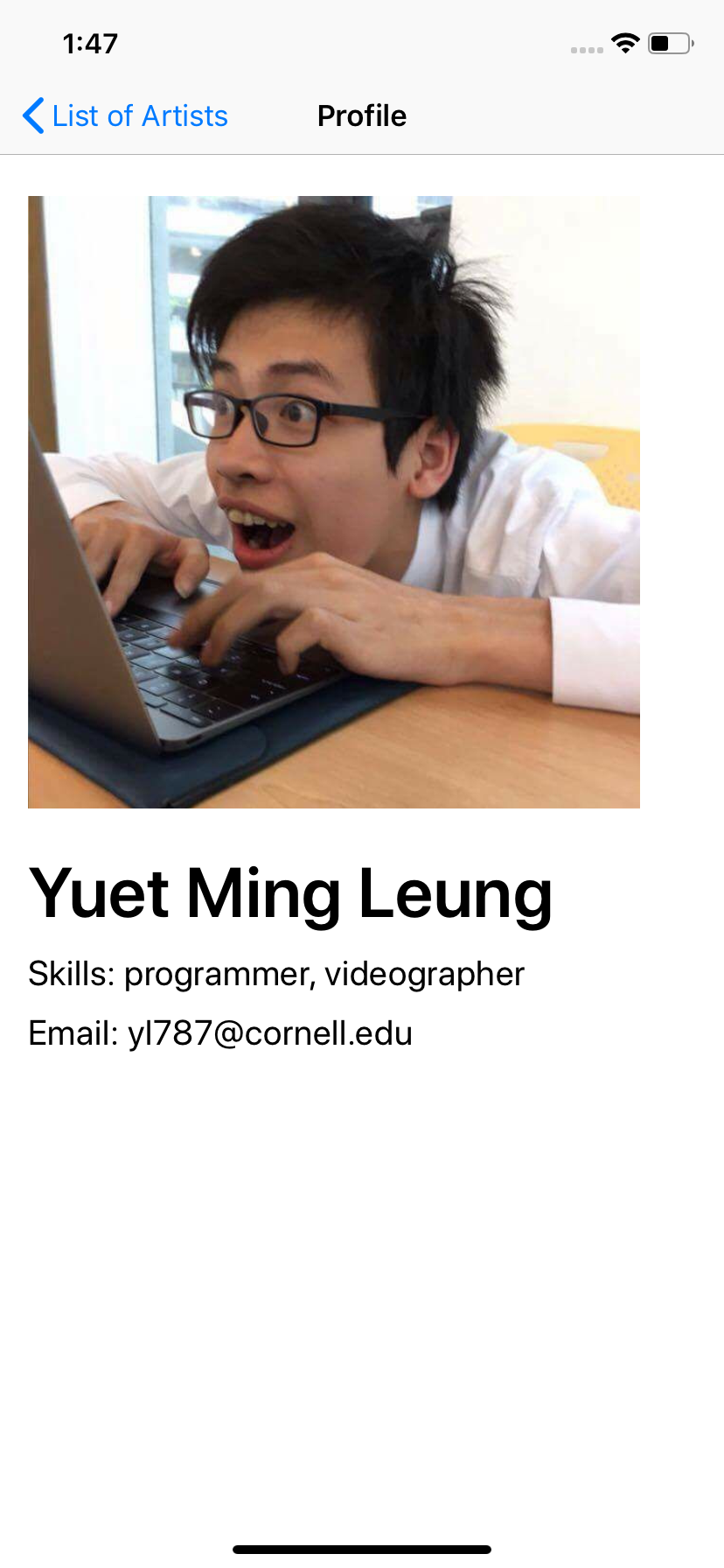
- AutoLayout: NSLayout Constraint was used.
- View: Both a UICollectionView and UITableView were used. A UICollectionView displays the categories of creatives and a UITableView lists the creatives that are classified under the selected category.
- Navigation: UINavigationController was used. When a UICollectionView cell is selected, a UITableViewController is pushed. When a UITableViewController cell is selected, a DetailViewController is pushed. – API: We integrated our backend developer's API to make GET requests for all creatives listed under a specific category. In the future, we also hope to use POST requests to add users.
-
Anything else you want your grader to know Due to time constraints, we weren't able to implement many of the features we wanted to and instead, focused on the main requirements. However, had we had more time, we would have integrated the Google API to create a login screen, which is why we have the netid variable. We also planned to implement a "contact" feature in our DetailViewController that would integrate the Gmail API to allow users to directly email the creative about opportunities.
-
Note: The link, screenshots, and description will be used for the Hack Challenge website where we will showcase everyone’s final projects