
whoiam is a CLI tool that prevents fat-finger deployments to the wrong AWS account — because nothing ruins your morning quite like realising you just ran terraform apply against production.
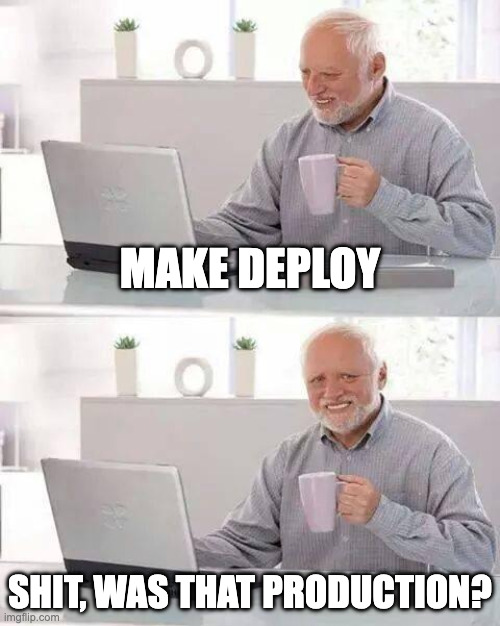
You know that sinking feeling. You get dizzy and the walls start closing in on you. Was your session pointed to dev... or prod? You know your team shouldn't have local production credentials, but hey... startups. We've all been there.
This has happened to me, and teams I have worked on more times than I care to admit. And that's why I built whoiam
A CLI tool that prevents accidental deployments to the wrong AWS account. Before running a command, it verifies that
your current credentials match the account you expect — protecting you from "fat finger" mistakes when working across multiple environments.
- Run commands scoped to a specific AWS account
- Retrieve AWS IAM Role information
- Supports multiple AWS accounts
For more information and usage examples, please refer to the documentation.
brew tap cliwright/homebrew-awstools
brew install whoiamYou can download the pre-compiled binaries from the releases page.
To download the pre-compiled binaries from the releases page using curl, you can use the following commands. Replace VERSION, OS, and ARCH with the appropriate values for the version, operating system, and architecture you need.
For example, to download the Linux binary for version v1.0.0:
curl -L -o whoiam_linux_x86_64.tar.gz https://github.com/cliwright/whoiam/releases/download/v1.0.0/whoiam_Linux_x86_64.tar.gzFor the Windows binary:
curl -L -o whoiam_windows_x86_64.zip https://github.com/cliwright/whoiam/releases/download/v1.0.0/whoiam_Windows_x86_64.zipFor the macOS binary:
curl -L -o whoiam_darwin_x86_64.tar.gz https://github.com/cliwright/whoiam/releases/download/v1.0.0/whoiam_Darwin_x86_64.tar.gzMake sure to replace v1.0.0 with the actual version number you want to download.
git clone https://github.com/cliwright/whoiam.git
cd whoiam
go build -o whoiamwhoiam --helpA config file can be generated at the default location ~/.whoiam/whoiam.yaml by running the following command:
whoiam config initwhoiam uses the AWS SDK for Go, so it will look for credentials and configuration in the default locations used by the AWS CLI and SDKs.
Contributions are welcome! Please open an issue or submit a pull request on GitHub.
This project is licensed under the Apache License, Version 2.0. See the LICENSE file for details.
Jesse Maitland - jesse@cliwright.com