Conversation


|
Added modal to image carousel |

 peterkos
left a comment
peterkos
left a comment
peterkos
left a comment
There was a problem hiding this comment.
Awesome work so far -- I like how you did it from scratch; I honestly would've used a library 😅 this solution is great!
Lots of little style things in this review, apologies if it's a lot.
Other changes:
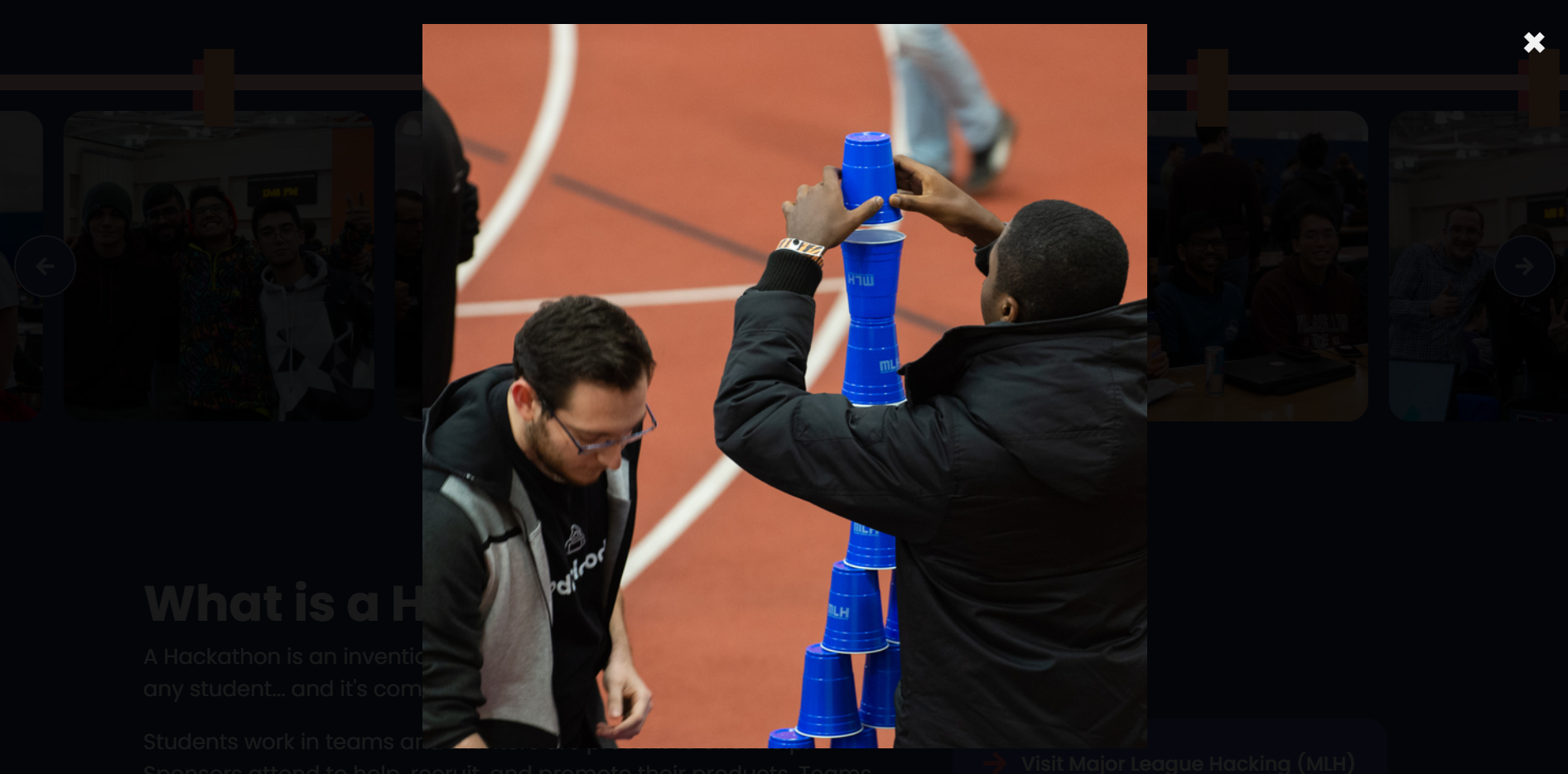
- Could image be completely centered on the screen in the modal?
- Could there also be a
cursor: pointeradded to the hover state of the image? It adds an affordance, hinting that it's possible to click on the image - Is there a way to make it so the image isn't blurry as it transitions?
- I like the simplicity of
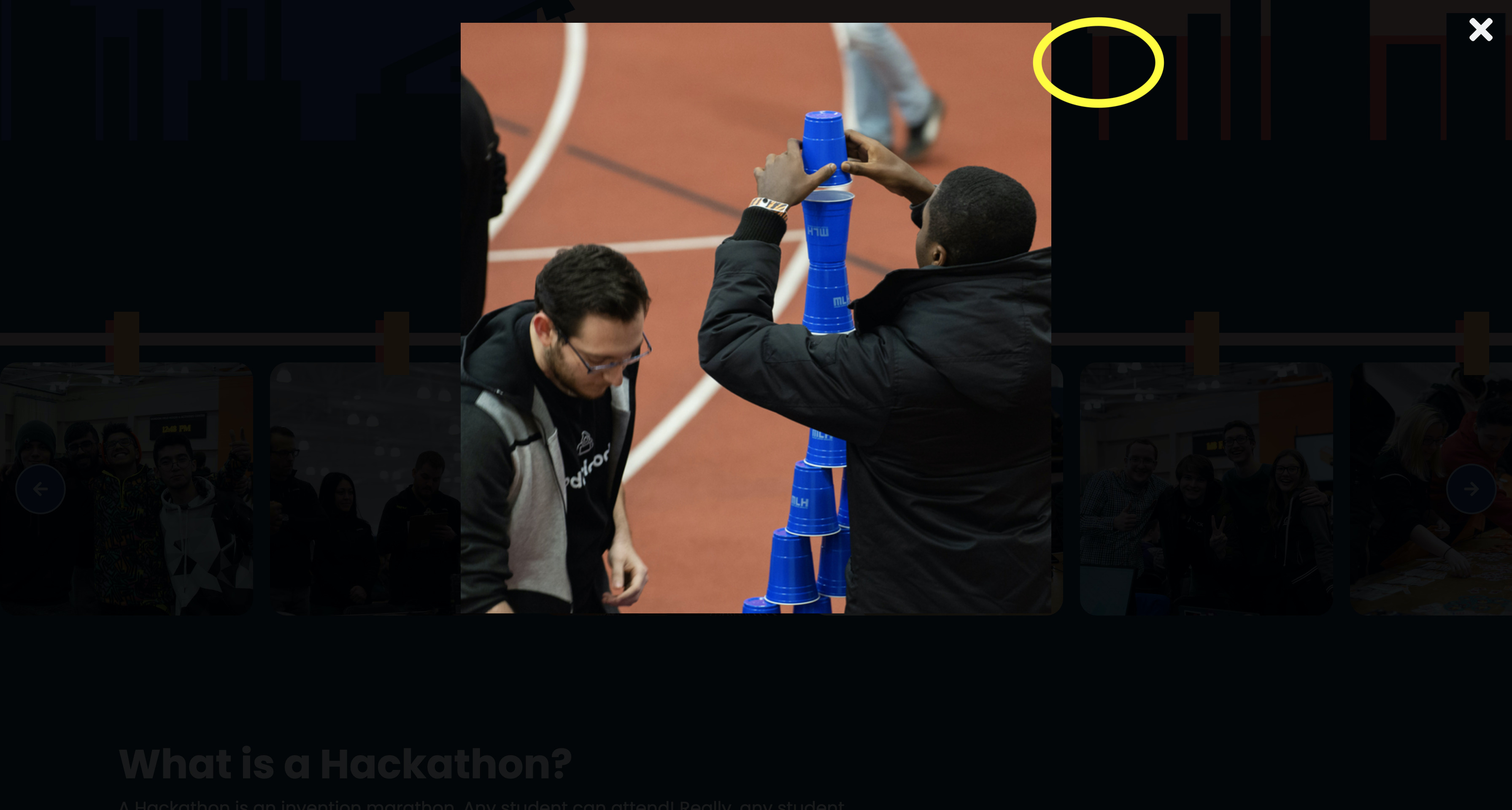
×but since we have FontAwesome it's more consistent w/ our existing design:<i id="close" class="fas fa-times"></i> - Also, could the times indicator maybe be put here instead?
| <div class="front_clip"></div> | ||
| <div class="back_clip"></div> | ||
| <img src="./assets/imgs/2.jpg" alt="BrickHack 6 attendees"/> | ||
| <img src="./assets/imgs/2.jpg" alt="BrickHack 6 attendees"/> |
There was a problem hiding this comment.
Extra space
| <img src="./assets/imgs/2.jpg" alt="BrickHack 6 attendees"/> | |
| <img src="./assets/imgs/2.jpg" alt="BrickHack 6 attendees"/> |
peterkos
left a comment
peterkos
left a comment
There was a problem hiding this comment.
Thanks for all the changes before! And omg, good catch on the .slide-image class -- it's funny to just click on the BH logo and it zooooms 🚗
But alas, there are more changes:
- Images should be completely centered on the screen (horizontally and vertically; maybe use flexbox? If it's harder than expected to do, lmk on Slack)
- Close button should be positioned relative to the image, not absolutely from the right of the screen
- Suggestion: when you press
Esc, can the modal disappear? jQuery has a nice way to do it
| <div class="front_clip"></div> | ||
| <div class="back_clip"></div> | ||
| <img src="./assets/imgs/1.jpg" alt="BrickHack 6 attendees"/> | ||
| <img class="slide-image" src="./assets/imgs/1.jpg" alt="BrickHack 6 attendees"/> |
There was a problem hiding this comment.
nit: src attribute before class
(nit means nitpick, not sure if I specified that!)
| display: block; | ||
| width: 80%; | ||
| max-width: 700px; | ||
| filter: blur(0); |
There was a problem hiding this comment.
Does this line do anything?
There was a problem hiding this comment.
I thought it would make the image clearer during transition clear, lol. I don't know if it worked; my eyes are not the best.
| transition: 0.3s; | ||
| } | ||
|
|
||
| img:hover {opacity: 0.7;} |
| display: block; | ||
| width: 80%; | ||
| max-width: 700px; | ||
| filter: blur(0); |
|
|
||
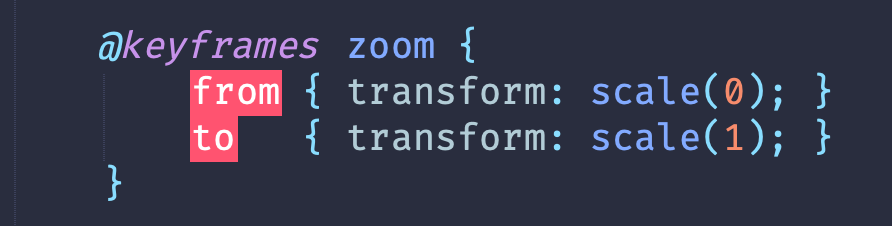
| @keyframes zoom { | ||
| from {transform:scale(0)} | ||
| to { transform: scale(1); } |



# Conflicts:
#	index.html
#	sass/main.scss
2 participants


No description provided.