Users should be able to:
- Manage student database from web application
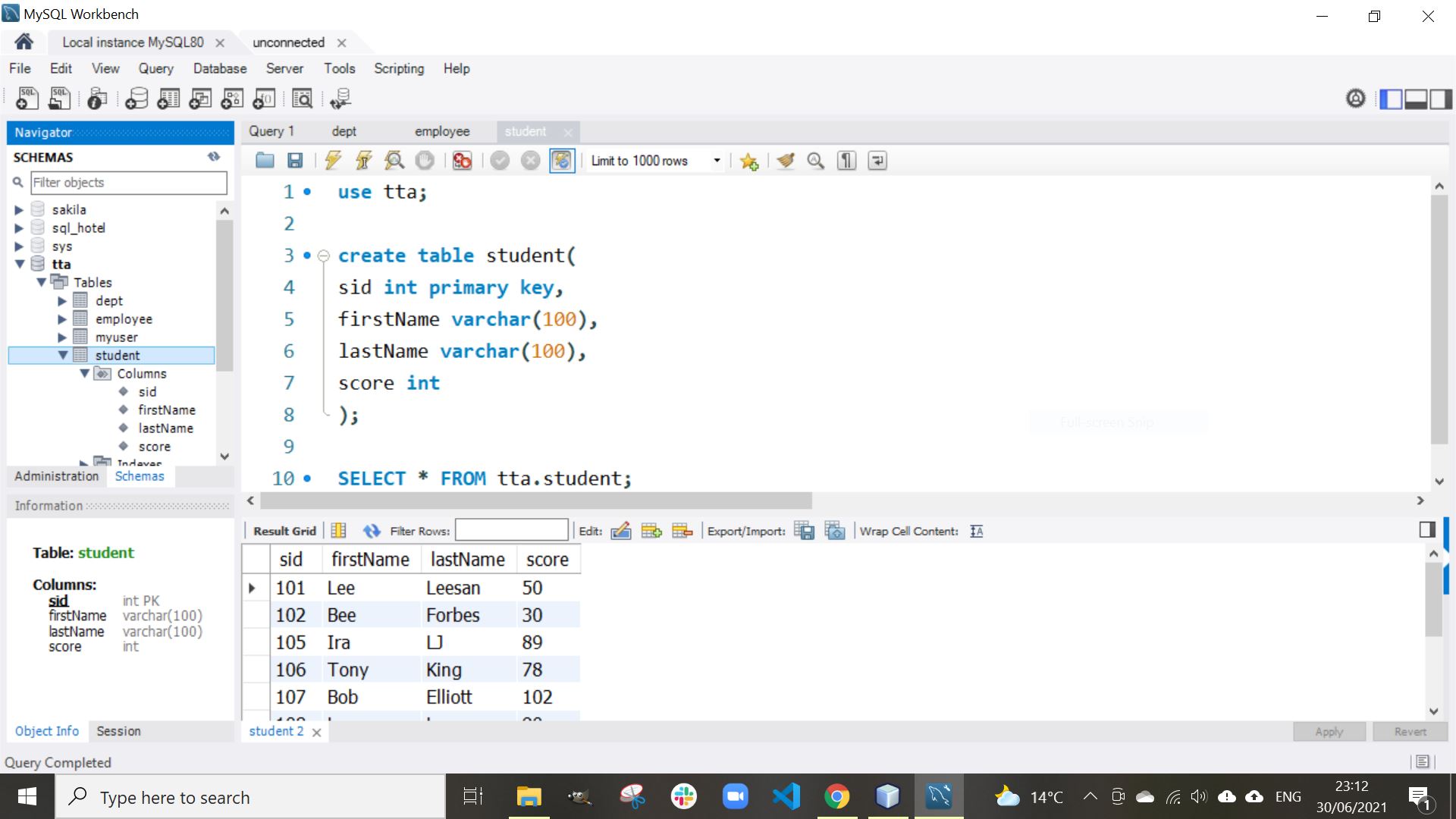
Database: MySQL Workbench
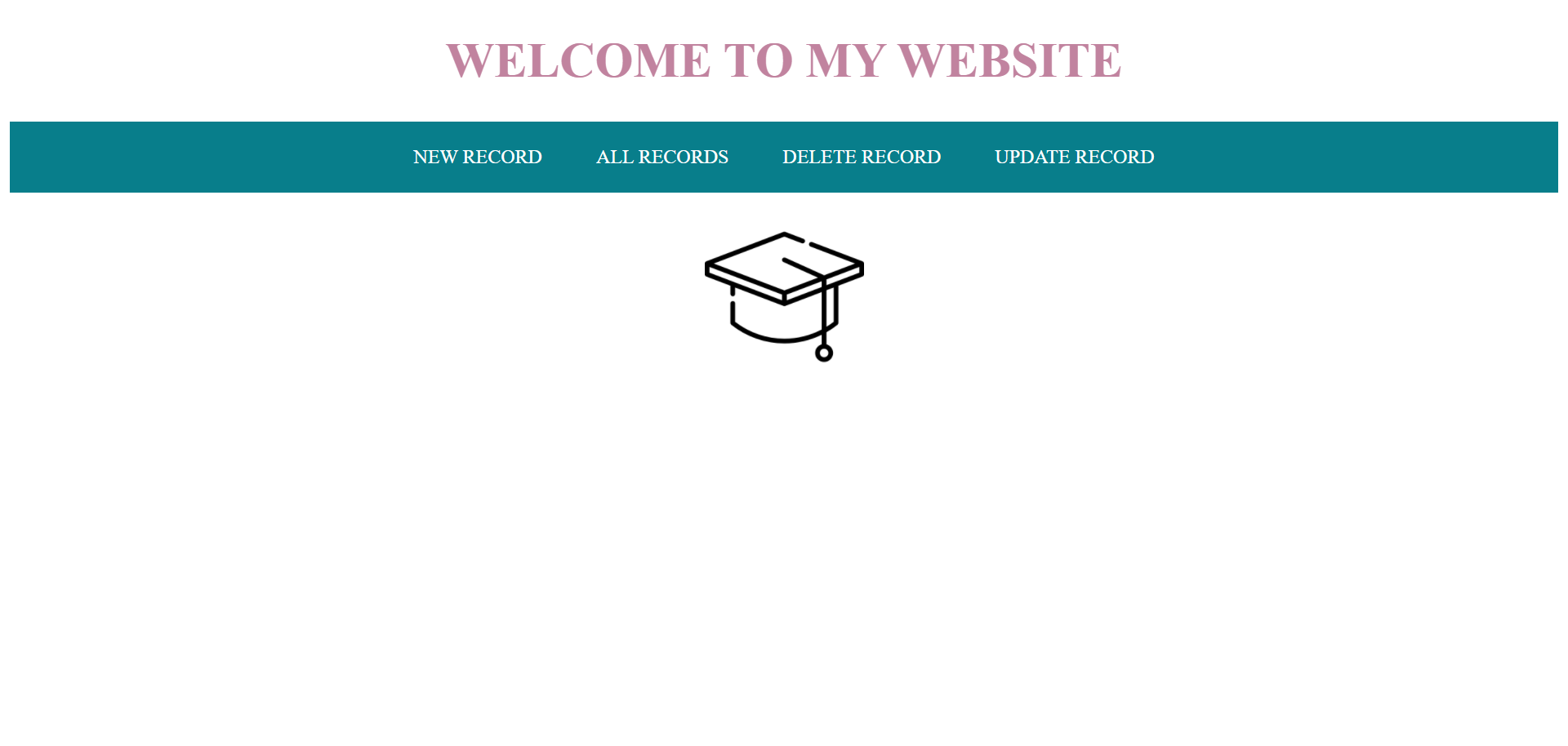
Master Page
Create Student

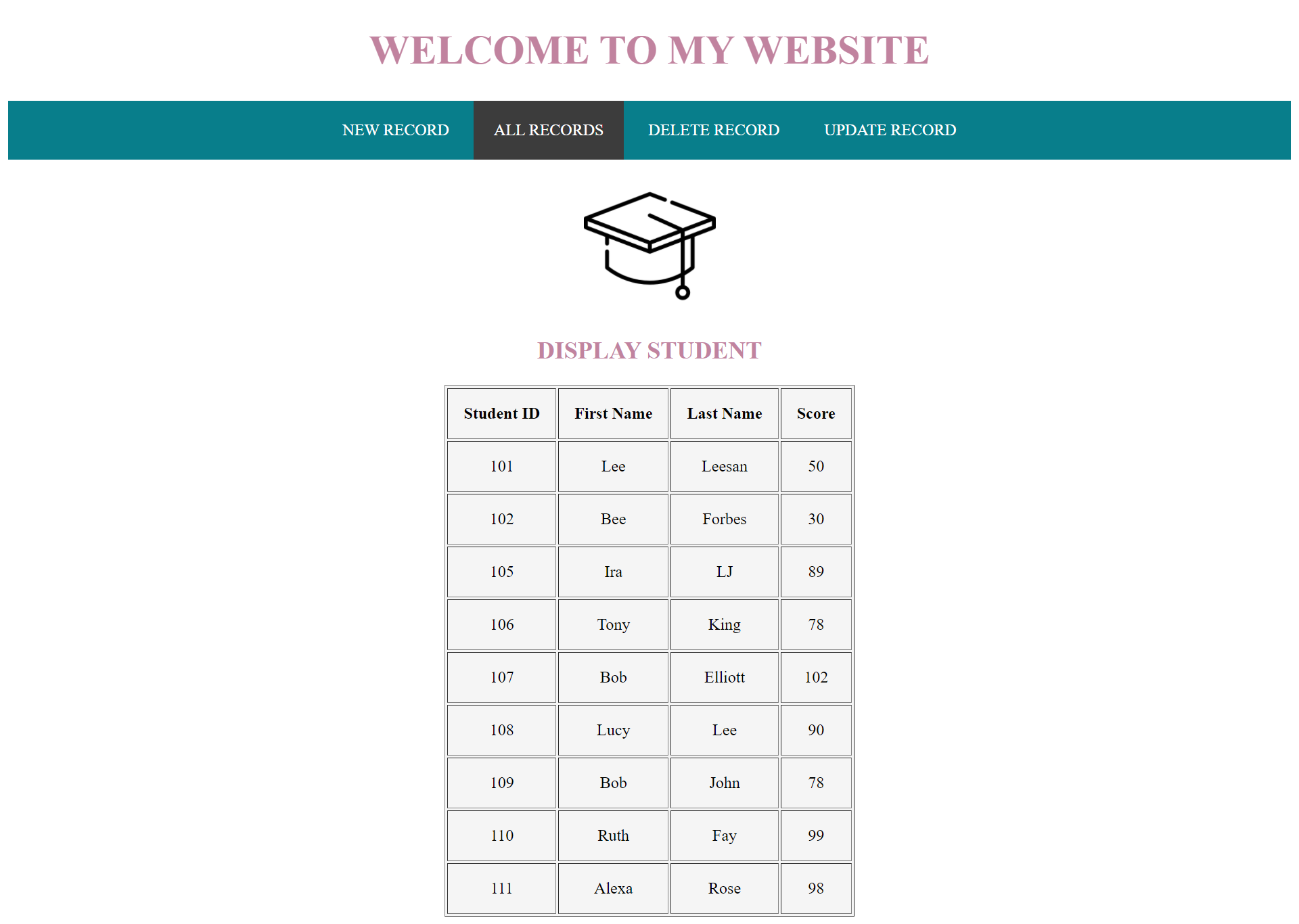
Display Student
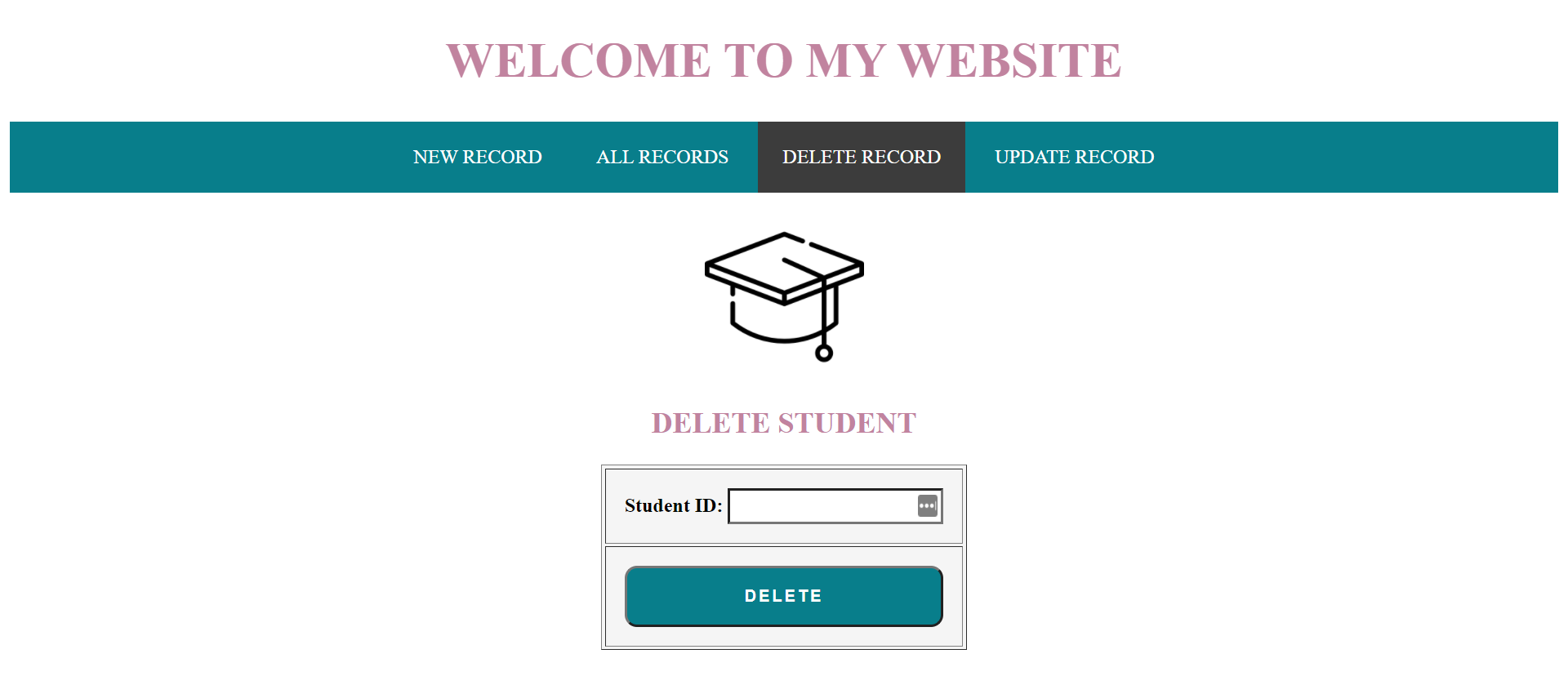
Delete Student
Update Student
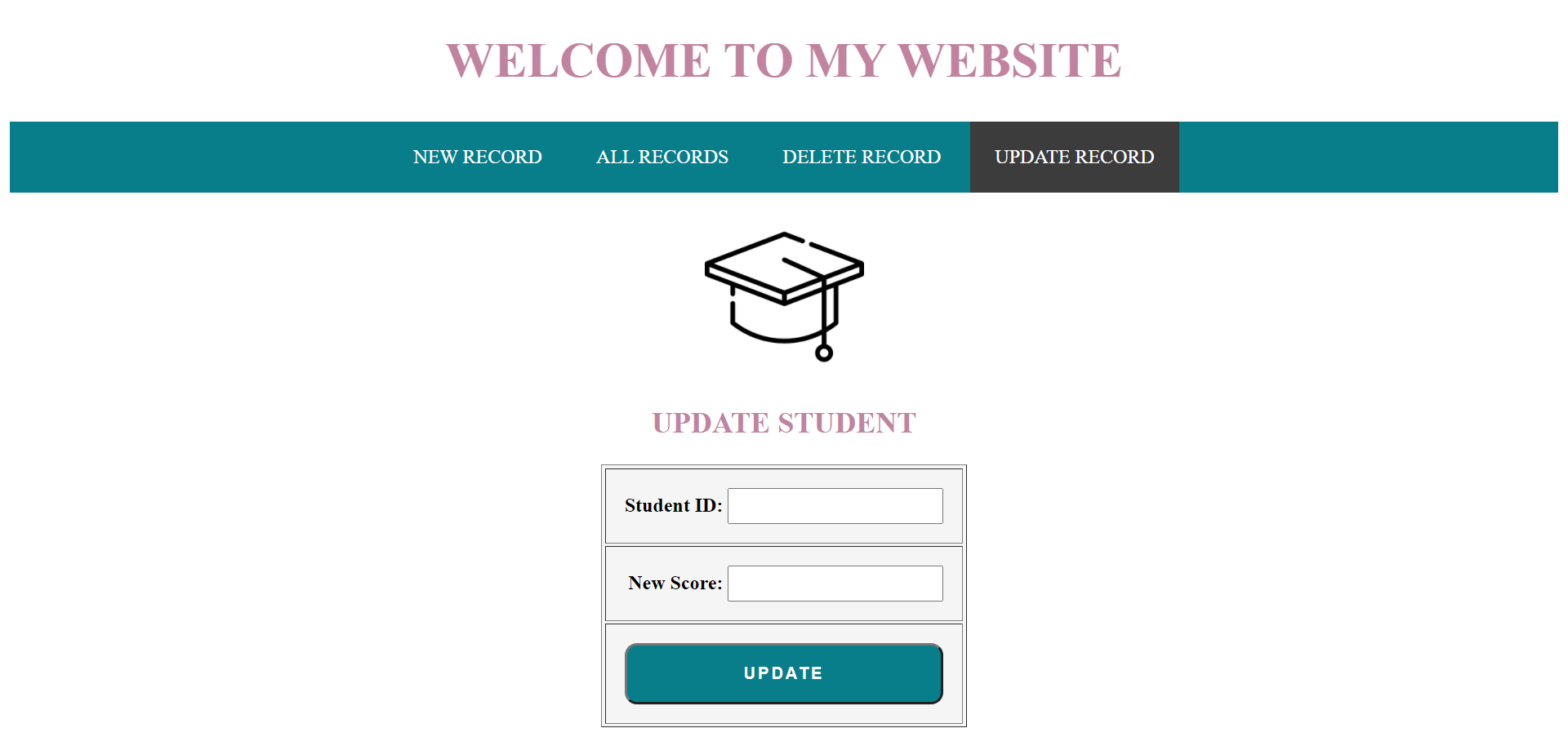


Project name: StudentCRUD
1.Student Create
2.Student Display
3.Student Delete
4.Student Update
- IDE: NetBeans
- Database: MySQL Workbench
- Technology: J2EE(Java, Servlet, JSP), JDBC(MySQL)
- CSS Custom properties
- HTML
Creating Java source packages to store class and servlet files for Model and Controller helps to keep organised.
I learned how set current page to display once process was completed using the request dispatcher.
if(r == 1){
                out.print("Student record updated");
                request.getRequestDispatcher("display.jsp").include(request, response);
            }
I learned to use JSP scriplet tag <%%> to execute Java code in JSP and how to break code so HTML can also be executed side by side.
I learned how to use a while loop in table code to display table contents.
<%
    try
    {

    Connection con = MyConnection.connect();
    Statement stmt = con.createStatement();
    String qry = "Select * from student";
    ResultSet rs = stmt.executeQuery(qry);
%>
    <table border="1" cellpadding="15">
        <thead>
            <tr>
                <th>Student ID</th>
                <th>First Name</th>
                <th>Last Name</th>
                <th>Score</th>

            </tr>
        </thead>
<%

    while(rs.next())
    {
%>
        <tbody>
            <tr>
                <td class="dis"><%= rs.getInt(1)%></td>
                <td class="dis"><%= rs.getString(2)%></td>
                <td class="dis"><%= rs.getString(3)%></td>
                <td class="dis"><%= rs.getInt(4)%></td>

            </tr>
        </tbody>
<%
    }//while ends
%>
    </table>
<%
    }//try ends
    catch(Exception ex)
    {
        System.out.println("Display error :"+ex);
    }//catch ends

%>To keep practicing projects that work with the MVC design pattern.
To get better at understanding the PreparedStatement and how it works.
To work on ways to style the servlet out print to compliment the UI.