Android: Double/tripple tap selection does not show the context menu #935

Description

Describe the issue
Steps to reproduce
- Double-tap on a word in a CodeMirror editor.
- Tripple-tap on a different line.
- Long-press on a word in a CodeMirror editor.
- Open the web inspector (remote tools via
chrome://inspect) and delete themousedownlistener on CodeMirror's contenteditable element.
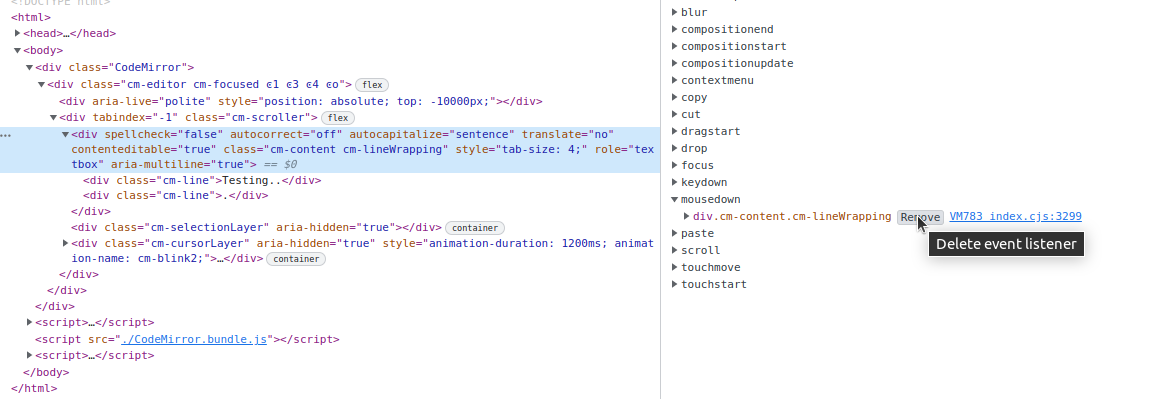
- Double-tap on a word in a CodeMirror editor.
- Tripple-tap on a different line.
- Long-press on a word in a CodeMirror editor.
Observed behavior
- Steps 1 and 2 do not display a context menu, but steps 5 and 6 do.
- Steps 3 and 7 display context menus.
Expected behavior
As in other contenteditable regions, a context menu should open when selecting text with double/tripple-taps.
Environment
I experience this with extensions: [] and with the CodeMirror editor on codemirror.net.
Browser and platform
Chrome 104/Android 12; Android system WebView
Reproduction link
No response