1. Install Dependencies
The project contains two basic folders: client and server. Client is the front end of the application and is written in React.js. Server is the back end of the application and is written in Node.js. To run this project, download it to your computer and open it with a code editor:
For both main files in the project folder, you have to go to the terminal and install the NPM dependencies. To do this:
-
cd clientand thennpm install -
cd serverand thennpm install
2. Run
Now, you already installed the NPM dependencies. Now you can run the client and server.
Run Client: Client will run at localhost:3000. To run the client, use the commands:
cd clientand thennpm start
Run Server: Server will run at localhost:8800. To run the server, use the commands:
cd serverand thennpm run dev
The project has two main folders named client and server. Client is React.js. Server is Node.js and Express.js. Server side has got Express server. Express server is loaded in app variable:
Client
React.js is used here. It has folders named Pages, components and Redux. The Component's folder holds the components in this application like Header, SideBar, etc. Pages, on the other hand, hold pages such as Home page, Channel Page, etc. Components are rendered in certain parts of the pages. React Router DOM is used for page redirection. Redux Toolkit is used for state management. In components and pages, requests are made to the API addresses written on the server side. If the request results are positive, the incoming results are printed on the screen.
Server
Node.js, Express.js and MongoDB is used here. Database schema models were made in the models folder. API endpoints are written in the routes folder. Controller functions for routes are written in the controllers folder. Middlewares for routes are written in the Middlewares folder.
Database Models
User, Video
Authentication - Authorization
This project uses JSON Web Token for authentication and authorization. You will receive a token when you log in. That token is sent to the user's browser and stored as a local storage. When you want to reach certain routes, the middleware takes the token from the headers and decrypts it. If the token is valid, it allows you to use the controller valid for that route.
Note: Your information resolved in the token will be kept in the req.user object.
Routes
+ Register: `http://localhost:8800/api/auth/register` (http post method)
+ Login: `http://localhost:8800/api/auth/login` (http post method)
+ Logout: `http://localhost:8800/api/auth/logout` (http get method)

+ Find an User: `http://localhost:8800/api/user/:id` (http get method)
+ Update an Profile & Change the Profile Image: `http://localhost:8800/api/user/update/:id` (http put method)
+ Find an User's Videos: `http://localhost:8800/api/user/videos/:id` (http get method)
+ Subscribe an User: `http://localhost:8800/api/user/sub/:id` (http put method)
+ Unsubscribe an User: `http://localhost:8800/api/user/unSub/:id` (http put method)

+ Create a Video: `http://localhost:8800/api/video/` (http post method)
+ Edit a Video: `http://localhost:8800/api/video/edit/:id` (http put method)
+ Delete a video: `http://localhost:8800/api/video/delete/:id` (http delete method)
+ Get Random Videos: `http://localhost:8800/api/video/random` (http get method)
+ Get Some Videos: `http://localhost:8800/api/video/some` (http get method)
+ Get Video by Id: `http://localhost:8800/api/video/:id` (http get method)
+ Add View to a Video: `http://localhost:8800/api/video/view/:id` (http put method)
+ Like a Video: `http://localhost:8800/api/video/like/:id` (http put method)
+ Dislike a Video: `http://localhost:8800/api/video/dislike/:id` (http put method)
+ Search Video by Title: `http://localhost:8800/api/video/search/:query` (http get method)
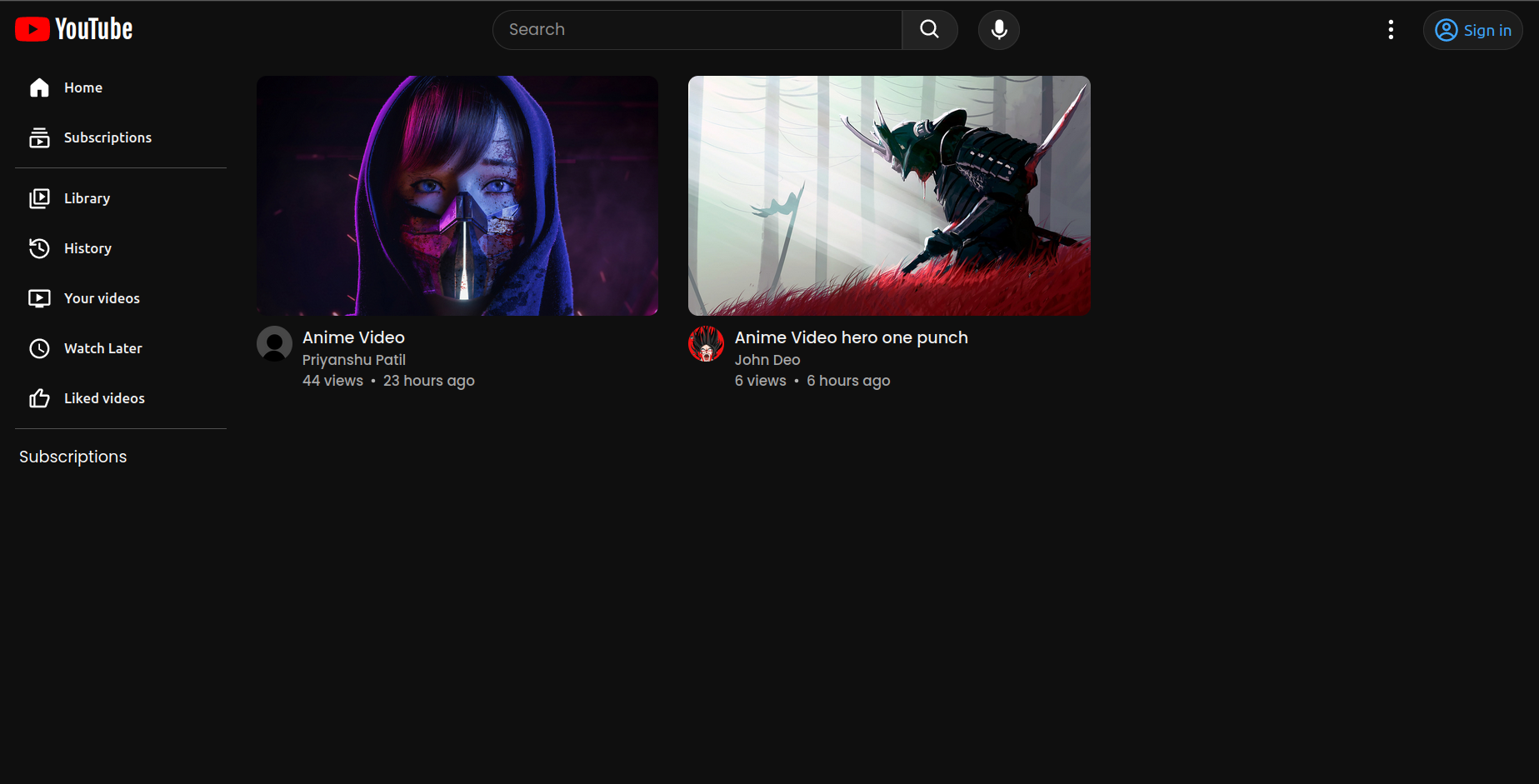
- Home Page:
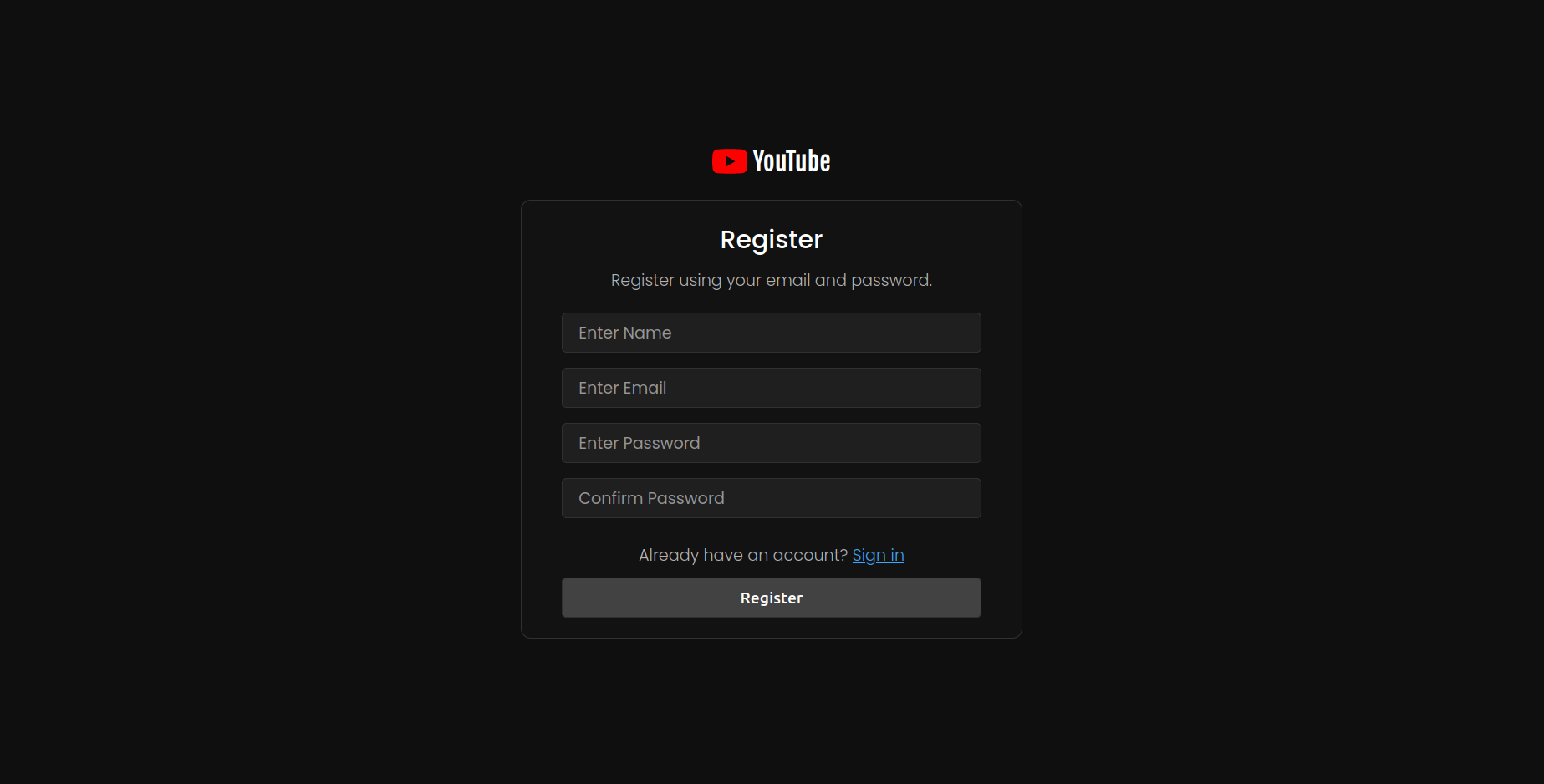
- Register Page
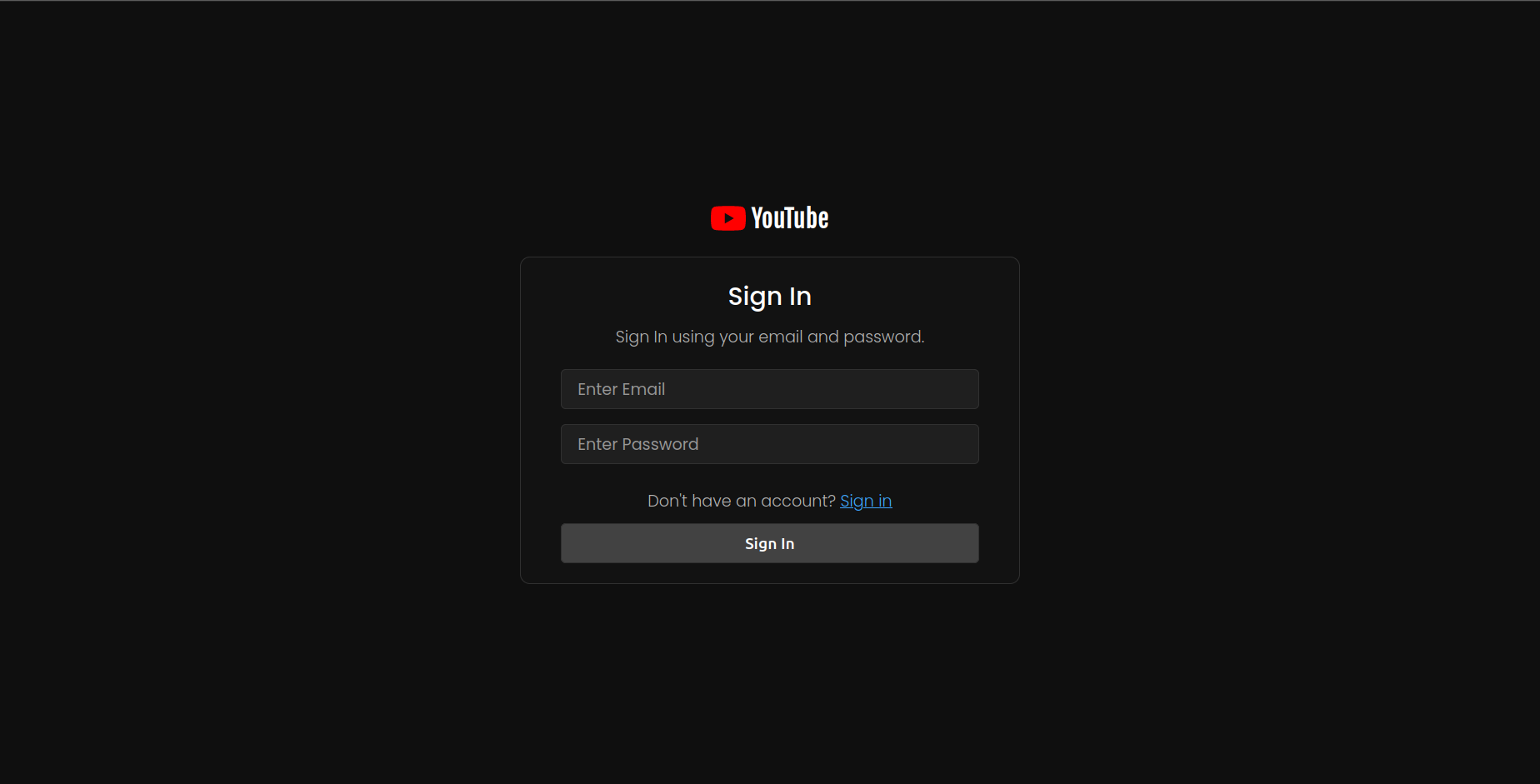
- Sign In Page:
- Current Video Page:

- User Video Page:
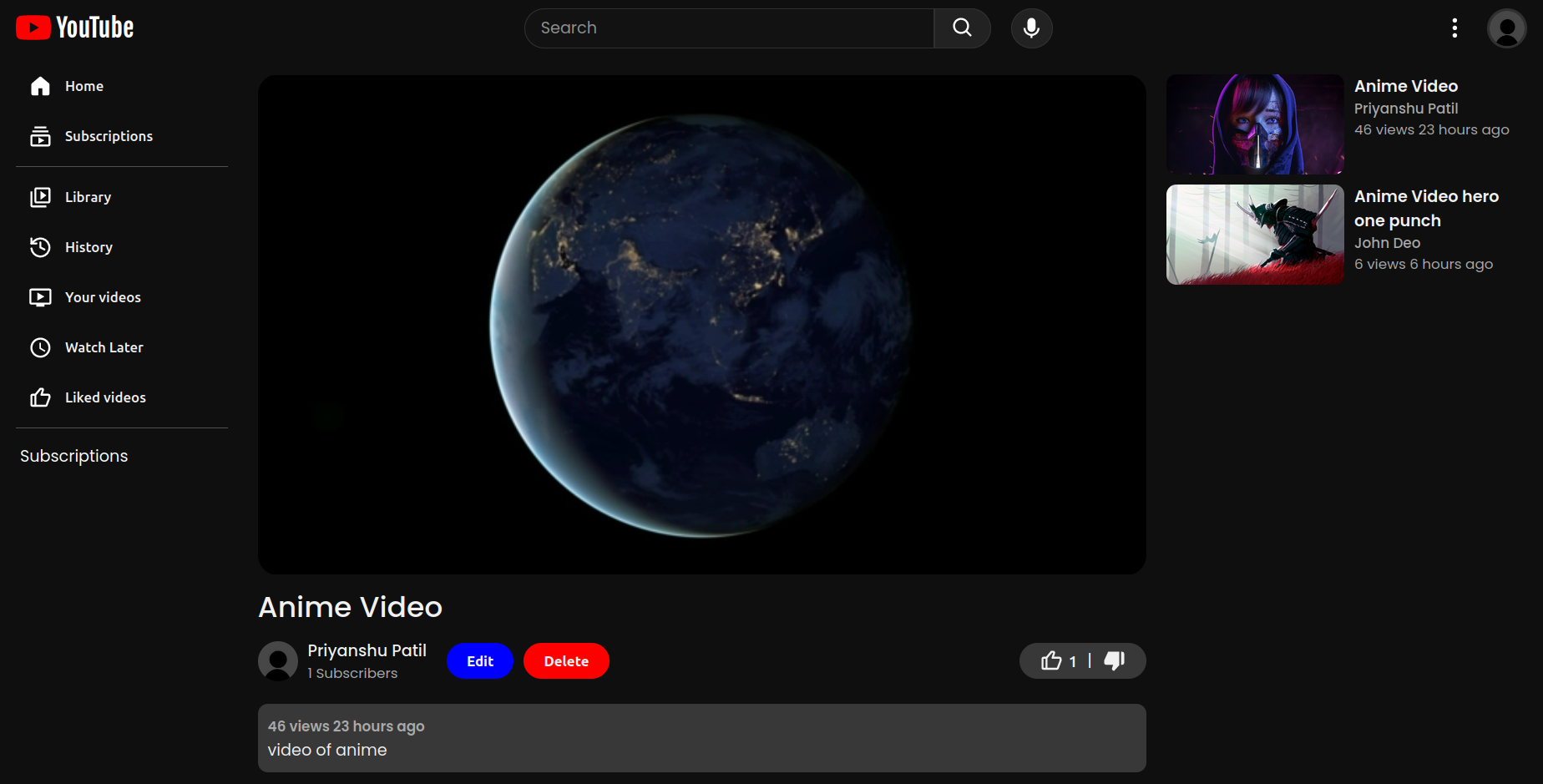
- Channel Page
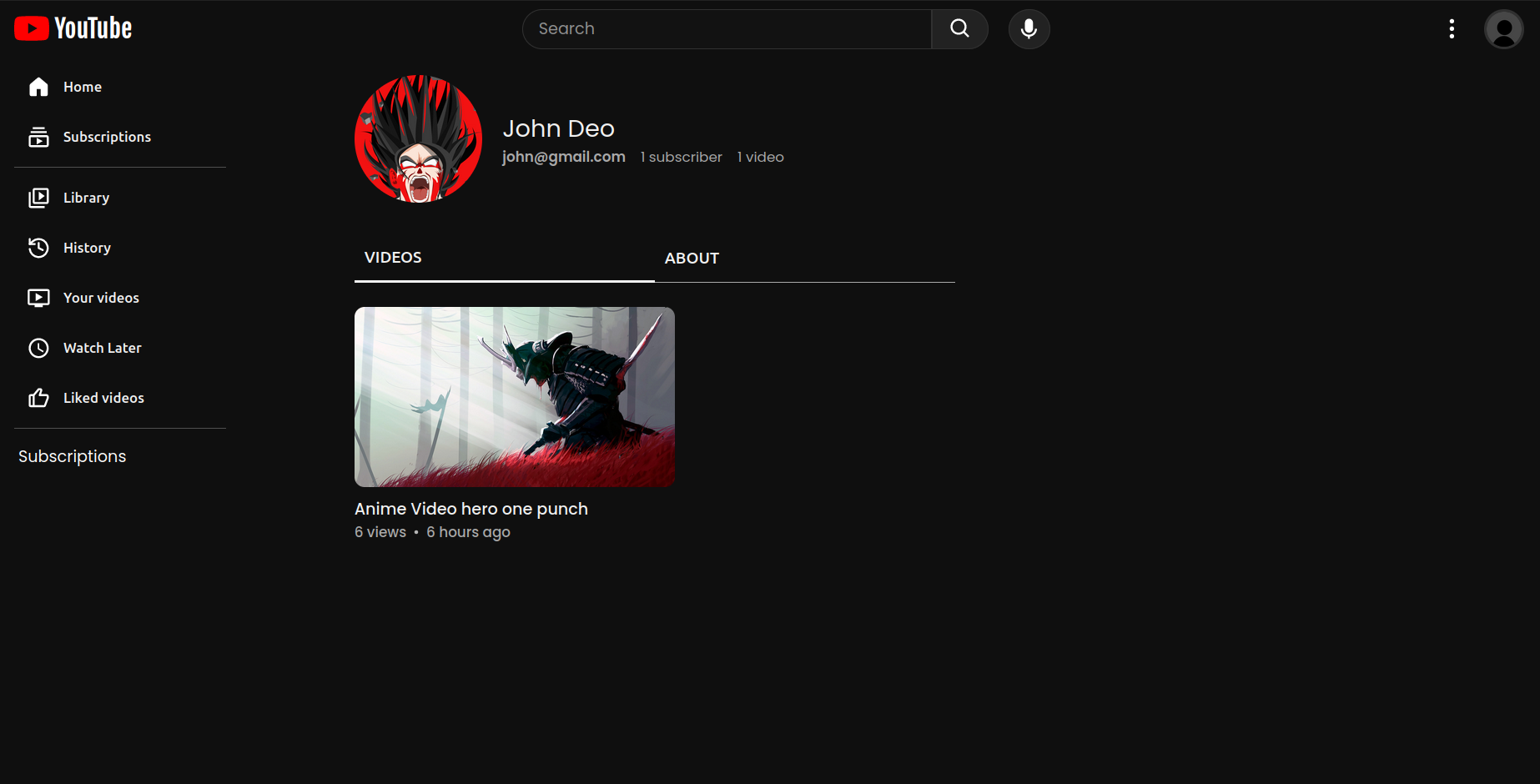
- User Channel Page
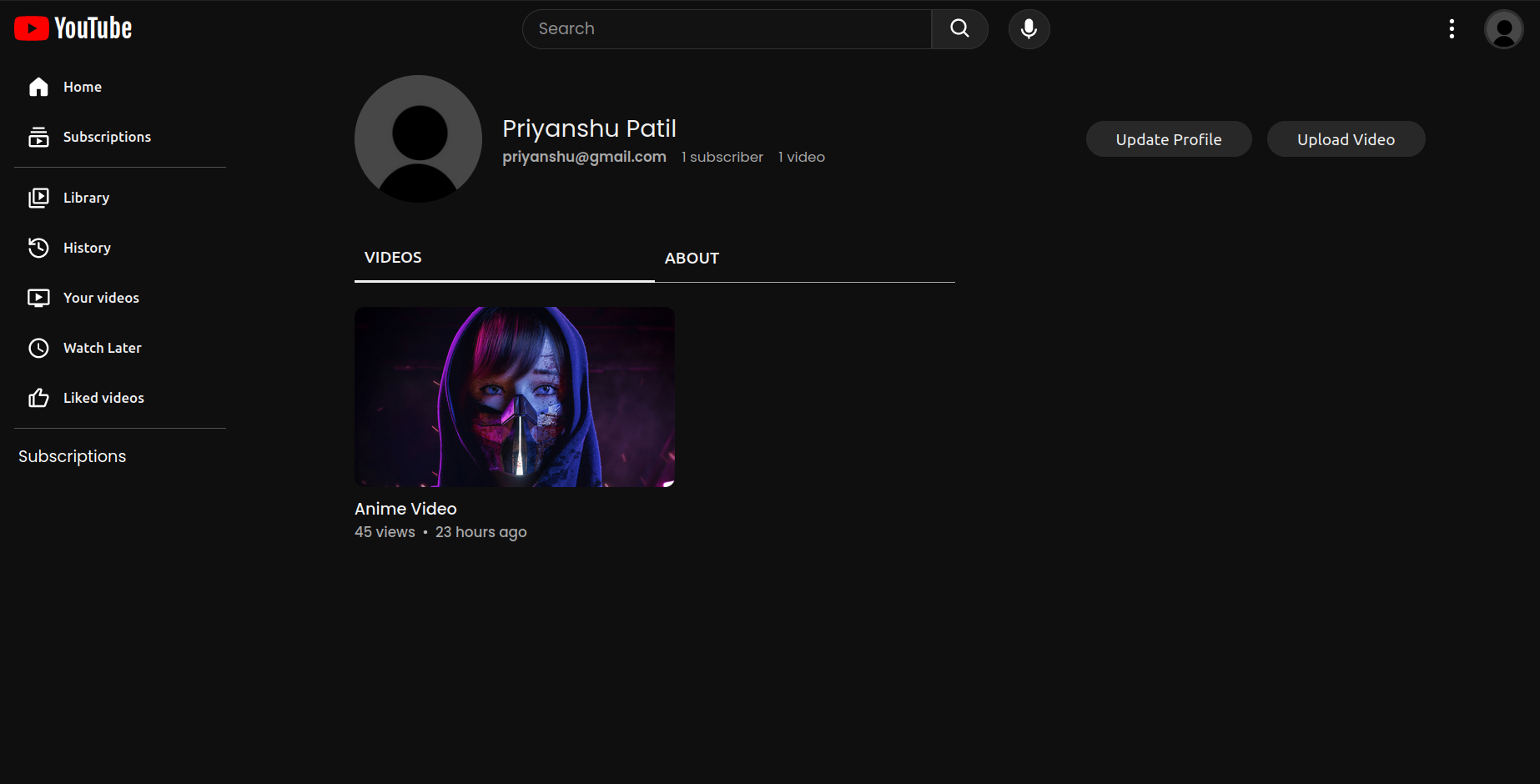
- Upload Video Page
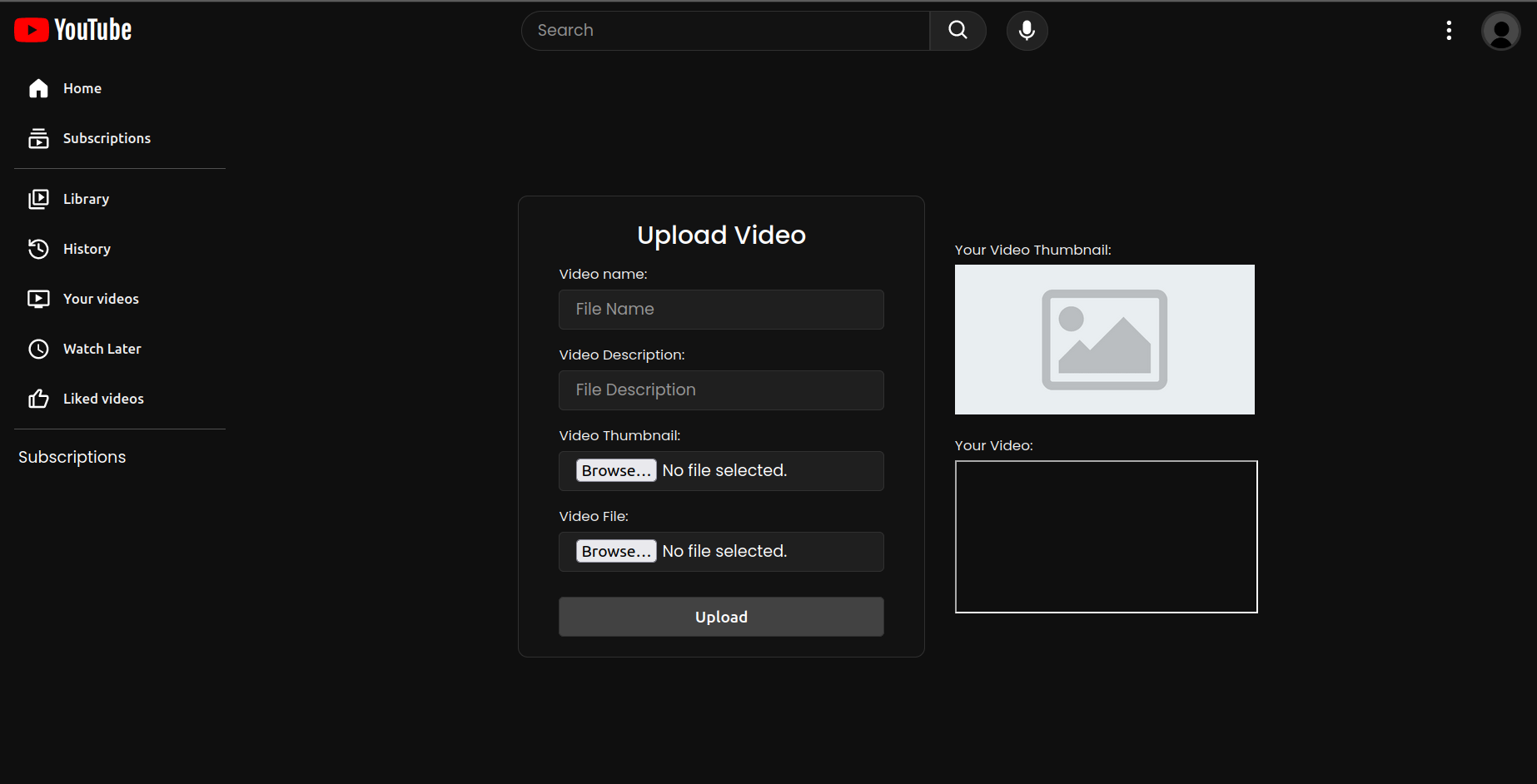
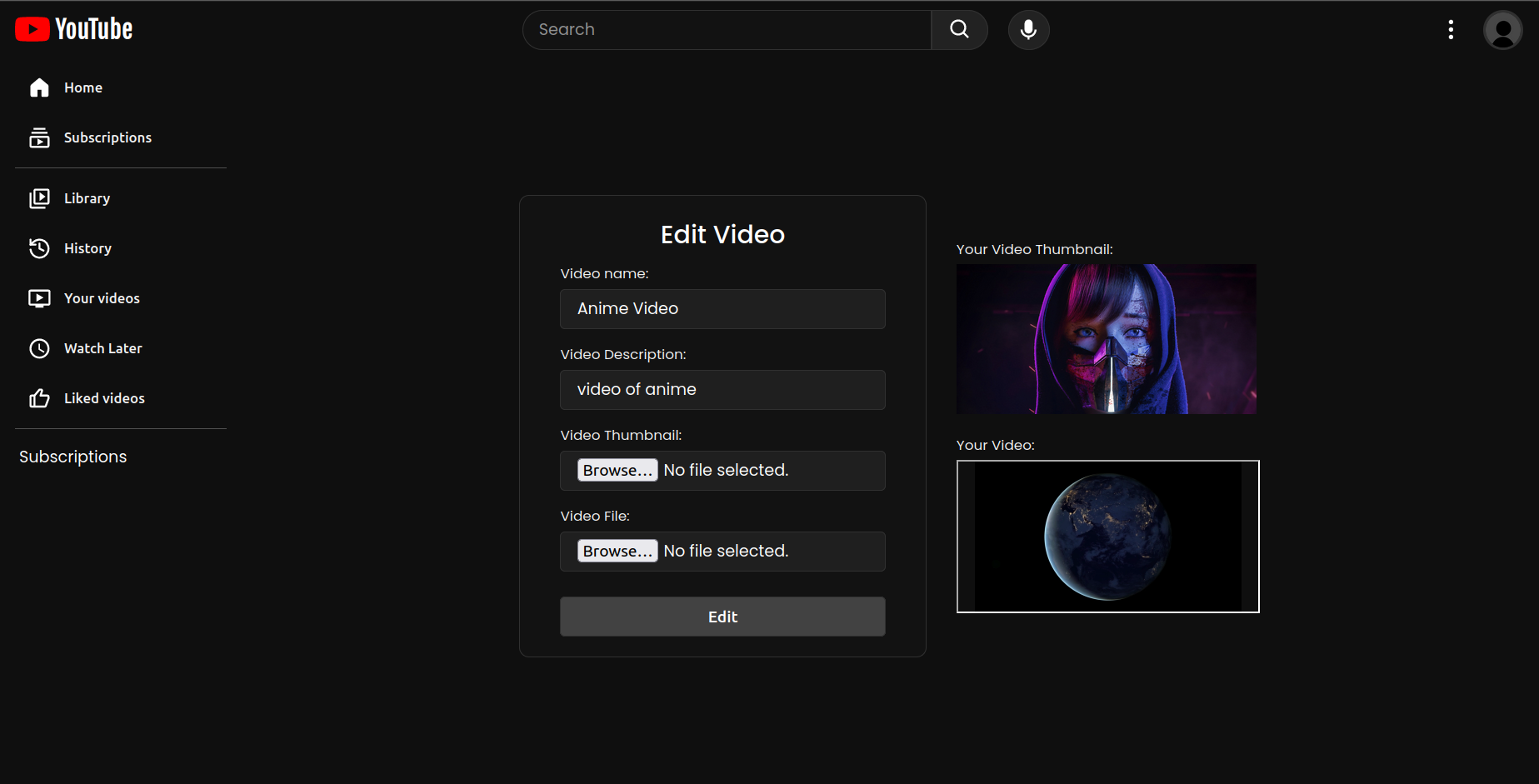
- Edit Video Page:
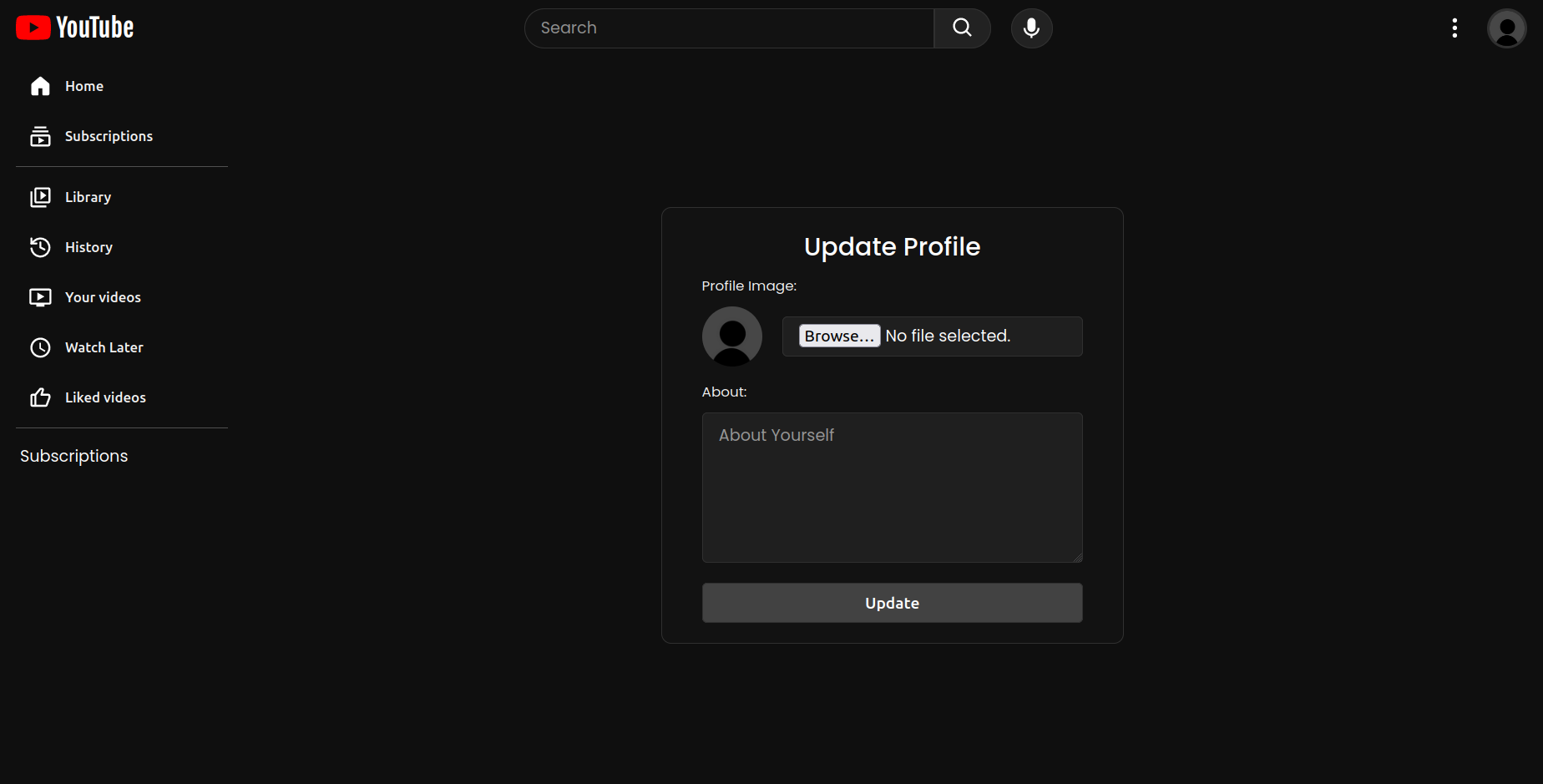
- Update Profile Page:
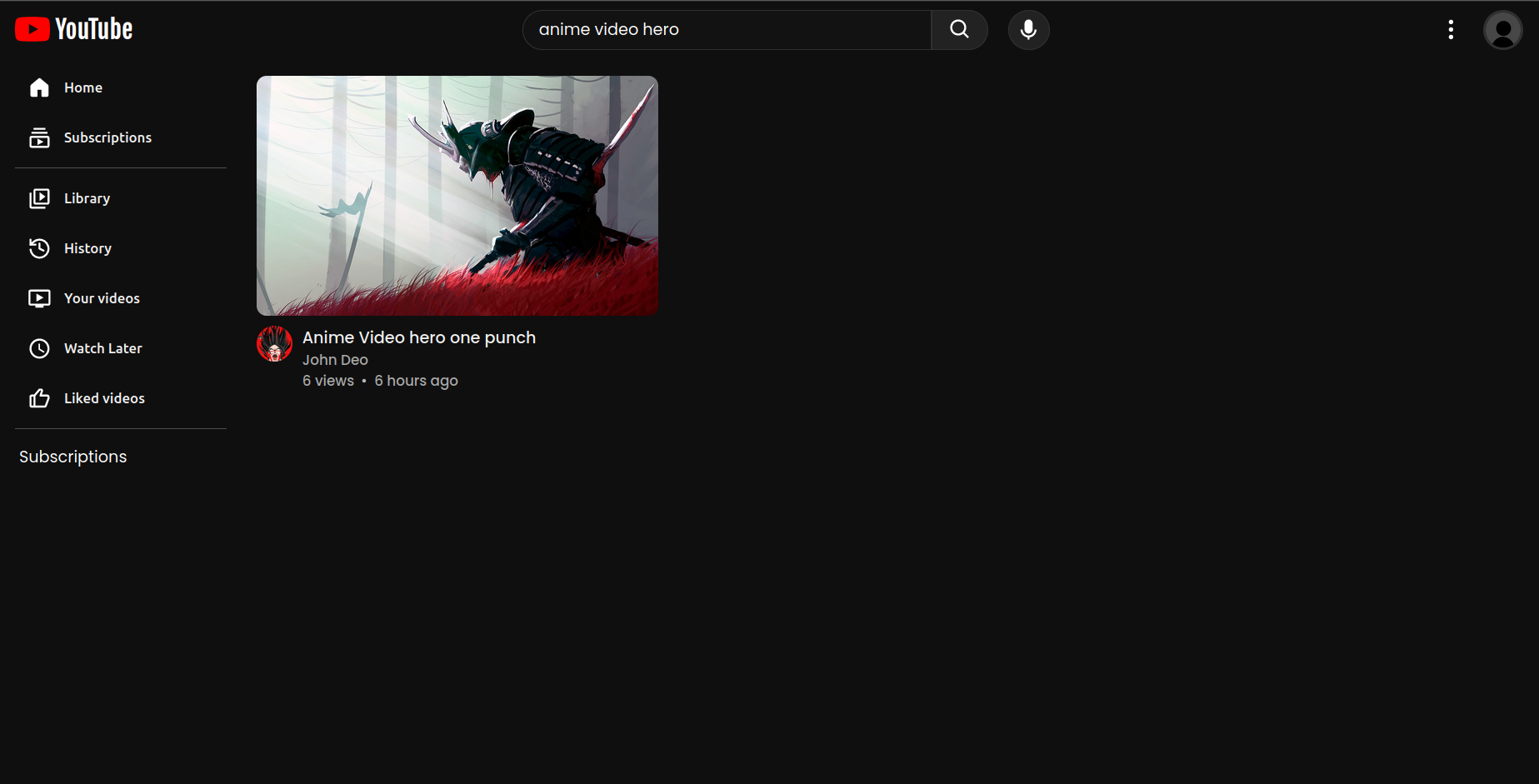
- Search Page: