Fix iOS BrowserComponent screenshot timing issue #4243
Conversation


|
👋 Jules, reporting for duty! I'm here to lend a hand with this pull request. When you start a review, I'll add a 👀 emoji to each comment to let you know I've read it. I'll focus on feedback directed at me and will do my best to stay out of conversations between you and other bots or reviewers to keep the noise down. I'll push a commit with your requested changes shortly after. Please note there might be a delay between these steps, but rest assured I'm on the job! For more direct control, you can switch me to Reactive Mode. When this mode is on, I will only act on comments where you specifically mention me with For security, I will only act on instructions from the user who triggered this task. New to Jules? Learn more at jules.google/docs. |

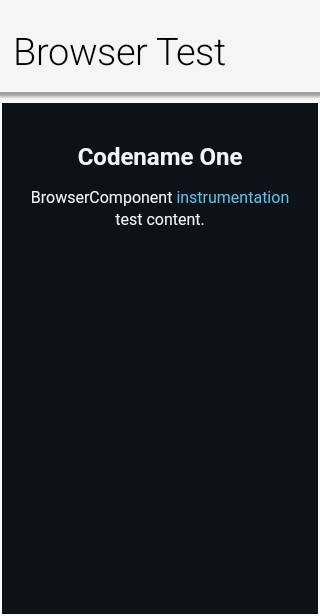
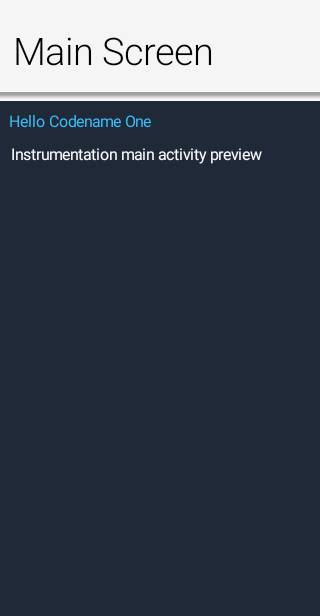
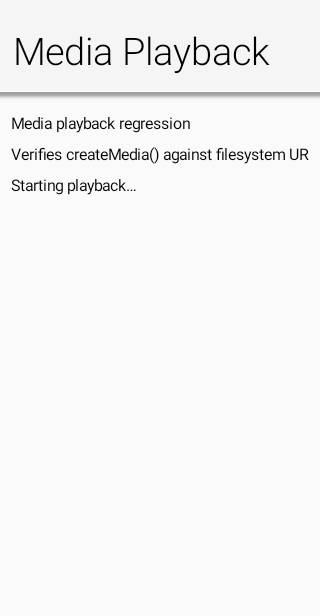
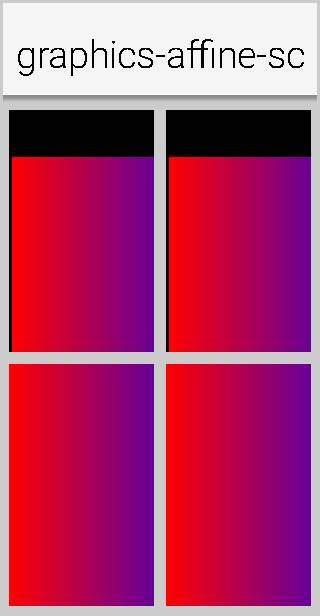
Android screenshot updatesCompared 28 screenshots: 0 matched, 3 updated, 25 missing references.
Native Android coverage
|
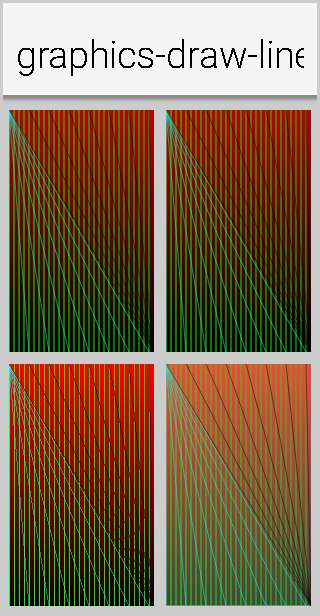
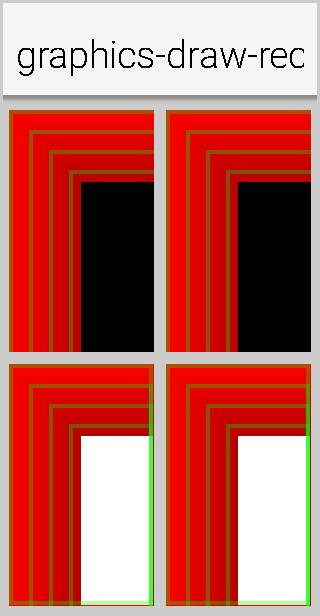
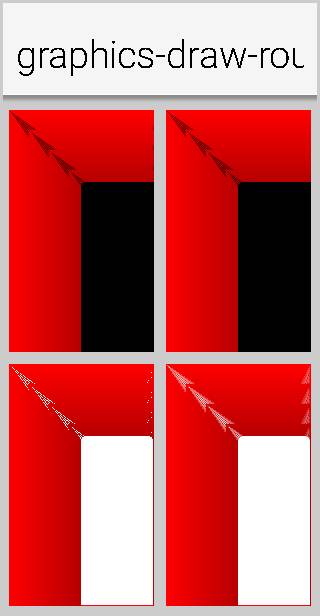
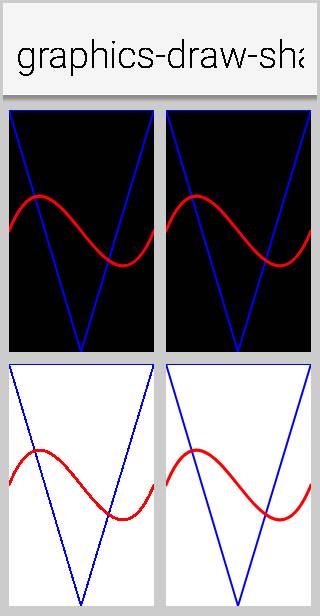
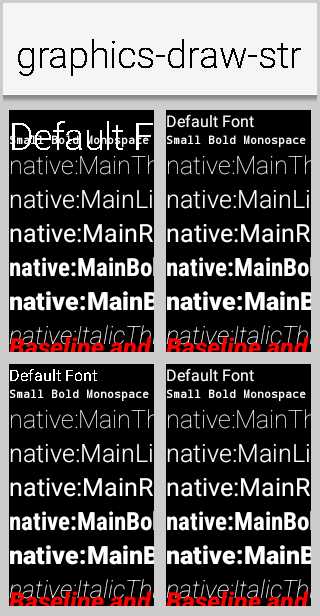
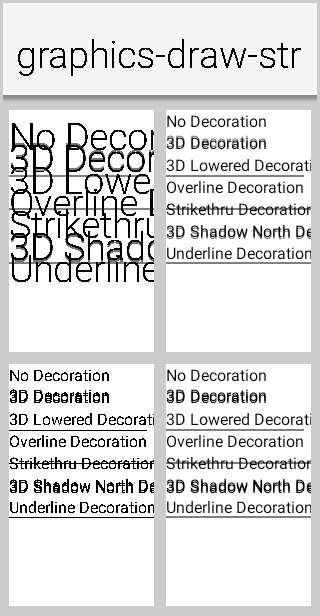
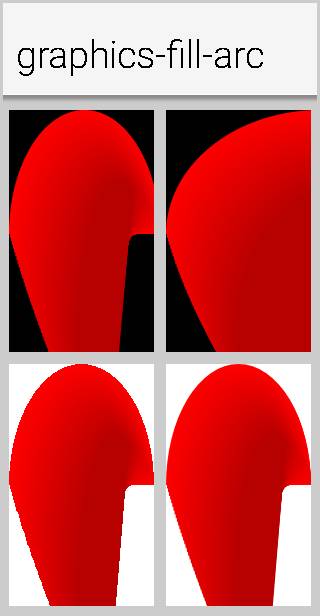
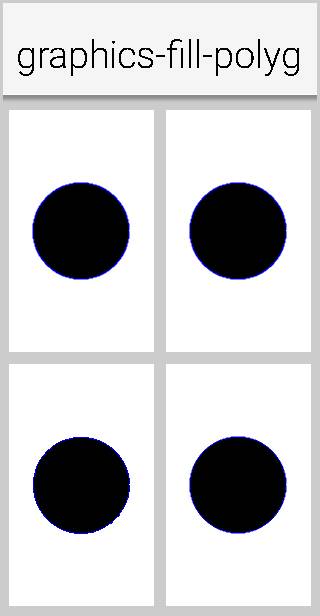
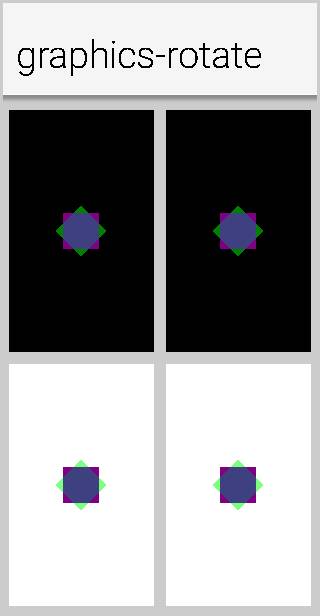
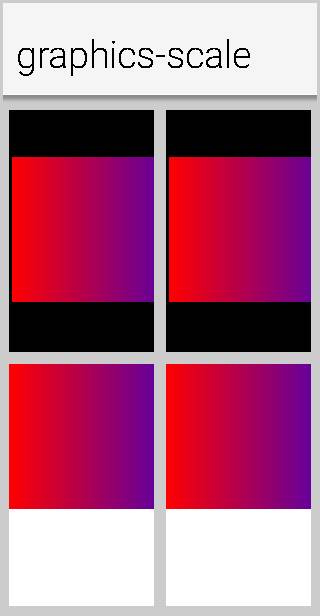
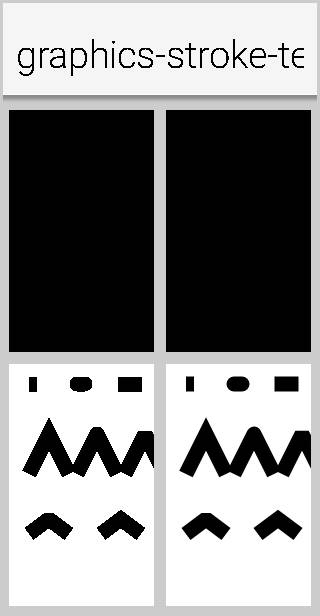
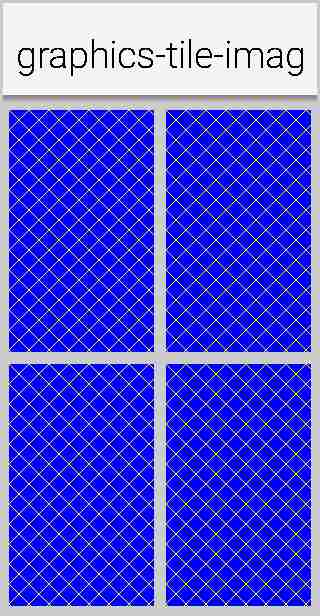
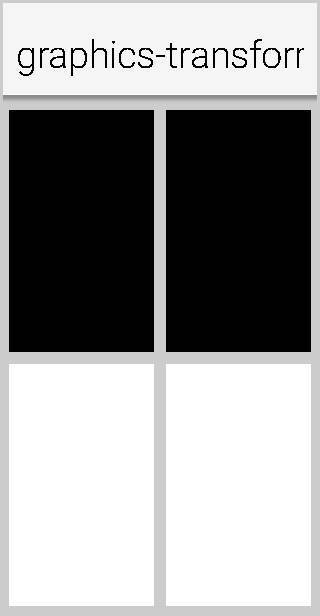
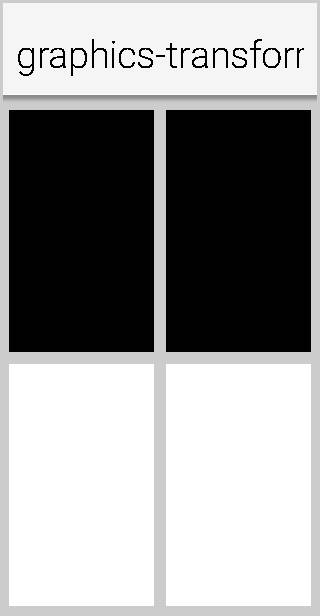
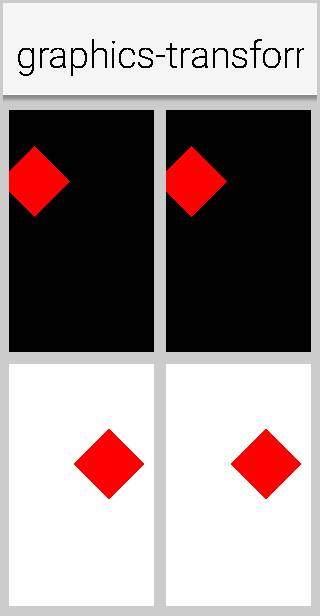
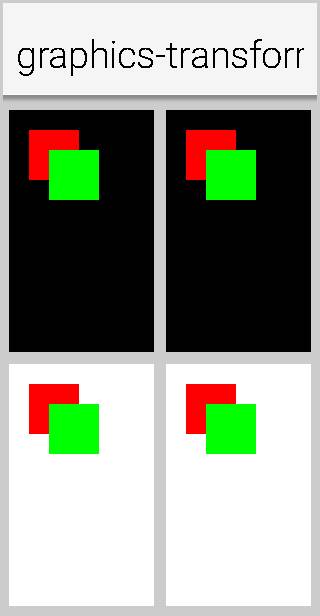
|
Acknowledging the system comment |

✅ Continuous Quality ReportTest & Coverage
Static Analysis
Generated automatically by the PR CI workflow. |
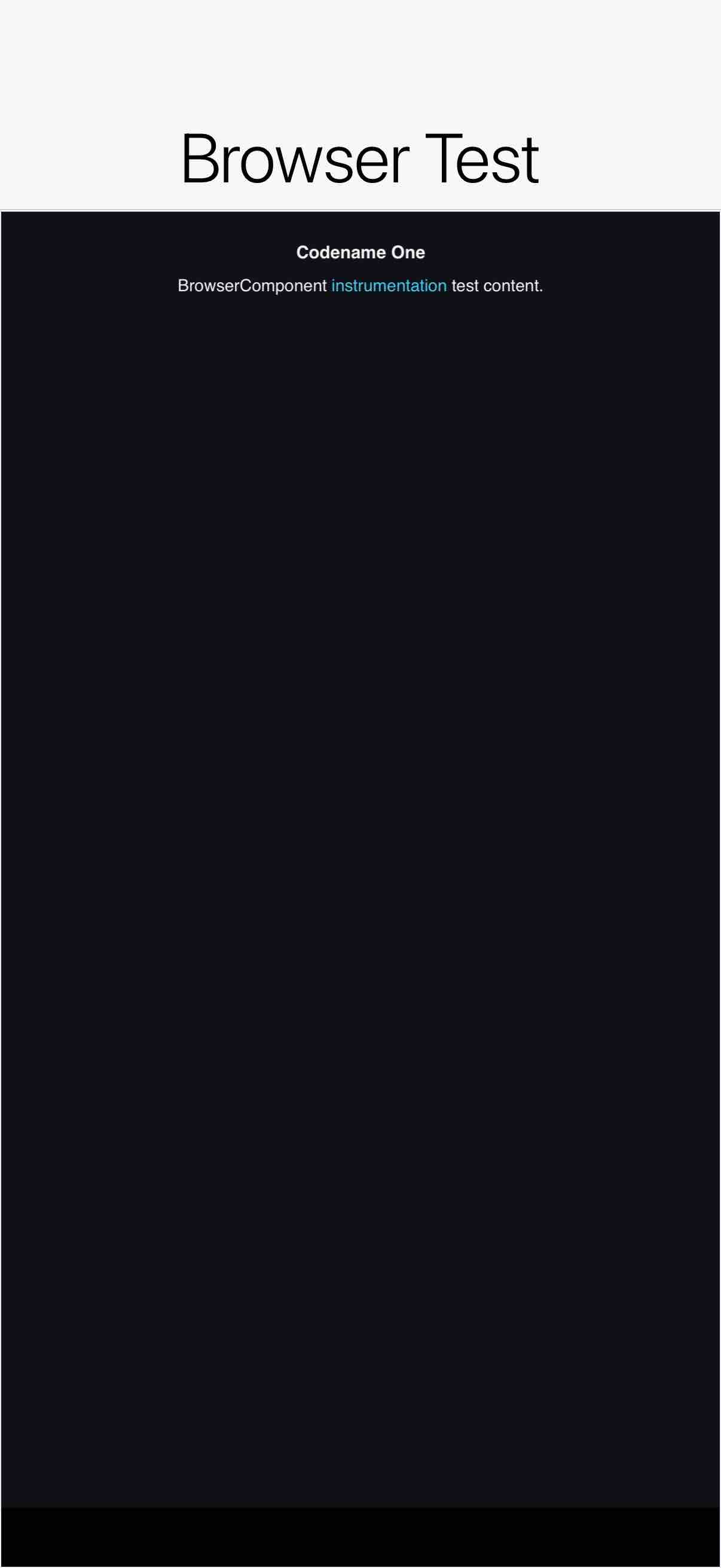
iOS screenshot updatesCompared 28 screenshots: 0 matched, 3 updated, 25 missing references.
|
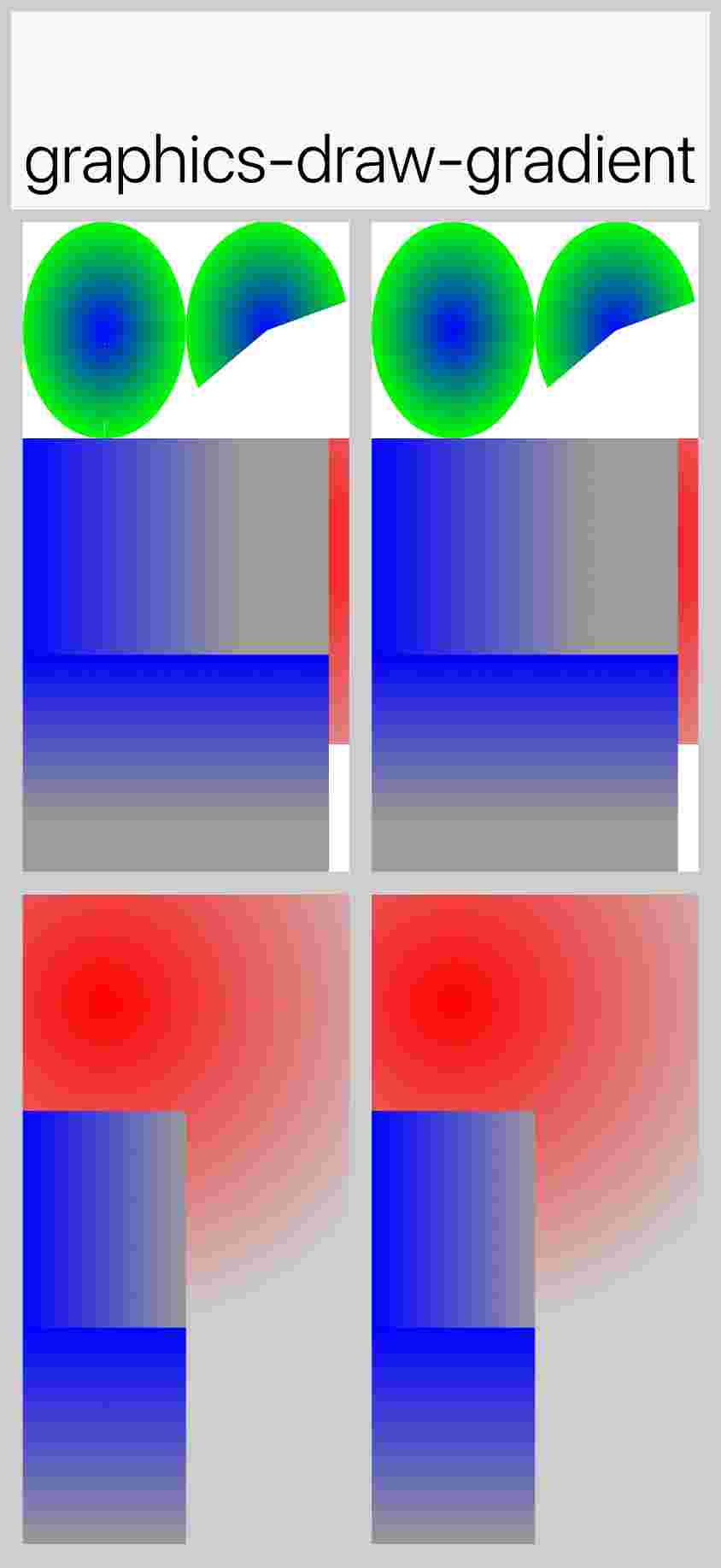
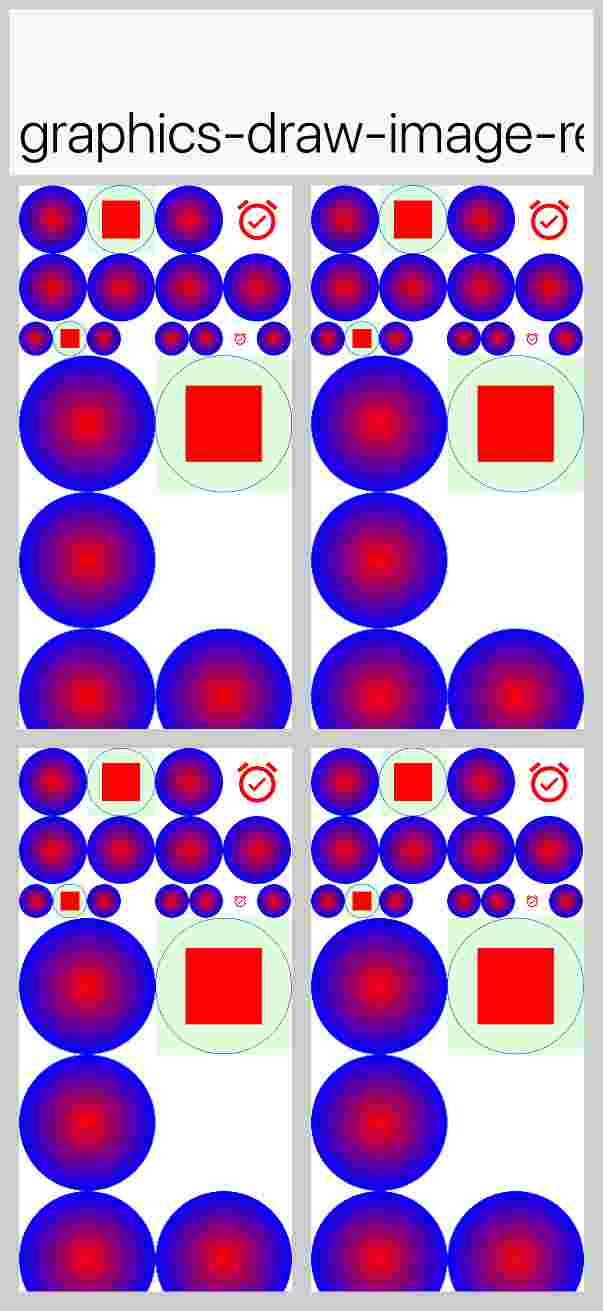
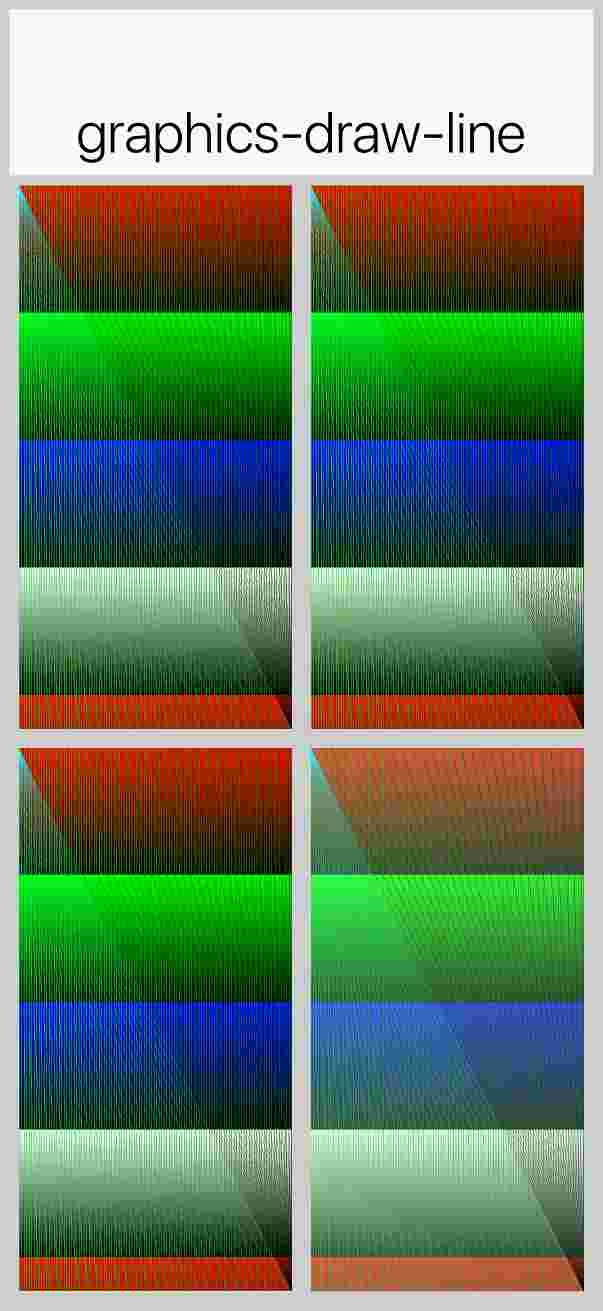
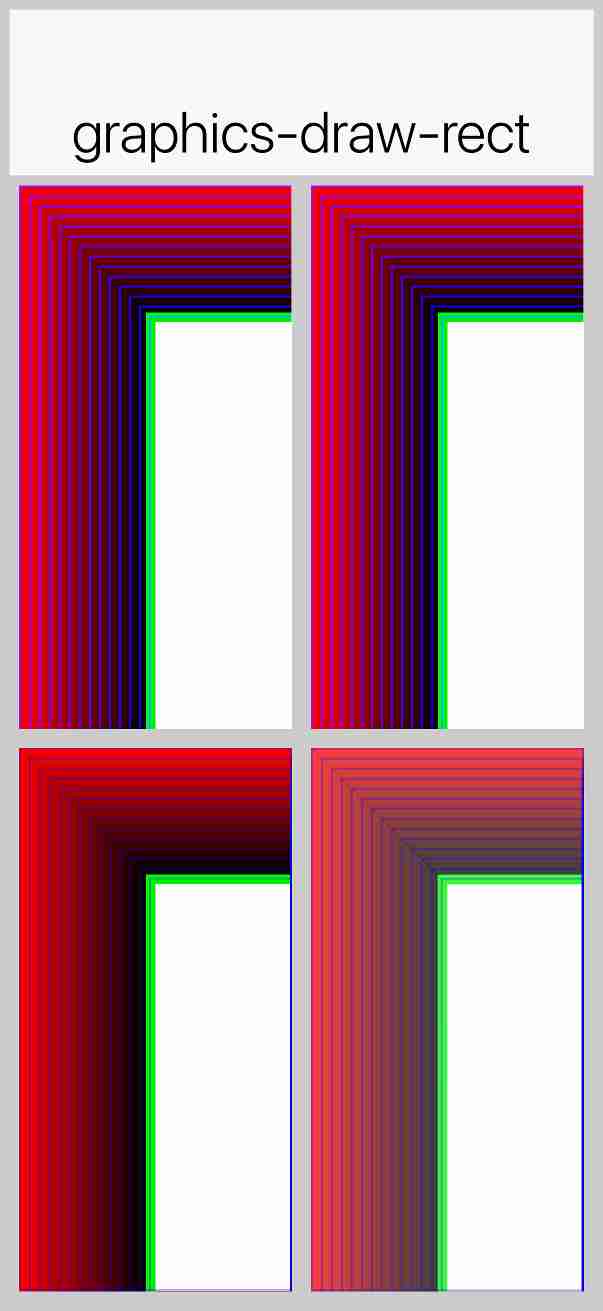
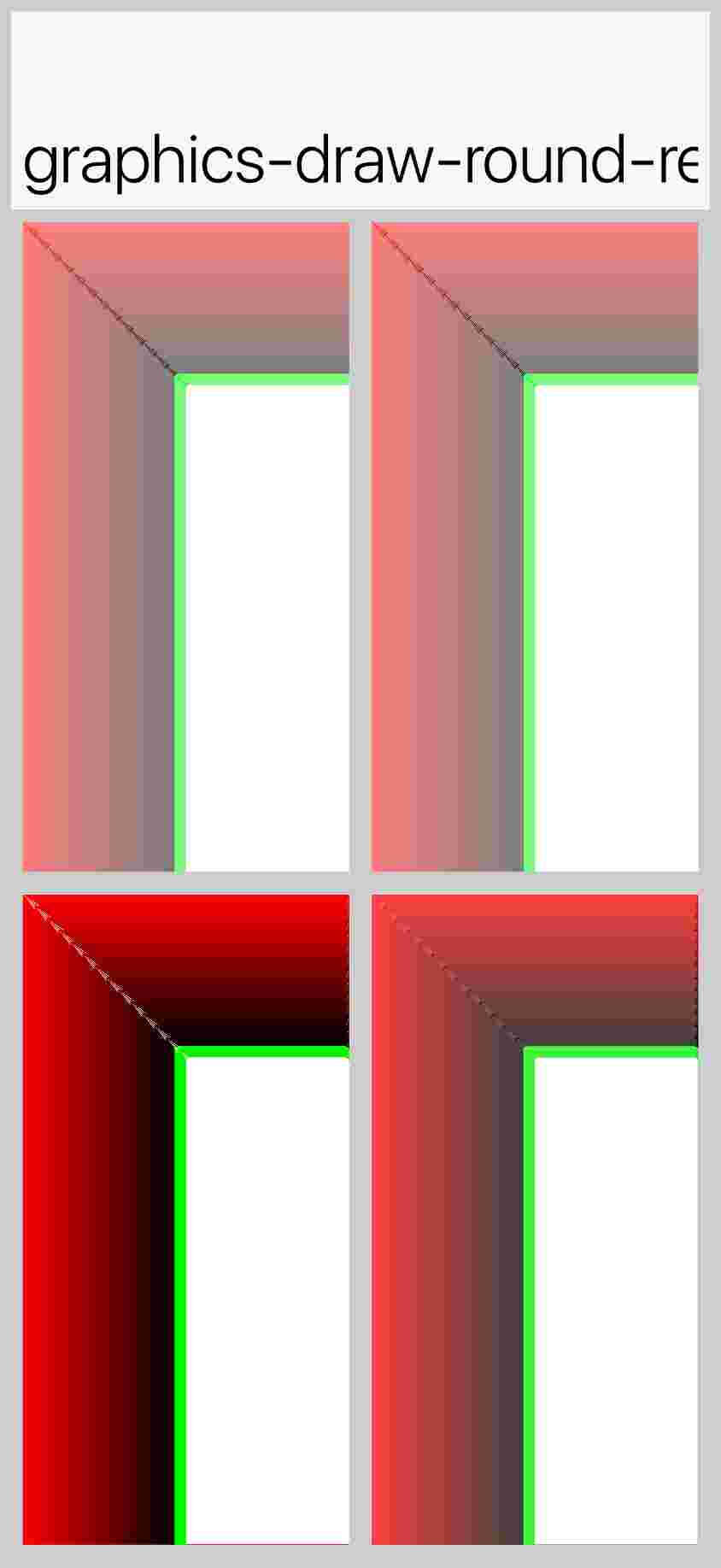
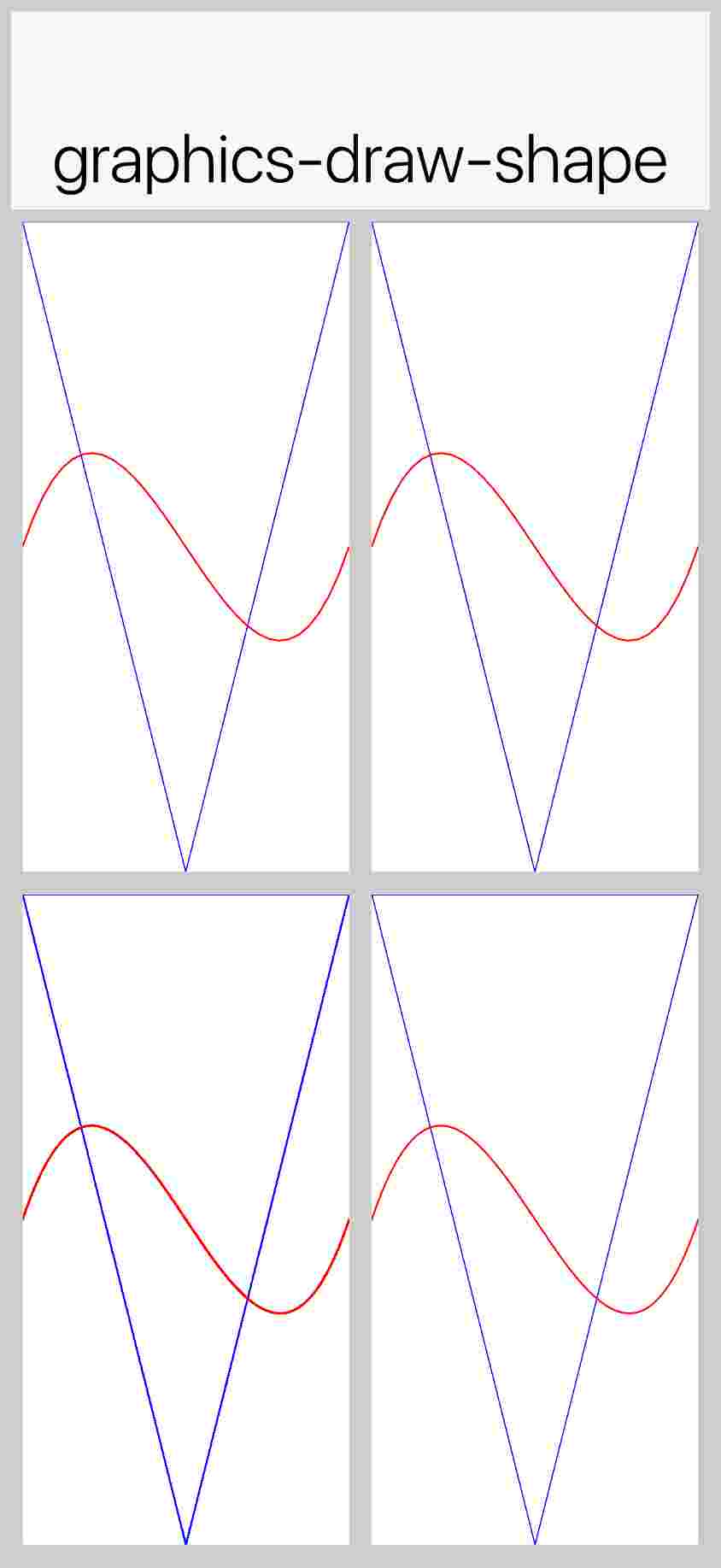
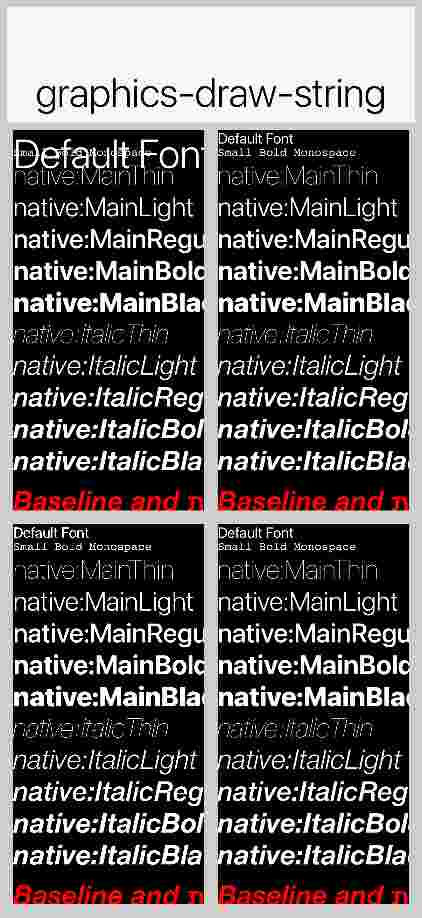
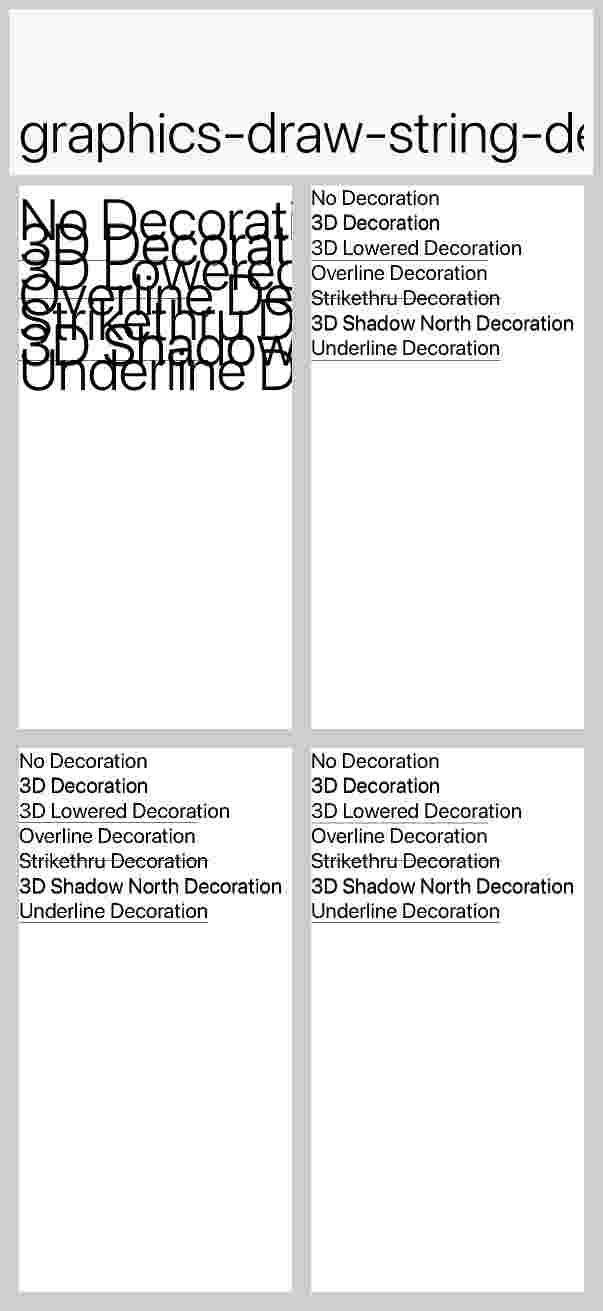
|
Acknowledging the system comment |


|
You have reached your Codex usage limits for code reviews. You can see your limits in the Codex usage dashboard. |

This change updates
BrowserComponentScreenshotTest.javainscripts/hellocodenameoneto address a race condition on iOS where screenshots were captured before theWKWebViewcontent was fully rendered, resulting in black images.Instead of relying on a fixed 200ms delay after the
onLoadevent, the test now uses a background thread to poll the browser content usingbrowser.executeAndReturnString("document.body.innerText"). It checks for the presence of the text "Codename One" (which is part of the test HTML) before triggering the screenshot capture. This ensures that the DOM is populated and ready. The polling loop includes a timeout mechanism (10 seconds) to prevent infinite waits. The final callback is marshaled back to the EDT usingDisplay.callSerially().PR created automatically by Jules for task 2841930133532738303 started by @shai-almog