docs: Desktop Integration developer-guide chapter#5138
Conversation


Document the desktop integration features: title-bar modes (native/custom/toolbar
via the desktop.titleBar setting), the native menu bar with Command.setDesktopMenu
placement hints (DESKTOP_MENU_*), interactive scrollbars, how to enable on the
Java SE desktop build (build hints) and the macOS/Catalyst build (Display
properties), and the Desktop*/Window* theme UIIDs. Wired into developer-guide.asciidoc
and adds a [[native-modern-themes]] cross-reference anchor.

Co-Authored-By: Claude Opus 4.8 (1M context) <noreply@anthropic.com>

|
Developer Guide build artifacts are available for download from this workflow run:
Developer Guide quality checks: |
Cloudflare Preview
|
Resolve the Vale/LanguageTool findings in the new chapter: use contractions
(they're / it's) per Microsoft.Contractions and drop "all of the" -> "all the"
(Microsoft.Wordiness / LanguageTool ALL_OF_THE).

Co-Authored-By: Claude Opus 4.8 (1M context) <noreply@anthropic.com>
Reworks the "custom" desktop title-bar mode so the CN1 Toolbar itself acts
as the window's title bar instead of a separate CN1-drawn slim title bar:

- The OS window is undecorated (no native title area); the visible Toolbar
  shows the Form title + side menu and is the window's title bar.
- Dragging the Toolbar moves the (undecorated) window; the window is resized
  by dragging its edges (glass-pane edge-resize in the JavaSE port).
- Commands are bridged to the native menu bar AND remain in the side menu.

Core: split the chrome gating - isDesktopHideToolbar() (native only) vs
isDesktopToolbarTitle() (custom); remove the slim-bar chrome
(installCustomWindowChrome/WindowChromeAction/customWindowTitleLabel). The
Toolbar wires a form-level window-drag listener gated to its title band.

JavaSE port: undecorate the desktop window on first custom-mode form; the
glass-pane dispatcher implements edge-resize (cursor + drag) so the
undecorated window stays resizable on retina and non-retina.

Drops the now-unused Window*/WindowTitleBar/WindowDragArea theme UIIDs from
the modern themes and updates the developer guide and the desktop-chrome
unit/UI tests to the new semantics.

Co-Authored-By: Claude Opus 4.8 <noreply@anthropic.com>
…creenshots

Catalyst parity for the redefined "custom" desktop title-bar mode: hide the
AppKit title bar on the host NSWindow (transparent + hidden title + full-size
content view) so the CN1 Toolbar acts as the window's title bar, keep the
window resizable, and make it movable by its background so the toolbar drags
it. Reached through the existing UIWindow->NSWindow KVC bridge + objc_msgSend
(no AppKit link), re-applied on scene activation like the title/menu work.

- IOSNative.setMacWindowUndecorated(boolean) -> CN1SetMacWindowUndecorated in
  CodenameOne_GLAppDelegate.m (cn1ApplyMacWindowChrome).
- IOSImplementation: isNativeTitle() is now native-only (custom shows the
  title via the visible Toolbar, not the OS title bar); syncMacDesktopChrome()
  pushes the undecorated chrome for custom mode; the OS title is only pushed
  in native mode.

Docs: add macOS screenshots of the native / custom / toolbar title-bar modes
to the Desktop Integration developer-guide chapter.

Co-Authored-By: Claude Opus 4.8 <noreply@anthropic.com>

|
Compared 11 screenshots: 11 matched. |
✅ Continuous Quality ReportTest & Coverage
Static Analysis
Generated automatically by the PR CI workflow. |
|
Compared 122 screenshots: 122 matched. Native Android coverage
✅ Native Android screenshot tests passed. Native Android coverage
Benchmark ResultsDetailed Performance Metrics
|
|
Compared 122 screenshots: 122 matched. Benchmark Results
Detailed Performance Metrics
|
|
Compared 122 screenshots: 122 matched. Benchmark Results
Build and Run Timing
Detailed Performance Metrics
|
|
Compared 122 screenshots: 122 matched. Benchmark Results
Build and Run Timing
Detailed Performance Metrics
|
- docs: fix two Vale alerts in the Desktop Integration chapter (avoid the
  first-person "My" in the screenshot caption; use the "it's" contraction).
- iOS port: the Mac Catalyst native window chrome is now touched ONLY in the
  "custom" title-bar mode. The "native"/"toolbar" modes keep the original
  setCurrentForm/refreshNativeTitle title-push behavior and never call the new
  native chrome hook, so existing Catalyst apps (and the mac-native screenshot
  baseline) are byte-for-byte unaffected.

Co-Authored-By: Claude Opus 4.8 <noreply@anthropic.com>
JavaScript port screenshot updatesCompared 73 screenshots: 64 matched, 9 updated.
|
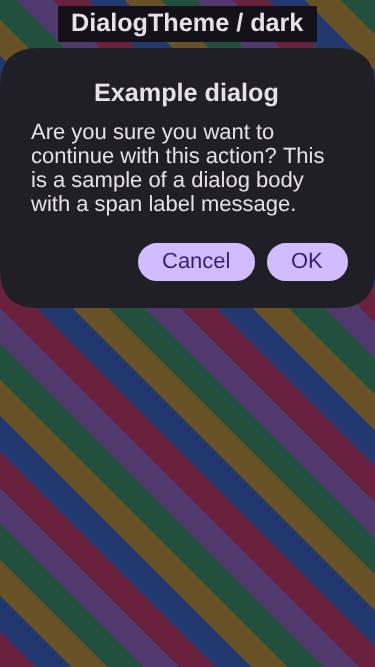
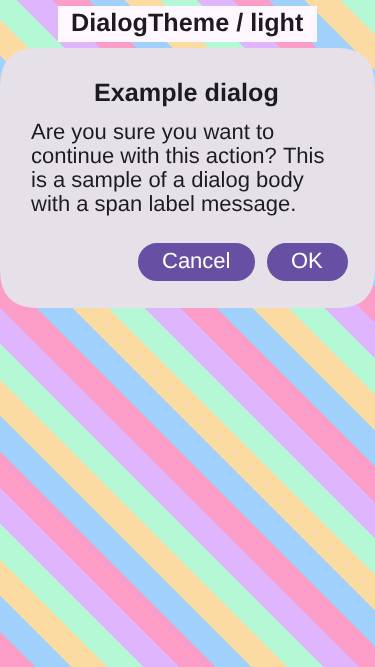
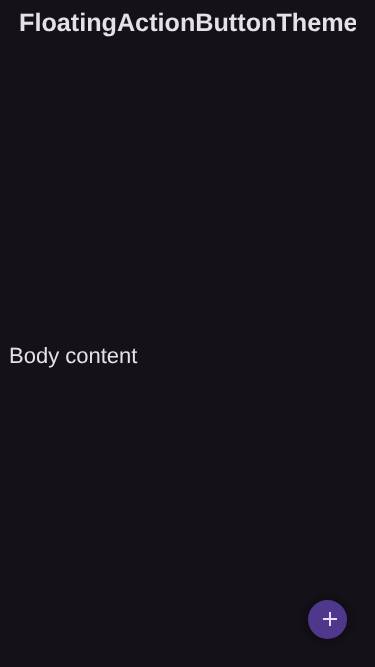
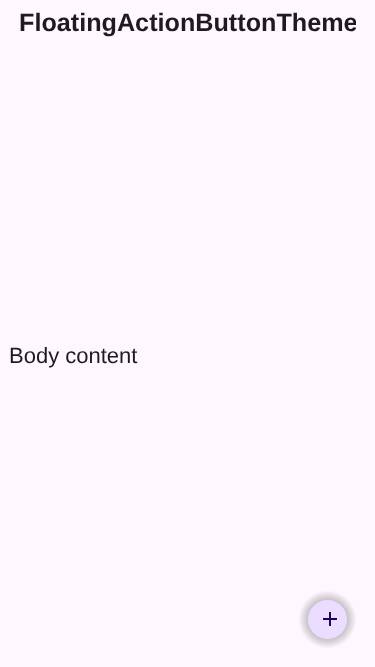
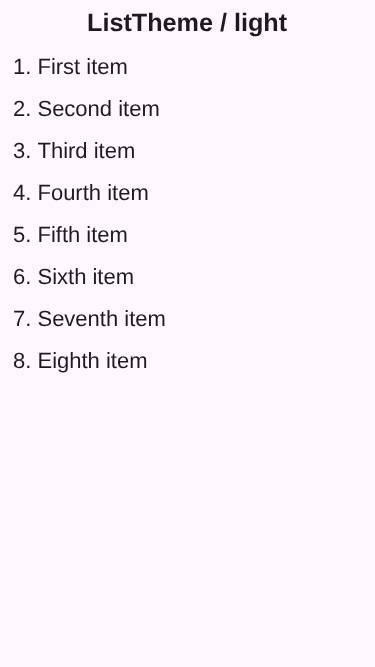
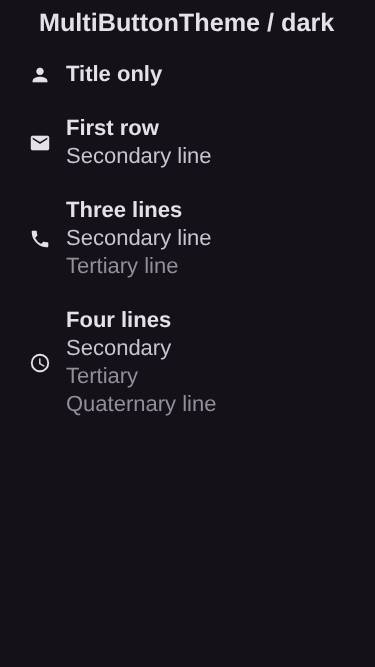
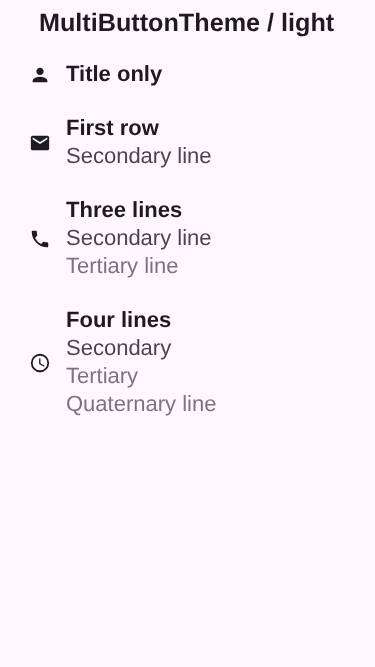
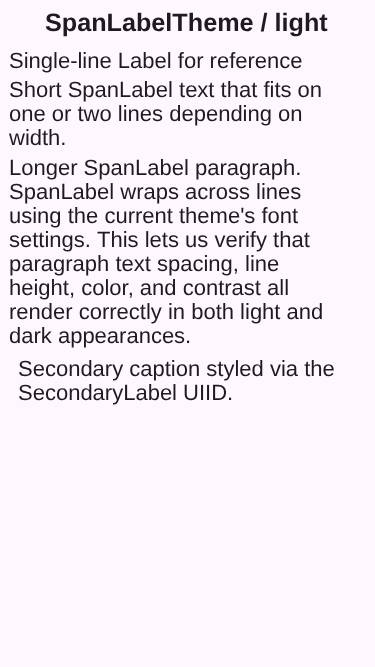


…, desktop notifications

Follow-up to #5136/#5138, completing the desktop integration pieces that didn't
go deep enough.

Interactive scrollbars (core):
- The thumb now highlights on hover (selected style) and while dragged (pressed
  style). Wires pointerHover through Form to the nearest scrollable ancestor;
  LookAndFeel pushes the visual state into a new InteractiveScrollThumb before
  painting. New Desktop*Thumb .selected/.pressed styles in both modern themes.
- A minimum thumb length (scrollThumbMinSizeInt theme constant, ~4mm default)
  keeps the thumb grabbable on very long content; the offset is remapped into
  the reduced travel so the enlarged thumb never overshoots the track and stays
  the inverse of dragScrollThumb. All gated on isInteractiveScroll() so mobile
  is untouched.
- (Gutter reservation already worked via getSideGap()/getBottomGap() + the
  DesktopScroll padding; covered by a new regression test.)

Menu keyboard accelerators:
- Command.setDesktopShortcut(char[, modifiers]) with PRIMARY/SHIFT/ALT flags
  (primary = Command on macOS, Control elsewhere).
- JavaSE: JMenuItem.setAccelerator from the hint (menu-shortcut mask).
- Mac Catalyst: the menu row now carries the key + modifiers and the native
  builder emits a UIKeyCommand so the accelerator shows and fires.

Desktop notifications:
- JavaSEPort now honors LocalNotification on a real desktop build (not just the
  simulator): scheduled notifications surface through a persistent SystemTray
  icon and clicking dispatches to LocalNotificationCallback. Mac Catalyst keeps
  using the iOS UNUserNotificationCenter path.

Tests: InteractiveScrollbarTest (hover, min-size+clamp, gutter), DesktopChromeTest
(shortcut round-trip), DesktopChromeUITest (real JMenuItem accelerator). Developer
guide updated.

Co-Authored-By: Claude Opus 4.8 (1M context) <noreply@anthropic.com>
…, desktop notifications

Follow-up to #5136/#5138, completing the desktop integration pieces that didn't
go deep enough.

Interactive scrollbars (core):
- The thumb now highlights on hover (selected style) and while dragged (pressed
  style). Wires pointerHover through Form to the nearest scrollable ancestor;
  LookAndFeel pushes the visual state into a new InteractiveScrollThumb before
  painting. New Desktop*Thumb .selected/.pressed styles in both modern themes.
- A minimum thumb length (scrollThumbMinSizeInt theme constant, ~4mm default)
  keeps the thumb grabbable on very long content; the offset is remapped into
  the reduced travel so the enlarged thumb never overshoots the track and stays
  the inverse of dragScrollThumb. All gated on isInteractiveScroll() so mobile
  is untouched.
- (Gutter reservation already worked via getSideGap()/getBottomGap() + the
  DesktopScroll padding; covered by a new regression test.)

Menu keyboard accelerators:
- Command.setDesktopShortcut(char[, modifiers]) with PRIMARY/SHIFT/ALT flags
  (primary = Command on macOS, Control elsewhere).
- JavaSE: JMenuItem.setAccelerator from the hint (menu-shortcut mask).
- Mac Catalyst: the menu row now carries the key + modifiers and the native
  builder emits a UIKeyCommand so the accelerator shows and fires.

Desktop notifications:
- JavaSEPort now honors LocalNotification on a real desktop build (not just the
  simulator): scheduled notifications surface through a persistent SystemTray
  icon and clicking dispatches to LocalNotificationCallback. Mac Catalyst keeps
  using the iOS UNUserNotificationCenter path.

Tests: InteractiveScrollbarTest (hover, min-size+clamp, gutter), DesktopChromeTest
(shortcut round-trip), DesktopChromeUITest (real JMenuItem accelerator). Developer
guide updated.

Co-Authored-By: Claude Opus 4.8 (1M context) <noreply@anthropic.com>
…, desktop notifications

Follow-up to #5136/#5138, completing the desktop integration pieces that didn't
go deep enough.

Interactive scrollbars (core):
- The thumb now highlights on hover (selected style) and while dragged (pressed
  style). Wires pointerHover through Form to the nearest scrollable ancestor;
  LookAndFeel pushes the visual state into a new InteractiveScrollThumb before
  painting. New Desktop*Thumb .selected/.pressed styles in both modern themes.
- A minimum thumb length (scrollThumbMinSizeInt theme constant, ~4mm default)
  keeps the thumb grabbable on very long content; the offset is remapped into
  the reduced travel so the enlarged thumb never overshoots the track and stays
  the inverse of dragScrollThumb. All gated on isInteractiveScroll() so mobile
  is untouched.
- (Gutter reservation already worked via getSideGap()/getBottomGap() + the
  DesktopScroll padding; covered by a new regression test.)

Menu keyboard accelerators:
- Command.setDesktopShortcut(char[, modifiers]) with PRIMARY/SHIFT/ALT flags
  (primary = Command on macOS, Control elsewhere).
- JavaSE: JMenuItem.setAccelerator from the hint (menu-shortcut mask).
- Mac Catalyst: the menu row now carries the key + modifiers and the native
  builder emits a UIKeyCommand so the accelerator shows and fires.

Desktop notifications:
- JavaSEPort now honors LocalNotification on a real desktop build (not just the
  simulator): scheduled notifications surface through a persistent SystemTray
  icon and clicking dispatches to LocalNotificationCallback. Mac Catalyst keeps
  using the iOS UNUserNotificationCenter path.

Tests: InteractiveScrollbarTest (hover, min-size+clamp, gutter), DesktopChromeTest
(shortcut round-trip), DesktopChromeUITest (real JMenuItem accelerator). Developer
guide updated.

Co-Authored-By: Claude Opus 4.8 (1M context) <noreply@anthropic.com>
…, desktop notifications (#5170)

* Deepen desktop integration: scrollbar thumb polish, menu accelerators, desktop notifications

Follow-up to #5136/#5138, completing the desktop integration pieces that didn't
go deep enough.

Interactive scrollbars (core):
- The thumb now highlights on hover (selected style) and while dragged (pressed
  style). Wires pointerHover through Form to the nearest scrollable ancestor;
  LookAndFeel pushes the visual state into a new InteractiveScrollThumb before
  painting. New Desktop*Thumb .selected/.pressed styles in both modern themes.
- A minimum thumb length (scrollThumbMinSizeInt theme constant, ~4mm default)
  keeps the thumb grabbable on very long content; the offset is remapped into
  the reduced travel so the enlarged thumb never overshoots the track and stays
  the inverse of dragScrollThumb. All gated on isInteractiveScroll() so mobile
  is untouched.
- (Gutter reservation already worked via getSideGap()/getBottomGap() + the
  DesktopScroll padding; covered by a new regression test.)

Menu keyboard accelerators:
- Command.setDesktopShortcut(char[, modifiers]) with PRIMARY/SHIFT/ALT flags
  (primary = Command on macOS, Control elsewhere).
- JavaSE: JMenuItem.setAccelerator from the hint (menu-shortcut mask).
- Mac Catalyst: the menu row now carries the key + modifiers and the native
  builder emits a UIKeyCommand so the accelerator shows and fires.

Desktop notifications:
- JavaSEPort now honors LocalNotification on a real desktop build (not just the
  simulator): scheduled notifications surface through a persistent SystemTray
  icon and clicking dispatches to LocalNotificationCallback. Mac Catalyst keeps
  using the iOS UNUserNotificationCenter path.

Tests: InteractiveScrollbarTest (hover, min-size+clamp, gutter), DesktopChromeTest
(shortcut round-trip), DesktopChromeUITest (real JMenuItem accelerator). Developer
guide updated.

Co-Authored-By: Claude Opus 4.8 (1M context) <noreply@anthropic.com>

* Fix CSS derive cycle in Desktop*Thumb hover/pressed styles

The .selected/.pressed variants used `cn1-derive: DesktopScrollThumb` (deriving a
state from its own base UIID), which made the CSS theme compiler recurse forever
in CSSTheme$Element.getFlattenedStyle and blew the stack while building the
JavaScript and JavaSE-simulator theme bundles. Re-declare the thumb properties
directly instead (matching the dark-theme overrides), removing the self-reference.

Co-Authored-By: Claude Opus 4.8 (1M context) <noreply@anthropic.com>

* docs: reword 'grabbable' to satisfy LanguageTool NON_STANDARD_WORD gate

Co-Authored-By: Claude Opus 4.8 (1M context) <noreply@anthropic.com>

* docs: drop literal key combos from intro bullet for LanguageTool

LanguageTool's NON_STANDARD_WORD rule flags the bare 'Ctrl+S' token in prose
(it reads it as a misspelled word). The concrete Cmd+S/Ctrl+S mapping still lives
in the code-block comment, which the grammar check excludes.

Co-Authored-By: Claude Opus 4.8 (1M context) <noreply@anthropic.com>

* docs: replace 'and so on' (Vale Microsoft.Avoid) in accelerator bullet

Co-Authored-By: Claude Opus 4.8 (1M context) <noreply@anthropic.com>

* Add DesktopMode screenshot test demonstrating desktop integration per-port

Adds DesktopModeScreenshotTest to scripts/hellocodenameone, registered in
Cn1ssDeviceRunner. The same code runs on every port and gates on CN.isDesktop():

- Mobile (Android / iOS / JavaScript): renders an ordinary screen - a CN1 Toolbar
  with a hamburger side menu and the usual fading touch scrollbar (settled to
  invisible by capture time). Desktop integration has no visible impact.
- Mac native (Catalyst, isDesktop()): opts into desktop mode (desktop.titleBar=native
  + interactive scrollbars). The Toolbar/hamburger disappears (commands move to the
  native macOS menu bar, outside the form raster) and the scrollbar shows an
  always-visible draggable thumb the mobile ports never display. Command keyboard
  shortcuts are exercised too (UIKeyCommand) though a still shot can't show them.

The desktop toggles are global, so the test reverts them in done() (after the
screenshot is captured), keeping every other test's baseline on every port unchanged.
The test has no golden yet, so it reports as a "new" screenshot (missing_expected) on
each pipeline without failing CI; baselines get seeded from the first run's artifacts.

Co-Authored-By: Claude Opus 4.8 (1M context) <noreply@anthropic.com>

* Make iOS-modern desktop scroll thumb opaque so it renders visibly

The always-visible interactive desktop scrollbar thumb in ios-modern was
rgba(0,0,0,0.35); composited over content on the iOS/Metal (Mac native) pipeline
it read as effectively invisible, so the Mac native DesktopMode screenshot showed
the reserved gutter but no thumb. Switch the thumb to opaque macOS-style greys
(hover/drag still darken), matching android-material's already-opaque thumb. This
is the correct treatment for an always-visible (non-fading) desktop scrollbar.

Also adds a one-line diagnostic log to DesktopModeScreenshotTest's desktop branch
(interactiveScroll + gutter width) to confirm engagement in the device-runner log.

Co-Authored-By: Claude Opus 4.8 (1M context) <noreply@anthropic.com>

* Render interactive scrollbar track/thumb via direct Graphics fill

The always-visible interactive (desktop) scrollbar was painted by calling
paintComponent() on the orphan track/thumb Label components. A component that was
never attached to a form does not reliably render its background on every port -
on the iOS/Metal Mac-native pipeline the thumb produced no pixels, so the Mac
screenshot showed a reserved gutter with no visible scrollbar.

Paint the track and thumb directly with g.fillRect using the resolved style's
bgColor/transparency (the InteractiveScrollThumb visual state still selects
unselected/hover/pressed). fillRect renders identically on every port's Graphics.
Only the interactive path is touched (no pre-existing baselines), and the new
InteractiveScrollbarTest.interactiveThumbRendersOpaquePixels asserts the thumb
actually paints pixels. Also drops the temporary diagnostic from the demo test.

Co-Authored-By: Claude Opus 4.8 (1M context) <noreply@anthropic.com>

* Fix JDK 8/11 javadoc-jar build: drop newer-only javadoc flags from the plugin

The maven-javadoc-plugin config passed --add-stylesheet / --add-script, which only
exist in newer javadoc tools (JDK 8 rejects --add-stylesheet, JDK 11 rejects
--add-script). Any JDK 8/11 `mvn install` that builds the per-module javadoc jar
therefore failed with "invalid flag: --add-stylesheet" - breaking, among others,
the iOS-port framework install used by the iOS and Mac-native screenshot pipelines.

The published website javadocs are produced separately by
.github/scripts/build_javadocs.sh, which invokes javadoc directly on JDK 25 with its
own copy of those flags, so the maven plugin doesn't need them. Keep only
--allow-script-in-comments (valid on JDK 8+) in the plugin; the per-module javadoc
jars no longer carry the website's syntax-highlight CSS, which they never needed.

Also skip javadoc/source jars in build-ios-port.sh's framework install (matching
setup-workspace.sh) so the iOS port builds faster and never depends on this.

Co-Authored-By: Claude Opus 4.8 (1M context) <noreply@anthropic.com>

* Seed DesktopMode screenshot baselines for all five ports

Adds the golden images for the new DesktopModeScreenshotTest, captured from CI:

- android / javascript / ios / ios-metal: the mobile rendering - a CN1 Toolbar with
  a hamburger side menu and full-width rows; desktop mode is inert (CN.isDesktop()
  is false), so it has no visible effect.
- mac-native: the desktop rendering - no in-app Toolbar/hamburger (the commands move
  to the native macOS menu bar) and content inset by the reserved interactive-
  scrollbar gutter; the desktop window proportions differ from the phone ports.

This turns the test into a real per-port pixel regression. (The always-visible
scrollbar thumb itself is not yet visible in the mac-native capture - the interactive
scrollbar paint is dropped on the iOS/Metal pipeline despite rendering correctly in
JavaSE; tracked separately.)

Co-Authored-By: Claude Opus 4.8 (1M context) <noreply@anthropic.com>

* Move DesktopModeScreenshotTest to the end of the suite; re-seed goldens next

Root cause of the Android (and any port's) screenshot breakage: running
DesktopModeScreenshotTest early (position 2) shifted suite timing / warmed the font
cache, which flipped the baselines of the later graphics font tests (DrawString,
DrawStringDecorated, inscribed-triangle-grid). Those tests paint text directly during
a frame that races the async native-font load, so the amount of work done before them
determines whether the fonts are loaded at capture time. master captures the
not-yet-loaded state deterministically; inserting a test before them changed it.

Fix: run DesktopModeScreenshotTest LAST, so every pre-existing test executes in the
exact same sequence as master and matches its stored baseline. Temporarily drop the
DesktopMode goldens so the test reports as a tolerated "new" screenshot (it can't
fail on mismatch) while it's at its new position - the baselines will be re-seeded
from this position's CI output in a follow-up, since theme tests that run before it
can leave global theme state that affects its rendering.

Co-Authored-By: Claude Opus 4.8 (1M context) <noreply@anthropic.com>

---------

Co-authored-by: Claude Opus 4.8 (1M context) <noreply@anthropic.com>
1 participant

Follow-up to #5136 (Deeper desktop integration), which merged without developer-guide coverage.
Adds a Desktop Integration chapter to
docs/developer-guidecovering:desktop.titleBar=native/custom/toolbar).Commandobjects, and the placement-hint API (Command.setDesktopMenu(...)+ theDESKTOP_MENU_*constants) that maps commands into App/File/Edit/View/Window/Help.desktop.interactiveScrollbars).Display.setProperty(...), opt-in).Desktop*/Window*theme UIIDs, with a cross-reference to the Native Themes chapter.Wired into
developer-guide.asciidoc; adds a[[native-modern-themes]]anchor so the cross-reference resolves. The full guide renders withasciidoctorcleanly (zero warnings).🤖 Generated with Claude Code