
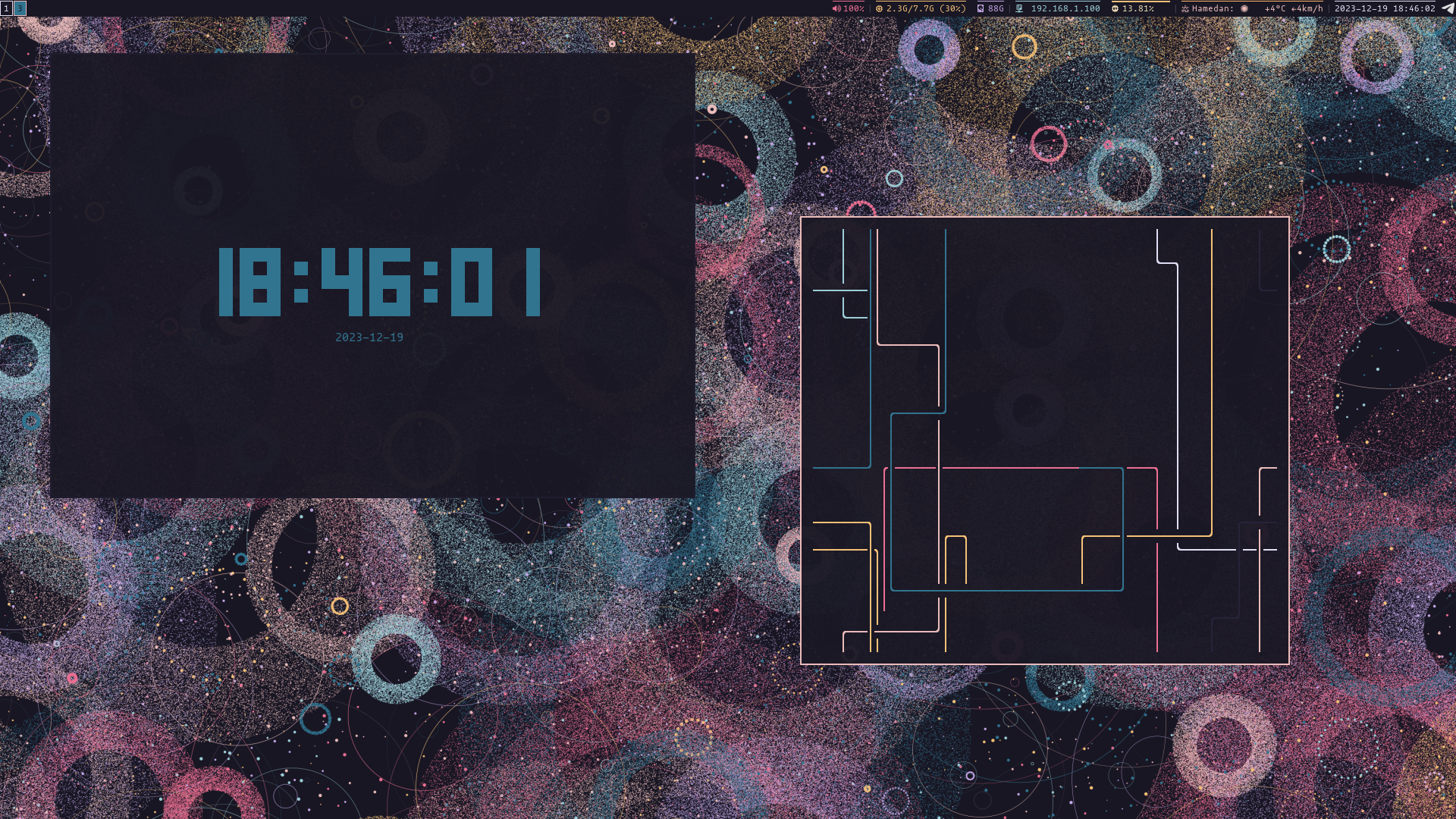
All natural pine, faux fur and a bit of soho vibes for the classy minimalist

- open i3 config file in
~/.config/i3/configwith your favorite text editor - replace your Rosé Pine theme code to last line of i3 config like this
# THEMING ---------------------------------------
# set primary pine rose colorscheme colors
set $base           #191724
set $surface        #1f1d2e
set $overlay        #26233a
set $muted          #6e6a86
set $subtle         #908caa
set $text           #e0def4
set $love           #eb6f92
set $gold           #f6c177
set $rose           #ebbcba
set $pine           #31748f
set $foam           #9ccfd8
set $iris           #c4a7e7
set $highlightlow   #21202e
set $highlightmed   #403d52
set $highlighthigh  #524f67
# -------------------------------------

# Teming border and Windows --------------
# target                 title     bg    text   indicator  border
client.focused           $rose     $base $text  $rose      $rose
client.focused_inactive  $text     $base $text  $subtle    $surface
client.unfocused         $text     $base $text  $overlay   $overlay
client.urgent            $text     $base $text  $love      $love
client.placeholder       $base     $base $text  $overlay   $overlay
client.background        $base

# ------------------------------------------
- Save config file
- press
mode+shitf+rto reset the config and set the theme
Prefer using @rose-pine/build when possible
Modify template.json using Rosé Pine variables, then build variants:
npx @rose-pine/build@latest