

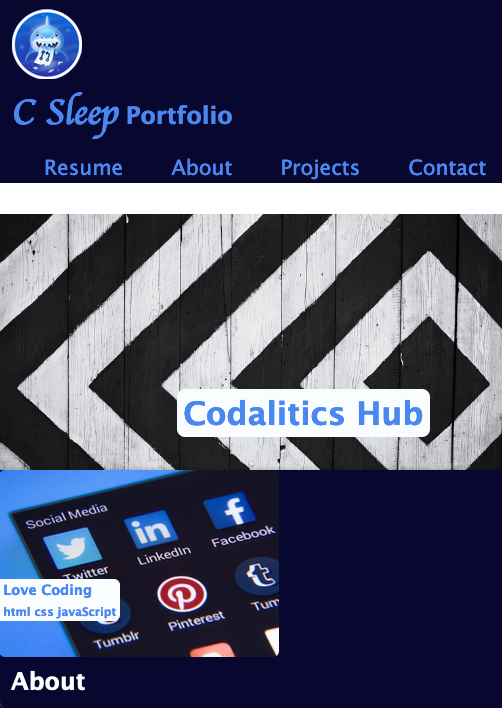
- When the page is loaded the page presents your name, a recent photo or avatar, and links to sections about you, your work, and how to contact you ✅
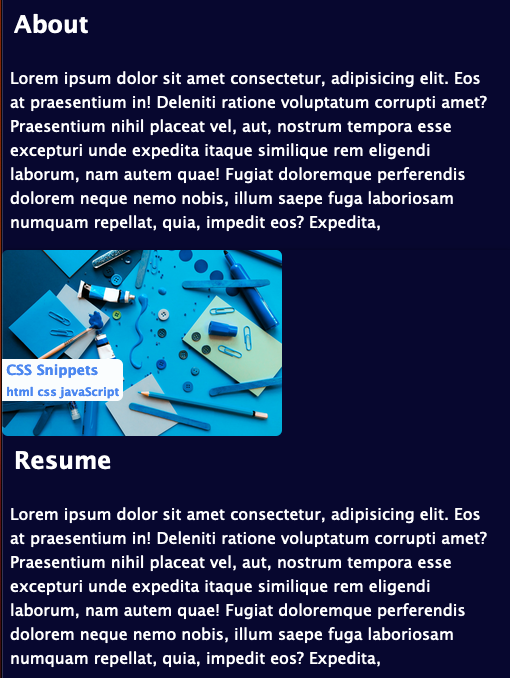
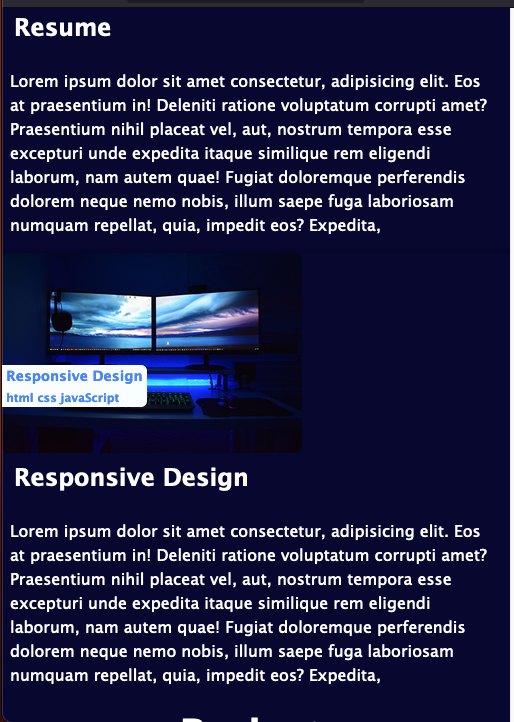
- When one of the links in the navigation is clicked then the UI scrolls to the corresponding section ✅
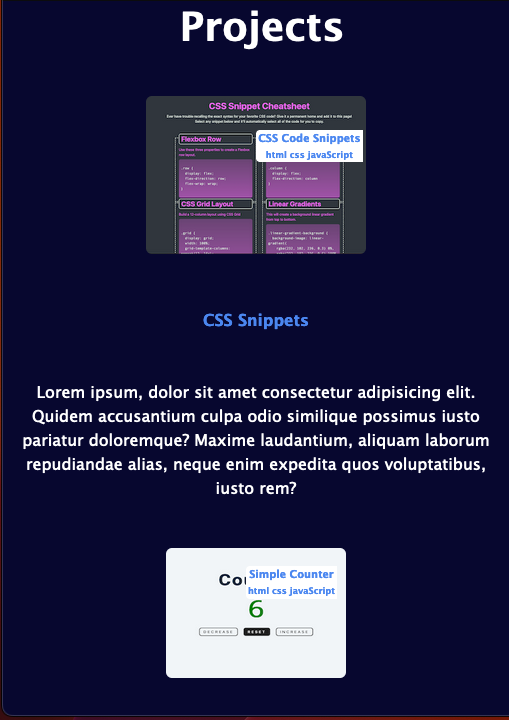
- When viewing the section about your work then the section contains titled images of your applications ✅
- When presented with the your first application then that application's image should be larger in size than the others ✅
- When images of the applications are clicked then the user is taken to that deployed application ✅
- When the page is resized or viewed on various screens and devices then the layout is responsive and adapts to my viewport ✅
This challenge is graded based on the following criteria:
- Satisfies all of the above acceptance criteria.
-
Application deployed at live URL.
-
Application loads with no errors.
-
Application GitHub URL submitted.
-
GitHub repository contains application code.
- Application resembles the mock-up functionality provided in the challenge instructions.
-
Repository has a unique name.
-
Repository follows best practices for file structure and naming conventions.
-
Repository follows best practices for class/id naming conventions, indentation, quality comments, etc.
-
Repository contains multiple descriptive commit messages.
-
Repository contains quality readme with description, screenshot, link to deployed application.
You are required to submit BOTH of the following for review:
- The URL of the deployed application.
- The URL of the GitHub repository that contains your code. Give the repository a unique name and include a README file that describes the project.
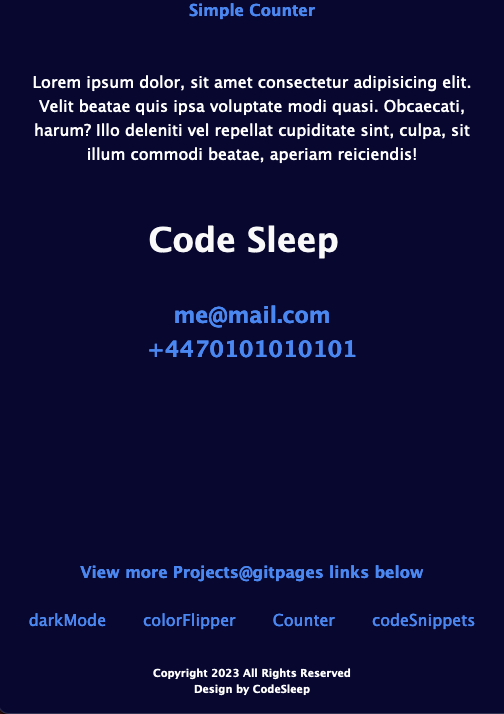
Both checked and working
CSS Code Snippets:
https://codesleeps.github.io/css-code-snippets/
Simple Counter:
https://codesleeps.github.io/simple-counter/
Great work on the challenge! Your page contains all of the required sections, nav links, projects, and your name and avatar. Its nav elements link to all of their corresponding page sections, its first project image is larger than the others, and clicking a project links to its deployed site. The page design is mobile responsive.
Your code repo has a unique name, a proper file structure, and detailed code comments, but its README lacks working screenshots (and a more straightforward description of what the code 'is' or 'does' would be preferred to rehashing the assignment criteria) and its commit messages ('update', 'final version' etc) lack detail. When making commit messages, try to briefly communicate what code has been changed and in which files (ie: ‘Added comments to style.css’). That way, someone reading your commit messages can understand how the code has evolved without needing to look at the files themselves.
Also, try to avoid using language like 'final', 'completed', and 'finished' when making commit messages. In my experience, 'final' commits are rarely final (this repo as an example), and as we know, even well-established code still receives updates (HTML 5, Windows 11 etc).