Repository navigation

-
An About button says which build you have, where the tool lives, and how to tell us what is wrong.
It sits in the top right corner of the toolbar, and XrmToolBox's own About menu opens the same
box. Copy diagnostics puts four lines on the clipboard: the tool and its build, XrmToolBox,
.NET and Windows. No organisation or user is in them. The box is the same one every Comentality
tool has.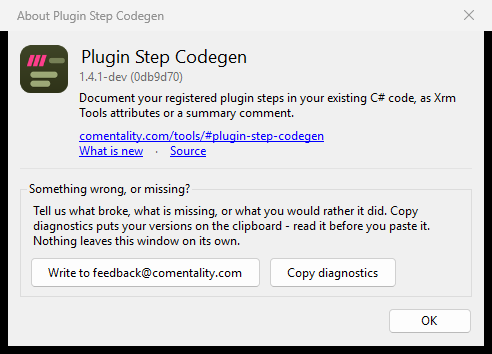
-
The assembly list no longer shows a sideways scrollbar when its columns already fit the pane.
The list decided on the scrollbar before the columns had been narrowed to fit, and kept it.