0. How to start
First download wheel install file by clicking below link.
download
After downloading, you can install by typing pip install kakaoAnalyzer-2.0.2-py3-none-any.whl
Then you can import kakaoAnalyzer
There is a sample_main.py in my code section.
you can start sample_main like below.
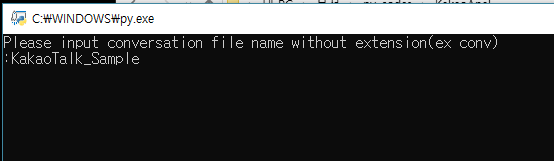
Then just type file name you prepared.
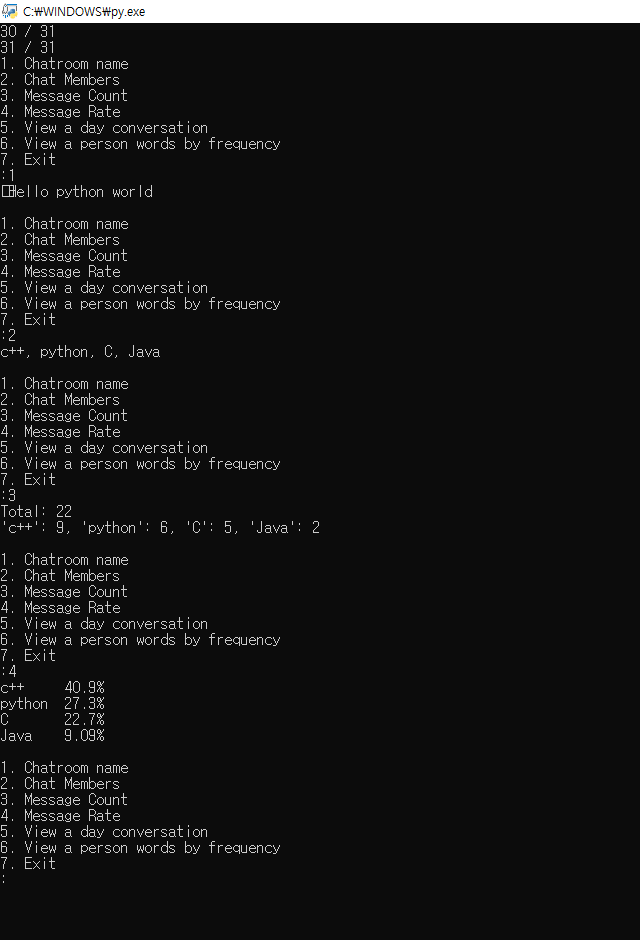
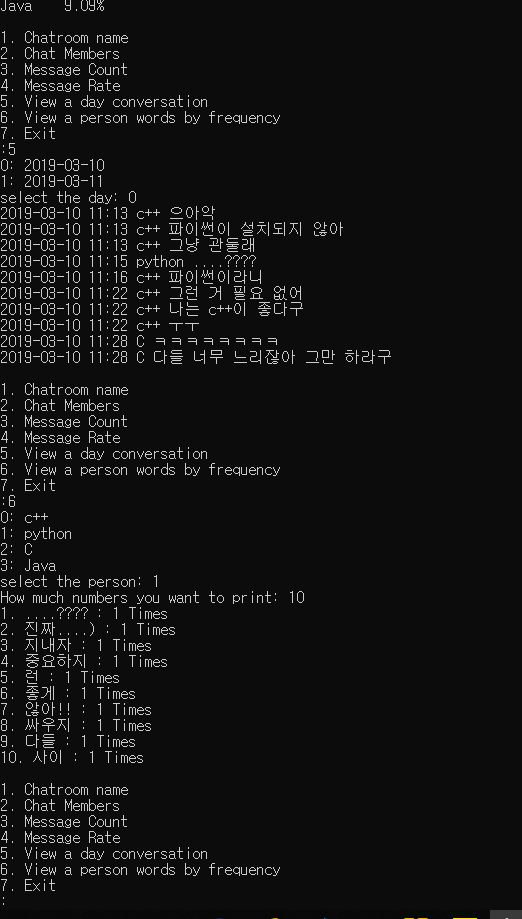
After finishing analysis, you can select menu.
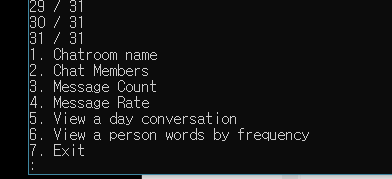
You can use it easily.