Repository navigation
01 Logging In and Signing Up
After the app is up and running, users will be automatically be redirected to the login page.
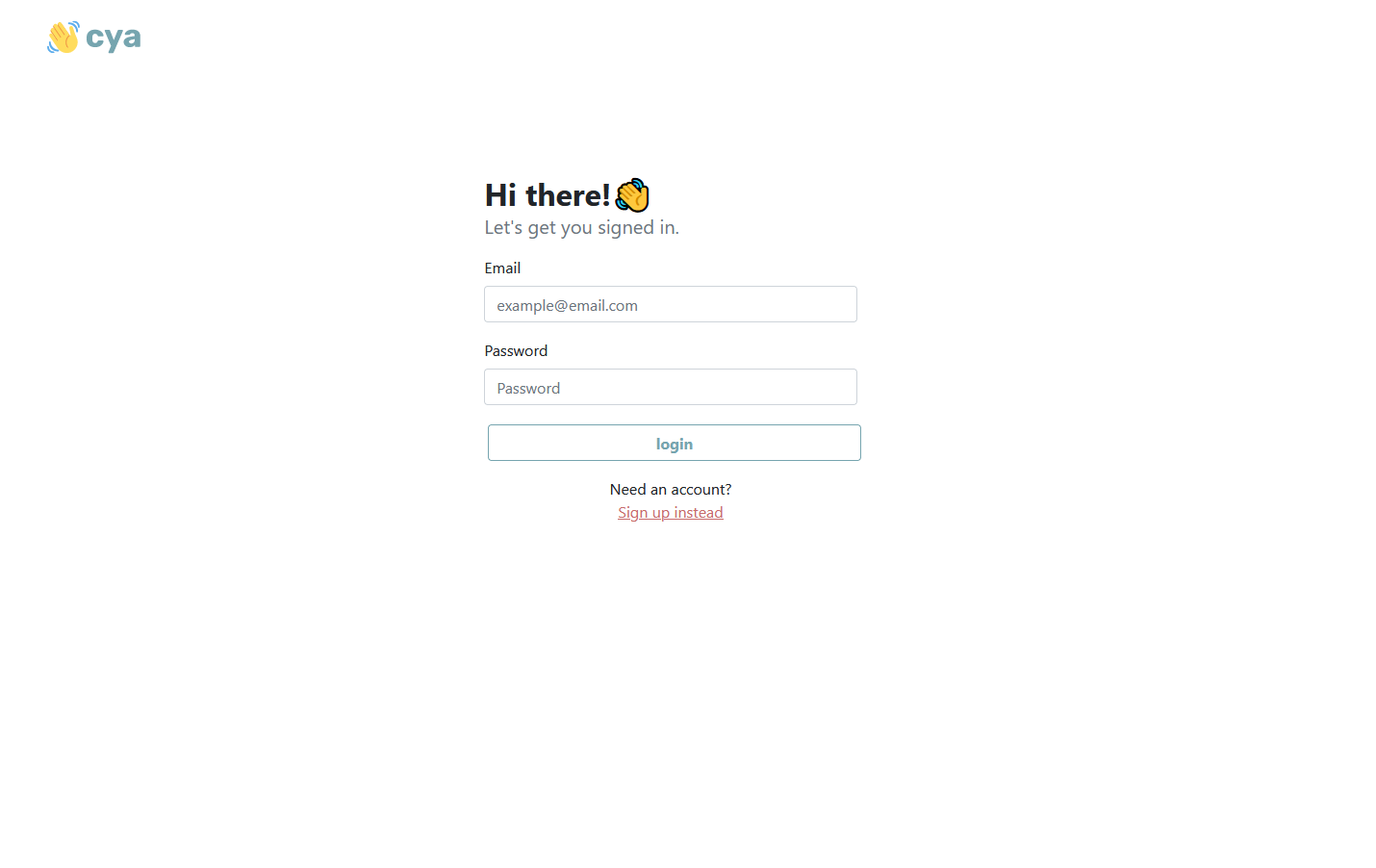
If this is not your first time using the app, you can login with your credentials! The server will compare your password to the salted and hashed version stored in the database.
Otherwise, if you need an account, click the link "Sign up instead" on the login page to create an account.
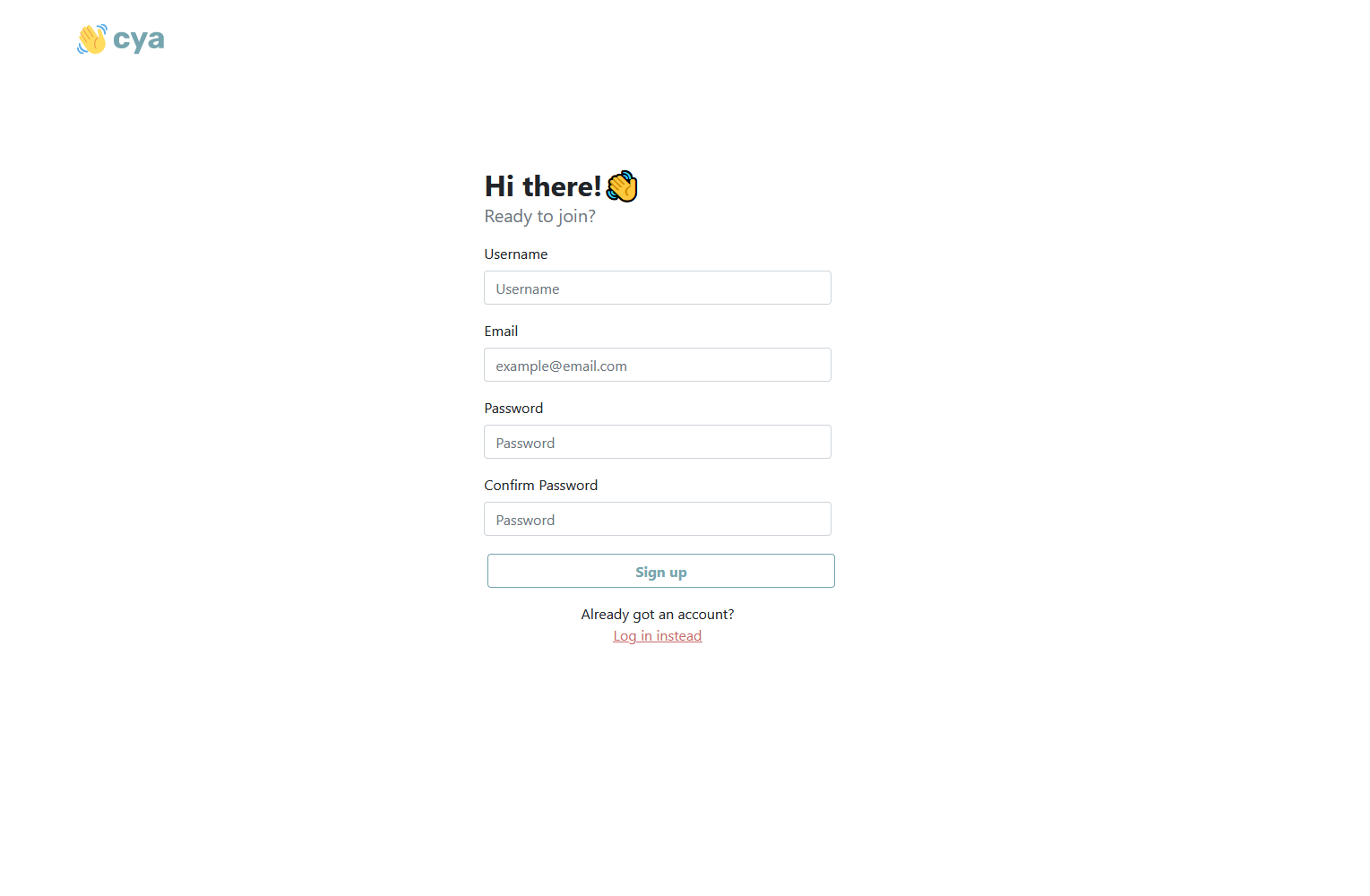
The username must be unique and alphanumeric, the email must be in a valid email format, and the password should be greater than 5 characters. After filling out the form, hit the "Sign up" button!
If there are any problems with your signin, you'll be shown errors telling you what to fix:
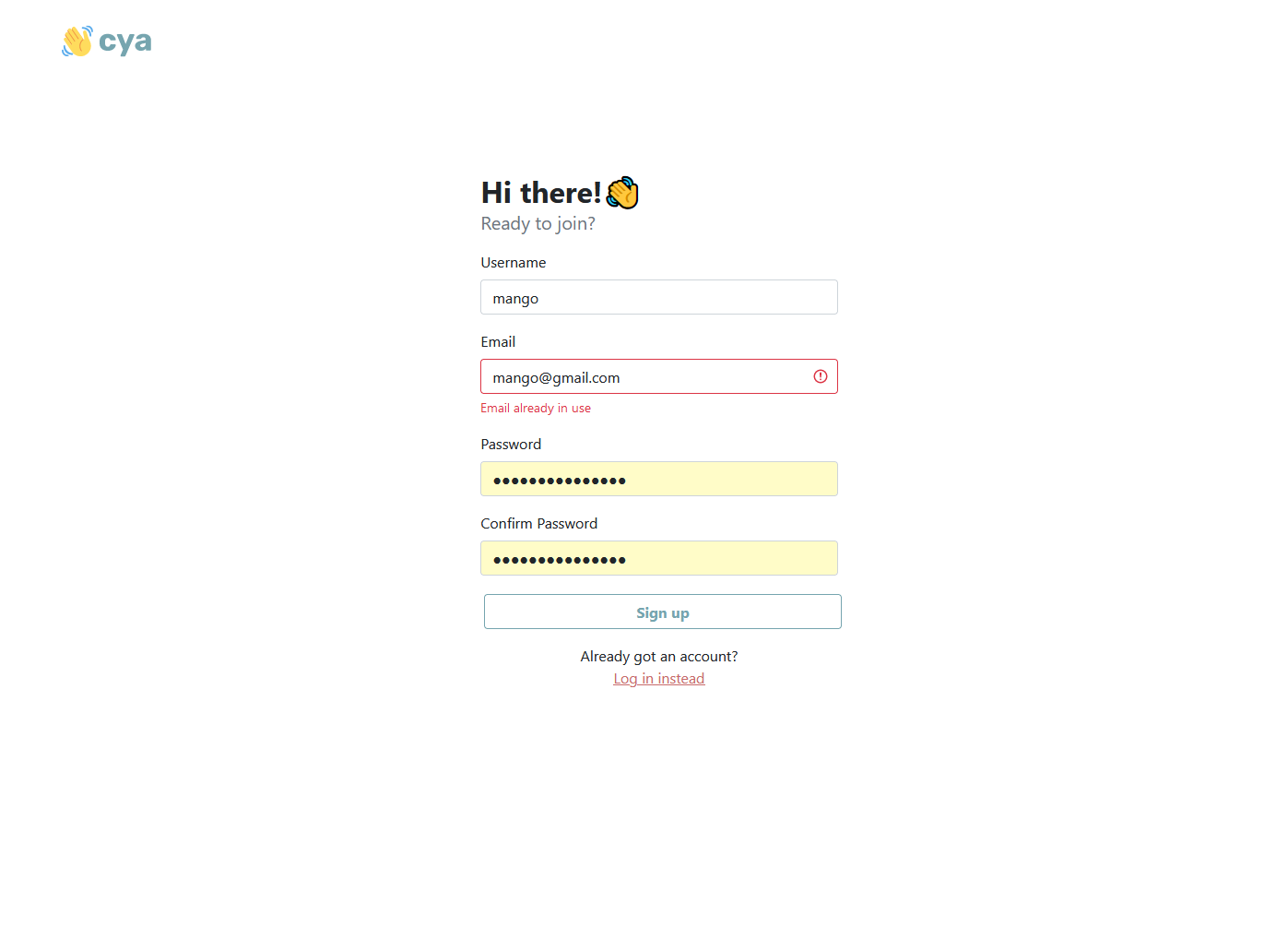
Otherwise, your account will be created as a new user!
- If you access the site from the root page, you'll be redirected to the home page
- Otherwise, if you got redirected to the login page after accessing a page that requires authentication, you'll be redirected back to that page