Repository navigation
02 Home Page
Once you've logged in, your home page should look something like this:
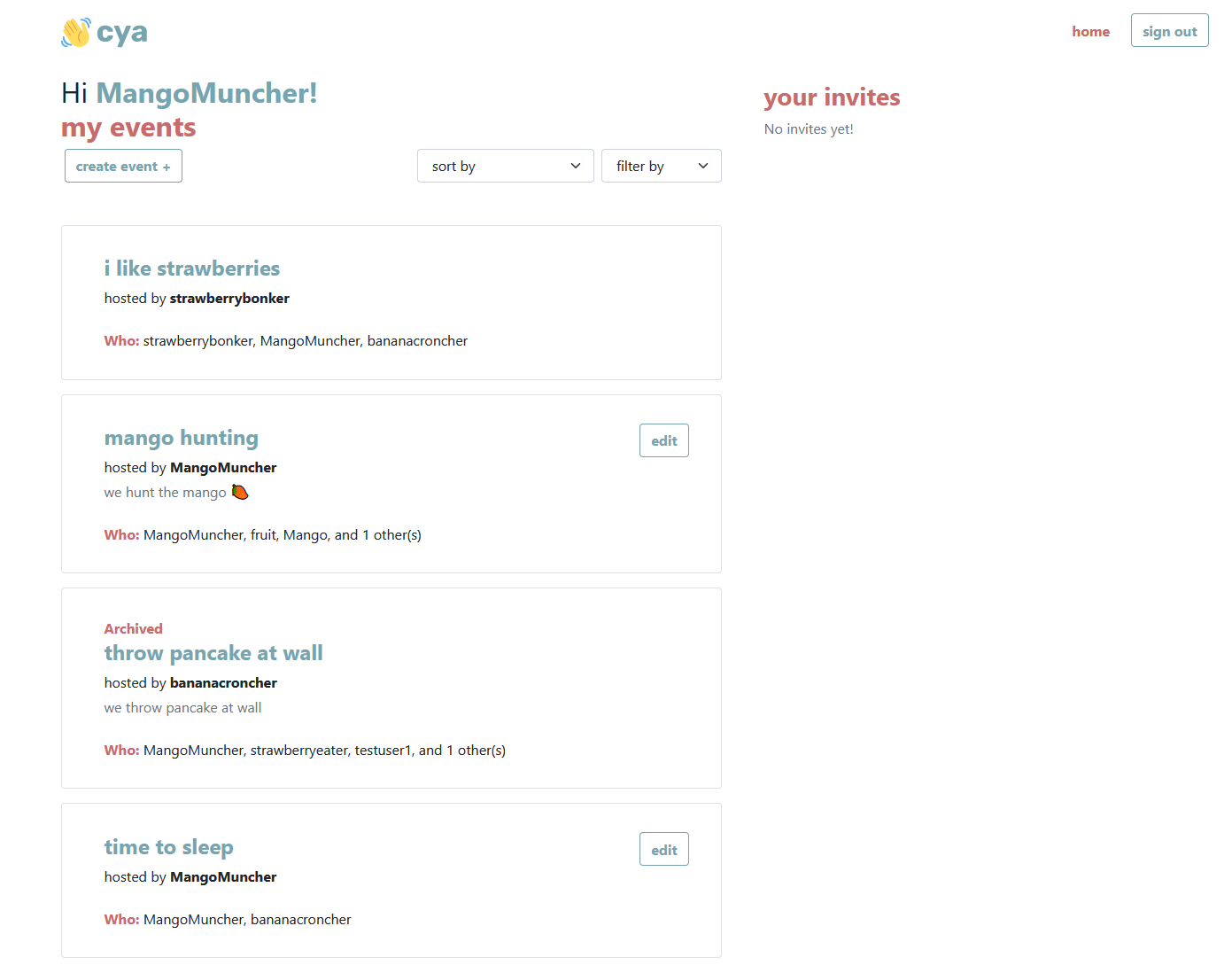
You can get back to this page at any point by clicking the logo in the top left corner, or by clicking the home navigation link.
The important features on this page are the event list and invite list.
You can view your list of events (if you're part of any) under my events, and clicking one will bring you to the page for that event.
Clicking the create event + button under my events will take you to event creation.
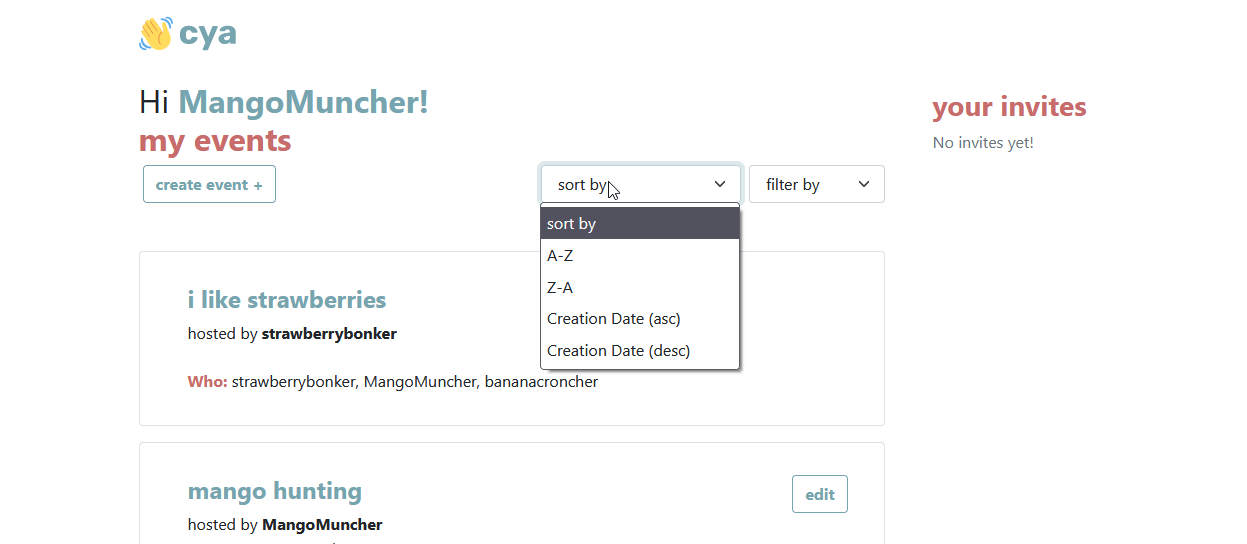
You can filter or sort this list of events using the dropdown menus:
For example, you can filter the list to view only events you've created:
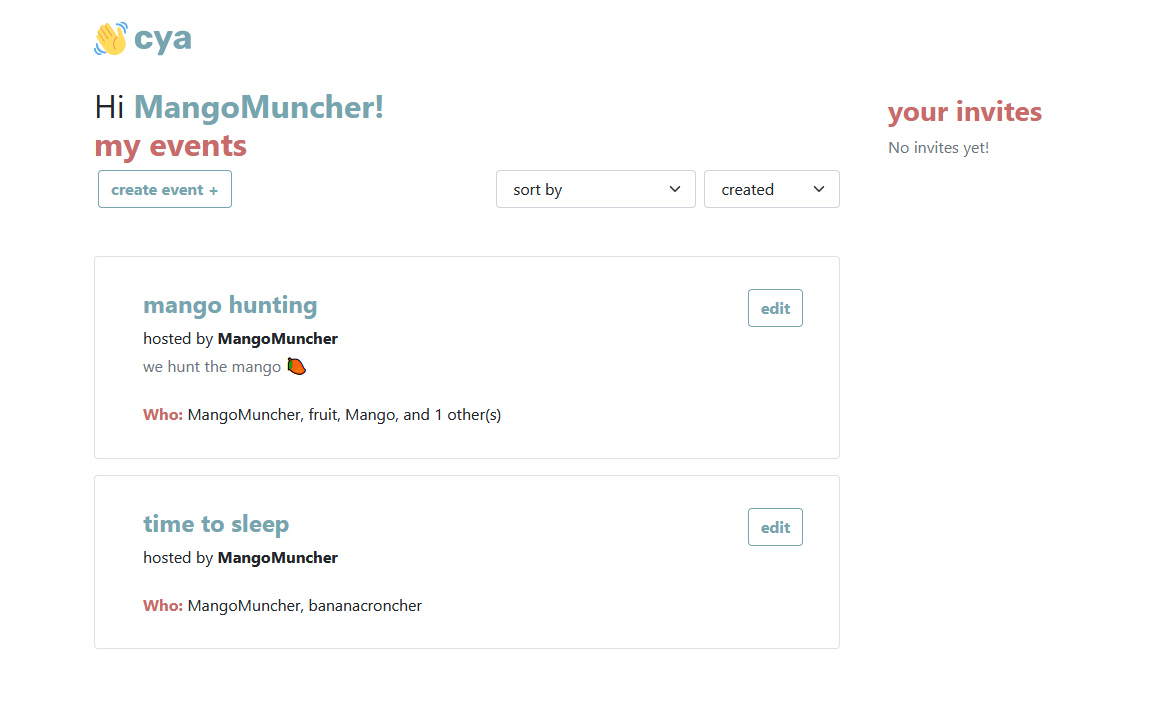
For events you've created, an edit button will appear on the event card. Clicking the button will bring up a modal that will allow you to edit the name and description of the event, or delete it completely:
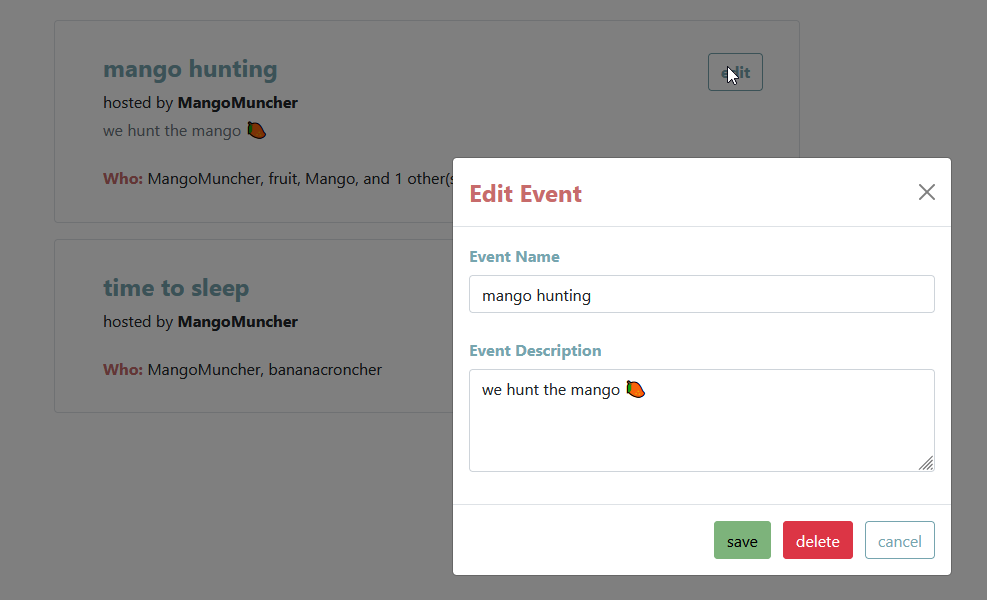
Hit save after editing the fields (or delete if you just want to delete the event outright) to save y our changes, or cancel to go back to the main display.
If you have any pending invites, they'll show up on the right side of your screen under your invites.
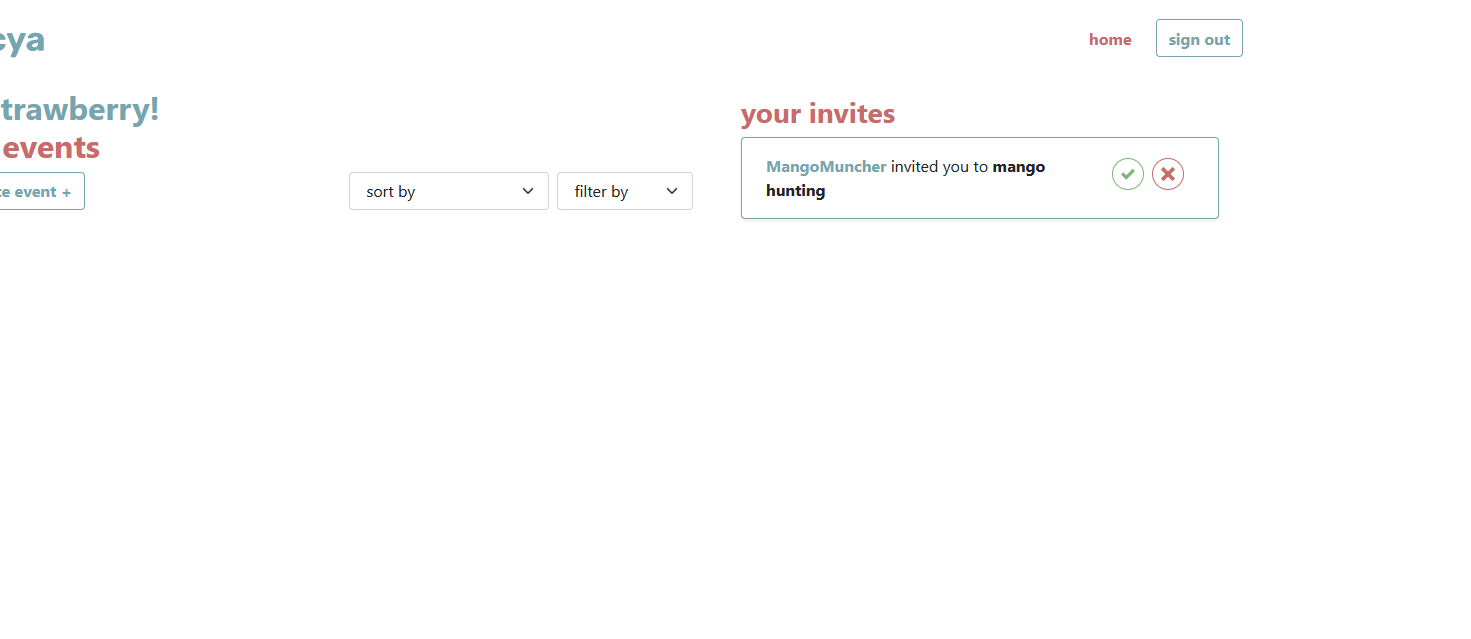
Clicking the checkmark button will accept the invite and navigate you to the event page. Clicking the X will decline the invite and remove it from your list.